Category Archives: technique

Playing With an Old CRJ Moon Shot

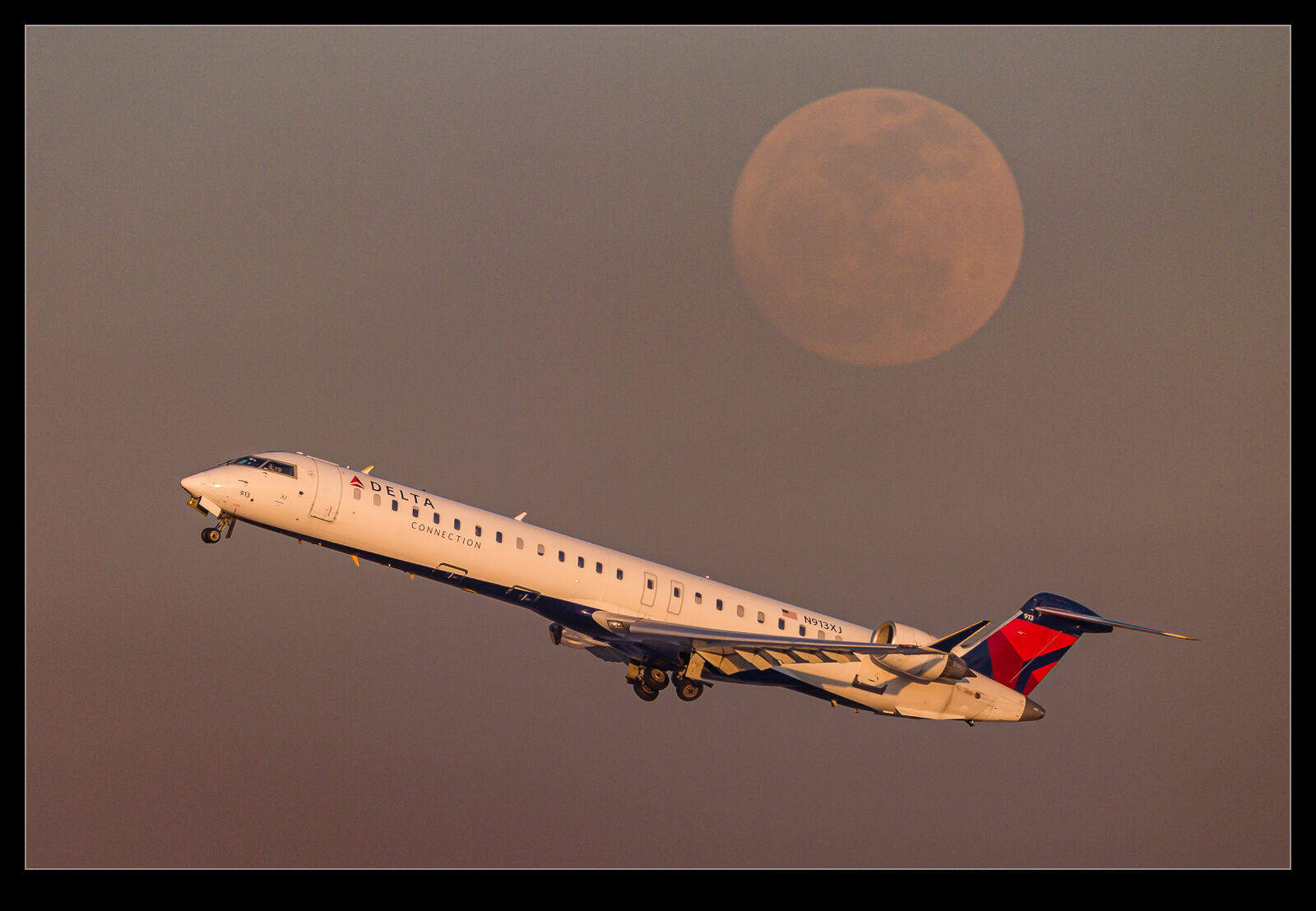
For some reason, I recently came back to an old photo I took of a Delta Connection CRJ900 as it climbed out of O’Hare.  It had climbed right by the moon as it was rising in the eastern sky towards the end of the day.  I had liked the photo at the time but now I was thinking about how to do a better job of editing it.  Now I have been using the masking tools in Lightroom a lot more, I figured I could take different approaches for the jet and the background.  The results were a lot better than my original efforts and I quite like how it now looks.

Time Lapse Experiments With Ice

I used to play with time lapses a fair bit.  I would shoot a series of images and use LRTimelapse to process them. However, that software had a license agreement that meant, when they upgraded the software, they required you to update your license and the old version was deactivated.  This was very annoying.  I figured I would be able to keep using the old version but apparently not.  I don’t do it that much to justify the cost and was disinclined to use that software after this experience.

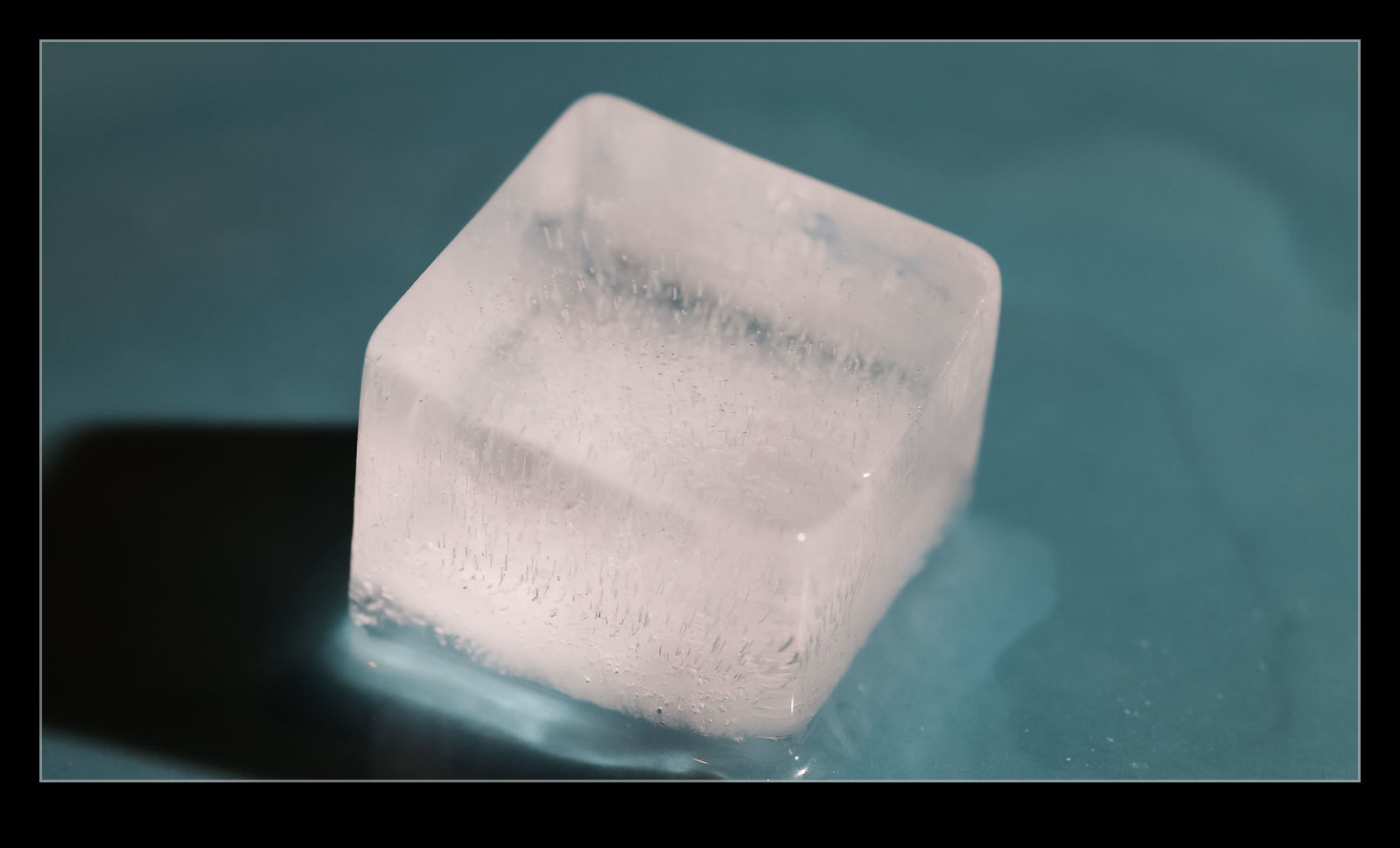
My latest cameras have a time lapse function built into them which I had been meaning to try out.  I had done this on my little M6 but not with the latest bodies.  What to use them on, though.  I figured an experiment doesn’t require me to be original in the subject.  Just try it out and see how it works.  Consequently, I thought melting ice would be good enough.  My first effort was not successful.  I hadn’t given it enough time to record the melting fully.  Second was better but, while the timing was okay, I had focused on the ice cube when it started melting and it slid across the plate as it melted and out of frame.  The mode on the camera sets focus and exposure on the first shot so this meant everything was well out of focus.

This is why you experiment with things.  The last try worked pretty much as intended.  (I should note that I did all of these in the evening, so the lighting didn’t change during the shoot.) I had a long enough time for the ice cube to almost fully melt, it didn’t move, and the lighting was fine.  Watching the ice disappear and the cube gradually sink into the water that is progressively growing was rather fun.  This isn’t some epic revelation of the nature of melting ice, but it did teach me about some functionality of the camera.

Which Do You Prefer and Do You Care?

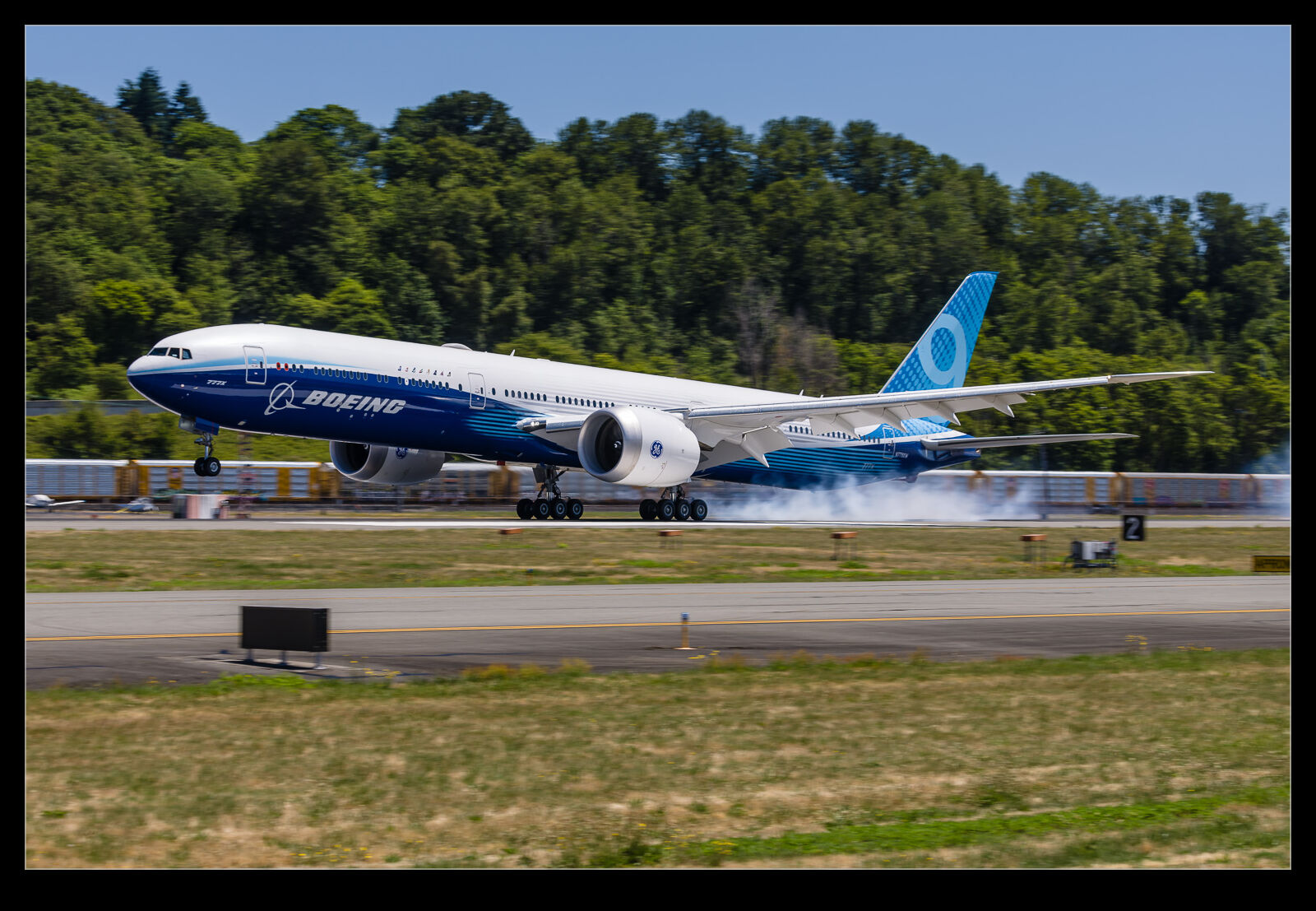
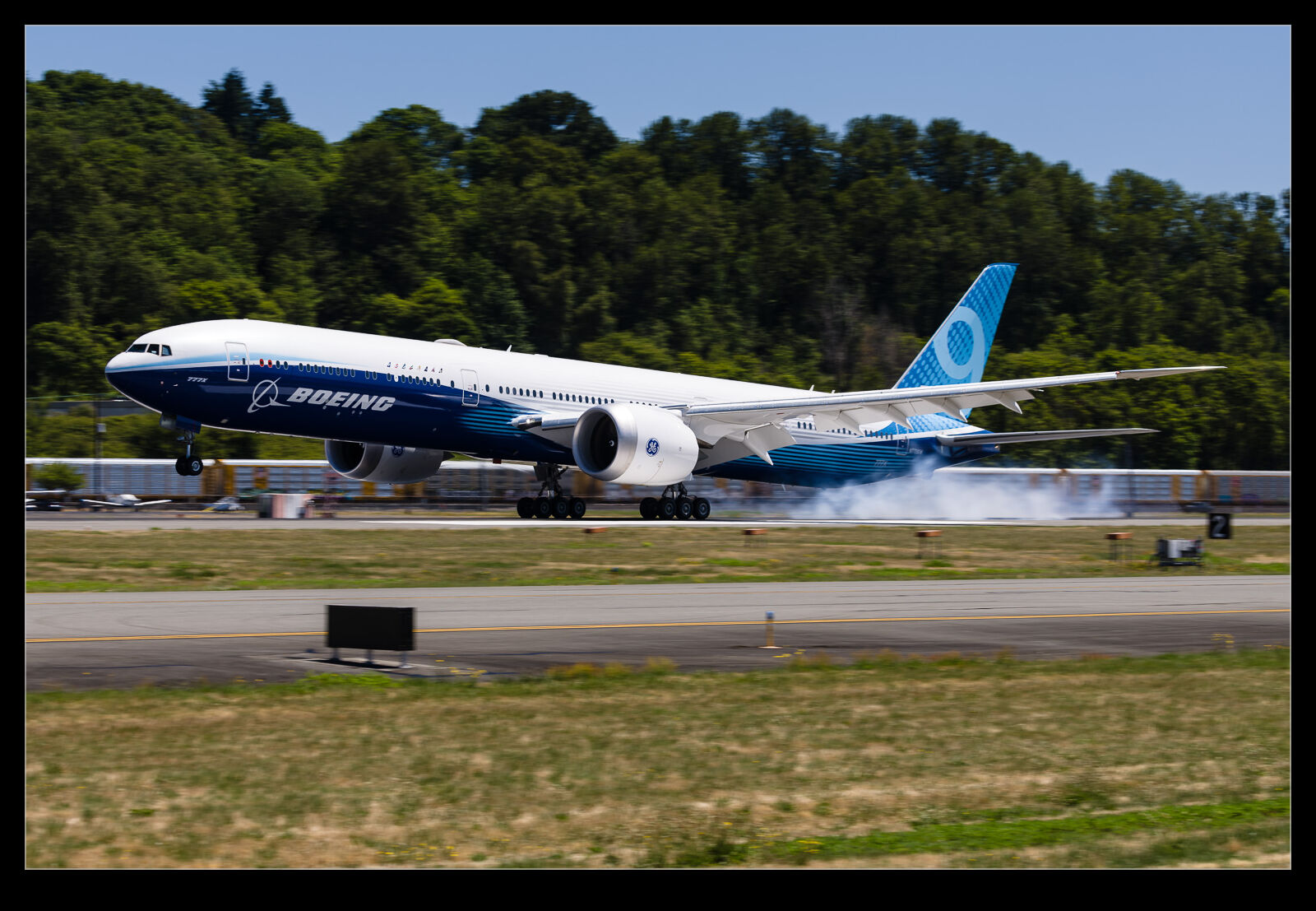
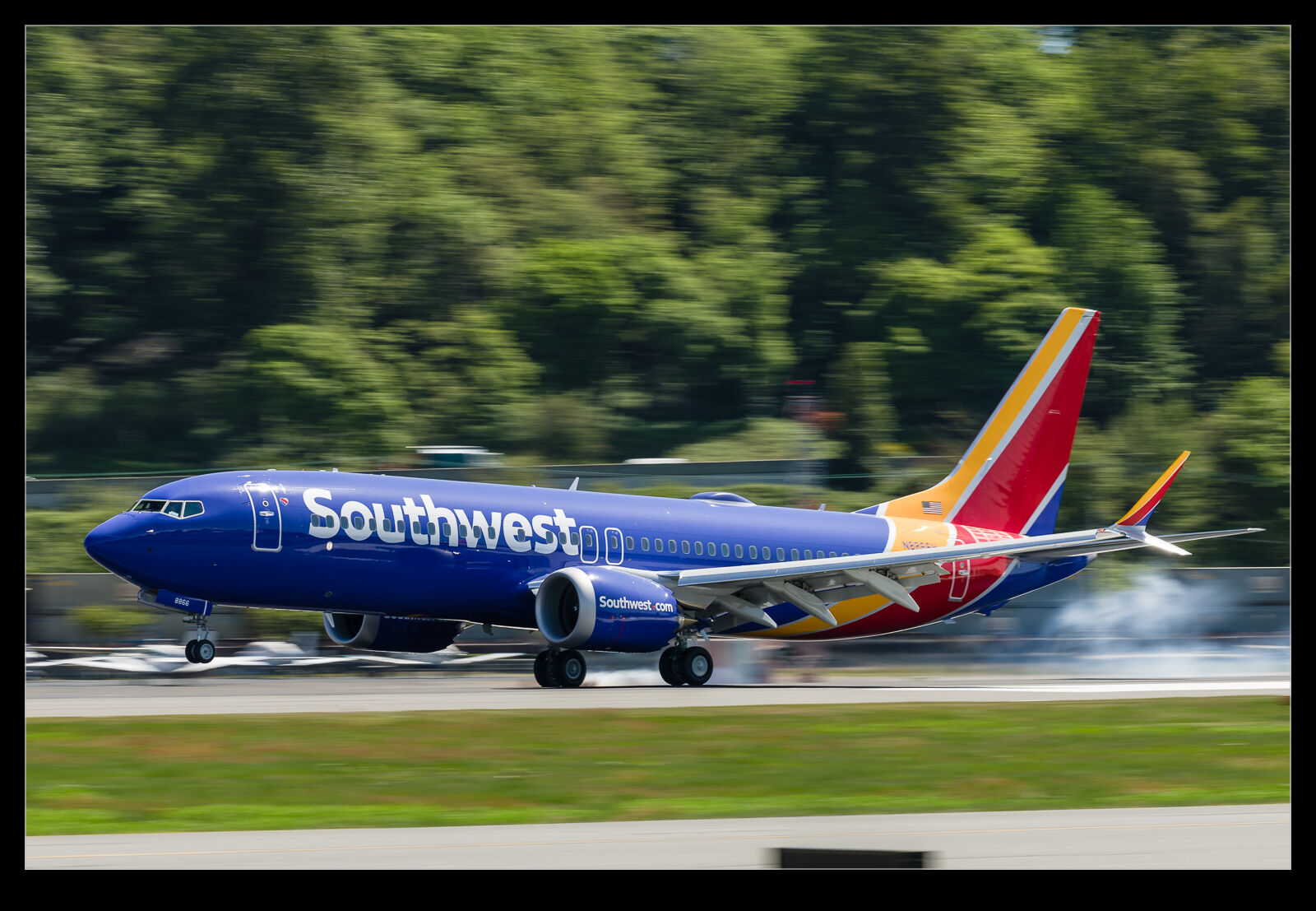
As mentioned in other posts, I have been playing around with lower shutter speeds when photographing planes at Boeing Field.  Getting a blurry background to emphasize the speed of the plane is the goal and it also removes some of the annoying distractions that a cluttered airfield can provide.  I use filters to reduce the light in order to get the shutter speed down without having ridiculous apertures.  Naturally, I end up with a bunch of blurred photos which get deleted but the selection process for the keepers is what this post is about.

I have some photography friends that don’t like the effect that the differential speeds of the parts of the airframe have on sharpness.  A sharp nose might mean a pretty blurry tail since the relative motions as I pan are different.  When I am filtering through the shots, I often “focus” on how the nose looks since it is like having the sharp eyes on a wildlife shot.  I care less about the tail unless it looks terrible.  However, getting the middle of the airframe sharp might result in a sharper overall shot even if the nose is a little blurry.

These are the things I was thinking about with these shots of a 777X landing at Boeing Field.  The reason for the post is to see what matters to other people.  These shots are a mix of which part of the airframe is sharp and which bits are more blurred.  I may spend a fair bit of time deciding on which is best, but I wonder whether anyone looking at them is going to like the same things as me or will even care about it.  Maybe the composition of the image is all that they care about, and the pixel peeping is irrelevant.  I would really appreciate feedback if you have an opinion.

Focus Stacking the Lily Pond

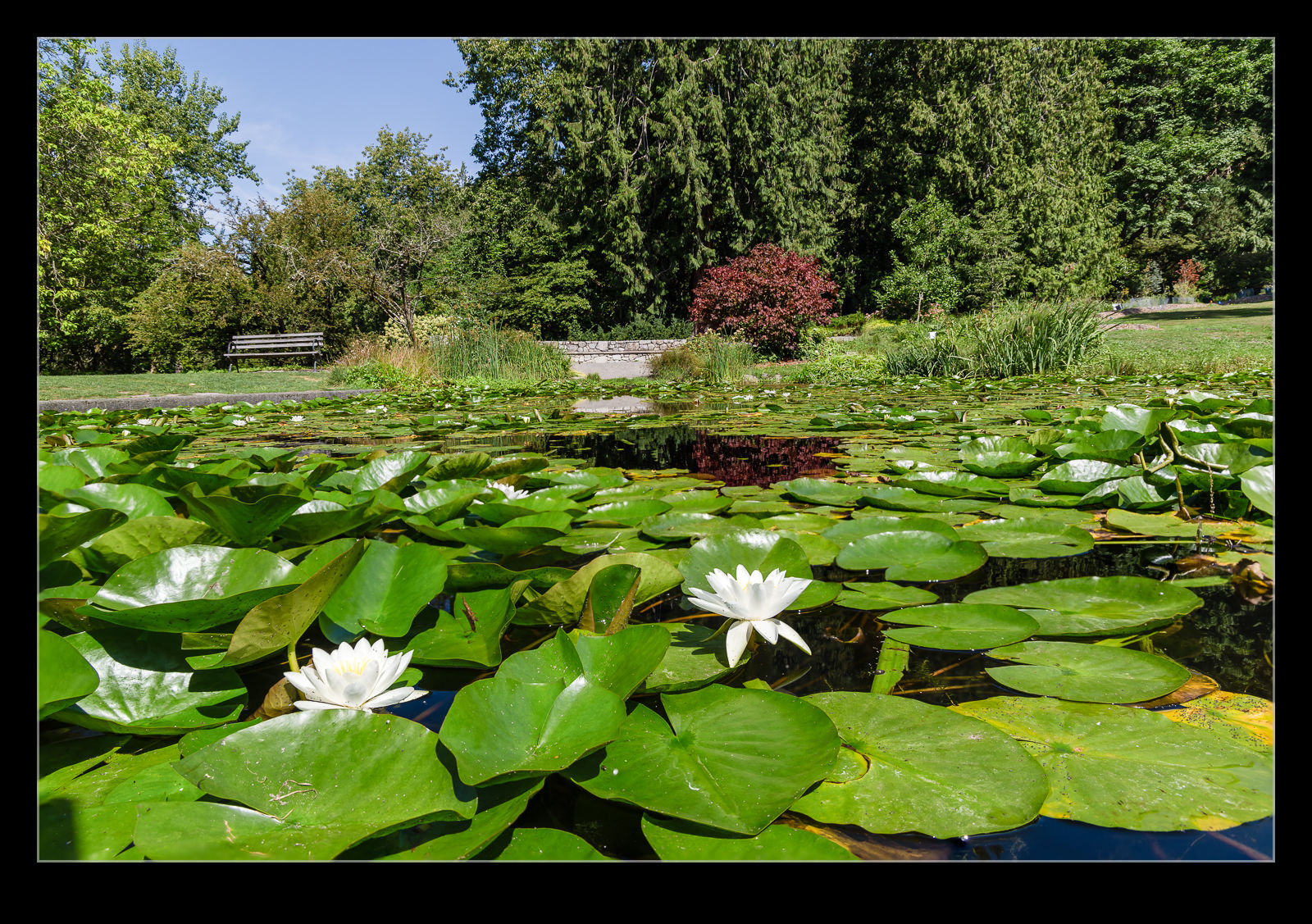
A walk in Washington Park Arboretum in Seattle took us by one of the ponds that is covered in lilies.  Unlike when I was in Juanita Bay, this pond allowed me to get down to water level.  This provided a far more interesting perspective across the pond to the trees behind.  It did put me very close to the foreground elements so I focused stacked some shots to provide a deeper focused range across the shot.  I far prefer the lower angle as it really emphasizes the foreground elements in a way that isn’t possible when higher up.

Almost Directly Under the Approach

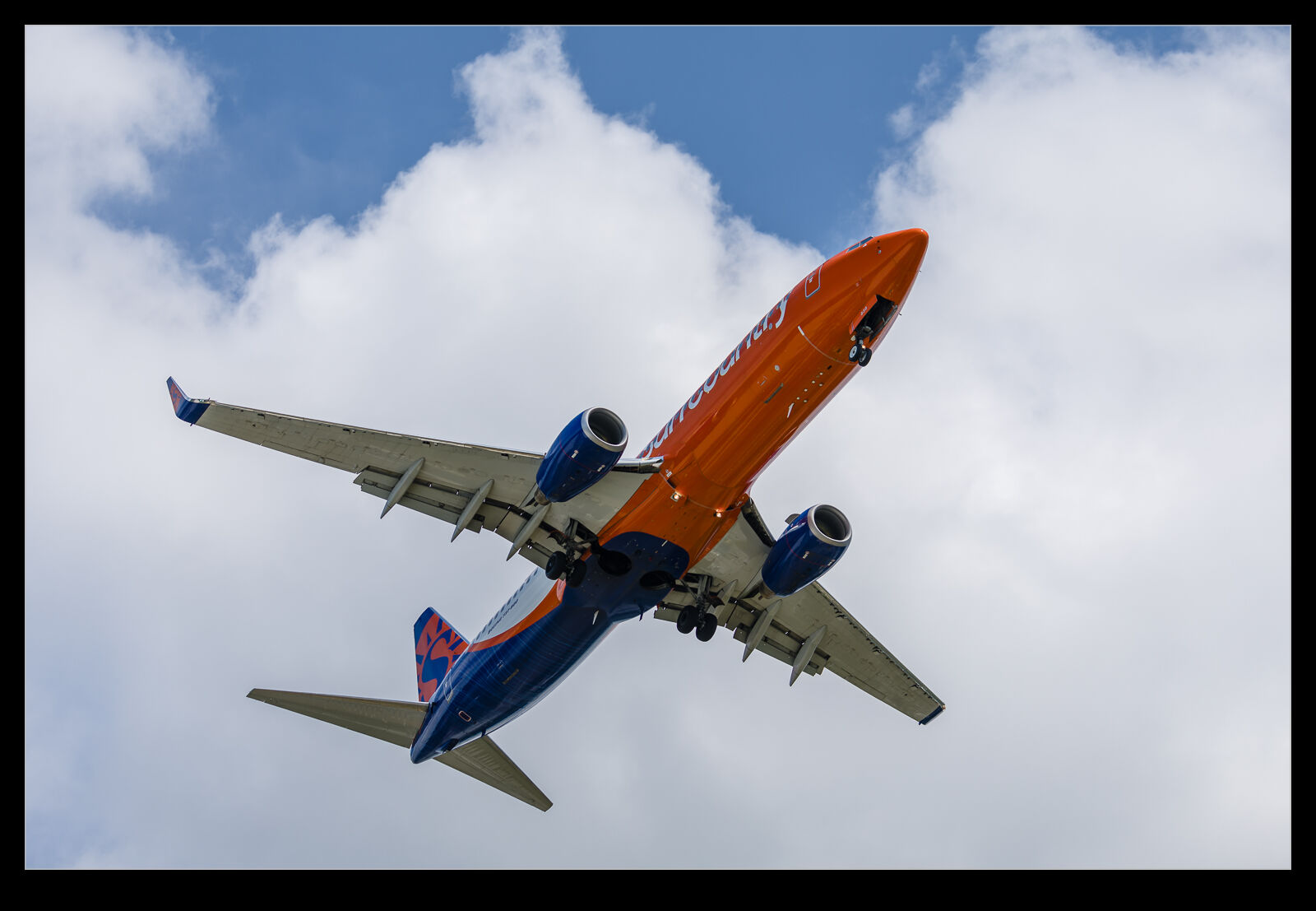
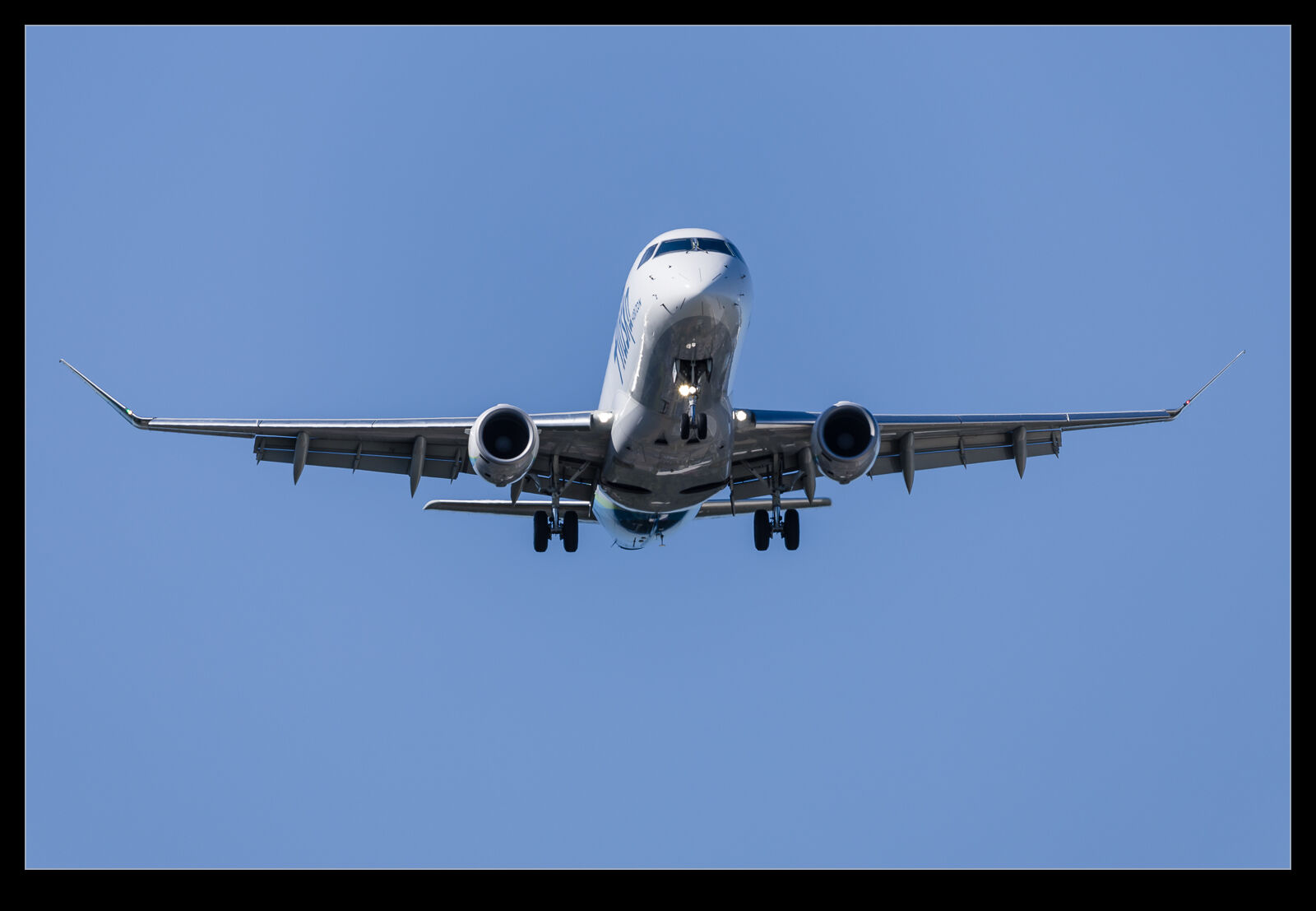
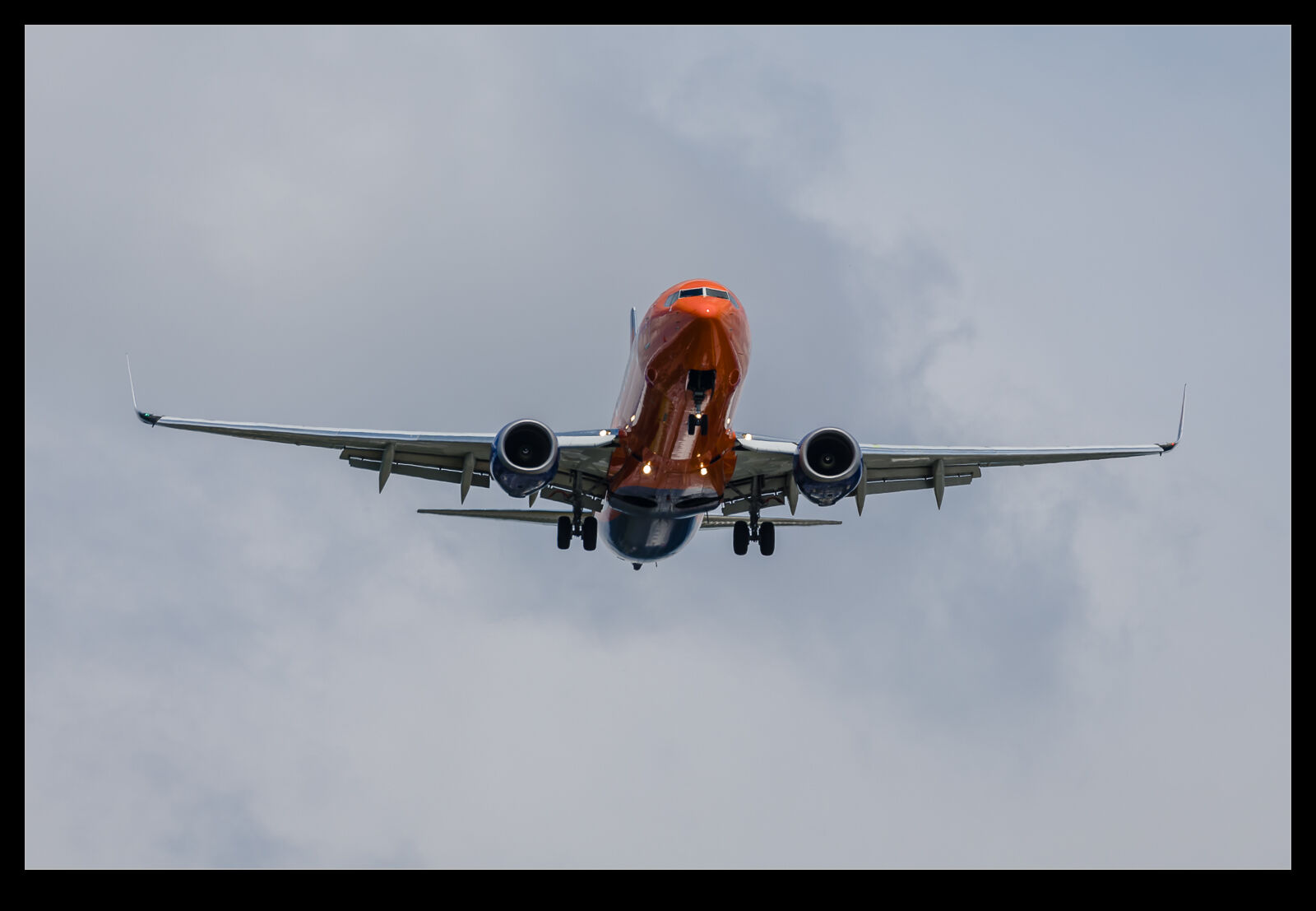
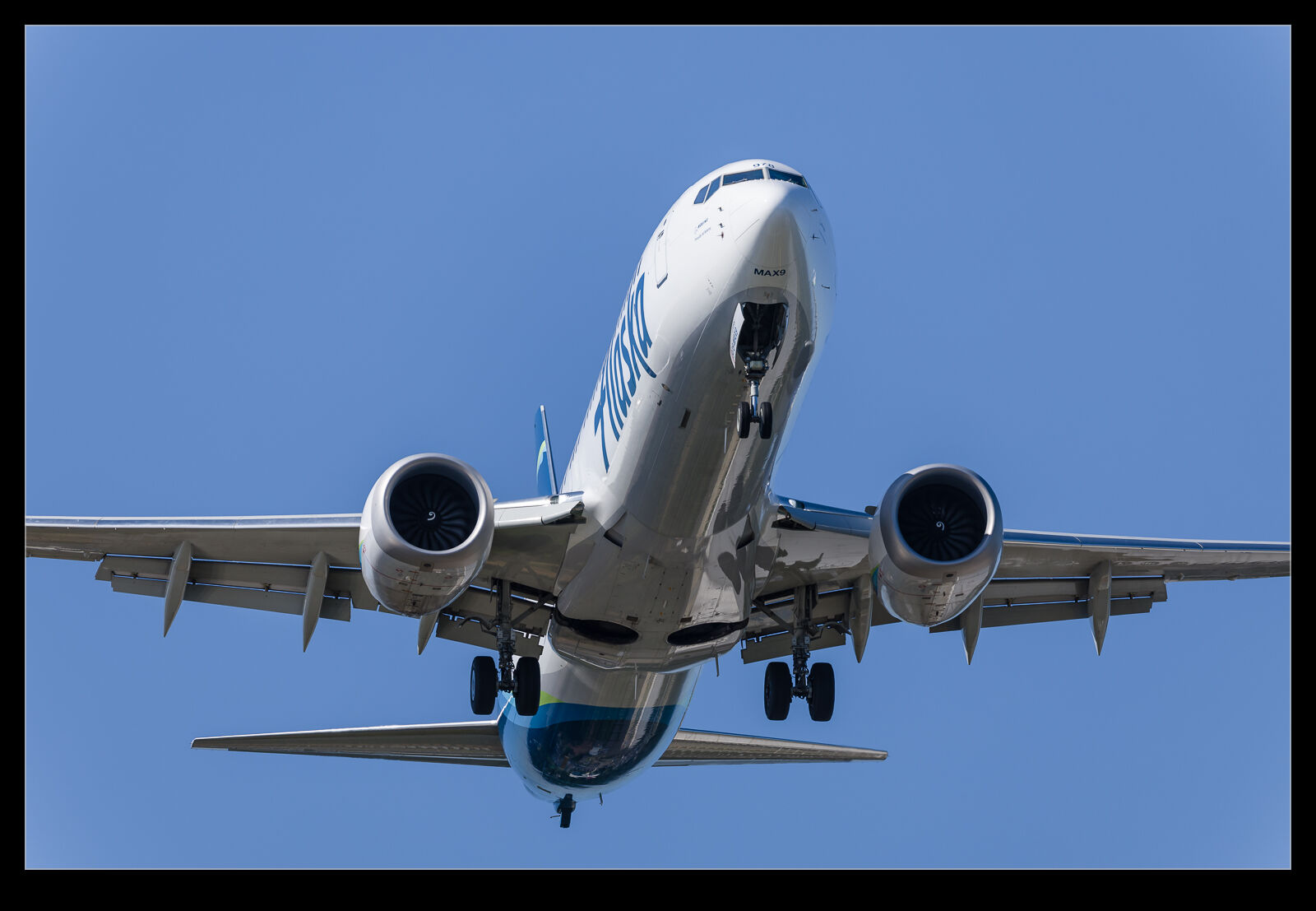
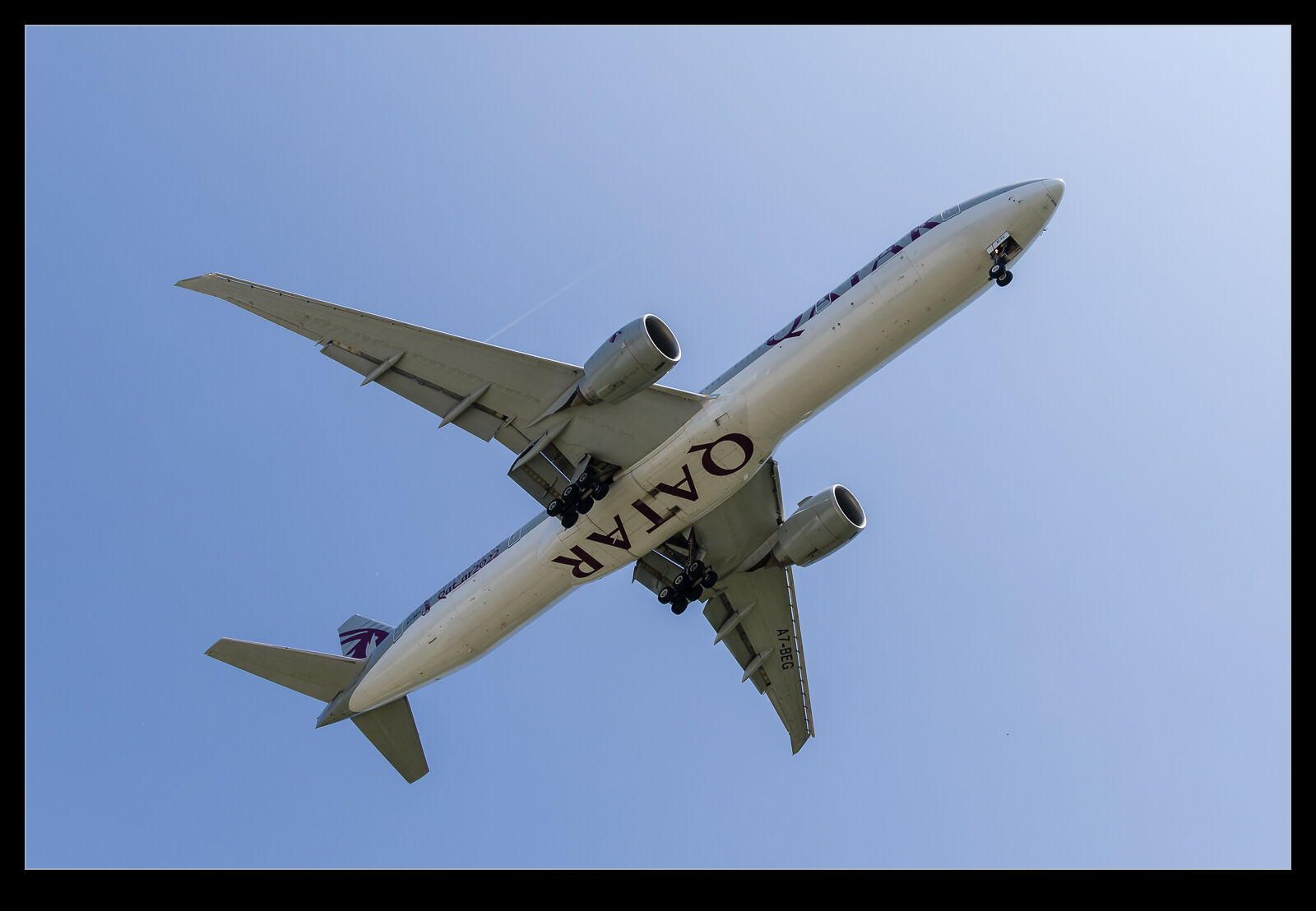
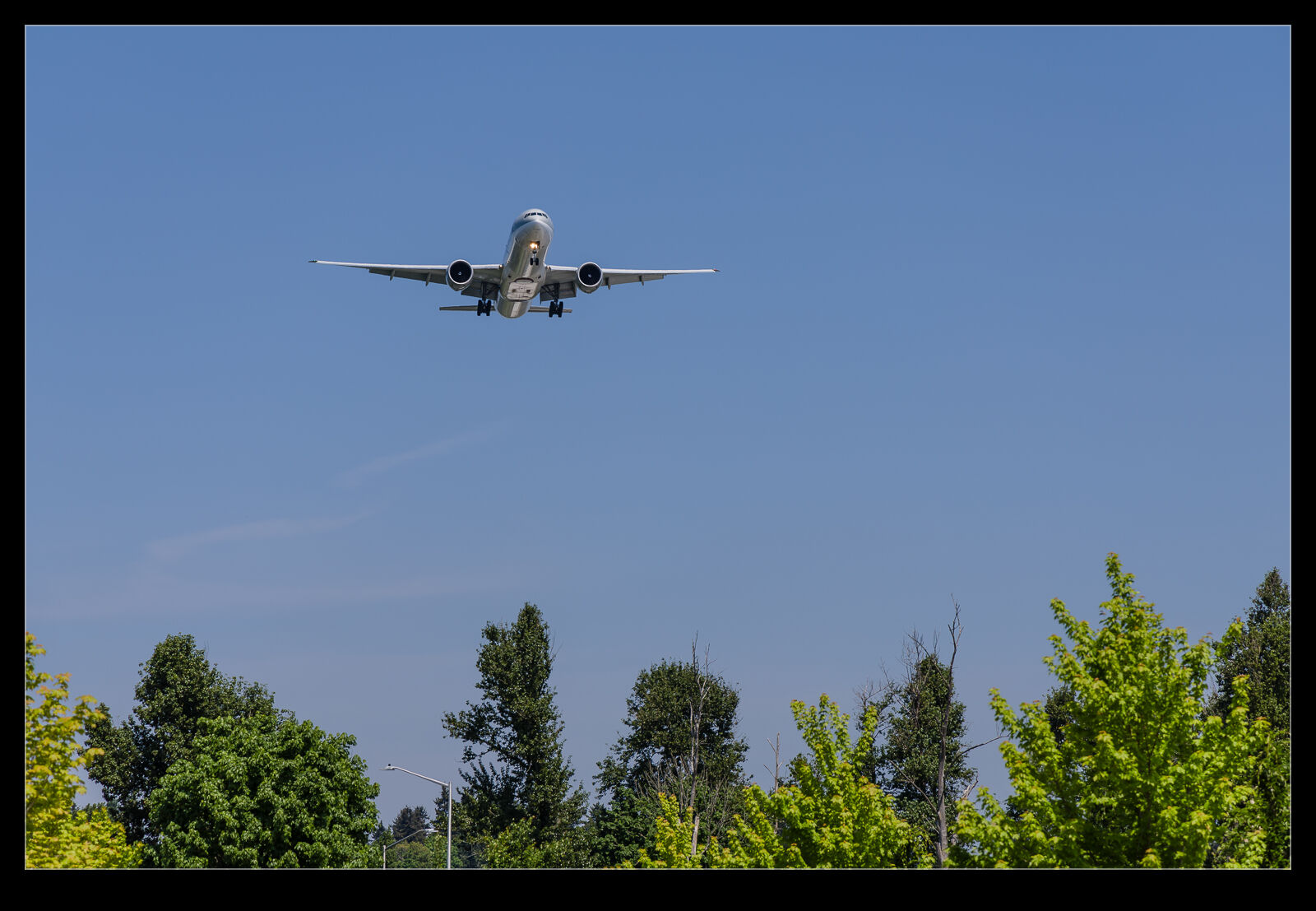
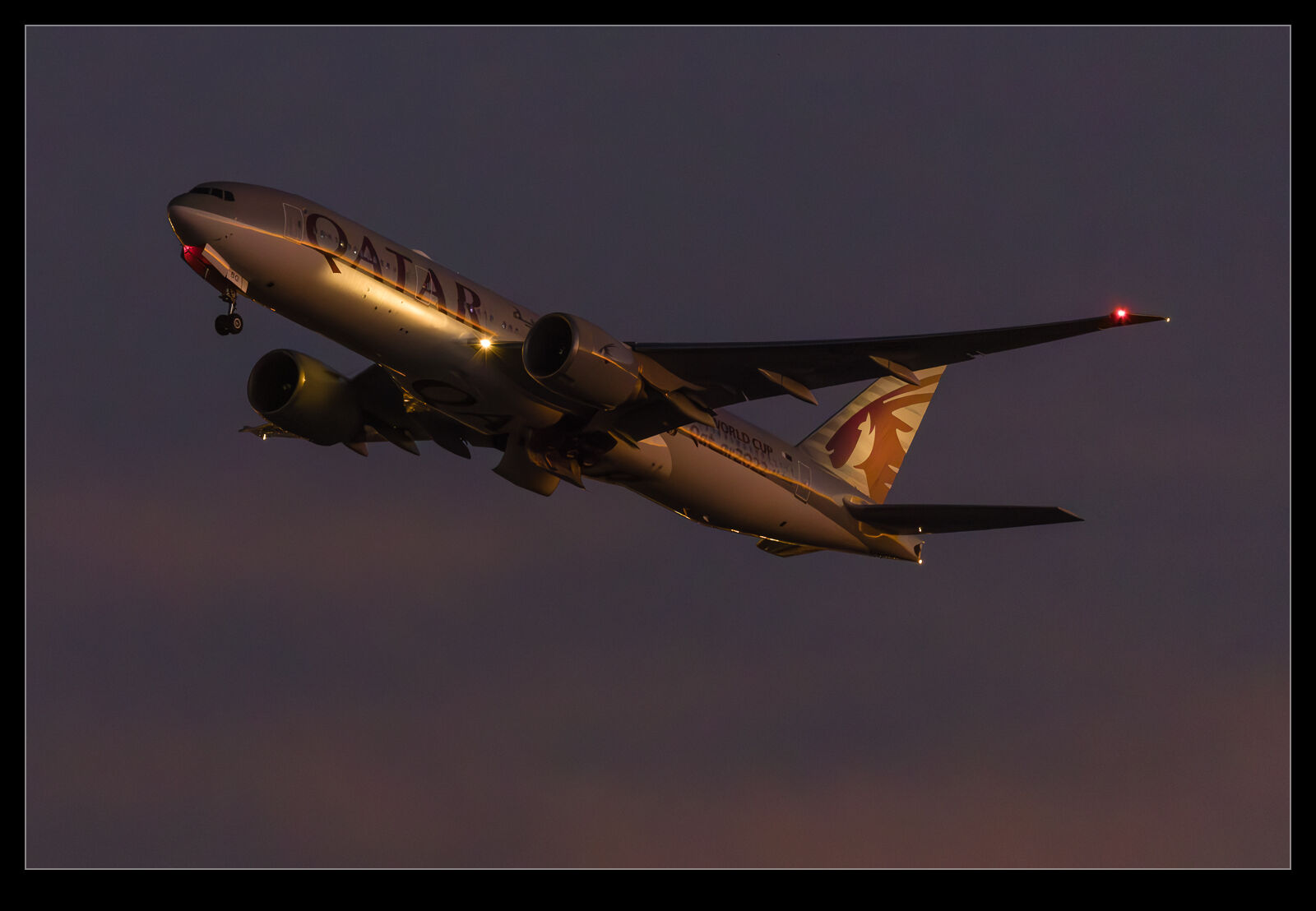
Photographing airliners can be a little “samey” since there are lots of very similar jets and getting a shot of them from the side looks much like any other shot unless the aircraft is specially painted or the lighting is particularly unusual.  Consequently, every once in a while, it is fun to try and shoot from a different angle.  The approach to SEA when the planes are on a southerly flow brings them in over a part of Burien where you can get yourself pretty much under the flightpath.

It won’t take too long before you are again getting a sequence of repetitive images, so it isn’t going to be useful for much time, but it is a chance to do something a little different.  Head on shots from a distance are possible.  Then you can get the shot looking up from the underside.  This might be a tight shot of a part of the airframe, or a wide angle shot of the whole thing.  An opportunity to do something a little different when you are photographing aircraft that are not ones where you care about missing the shot as you might when something special is coming in.

Playing With the Bizjets to Experiment

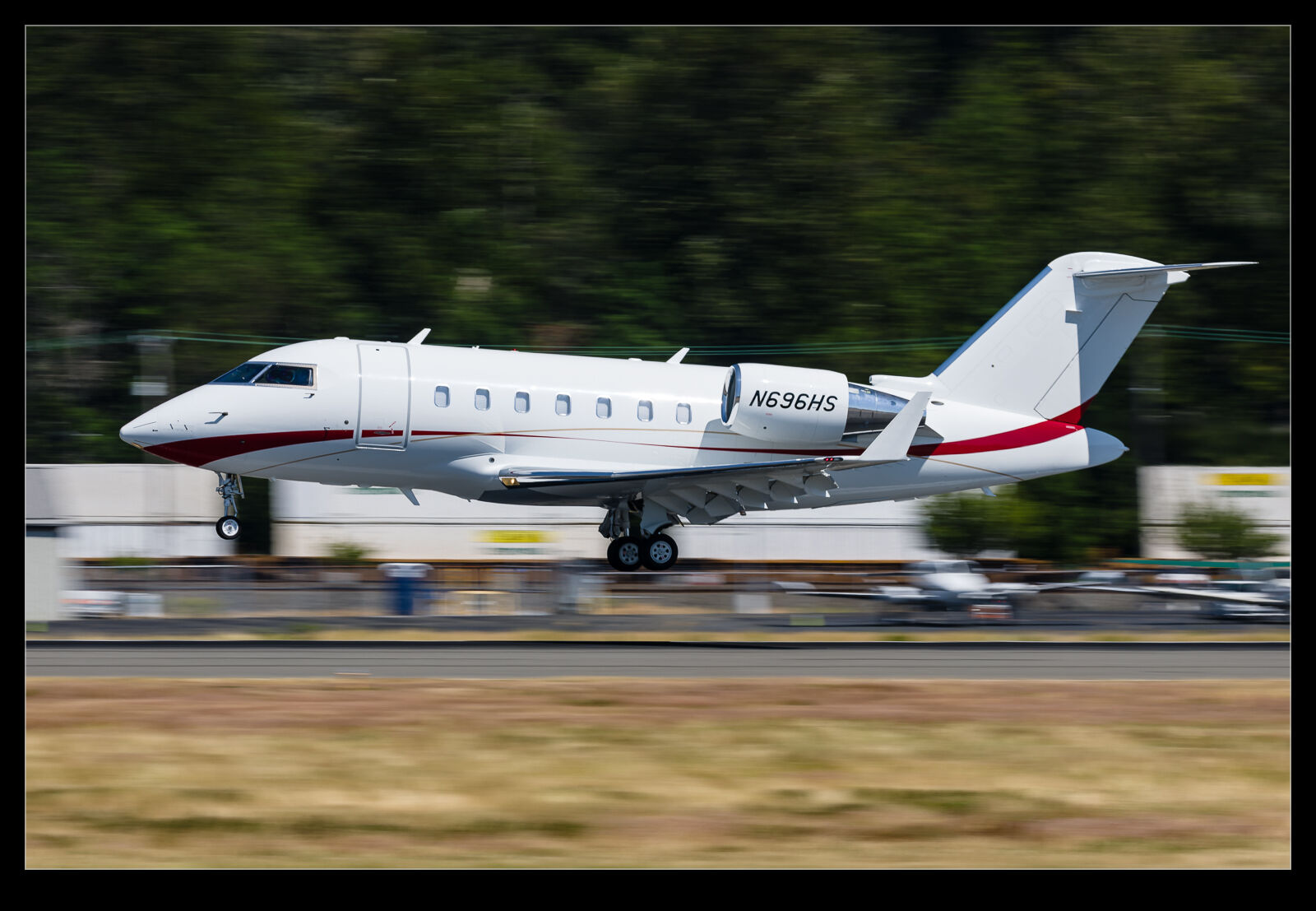
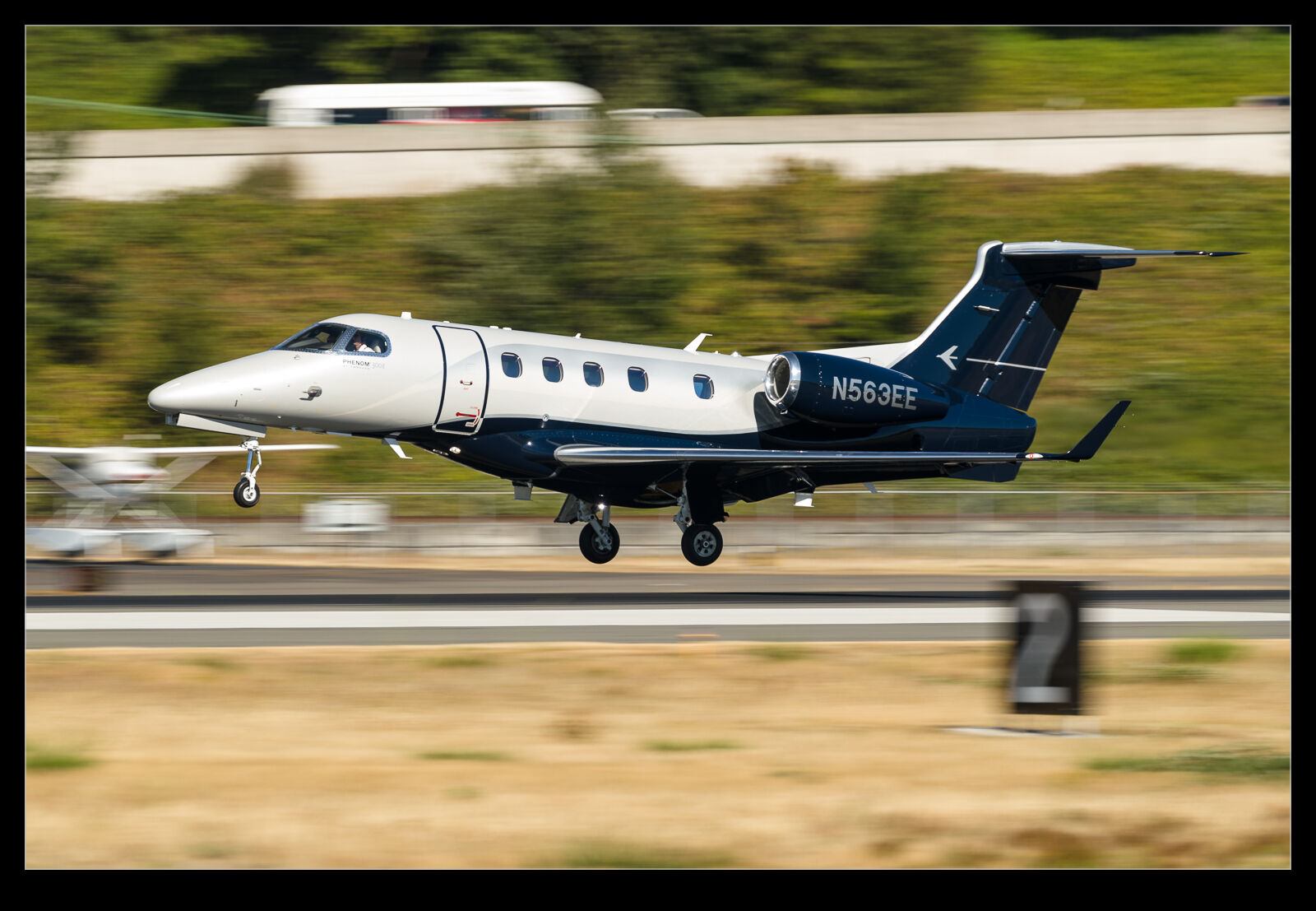
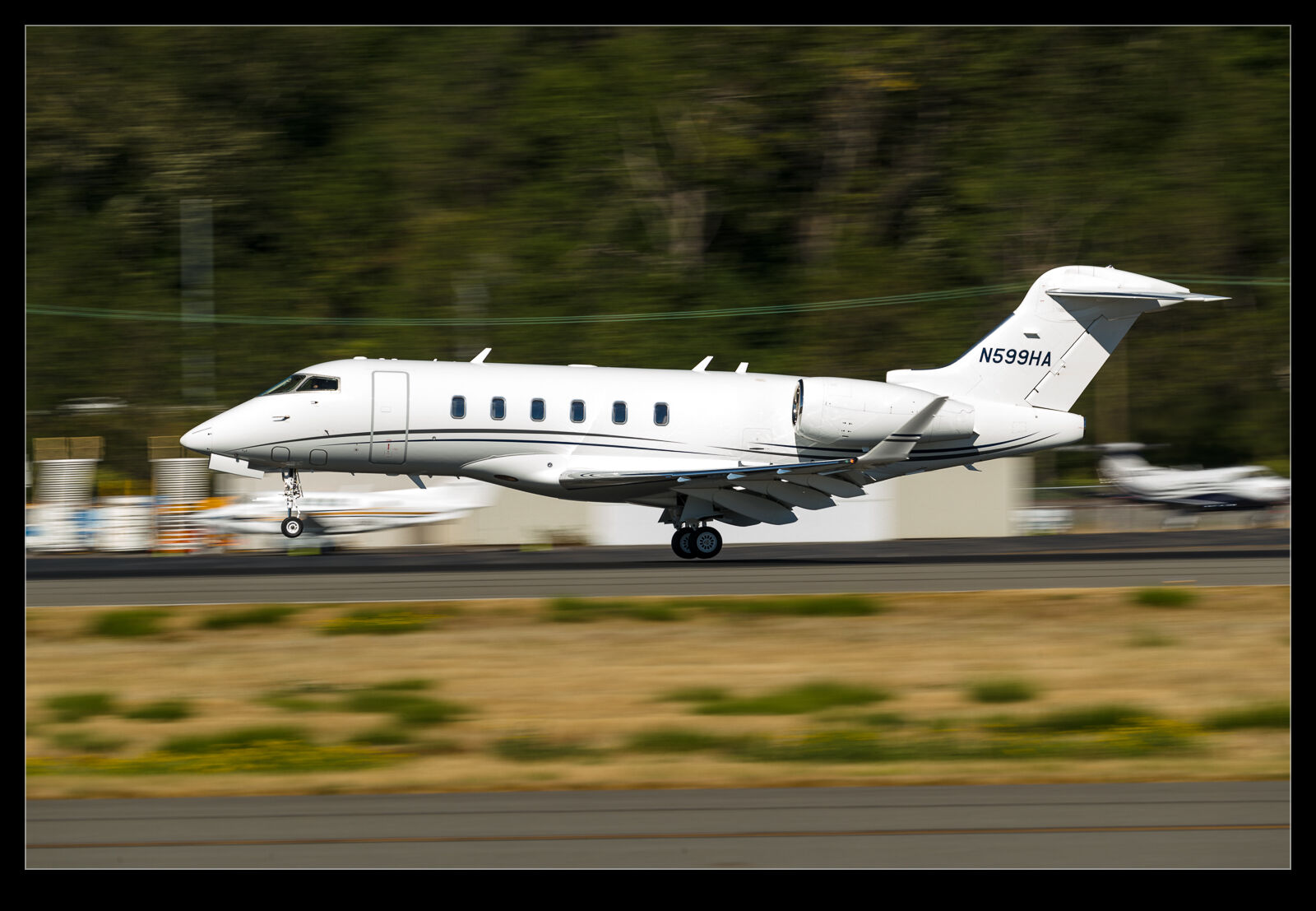
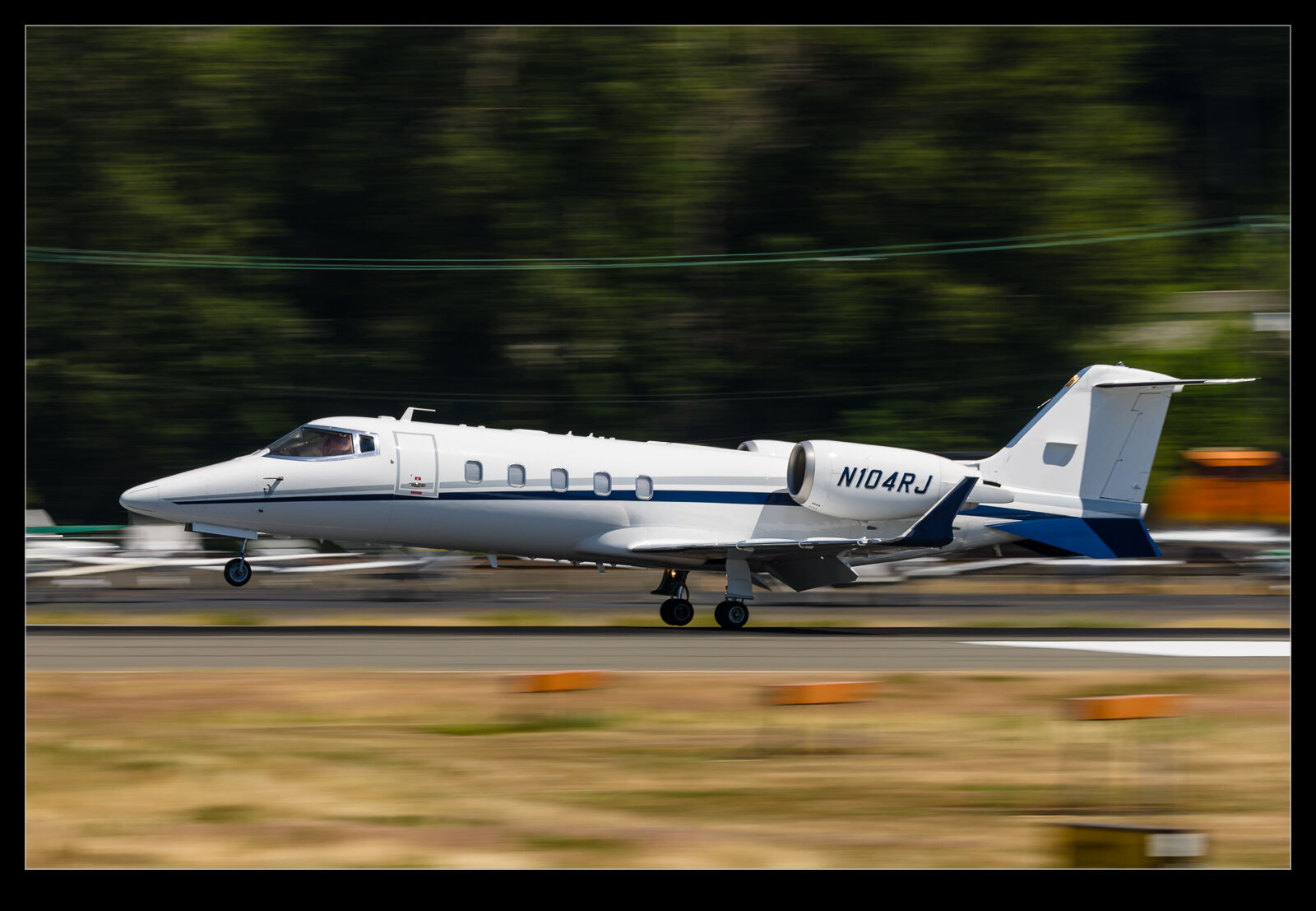
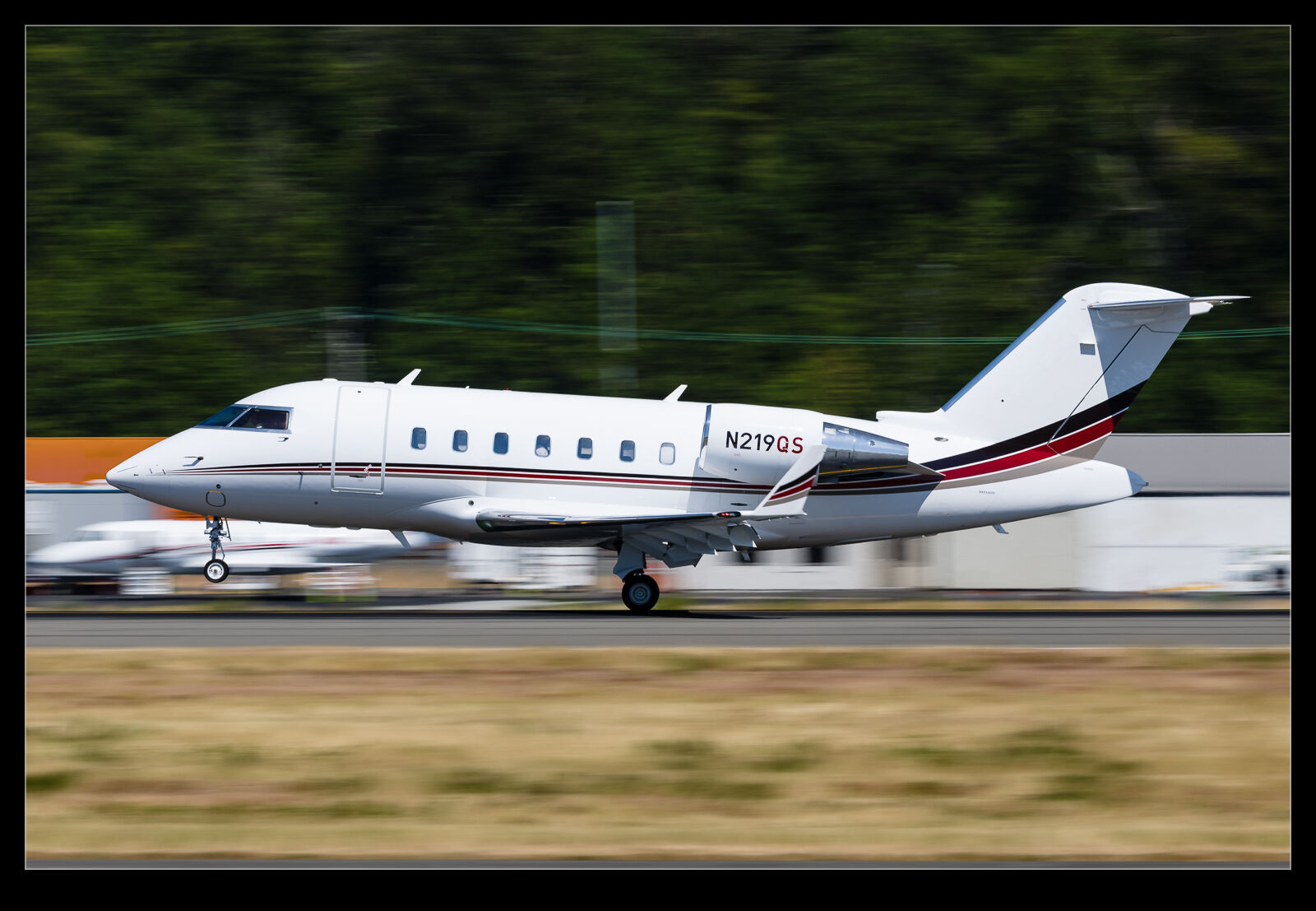
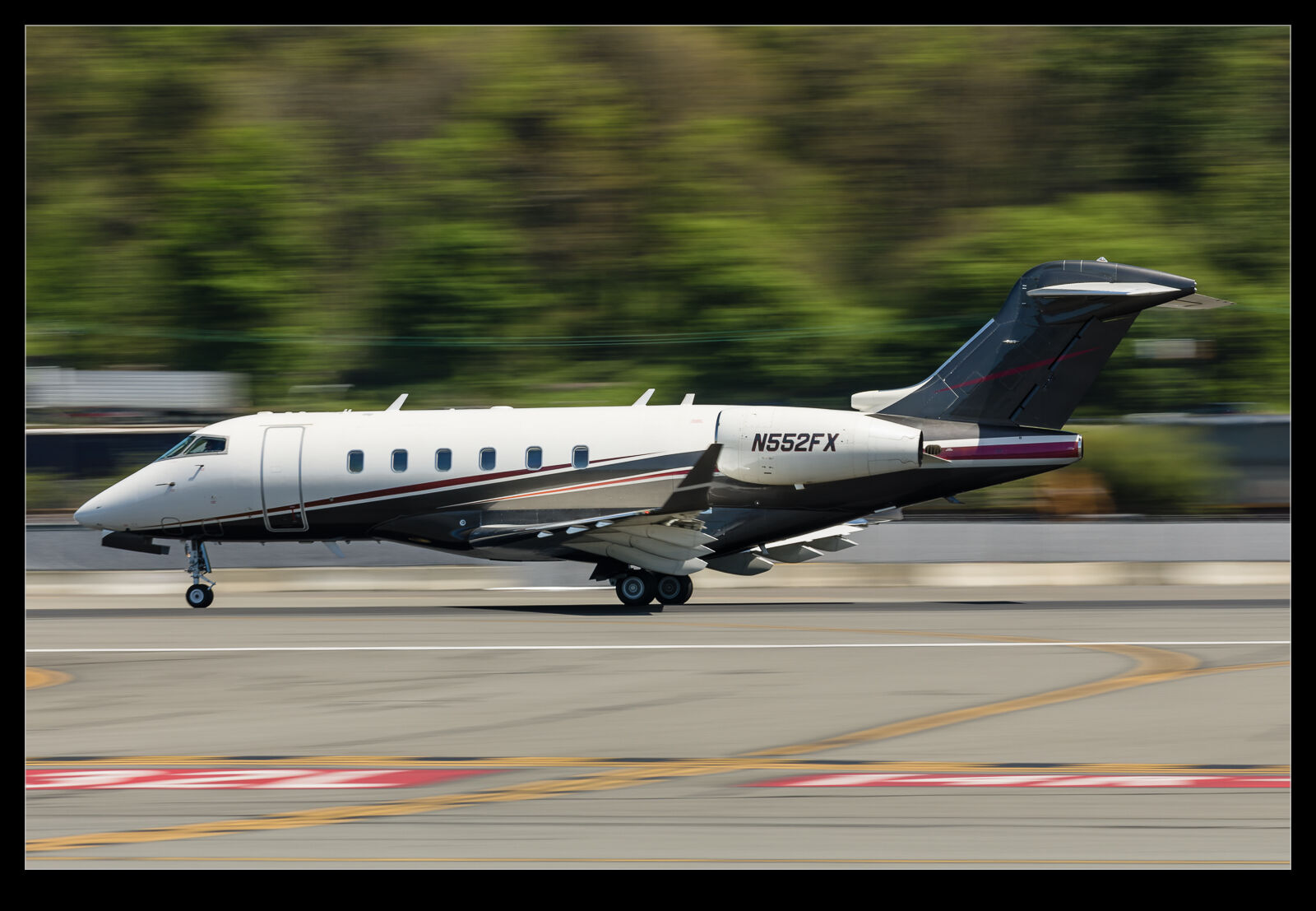
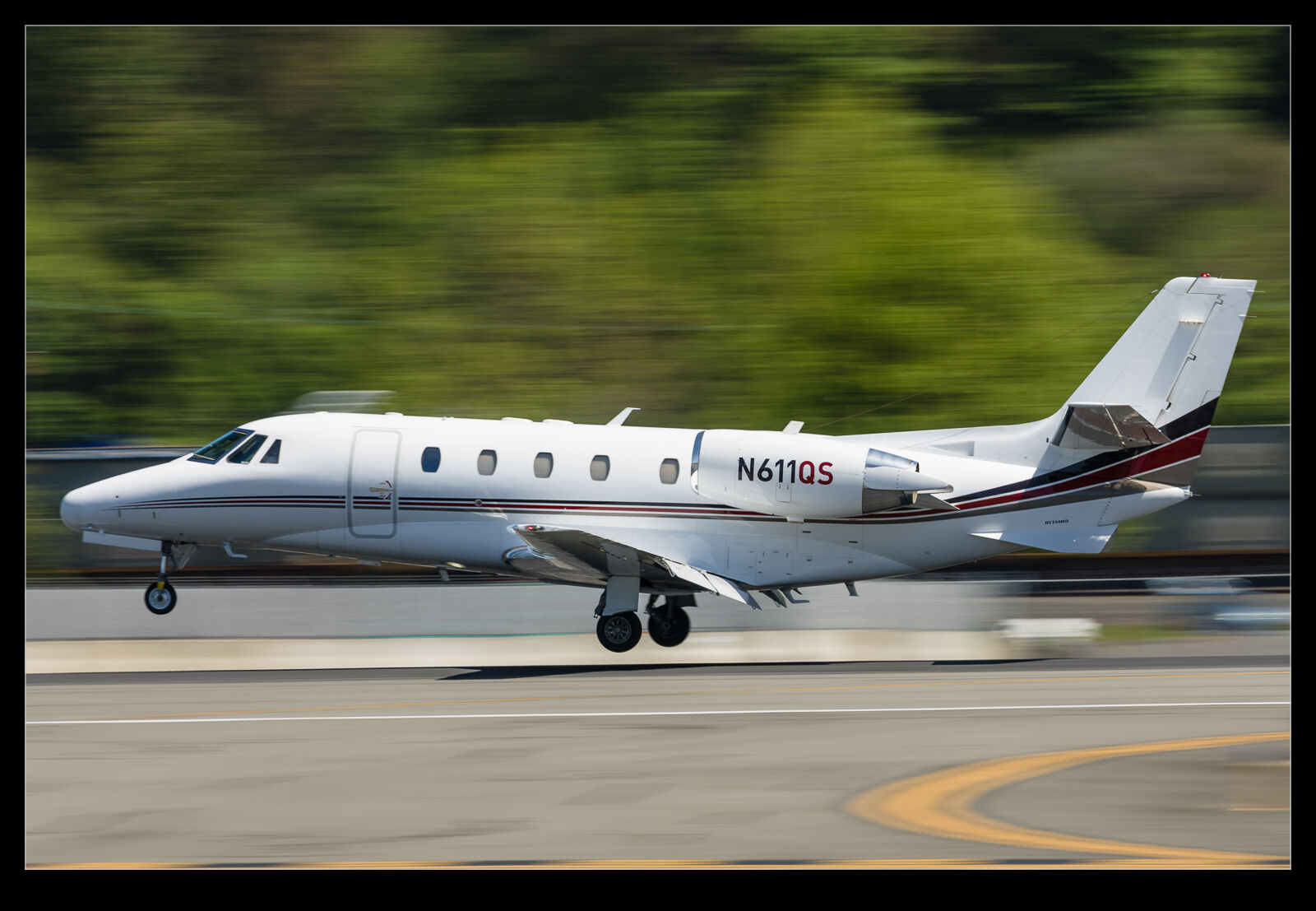
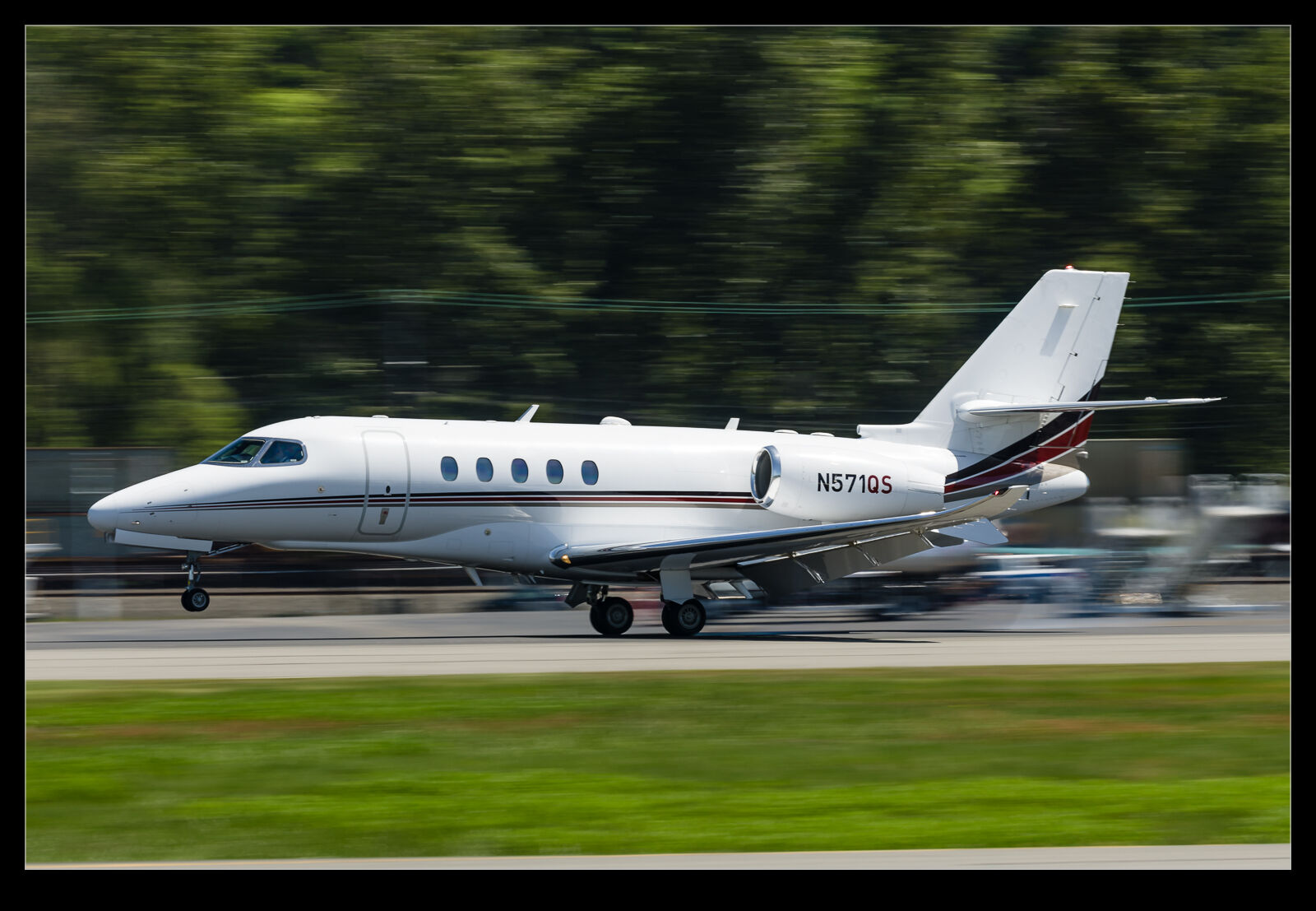
I have been messing around with low shutter speeds for traffic at Boeing Field a lot this year.  Some of those shots have made their way into posts on here.  One sunny afternoon, I was at the field and there was a lot of business jet traffic but nothing terribly special.  This provides a good opportunity to try different things.  I had the polarizer and a neutral density filter.  The polarizer is good on sunny days for taking down the glare and it also cuts the light.  However, the neutral density can really pull the shutter speed down.

Since I didn’t care if the shots were a failure, I was willing to just keep bringing the shutter speed down and down.  I compensated by cranking up the frame rate in order to increase the probability of getting a sharp one.  This is an interesting challenge.  Normally I spend a bit of time culling out shots that just aren’t sharp but, when playing with silly shutter speeds, you need to re-calibrate just how sharp things should be.  What is a little off when zoomed in might be of no concern when looking at the full image.  That is not an excuse to let plainly bad shots through though.

Here are some of the results that weren’t too bad.  Even an average Challenger can look a little more interesting with a very blurry background!

Re-Editing a B-2 Shot

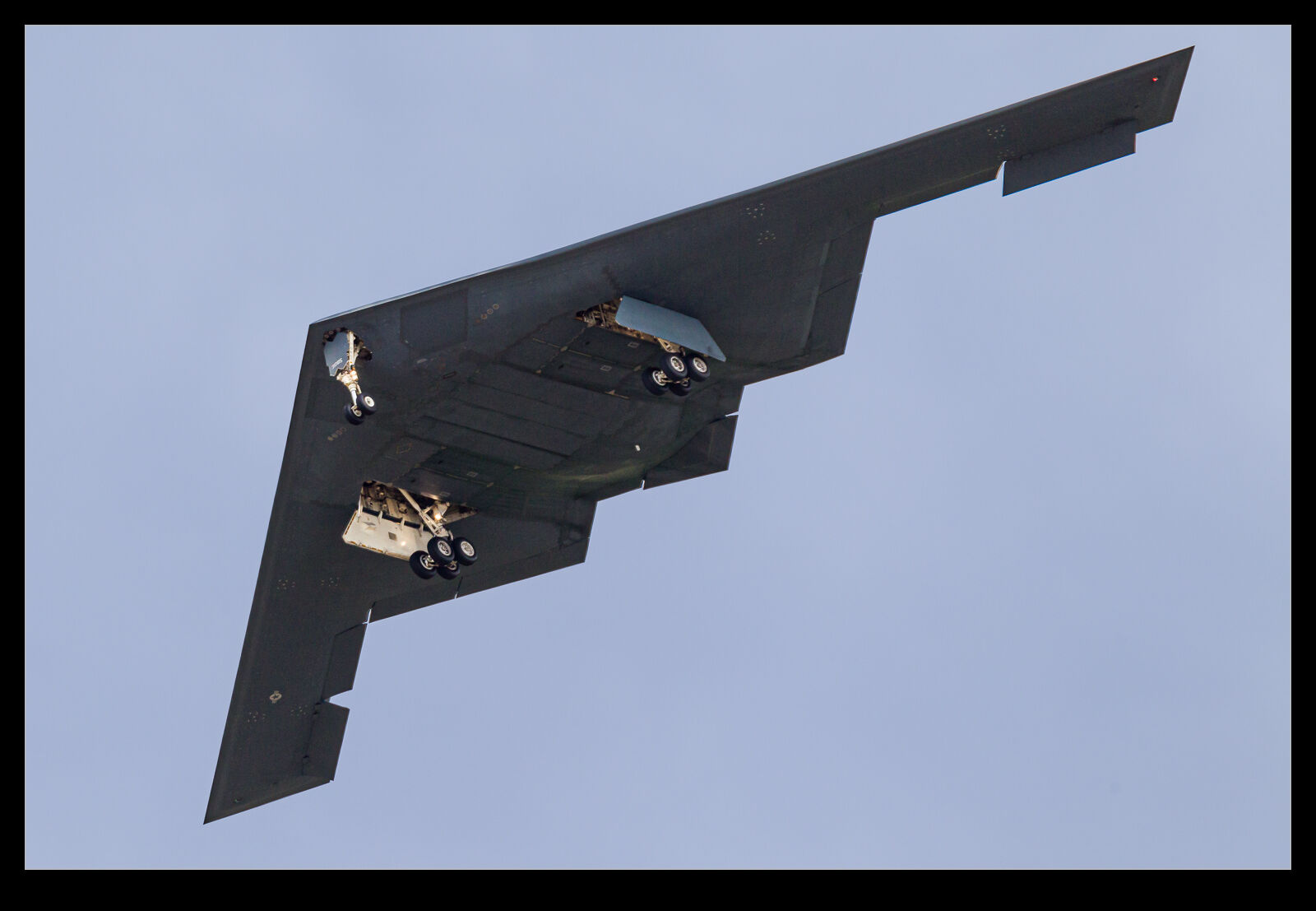
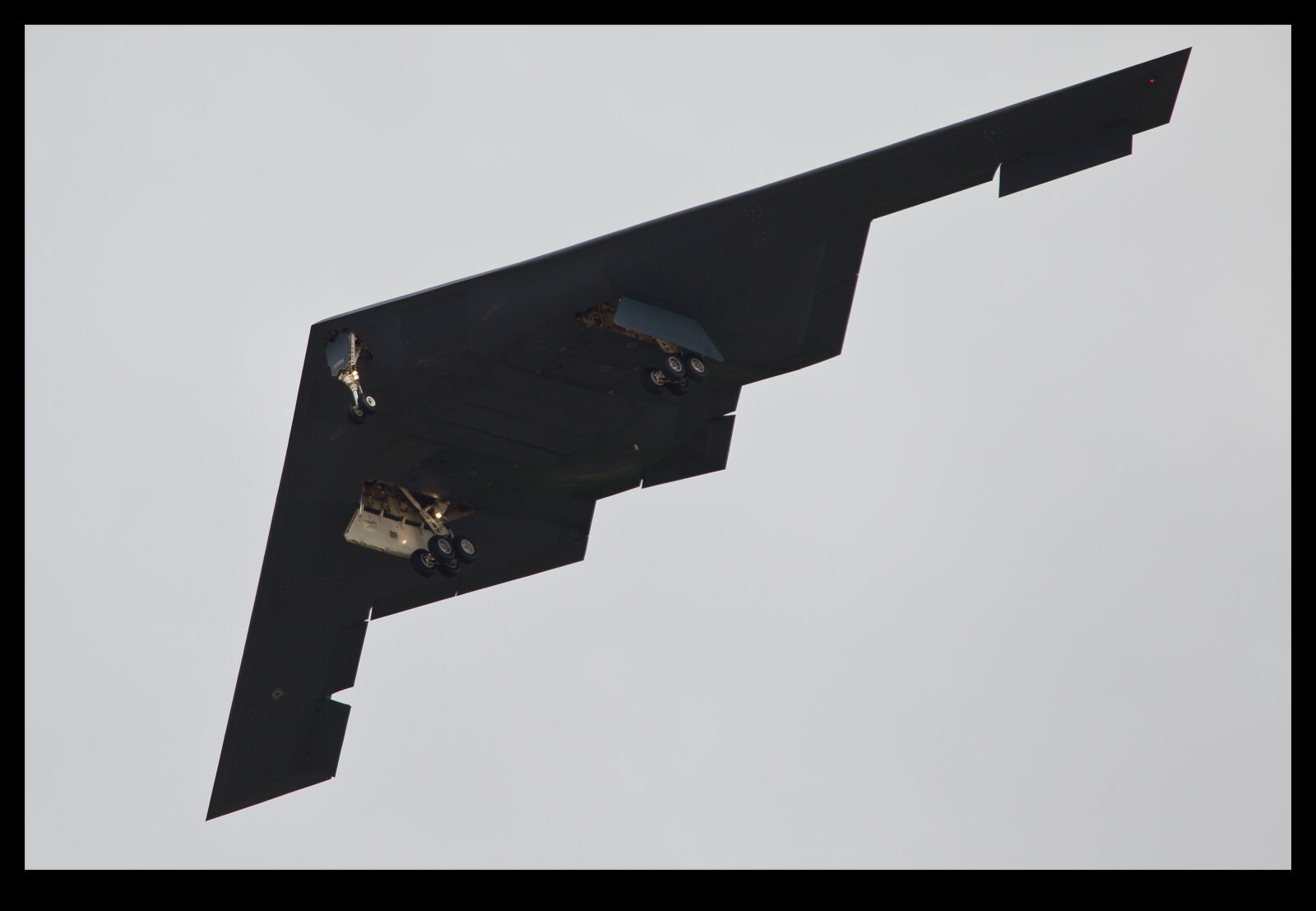
Periodically, when I am looking through my image catalog for a specific subject for one project or another, I come across some images from a while back that look okay but might benefit from some of the more recent approaches to processing that I have adopted.  This doesn’t always help but it can be fun to start from scratch on a raw file and then see whether the final version is any better than the previous attempt.  I created a new virtual copy in Lightroom and zero out all of the sliders, upgrade to the latest processing version and give it a go.

I did this a little while ago on a shot of a Northrop Grumman B-2 Spirit.  I shot this jet at Palmdale many years ago on a visit with my friend, Paul.  The shots were okay, and I was happy with them at the time.  Here I shall show you the current version first and then the next one down is the previous result of my processing from when it was shot.  Do you think it is a significant change?

Spider on My Car Means Macro Time

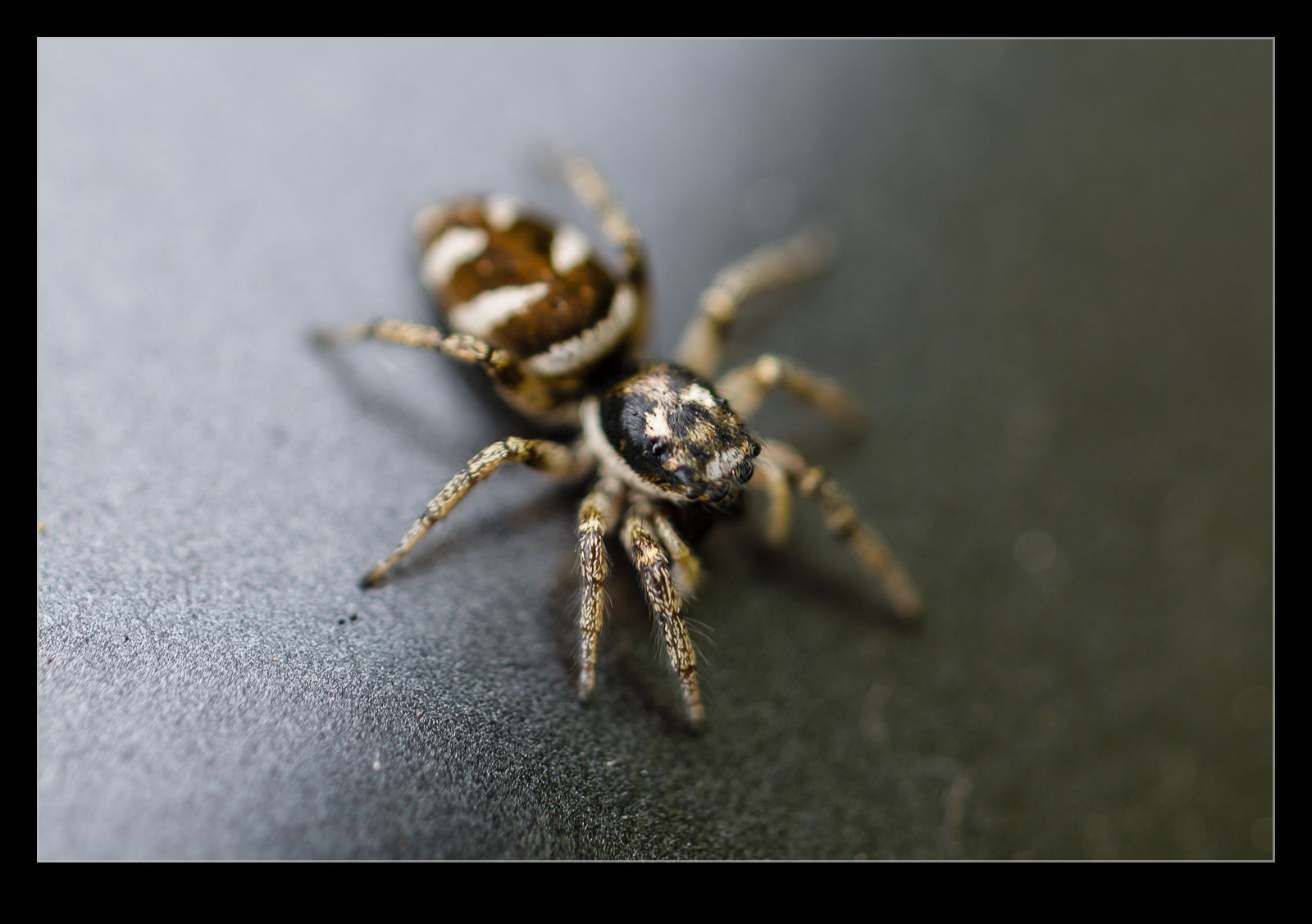
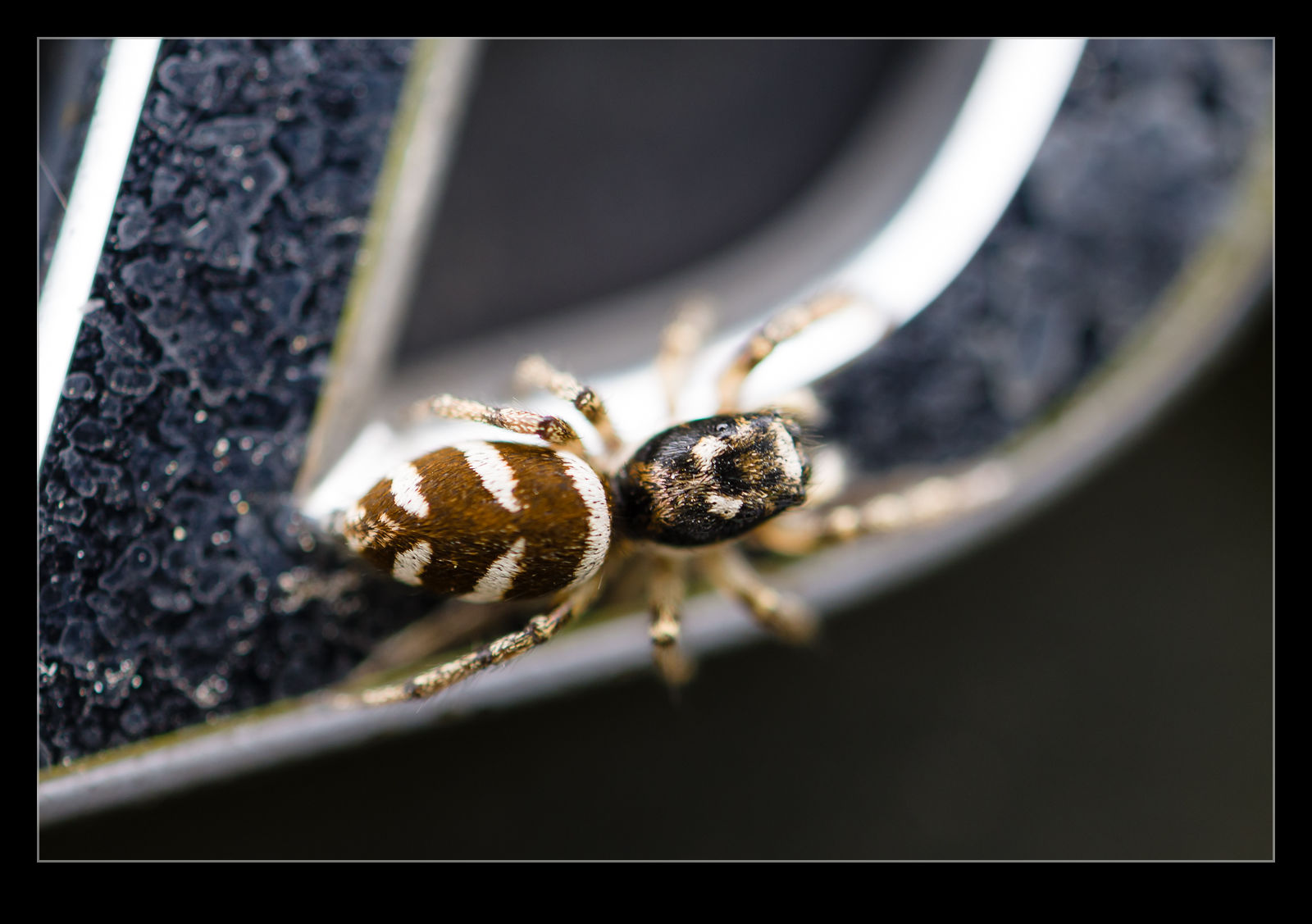
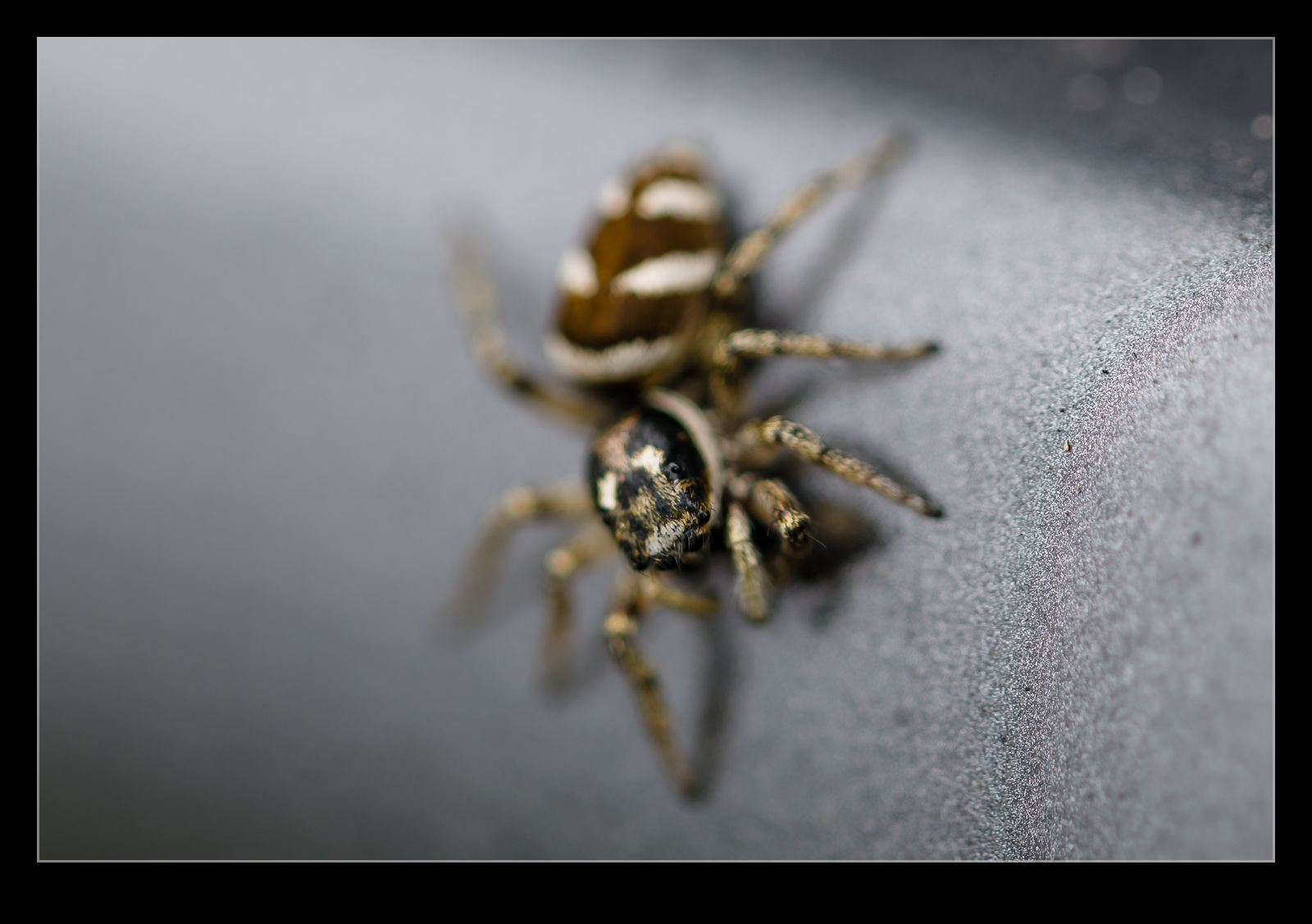
I was waiting for a friend to arrive at SEA and was parked up in Burien.  I noticed a couple of small jumping spiders on the car and, since I had the macro lens in the trunk, decided to try and get a few shots of them.  The problem with spiders and mirrorless cameras is that the focusing logic hasn’t been trained to deal with their multiple eyes.  The body tends to be what the camera focuses on.  Still, I was able to get a few reasonable shots as they scurried across my car.

Dropping The Shutter Speed For Fun

One weekend, I was at Boeing Field awaiting something interesting.  There was the regular traffic of business jets and, since they were pretty standard fair and the light wasn’t great anyway, I figured I would play with dropping the shutter speed super low.  The R3 is great for this because I can select a frame rate of 30fps if I want.  When shooting with silly shutter speeds, really high frame rates increase the chance that I might get something that isn’t terrible.  Technology overcomes lack of talent!

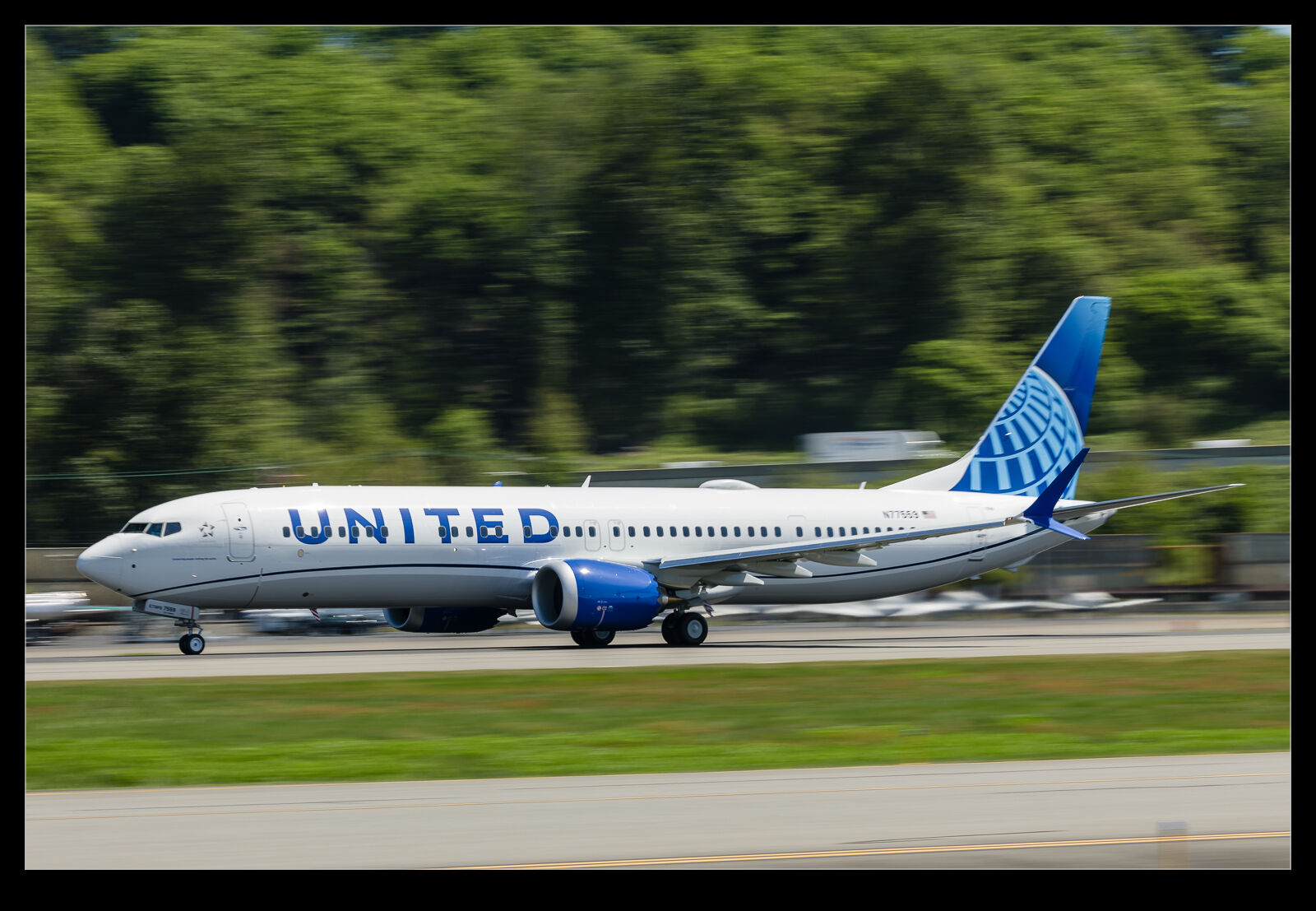
I was dropping down to 1/50th or 1/60th of a second for some of the arrivals.  I was using a polarizer to take out a load of light to allow such low shutter speeds on a sunny afternoon.  It also didn’t hurt to reduce the glare with the sun so strong.  Most shots were worthless but there were a few that came out okay.  Full size there were more acceptable ones but, since I was experimenting, I focused on the ones that were really sharp.  Such low shutter speeds do result in parallax issues which is not ideal, so I tend to look for the sharpness to be on the front fuselage unless the plane is going well away from me.  There were some 737s on test too, so I played with the same techniques for them as well.  Maybe I shall go even lower at some point.

Lightroom Noise Reduction Update Testing

One of the software tools that I find a lot of people talking about these days is DeNoise from Topaz.  I have never been terribly bothered by noise in my images.  Modern cameras do a pretty remarkable job of handling noise and, for most usage purposes, the noise is not really an issue if it is there.  I have posted my efforts with PureRAW in its various forms where I have tried it out to see how the noise reduction comes out and, while I have seen strengths and weaknesses in it, I have never seen it as something I needed to spend on.

Lightroom Classic had one of its periodic updates recently.  The big new feature was their own denoise functionality.  Much like my experimentation with PureRAW, it analyzes the shot and creates a new DNG file with the noise suppressed.  I was curious to see how it would perform and, seeing as it is included in the price of my subscription, I have it anyway.  I decided to take some shots I had recently used for the PureRAW3 trial I had done and compare with the Lightroom version.
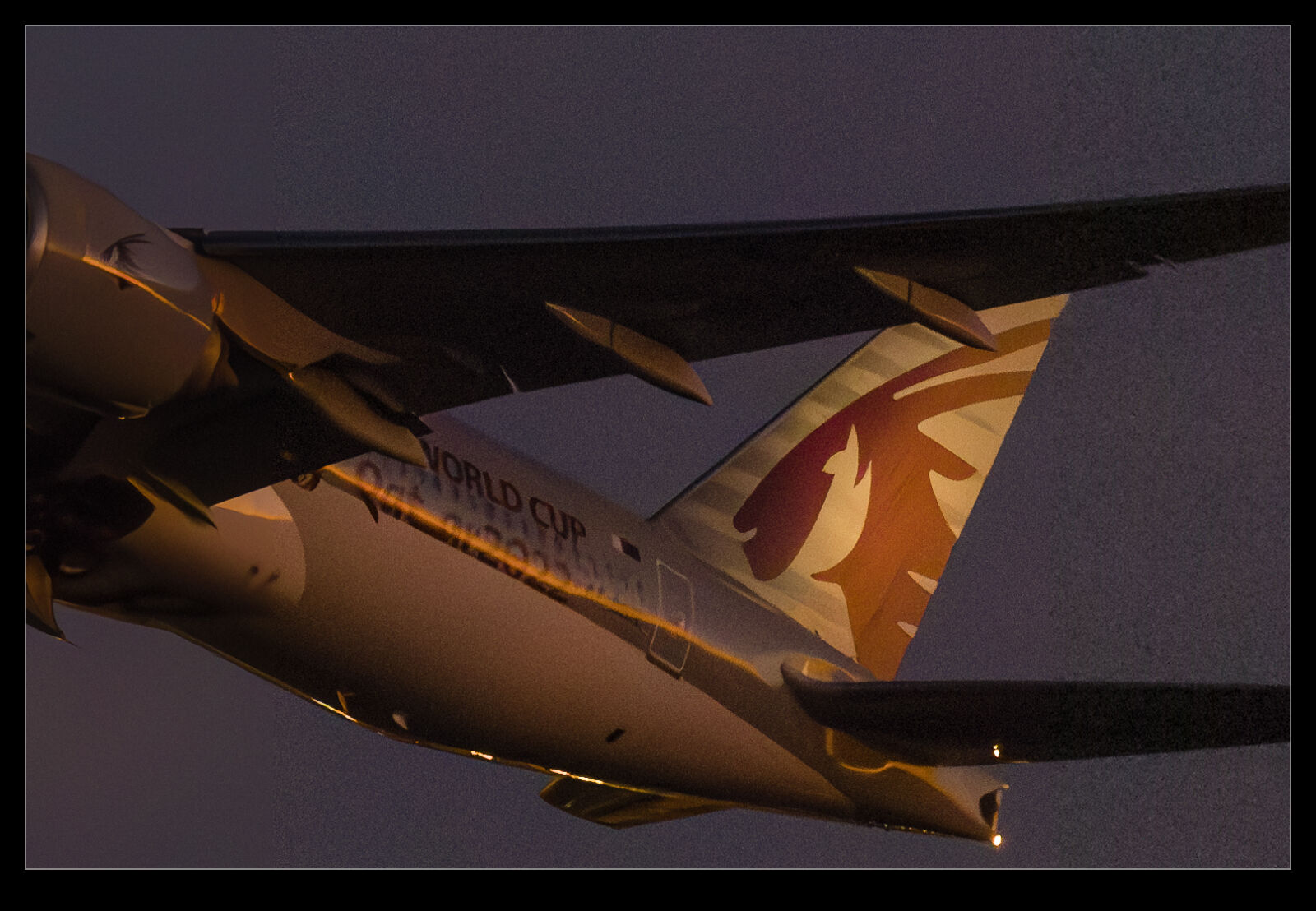
It defaulted to a 50 level of noise reduction.  I don’t know whether this is a percentage and what of but it is a scale so I played with it.  I did some at 50 and some at 75 to see whether more aggressive noise reduction had detrimental effects on other parts of the image.  Comparing these things and then sharing the results is a touch tricky so I have created a single image from four layers.  They are the original Lightroom develop settings, the PureRAW3 version, the 75 denoise settings and the 50 denoise settings.  I mask them to make the image into four sections.  Then, to make it useful on here, I have zoomed in to show the borders between them to provide some sort of comparison.

The PureRAW3 result is very aggressive on noise reduction.  However, I find it can make some odd artifacts in the images where details were not that clear to begin with.  The 75 setting in Lightroom provided a very similar level of noise reduction to PureRAW3.  It is slightly noisier but barely enough to matter.  A setting of 50 does show more noise.  It is still a significant improvement over the basic Camera Raw settings and very usable.

What do I conclude from all of this?  First, as I have said before when testing the PureRAW trials, it provides some interesting results but it is not relevant to enough of my work to matter to me sufficient for me to spend a bunch of money on buying it.  Having denoise in Lightroom now provides me with a very similar option but within the existing price I am paying for Lightroom.  Therefore, I will make use of it when the situation dictates.  It would be a regular part of my workflow because really high ISO shots are only an occasional thing for me but having it there when I want it will be handy.