After the solar eclipse was over and I had spent a couple of days reflecting on the experience, I had a thought that really should have occurred to me at any point in the last few years. A solar filter is just as handy when wanting to photograph the sun without an eclipse as with. I therefore decided to have a go at taking some sun shots. Of course, as soon as I thought of this, it got cloudy. That didn’t last too long, though, so I was able to experiment with varying exposure to get some images.
The first thing I liked was the clarity of the sunspots. They really had some definition to them. This was a nice quick win. Then I saw some texture in the other parts of the sun. Going with under and overexposure allowed me to see if this made a difference in how well things showed up. It might not be easy to see in these images but hopefully there is something you can make out.
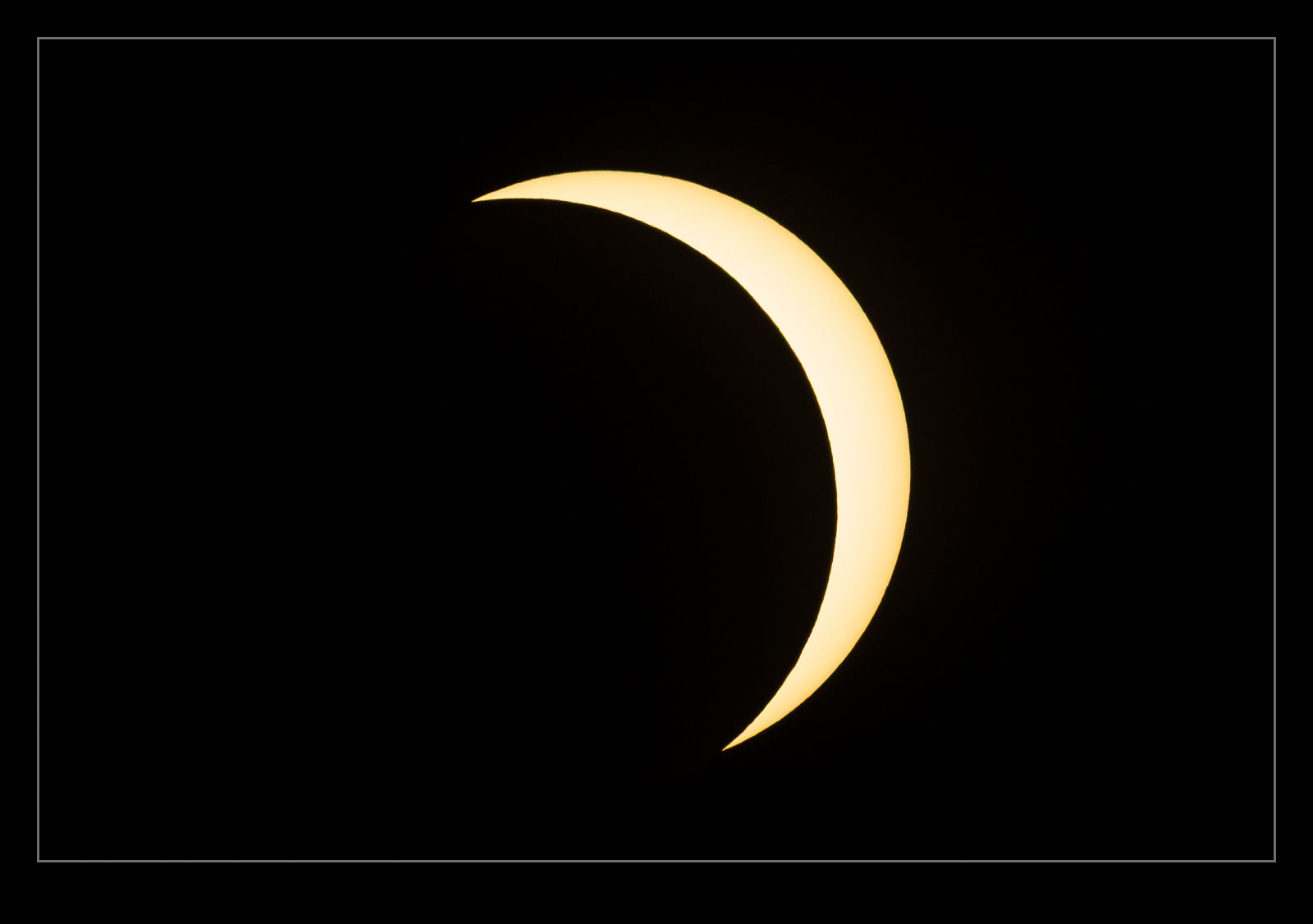
The partial solar eclipse was going to put our home under the path of significant sun cover. I was aware it wouldn’t be as dramatic as a total eclipse having experienced both, but I still was keen to see it. I had some ideas of shots that I wanted to take and where to take them from. I was hoping to get away from work a bit early to get home and set up for when it all started. Sadly, my plans went awry.
My afternoon meetings ran long, I got a train an hour later than planned, it left late, it got delayed for a medical emergency at an intermediate station so, but the time I got home, it was about ten minutes until maximum obscuration. All plans were scuppered so, instead, I just grabbed the longest lens and my solar filters and headed outside the house to some open ground. There were a bunch of neighbours there and this was the thing that saved it for me.
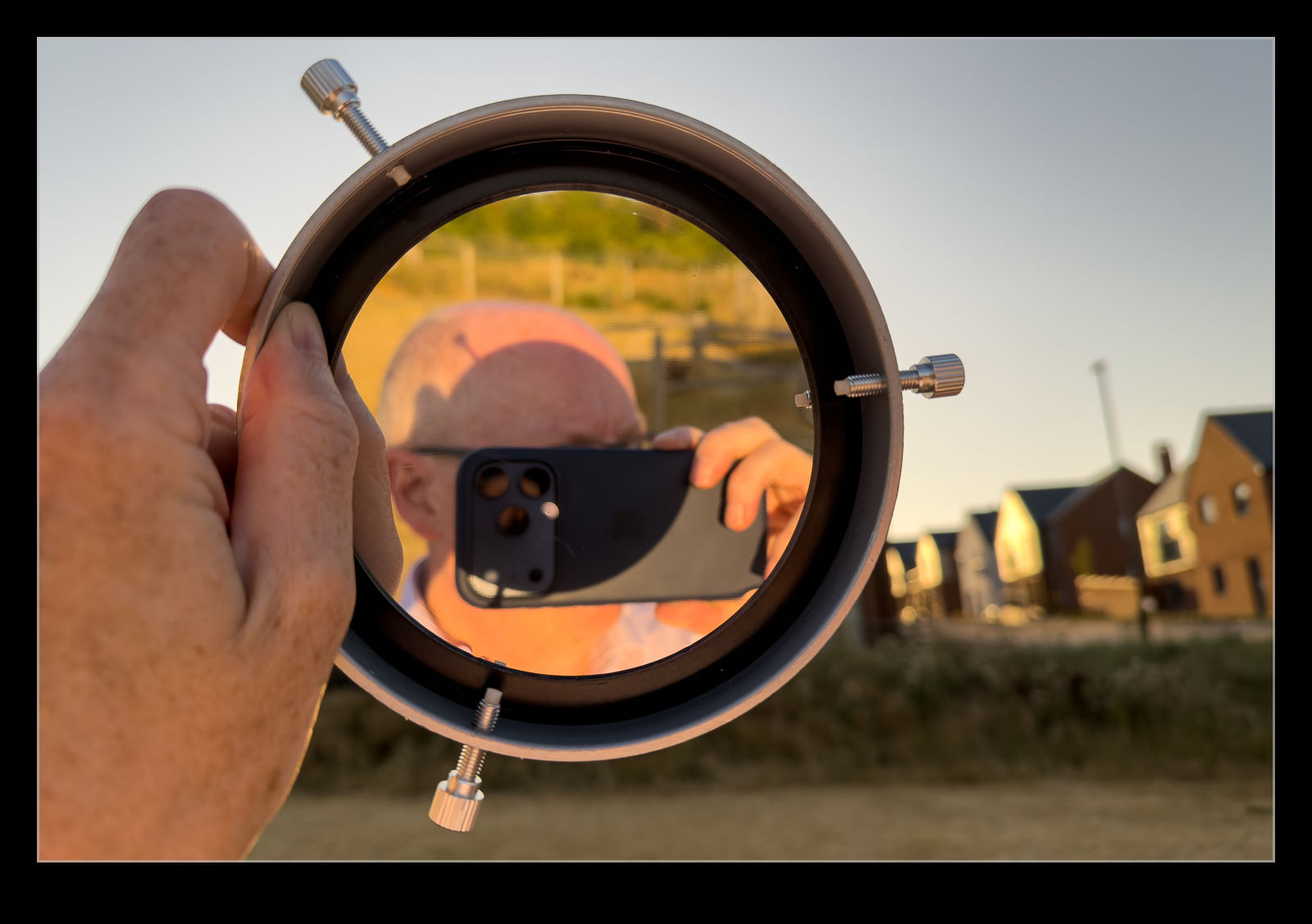
I was able to let them use my filters to see what was going on and they really appreciated it. I also just got to talk to them which was really good fun. I did take some images, though. Even these didn’t go so well. Initially I was seeing some internal reflections. I moved the filter closer to the end of the lens and that seemed to address that. However, this was partly caused by my second issue which was overexposure. Everything was washed out and, when I remembered to bring the exposure down, things got a lot better. We were already on the way out of the eclipse at this point. Having said that, a shot of a partial eclipse is a shot of a partial eclipse. It really doesn’t matter how much. Therefore, this shot is a bit meh!
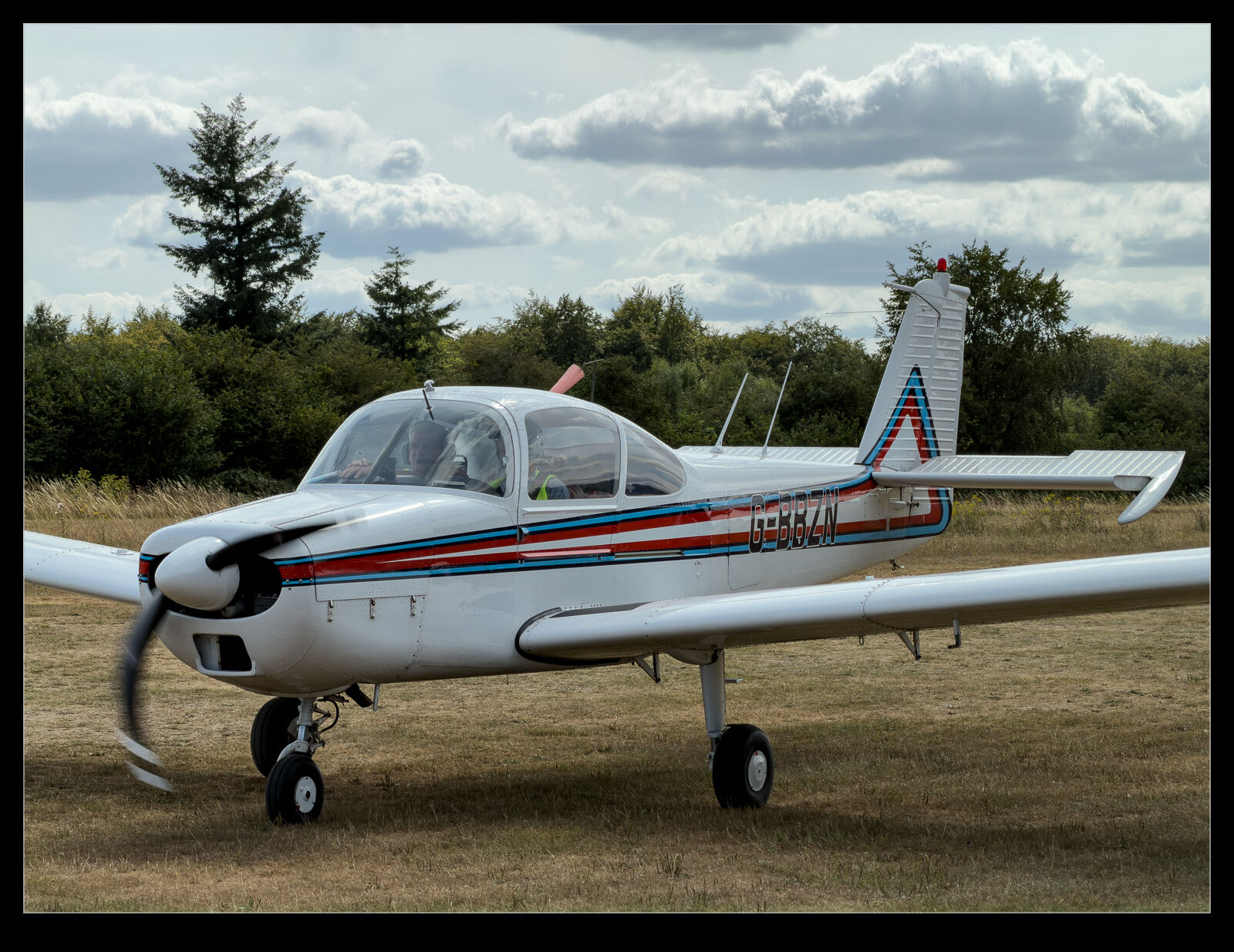
Rolling shutter is a phenomenon that has become very apparent with the widespread adoption of digital sensors in cameras. The way in which a sensor scans across its surface means that relative movement can result in the position of objects being different at the end of the scan than the beginning. DSLRs used a digital sensor but a mechanical shutter so weren’t terribly susceptible to this (except when in video mode) but phones and video camera like GoPros have been.
Usually, if I am photographing aircraft with props, I am using my main cameras. (While I now exclusively use electronic shutter on my bodies, the read speed of the sensor is sufficiently high that the rolling shutter effects are barely visible. However, I rode my bike to Popham one Saturday and decided to grab a few pictures with my phone while I was there. The resulting shots have props that are clearly suffering badly from rolling shutter. It is not something I normally get so I actually found it rather funny. That wouldn’t be the case if I had desperately wanted the shot.
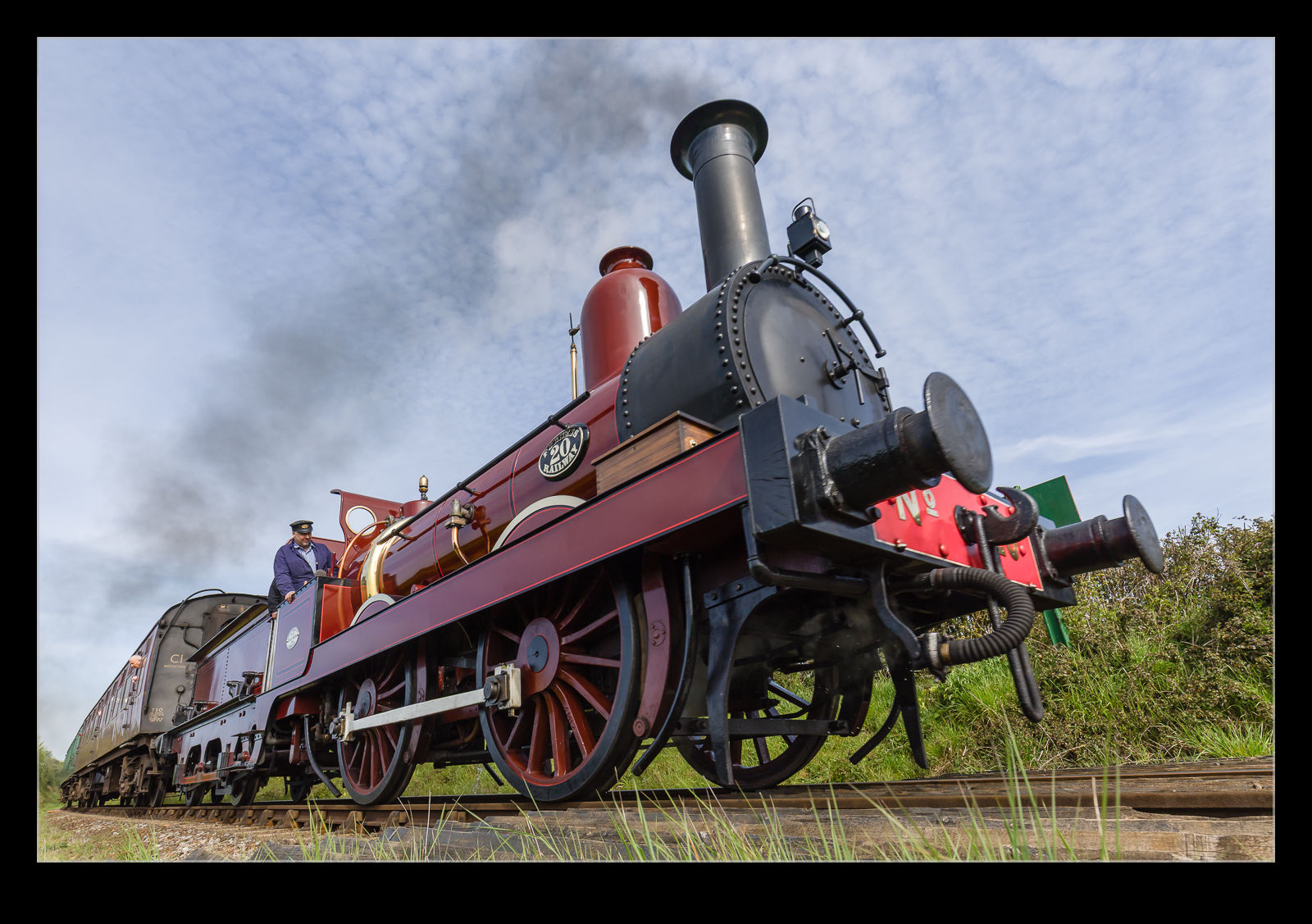
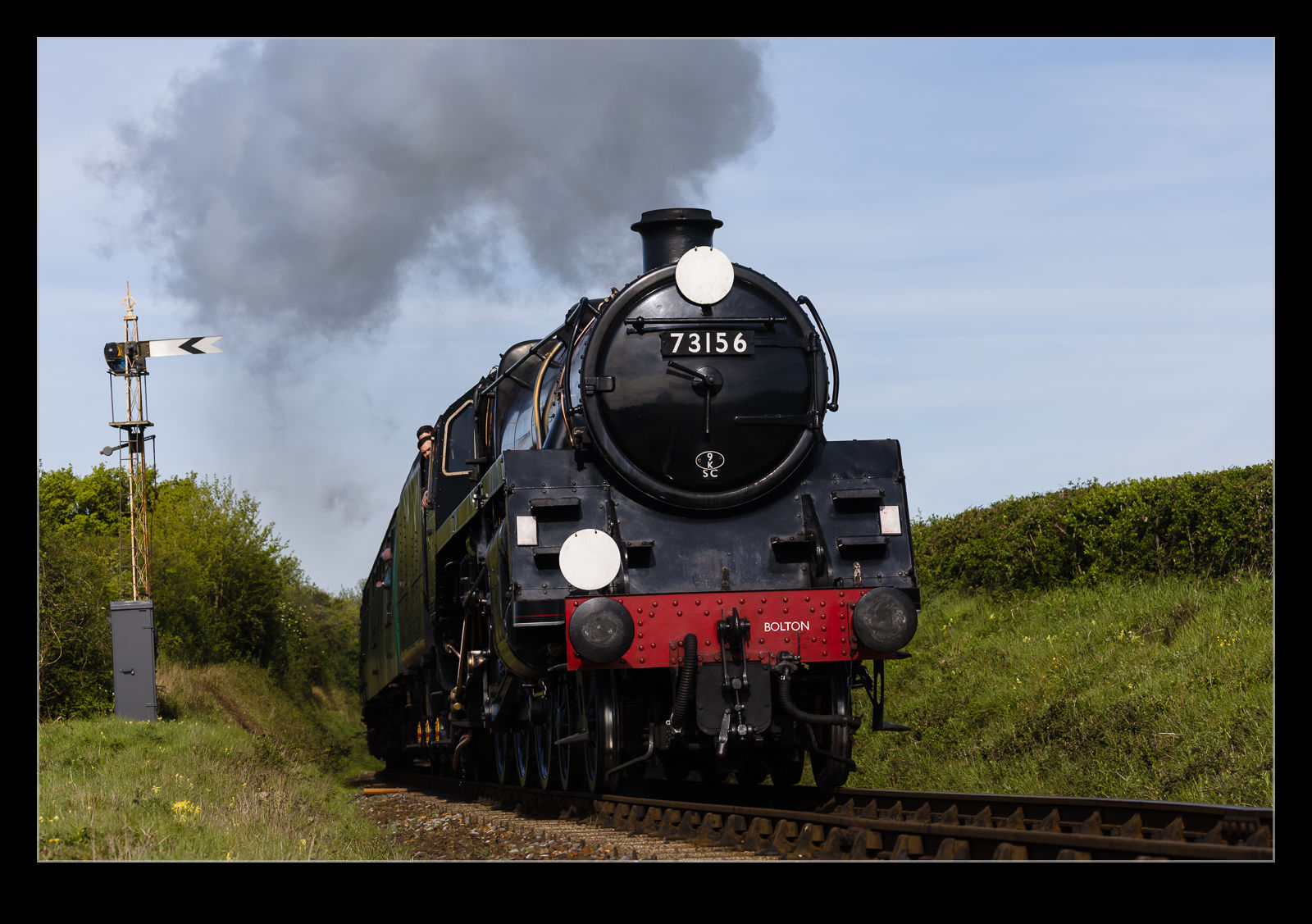
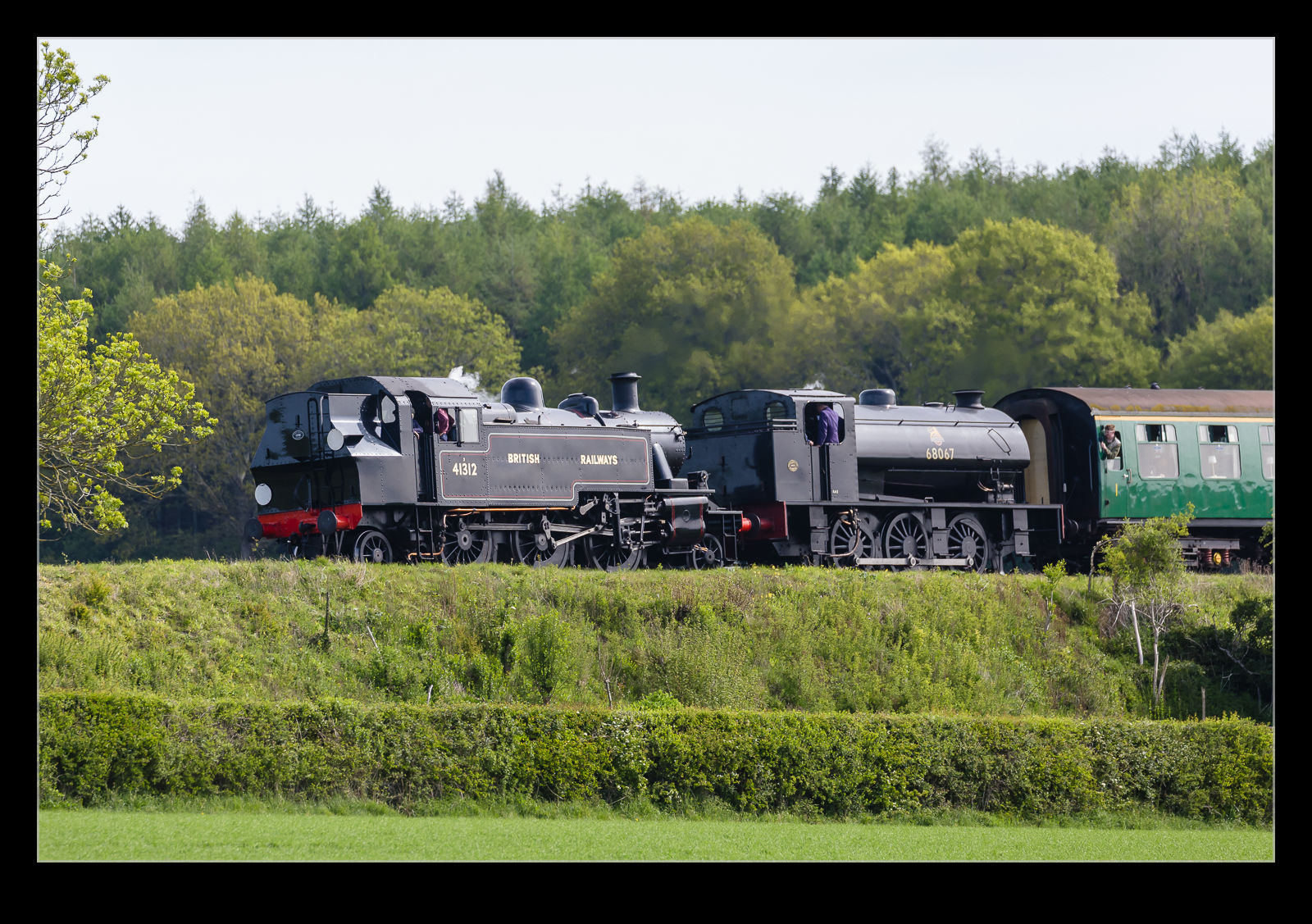
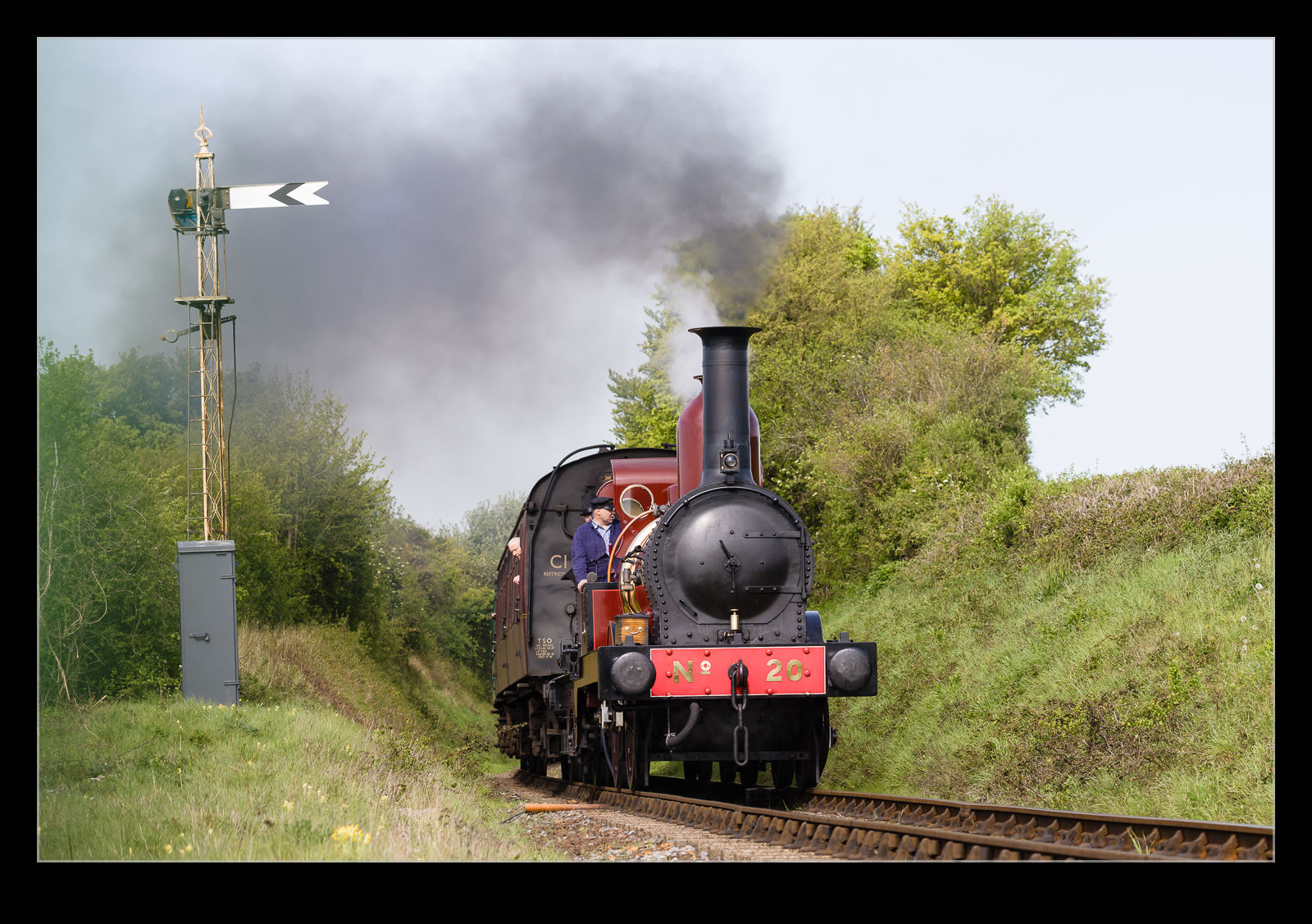
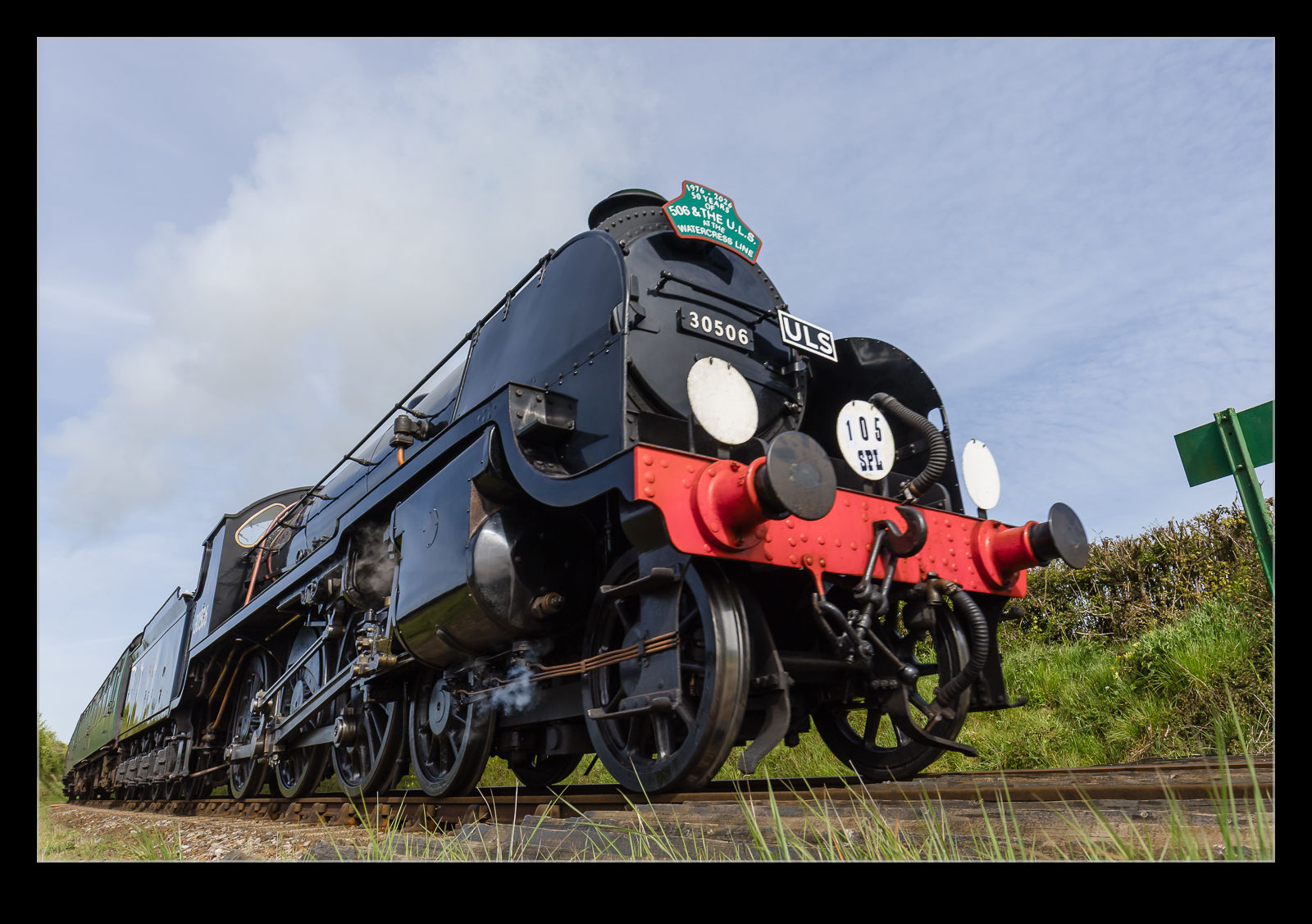
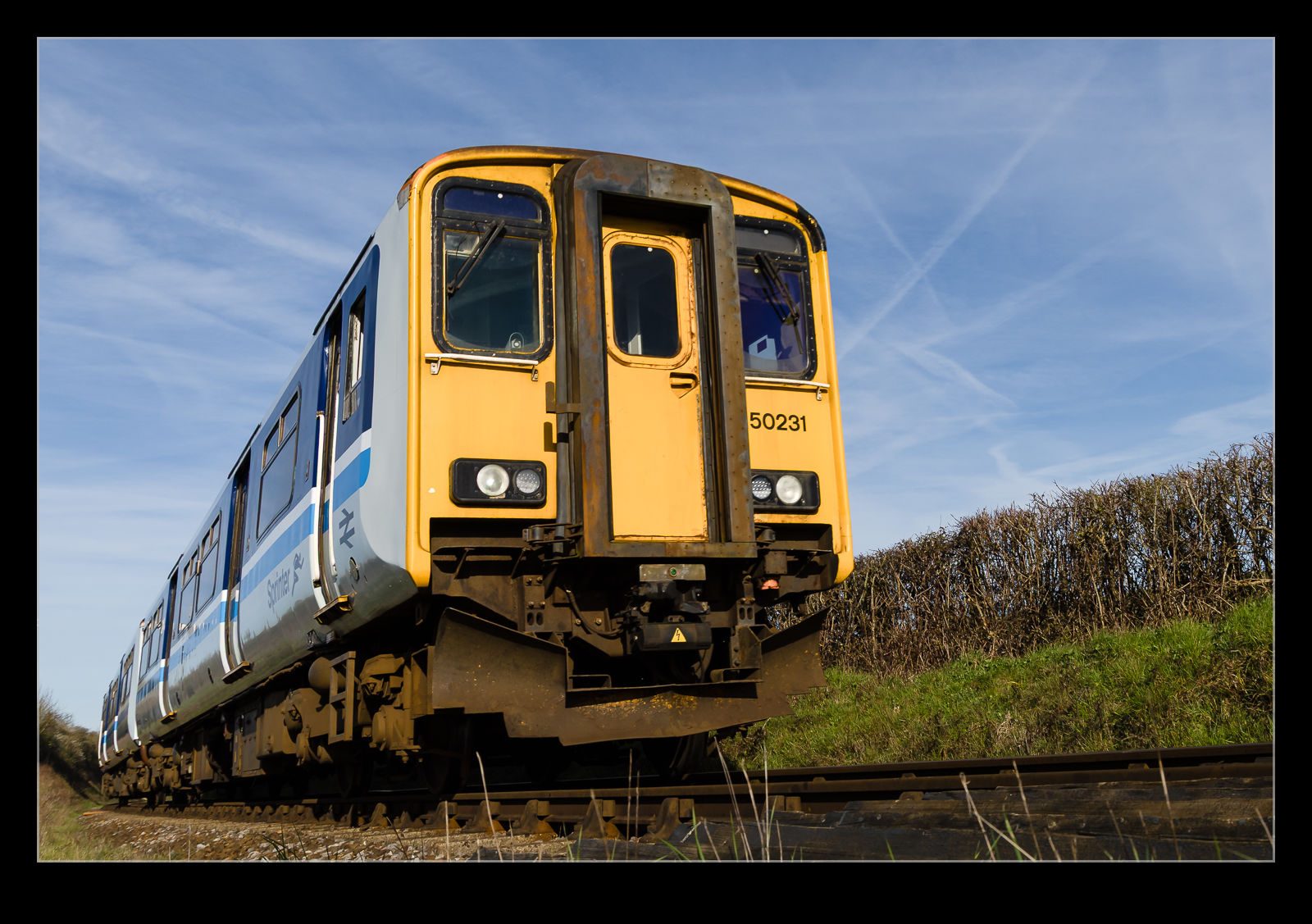
The Watercress Line makes pretty regular appearances on this blog at the moment. Since it is close to home, if I am not doing something else, there is something on and the weather isn’t crummy, I might sneak across to get a few photos. One weekend morning, the Steam Gala was on. We had some plans later in the morning, but I figured the light would be best early and so headed across to Bishops Stoke to get some shots.
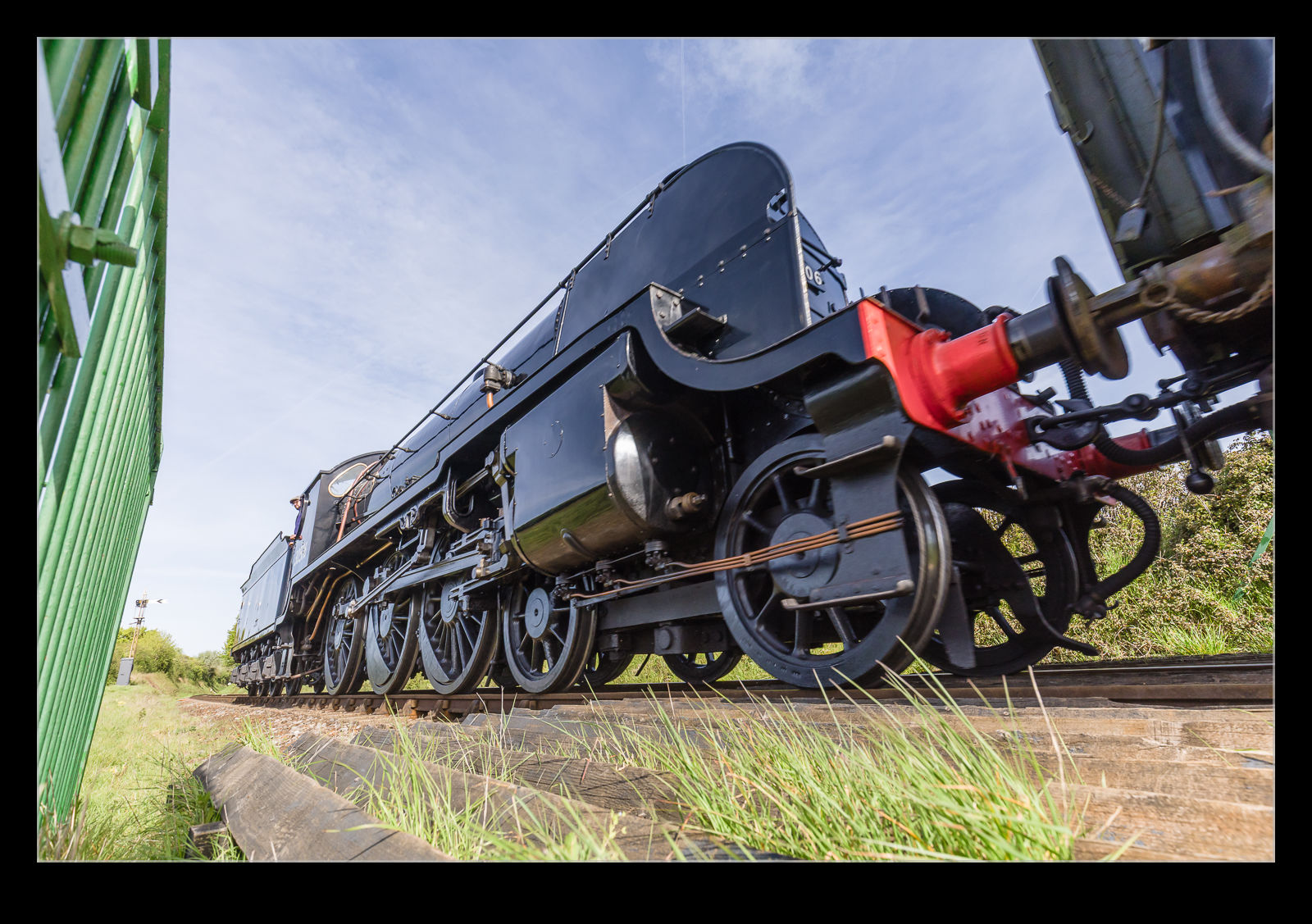
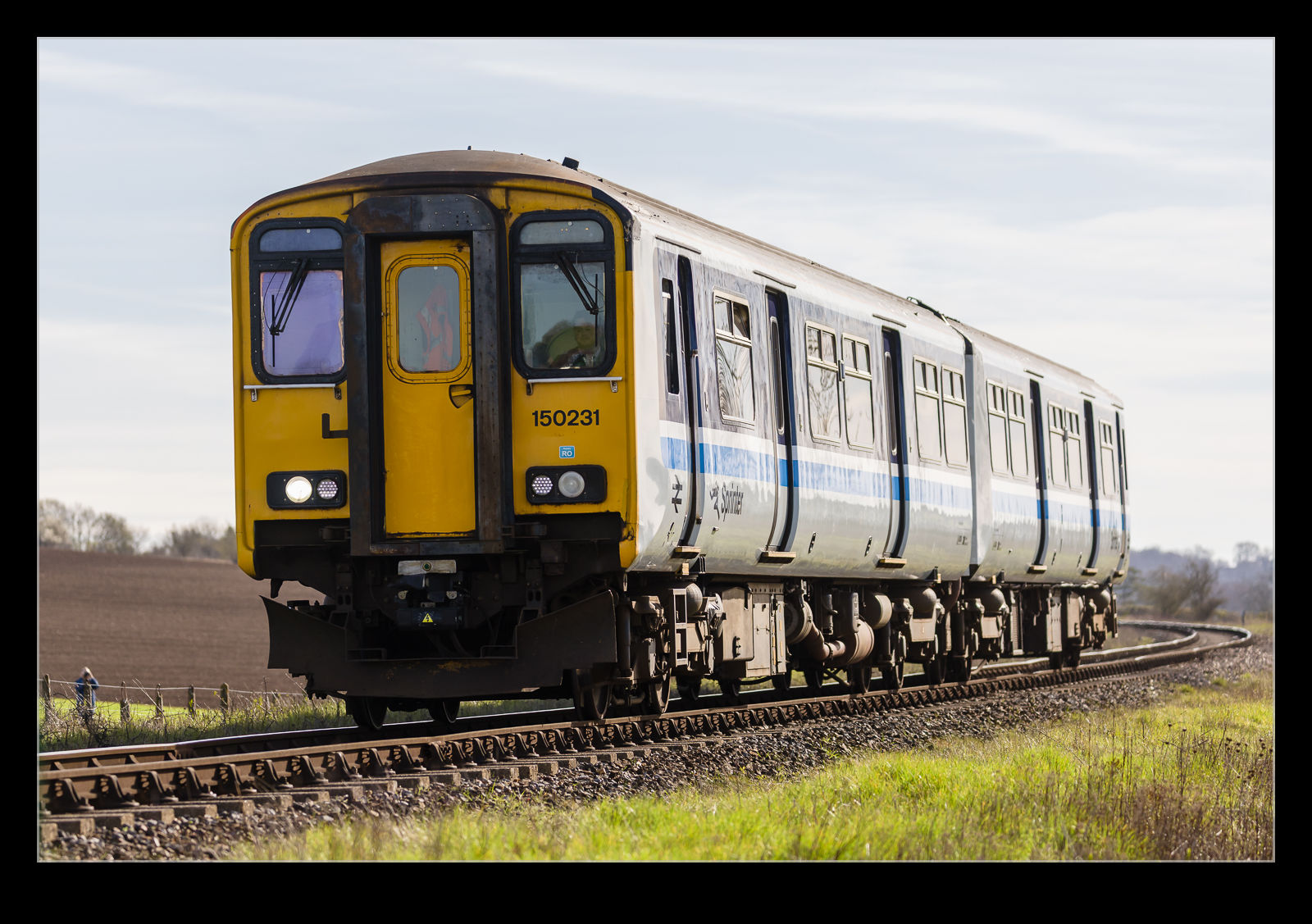
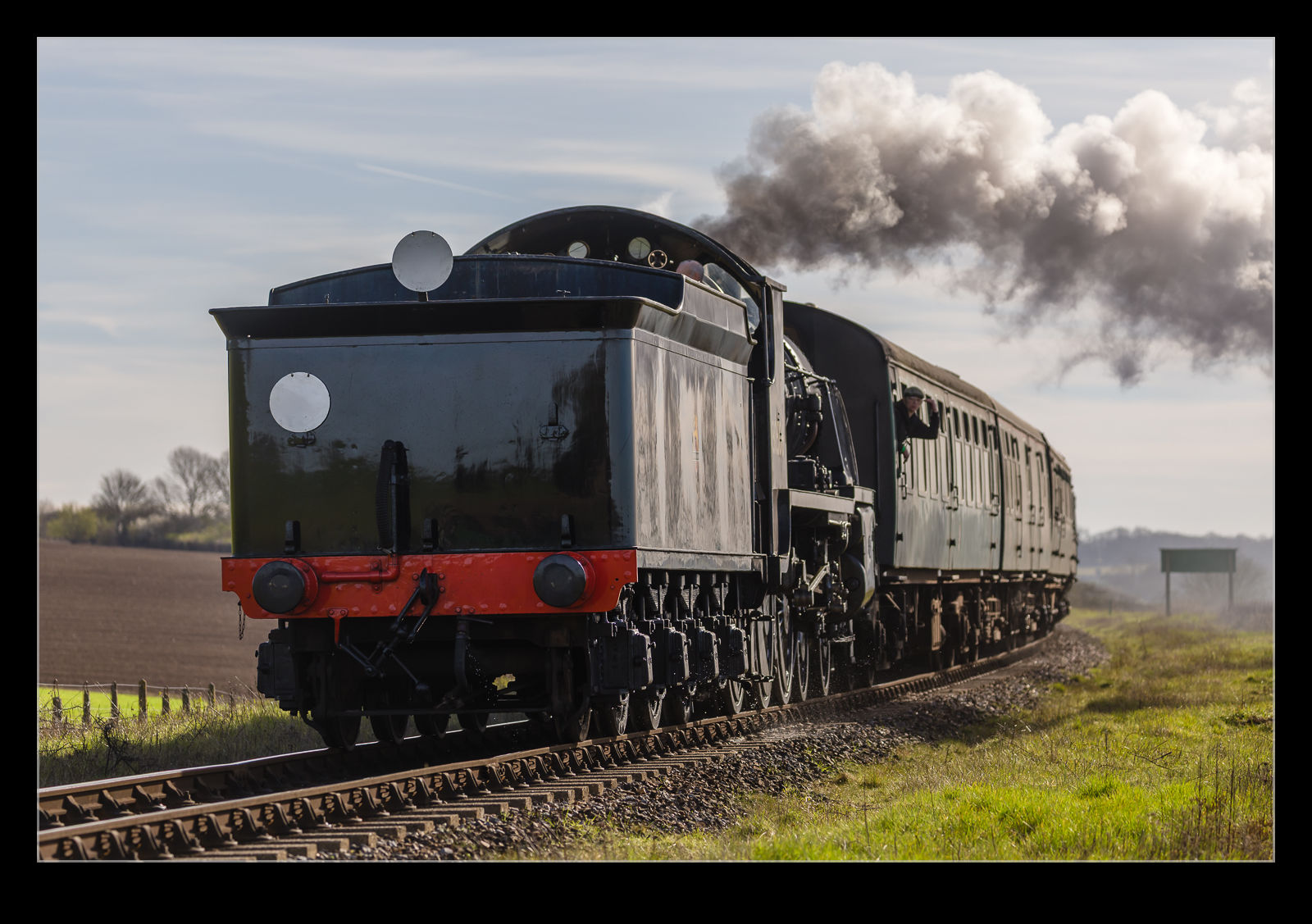
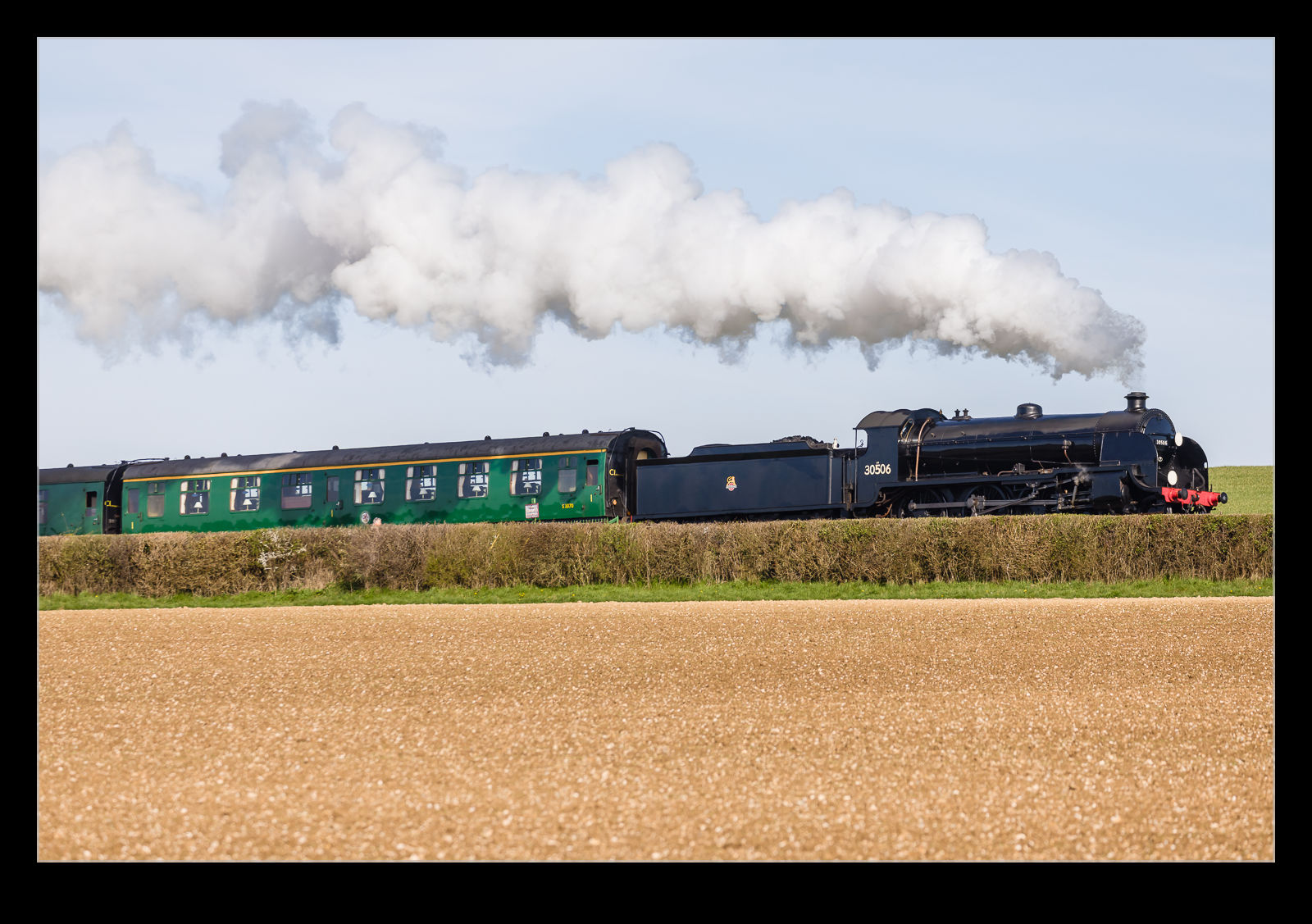
They had a variety of steam locos taking part (with the occasional diesel providing some support). Some were larger late generation locos, there were some tank engines and there was one that, to my untrained eye, looked like it was a lot older given the open area of the cab and the high chimney (is that the right term?). I used the same set up that I had tried previously with a longer lens handheld and a wide-angle lens set on the ground controlled by a Pocket Wizard. I also had the Insta360 mounted high on a fence to get some video.
The set up worked better this time. I had gone with a wider lens for the ground camera and also held the Pocket Wizard in a better way to allow a smoother transition from one shot to the other without any frantic fumbling! Overall, pretty happy with the way things worked out. I suspect I might head back for some of their other events this year if I am free (and the weather plays ball).
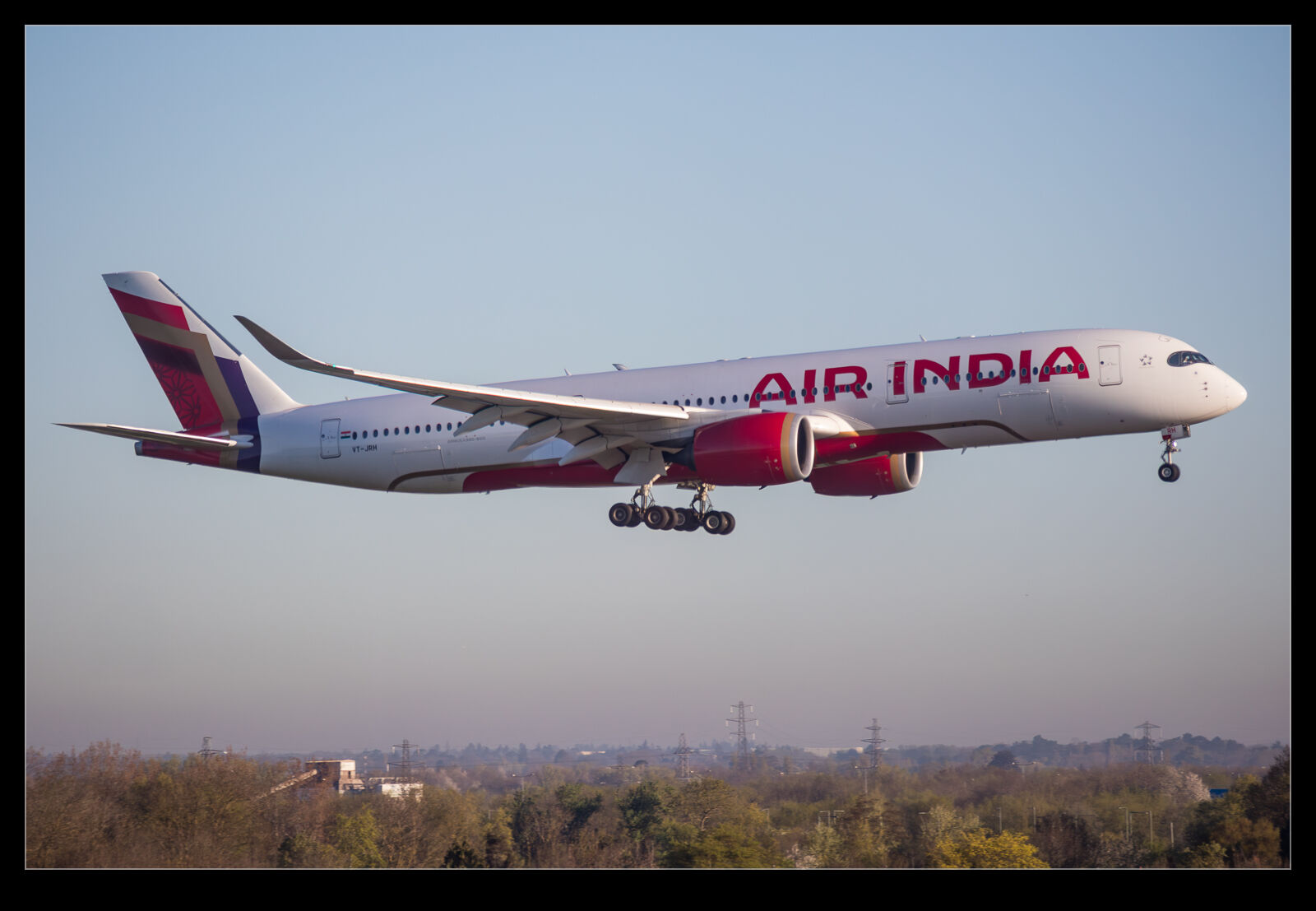
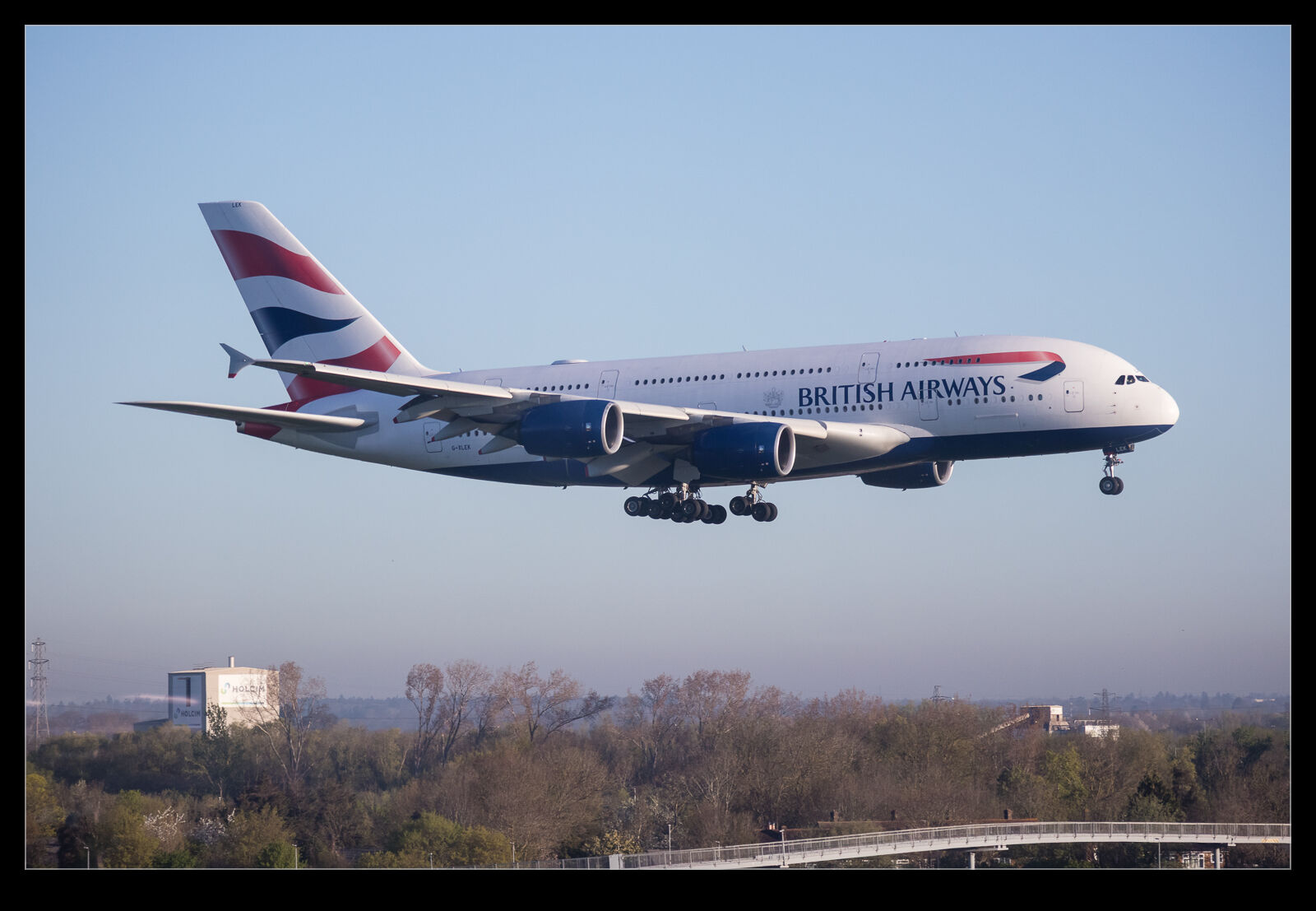
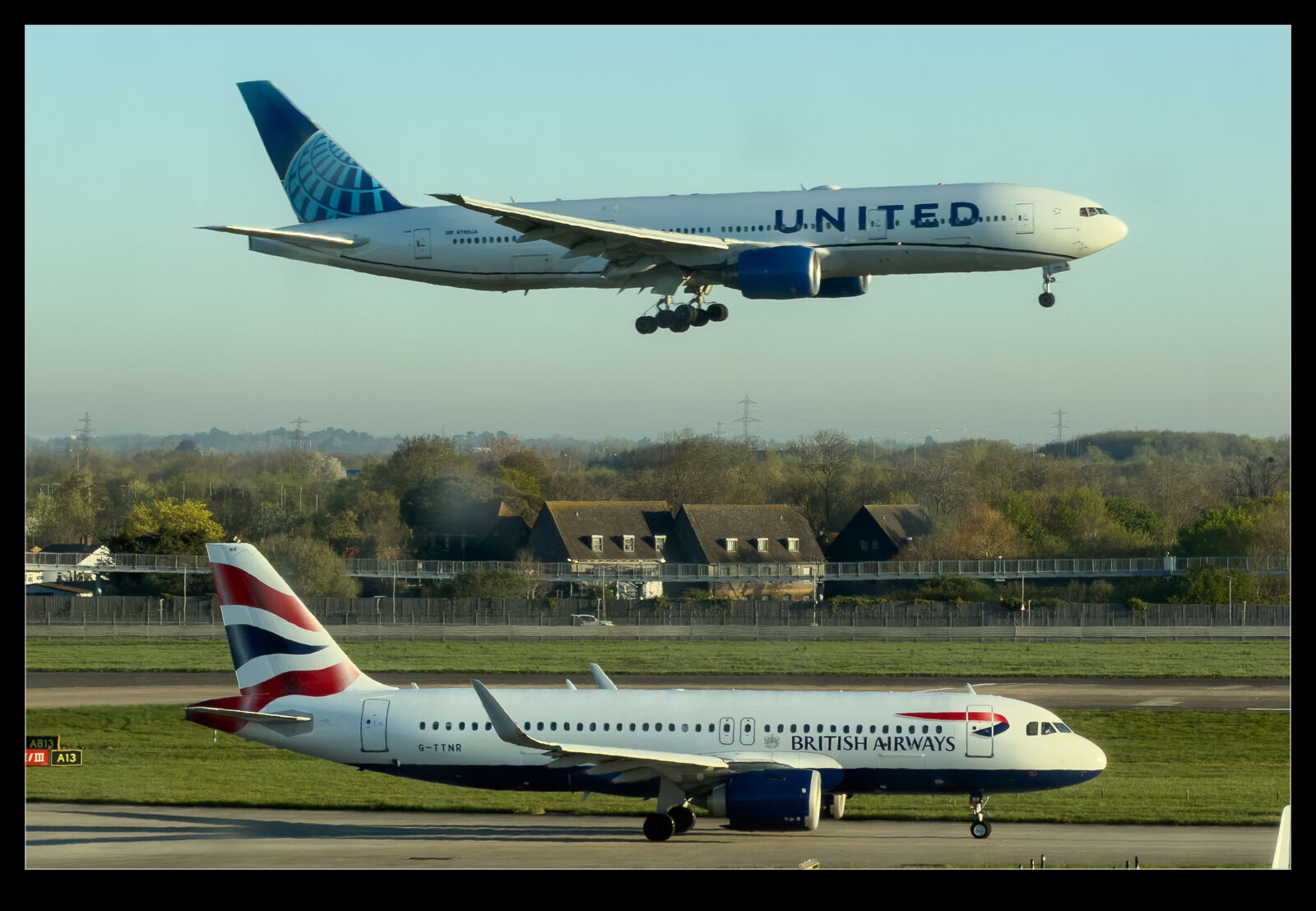
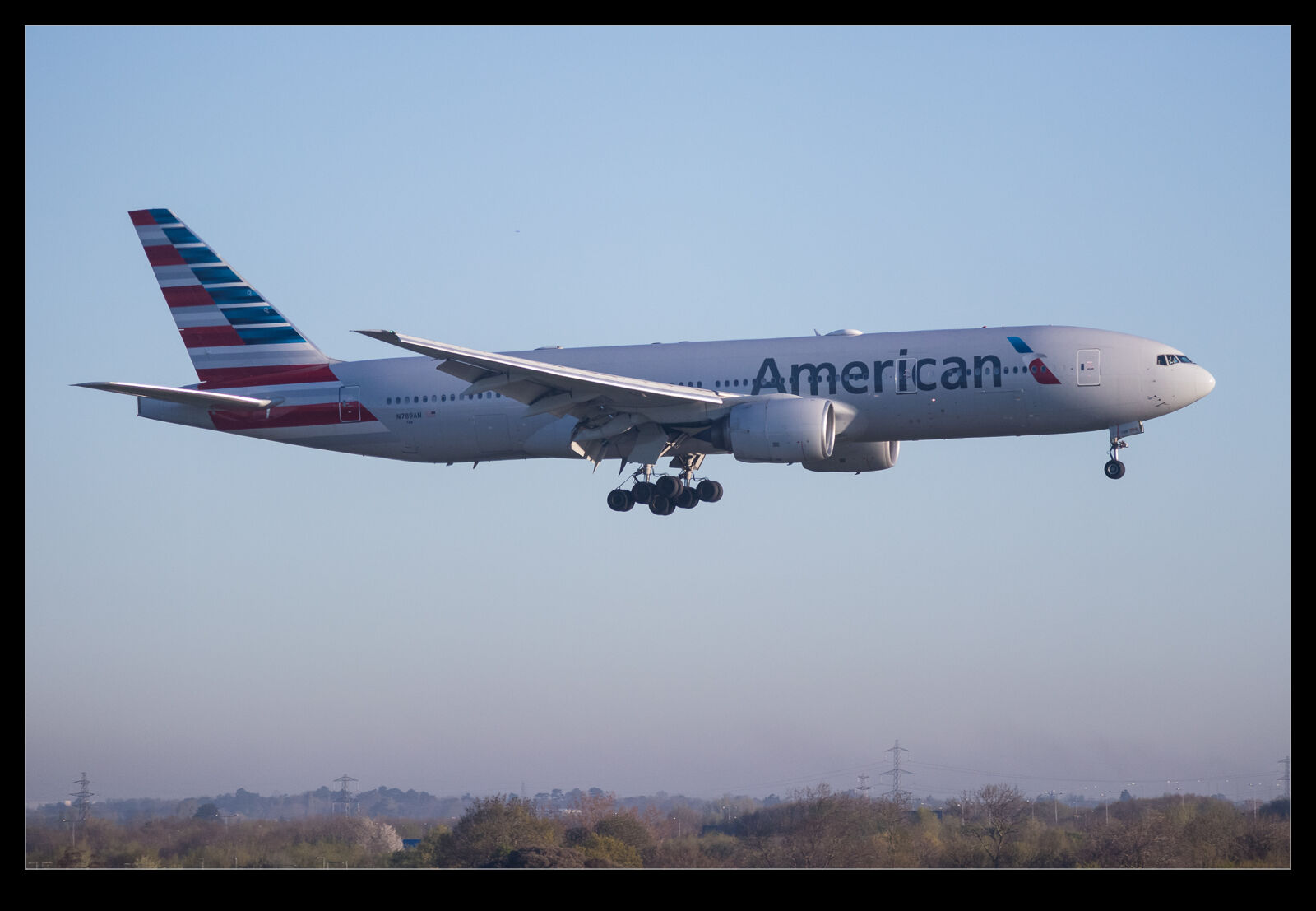
I had a short work trip to Scotland that involved a flight from Heathrow early one morning. The morning light was pretty good, and my gate was at the north end of Terminal 5 so I got to see a few of the arrivals while waiting to board. The Air India A350 was a nice catch but I got a variety of other arrivals. Aside from the regular British Airways short haul types, I did get and A380.
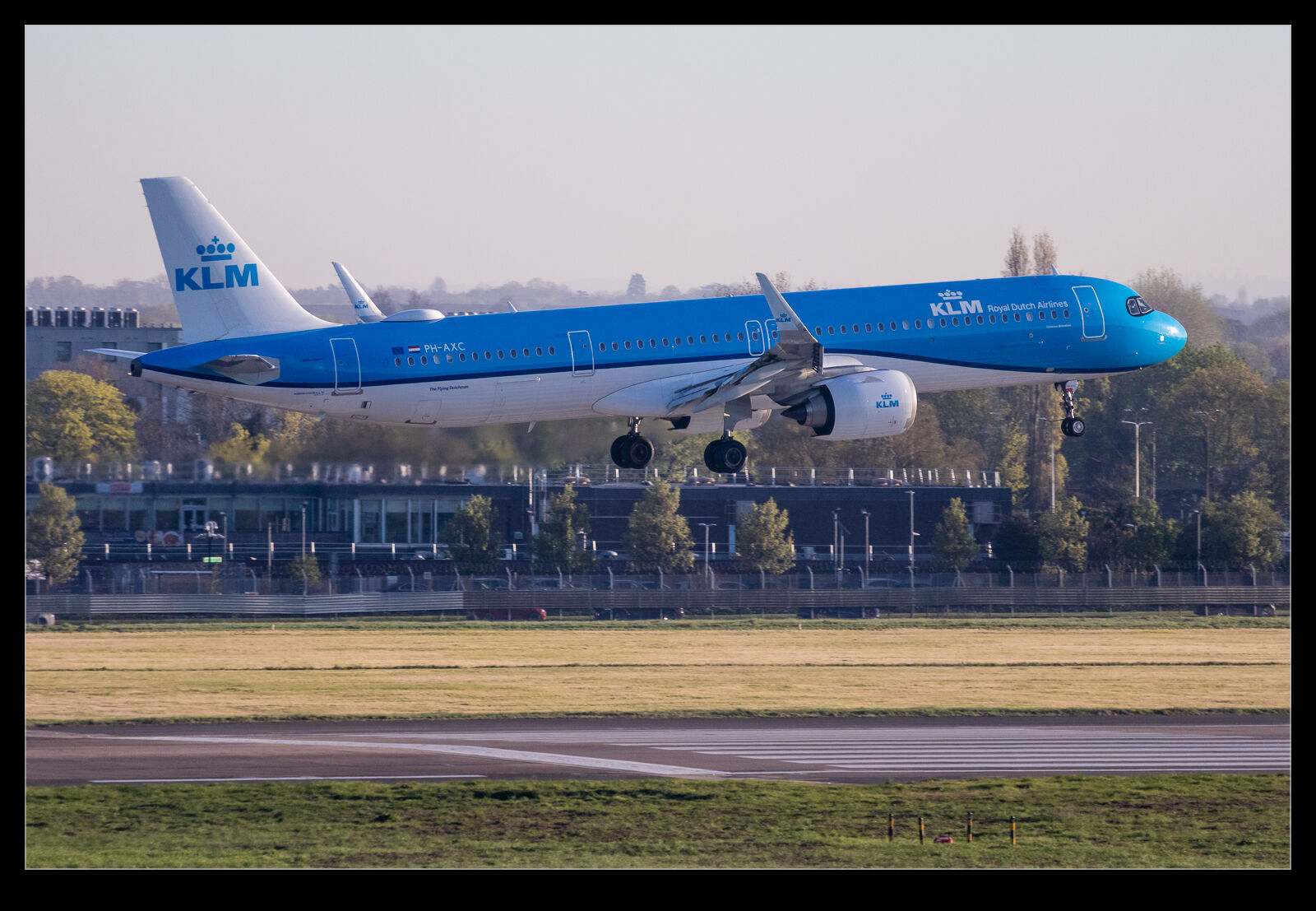
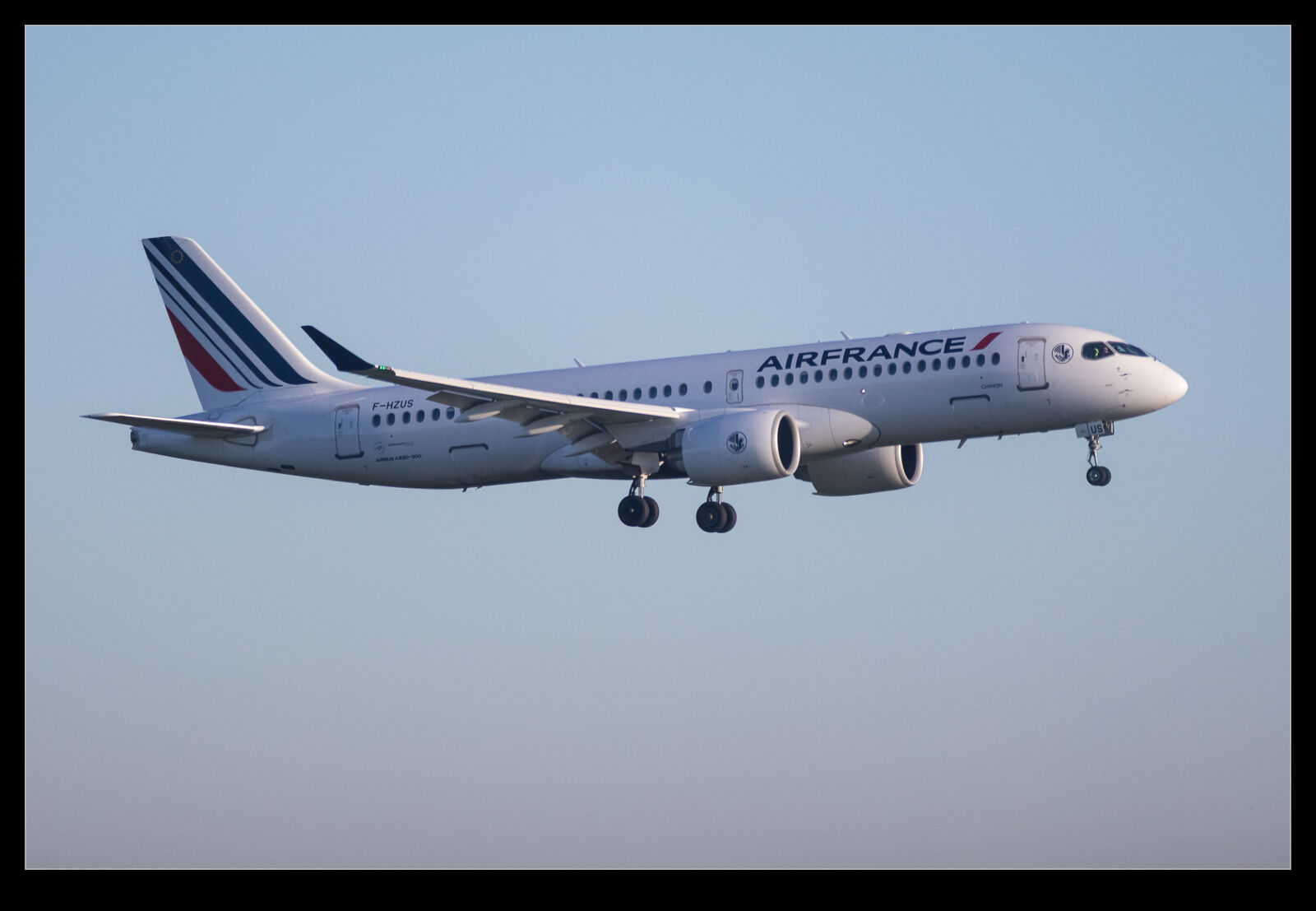
Add to that, there was an Air France A220 and a KLM A321neo. United also had an arrival. Shooting through the windows is not ideal and I was using the M6 which is really a step down from the R3 but has the advantage of slipping into my work bag easily so earns its place. I would really like to find something modern that has a similar form factor but is as responsive as current cameras. Sure, I really need another camera!
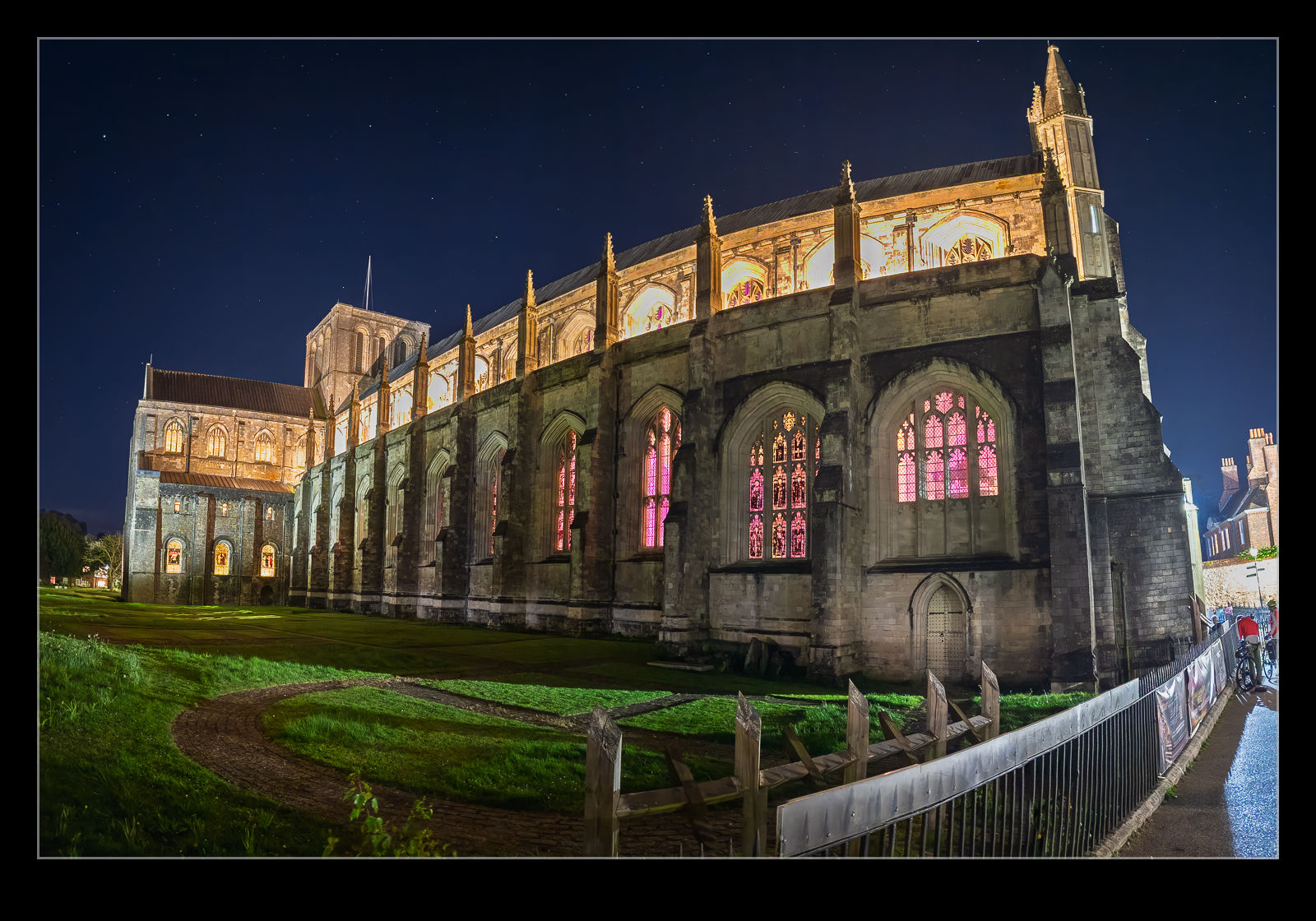
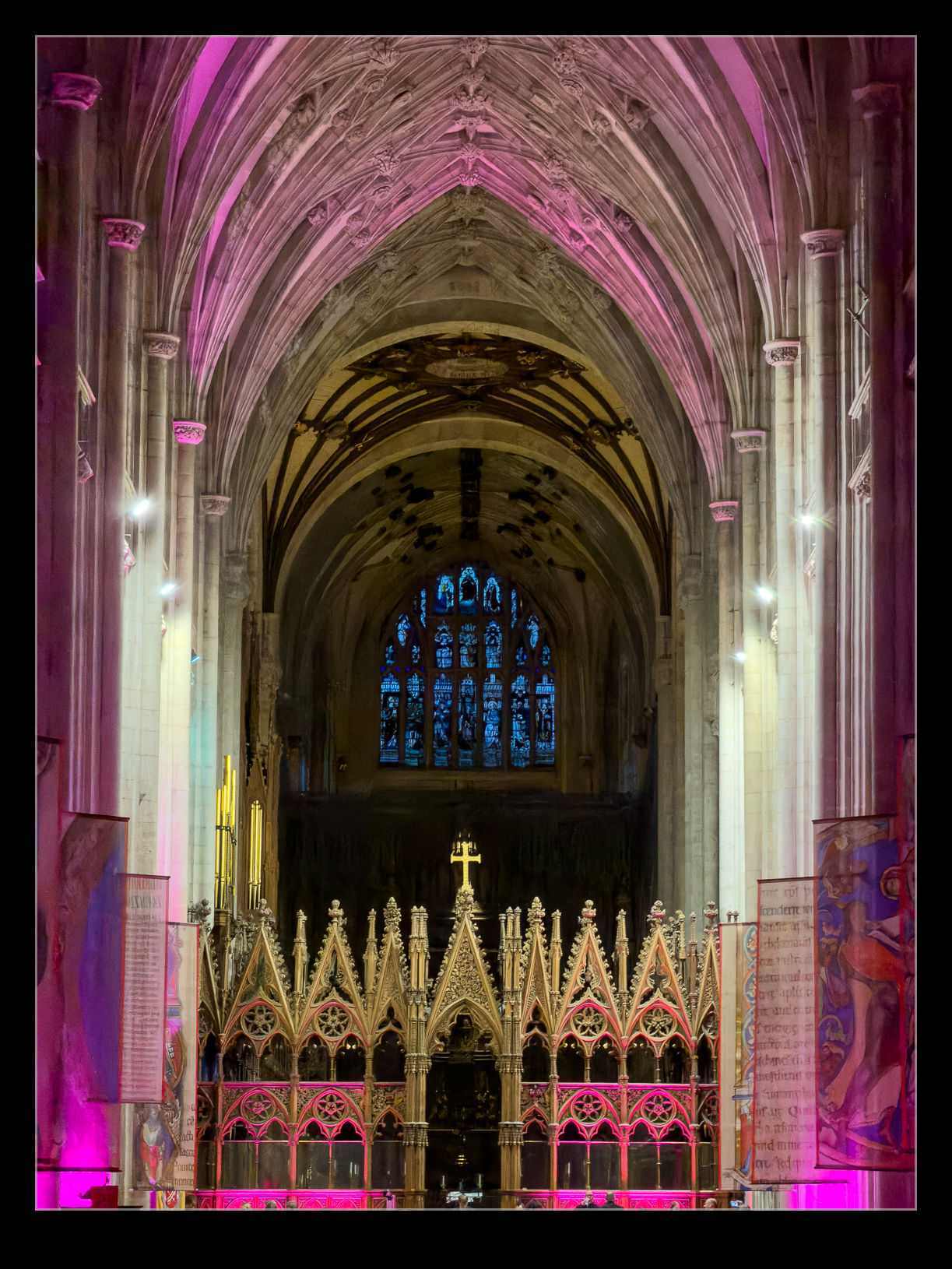
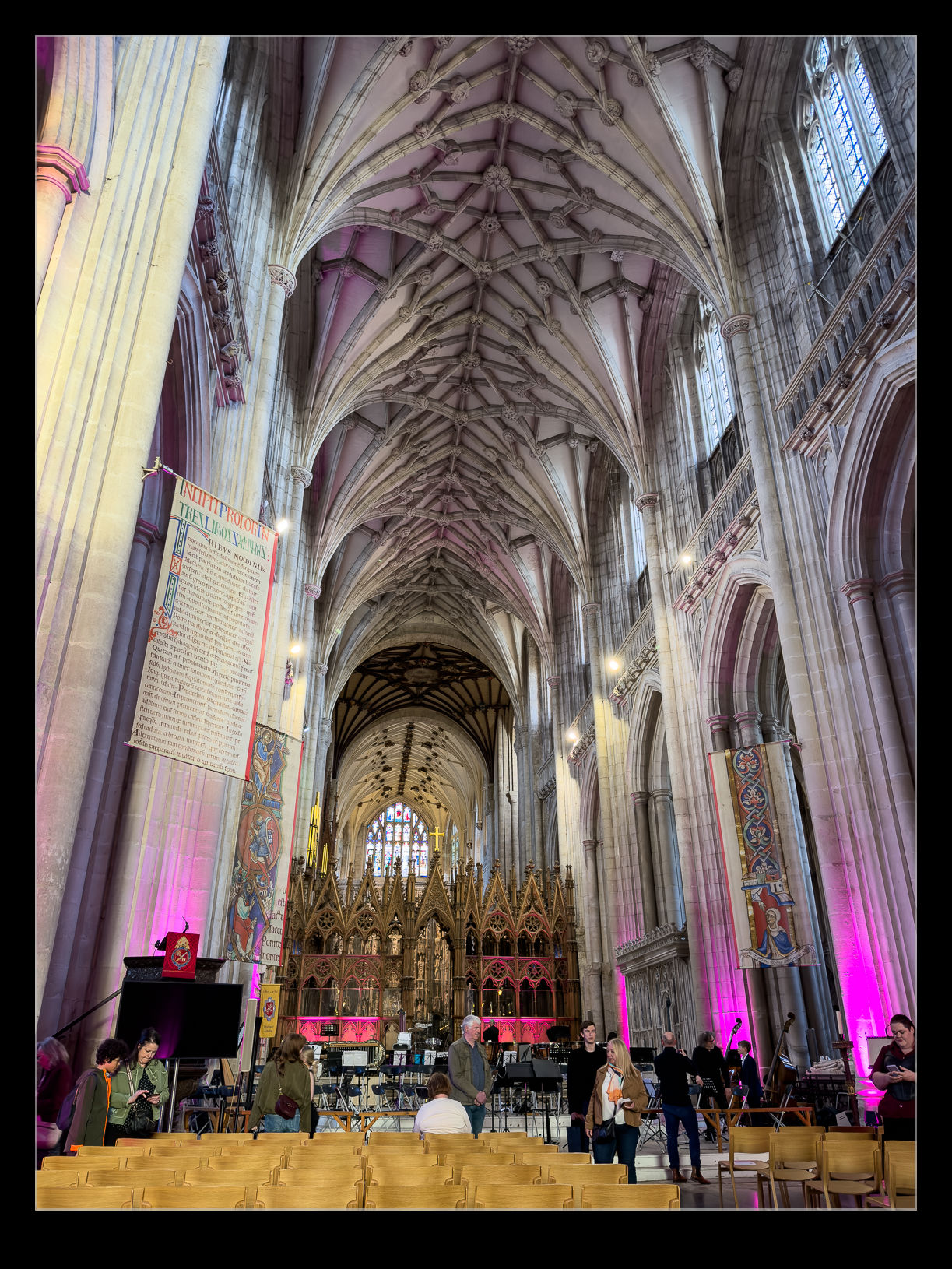
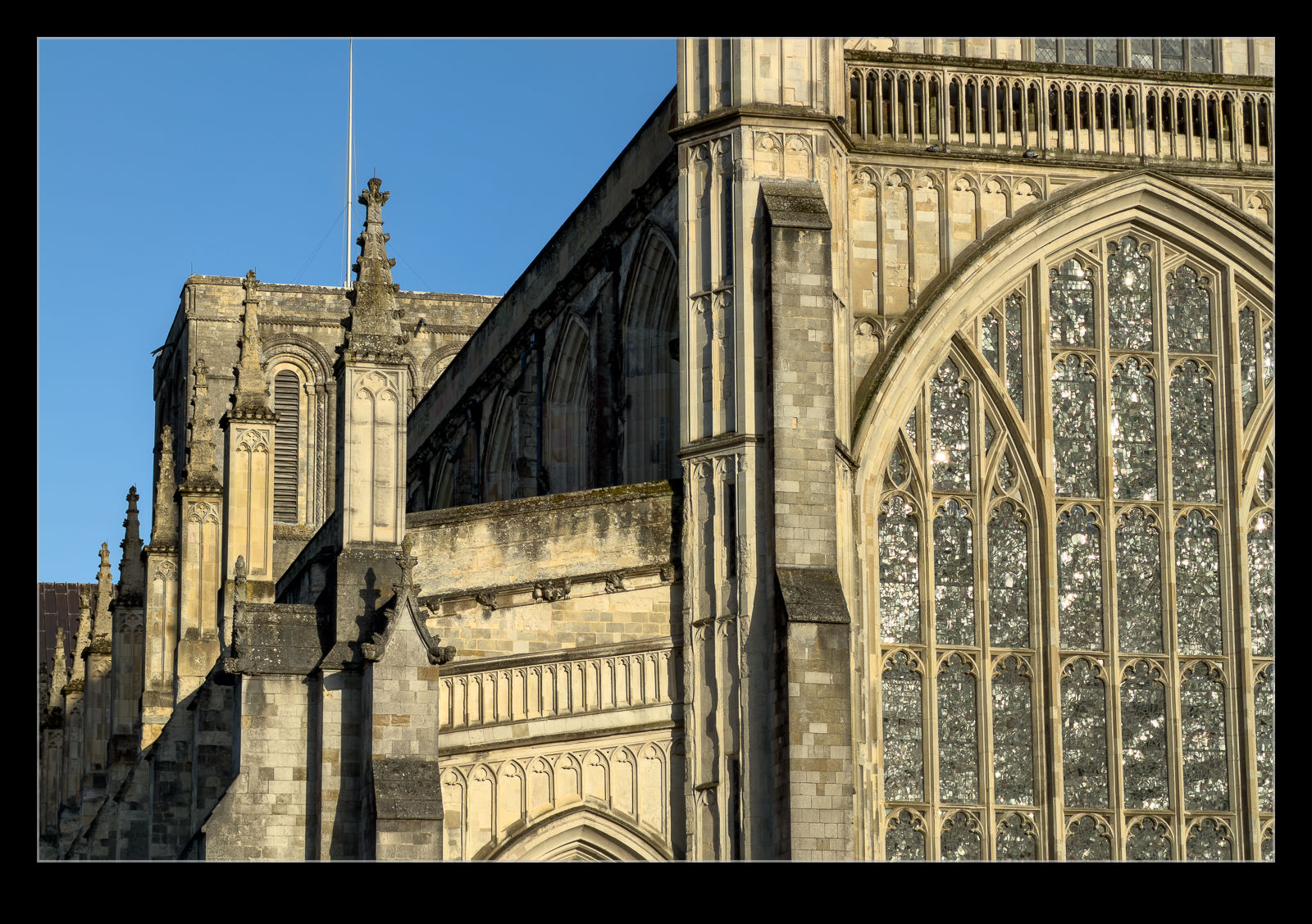
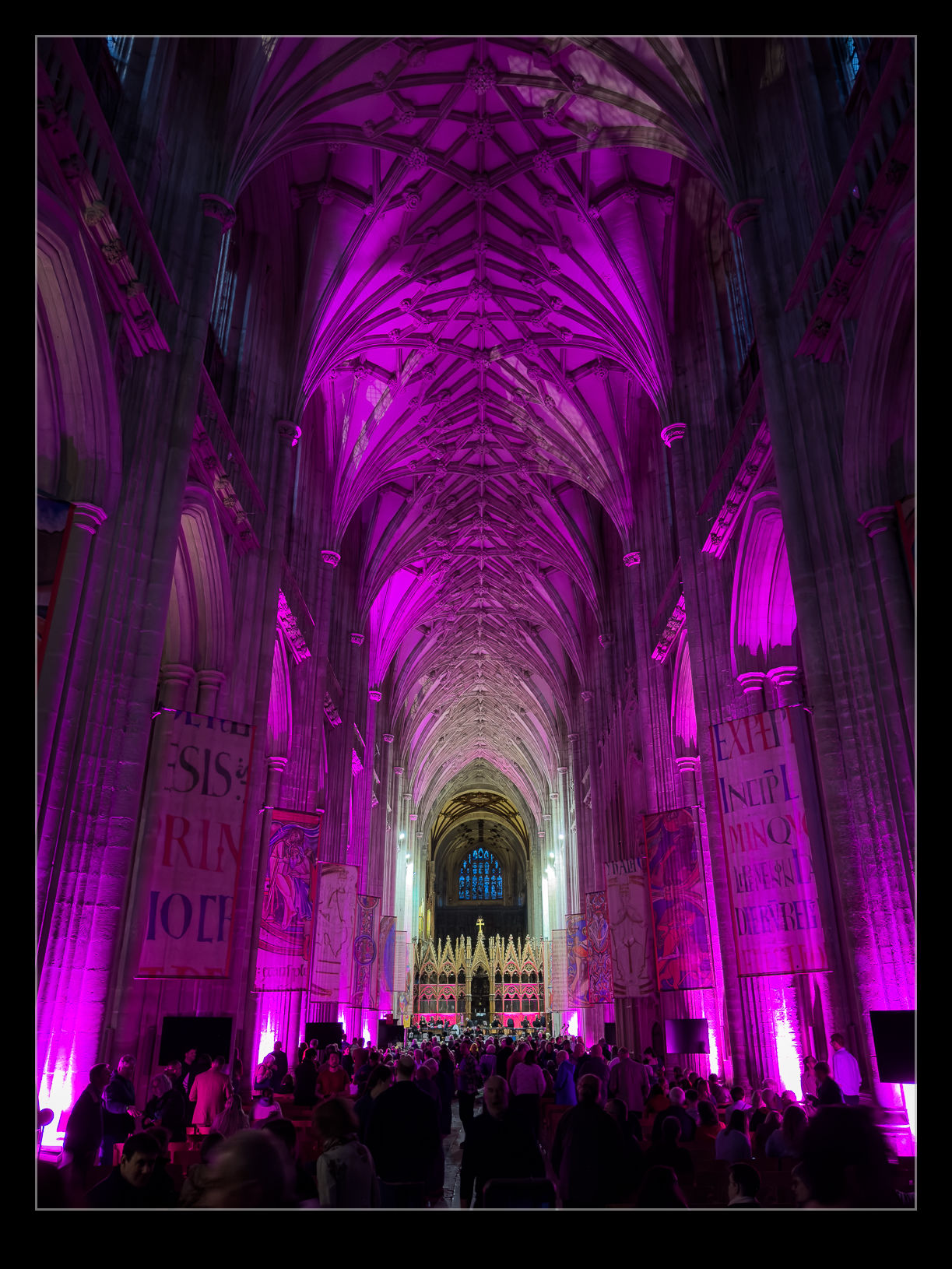
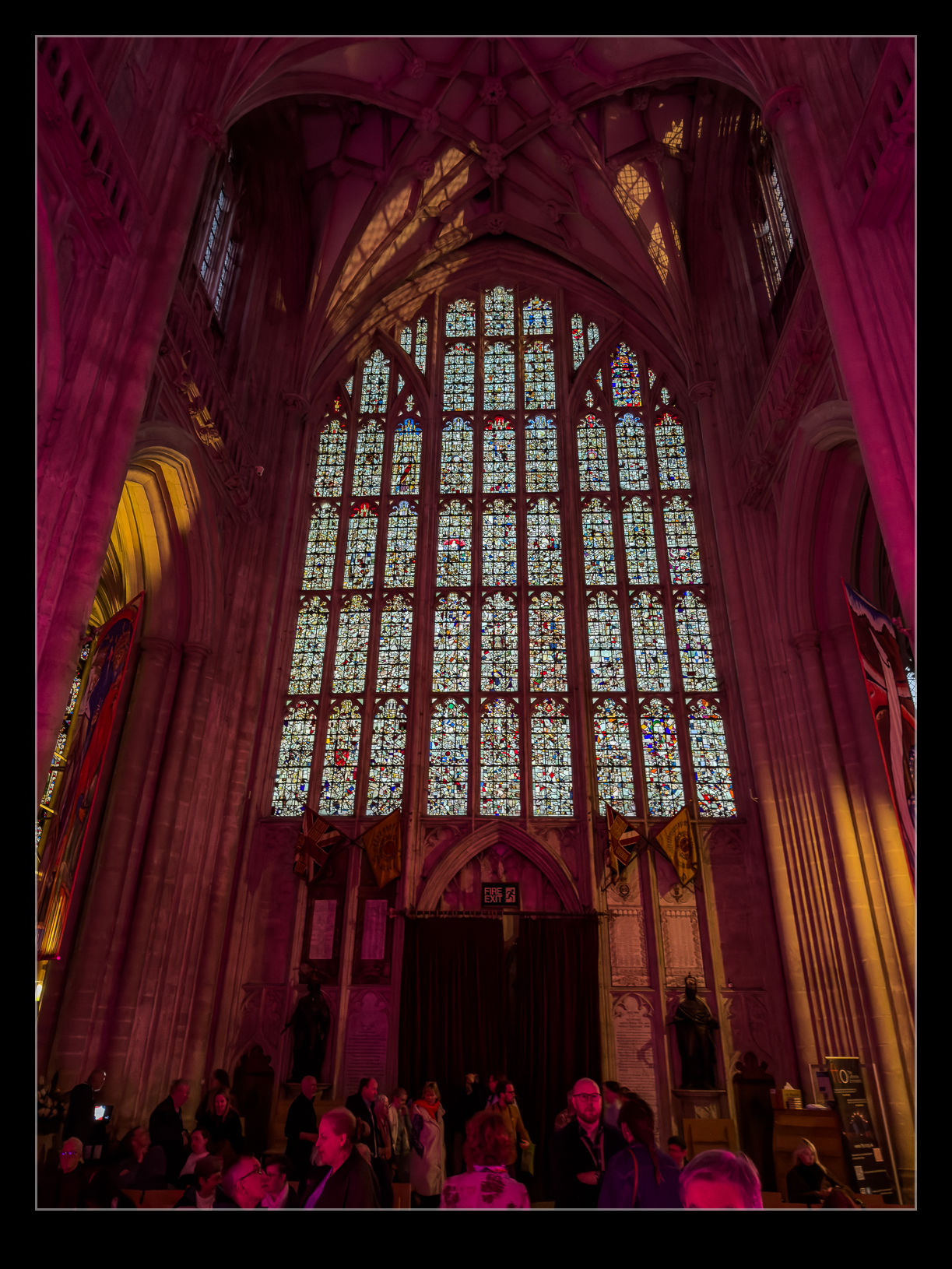
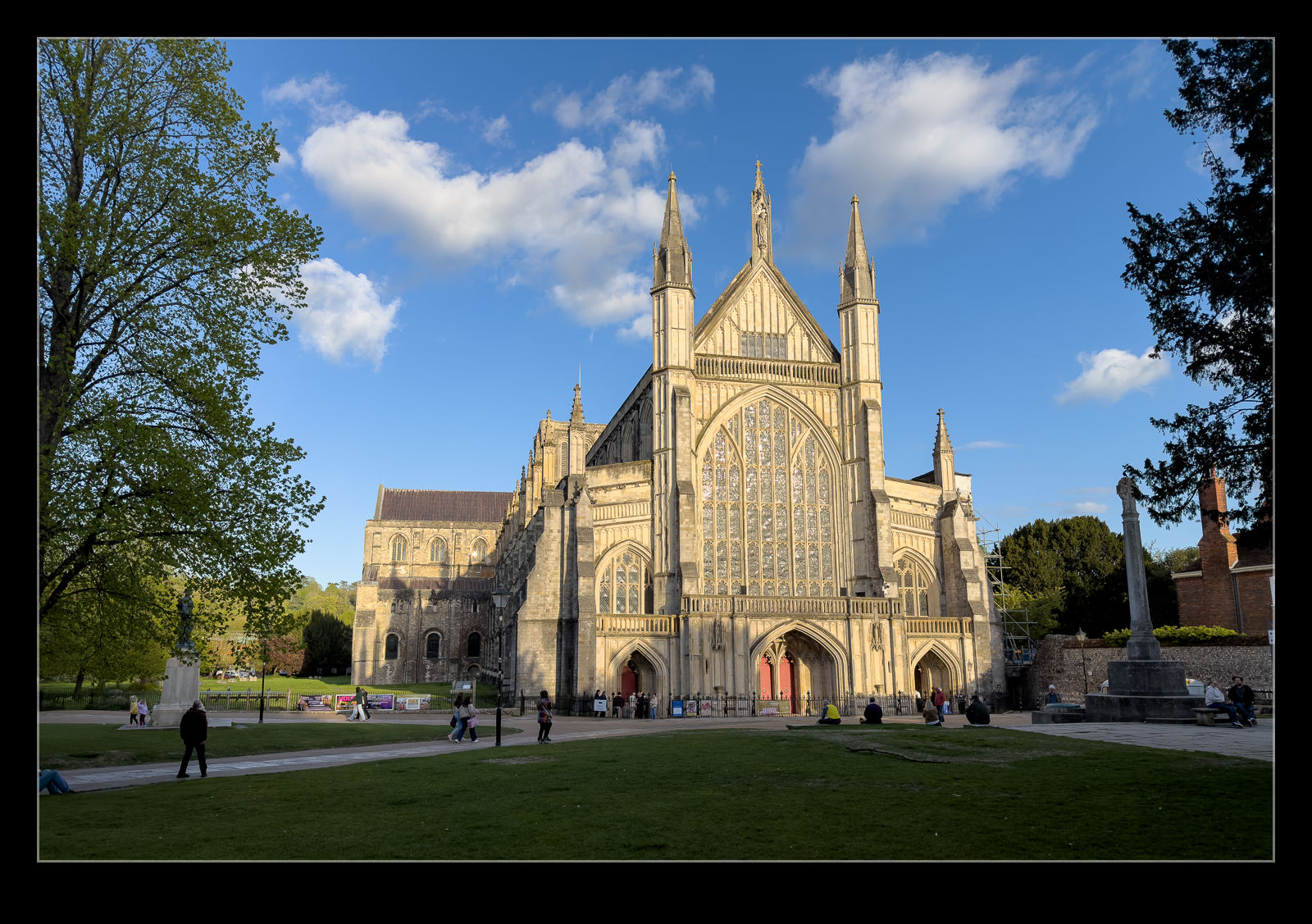
We bought tickets for an orchestral performance of The Planet Suite at Winchester Cathedral. It was still daylight when we went in before the start of the event but, by the time it was over, it was dark outside. The illumination on the cathedral was really nice and the ability of a modern phone to compile an image in those conditions still amazes me. I stitched together some shots to make this image. I also took a few inside the cathedral between the parts of the performance. Low light really does make for more interesting shots.
ightroom has been an integral part of my photography work for as long as it has been around. I was an early adopter of it when it was added to the Adobe portfolio, and I remain a daily user. I built a new computer when we were in Seattle, and it was happily zipping along when I built it whether it was working on photos or rendering video edits. However, in recent times, I found that Lightroom was getting very sluggish.
This was becoming very frustrating. The idea of building a new machine wasn’t top of my priorities right now. I didn’t want to be going through all of the migration issues again. It has got easier over the years and is now not too onerous but there are still things that need to be done that I forget until something minor doesn’t work. Before embarking on that, I did start paying attention to the performance metrics of the current machine.
As I was using Lightroom, I noted that the processor was rarely getting heavily used and I have a ton of RAM and, while that was getting quite well used, it also wasn’t getting maxed out. However, the offload to the graphics card did seem to be making that get used a lot. I took a look online at recommendations for graphics cards and decided that my first port of call would be a card upgrade.
Graphics cards are not cheap. The demand for the AI sector has put pressure on graphics chip pricing. I am also competing with the serious gamers which means even more upward pressure on the price. However, I got something that was identified as having good capabilities for Lightroom. It showed up quickly (doesn’t everything these days – how strange it feels when something is going to have a long lead time) and I went about squeezing it into the case. The previous card was considerably smaller and required a lot less power. I had to remove some of the internal elements to get this to fit. It also needed three power cables versus the one for the previous card. All of this was relatively easy although far less so than it would have been if I was putting the thing together from scratch.
I powered the system up and, after a few driver installation processes, the machine was ready to fire up Lightroom. It opened up and I immediately noticed the difference. Scrolling through the catalogue, previous rendered immediately and the log in scrolling was gone. I opened up an image and created a virtual copy to play with the masking functions. The first mask model was rapidly created and then the brush functions were tried. Absolutely no lag and great responsiveness. It was like a had a new computer.
Looking at the performance metrics, the processor and RAM were much as before but the new card was working away busily and was using a load of RAM. It was certainly doing what was hoped. This wasn’t a cheap upgrade to make but it has effectively given me a new level of performance by changing one component and leaving everything else as was. That seems like a win to me.
I had spent a bit of time preparing to photograph the Flying Scotsman on a Saturday morning at the Watercress Line. Once done, I had gone home and picked up Nancy so we could head to an appointment that we had in Itchen Abbas. When we finished there, the plane was to head to Alresford for some other stuff. This was going to take us by the bridge in Bishop’s Sutton that goes over the track. I thought it was about the time that another of the Scotsman’s planned runs should take place. Consequently, we drove by that way.
There were plenty of people on the bridge when we got there so I parked and asked if it was due. Someone said five minutes, so I grabbed the cameras from the car. As I did so, I saw people lifting cameras to their eyes so zipped back. The train was already climbing the hill out of Alresford. The longer shots were not great because the heat haze was already showing itself, but they were okay. As it came up the cutting, it was making plenty of power. Then it was gone. We were back in the car and off to our destination and it had barely taken five minutes out of our day!
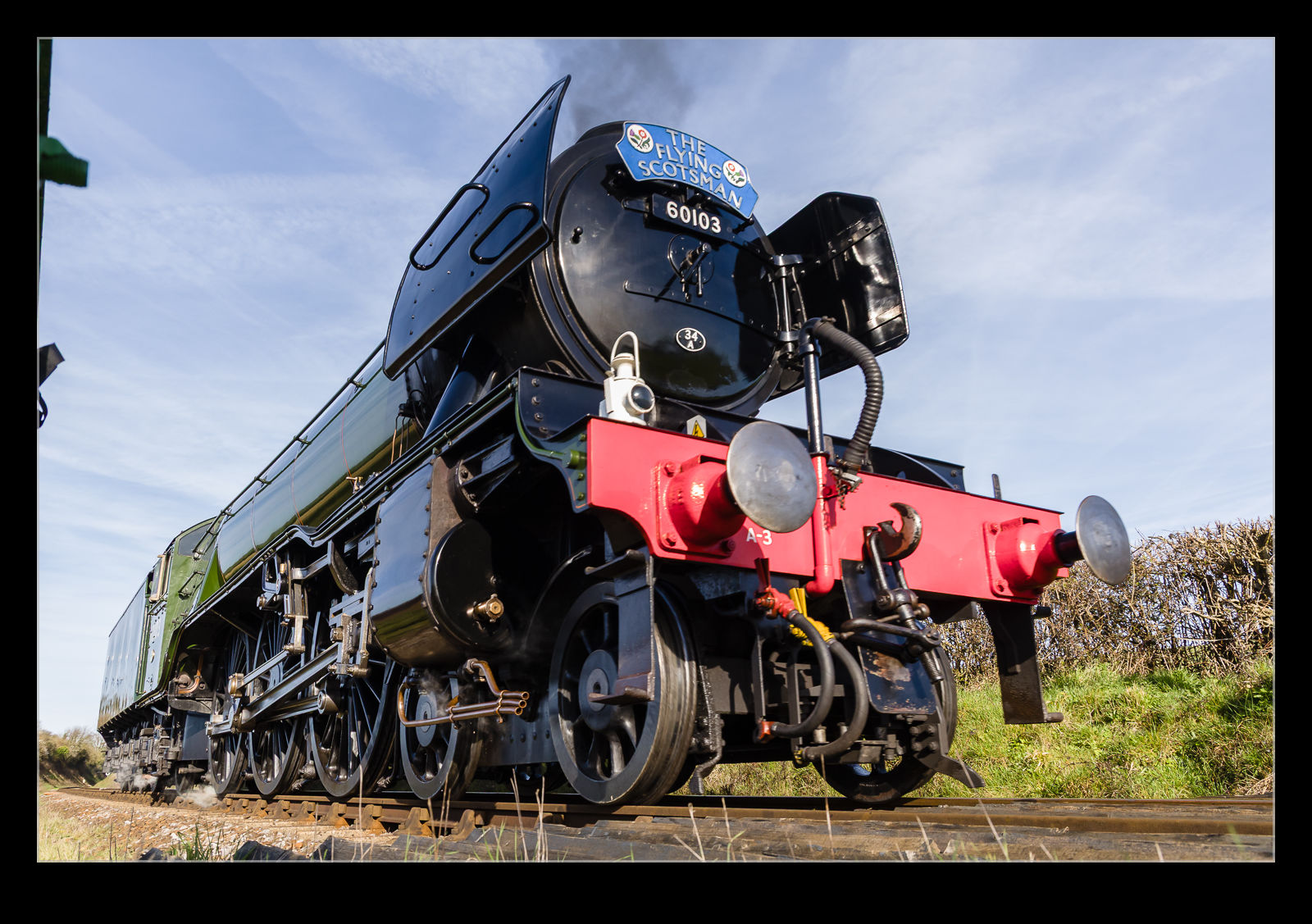
In a recent post, I told the story of my less than successful efforts to photograph the Flying Scotsman at the Watercress Line. In that entry, I mentioned how much public attention the loco gets. Given the number of large steam locomotives that there are in the country, it is interesting just how much more this one attracts visitors. If it helps the railways get some additional revenue, it is surely a good thing. Seeing as I had messed up getting photos on that occasion, I decided to try again the following weekend. The weather forecast was far nicer. Moreover, I spent a load of time thinking about what I would do. Even then, as I headed out in the morning, I had a couple of options with the things I was bringing.
I took two cameras with me and the Insta360 as well. I also had a clamp mount which I hadn’t decided whether I would use for the Insta360 of the second camera. I figured I would decide when I got there. Since the weather was nice and the Scotsman is popular, I worried that it might be pretty busy. There are limited parking spaces on the lane near the crossing I was going to, so I headed out in plenty of time. Of course, when I arrived, there was no one else around. Plenty of time to now kill!
I walked up to the crossing and found it empty. This gave me loads of time to decide on what to do. I had brought some PocketWizards with me. If I was going to use the second camera, these would be used to trigger that body.
As I unwrapped the PocketWizards, I realised that the Velcro cover I used for them would also make a nice wrap for the Insta360 handle. I attached it to the fence and wrapped the handle to the fence posts, and it provided a nice secure fit which meant I know had the clamp mount available. The Insta360 is controllable from my phone, so I was able to leave it fully extended and just activate it from the app when ready. I did a test with it when it stopped recording after 20 seconds. I have no idea why it did that so tried a couple of further recordings which all worked fine so I decided that was good to go.
While the PocketWizards can be used to trigger the second body when the first is firing, I didn’t actually want that. The two bodies were set up for different shooting scenarios – the long lens would cover the approach of the train but, during that time, it would be so far away that there would be no benefit to shooting with the wide-angle lens. Similarly, once it was close enough for the wide angle, the long lens would already be too much so I would have stopped shooting with it. Consequently, I handheld the PocketWizard and triggered it by hand when required.
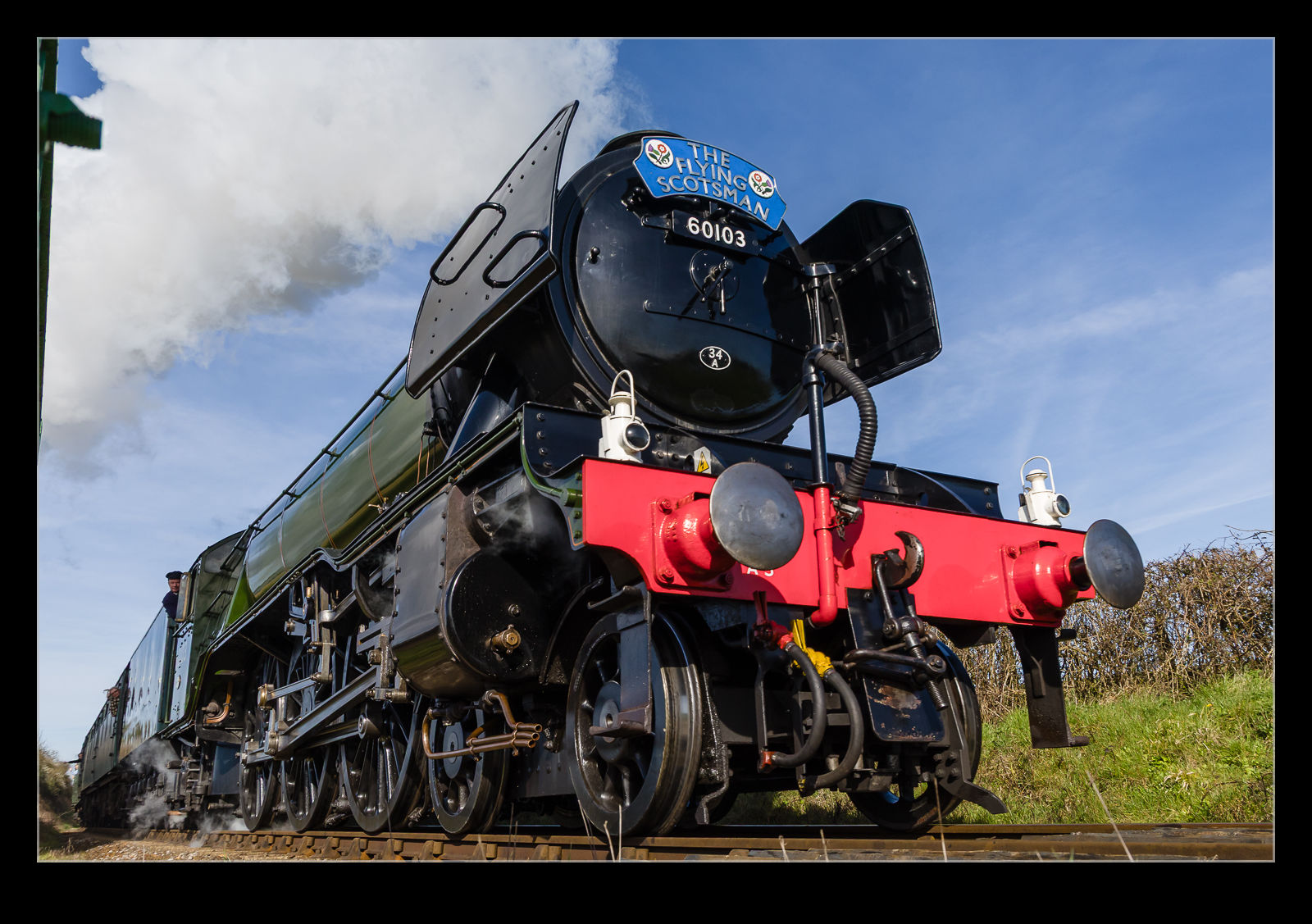
I clamped the mount to the bottom of the fence with the camera at ground level looking up at the approaching train. I normally use back button focus but I don’t think that would activate via the PocketWizard, so I switched it to front button for focus and exposure. The joy of a flexible screen is that you can frame up the shot without having to be a contortionist which is good news for those of us with a few years under our belts. With everything set up, I set off a few test shots to see if everything was working. It all seemed good so now it was time to wait.
I was expecting one or two movements before the Scotsman which would give me a chance to test things out. There is a shuttle that is used to take people from Ropley to Alresford for the main event so I figured that would come through. It would be going the wrong way but would allow some practice. However, there was more than I expected. The first thing to appear was a steam loco running light in reverse from Ropley. Turned out that it was the Scotsman heading from Ropley to Alresford to join the train. That was a nice option but, of course, it had no coaches and, since it was running downhill, it wasn’t making much power. The shuttle also ran back, and forth which gave me some practice while another train rain down to Alresford for a service that would come after the Scotsman had departed for its first run.
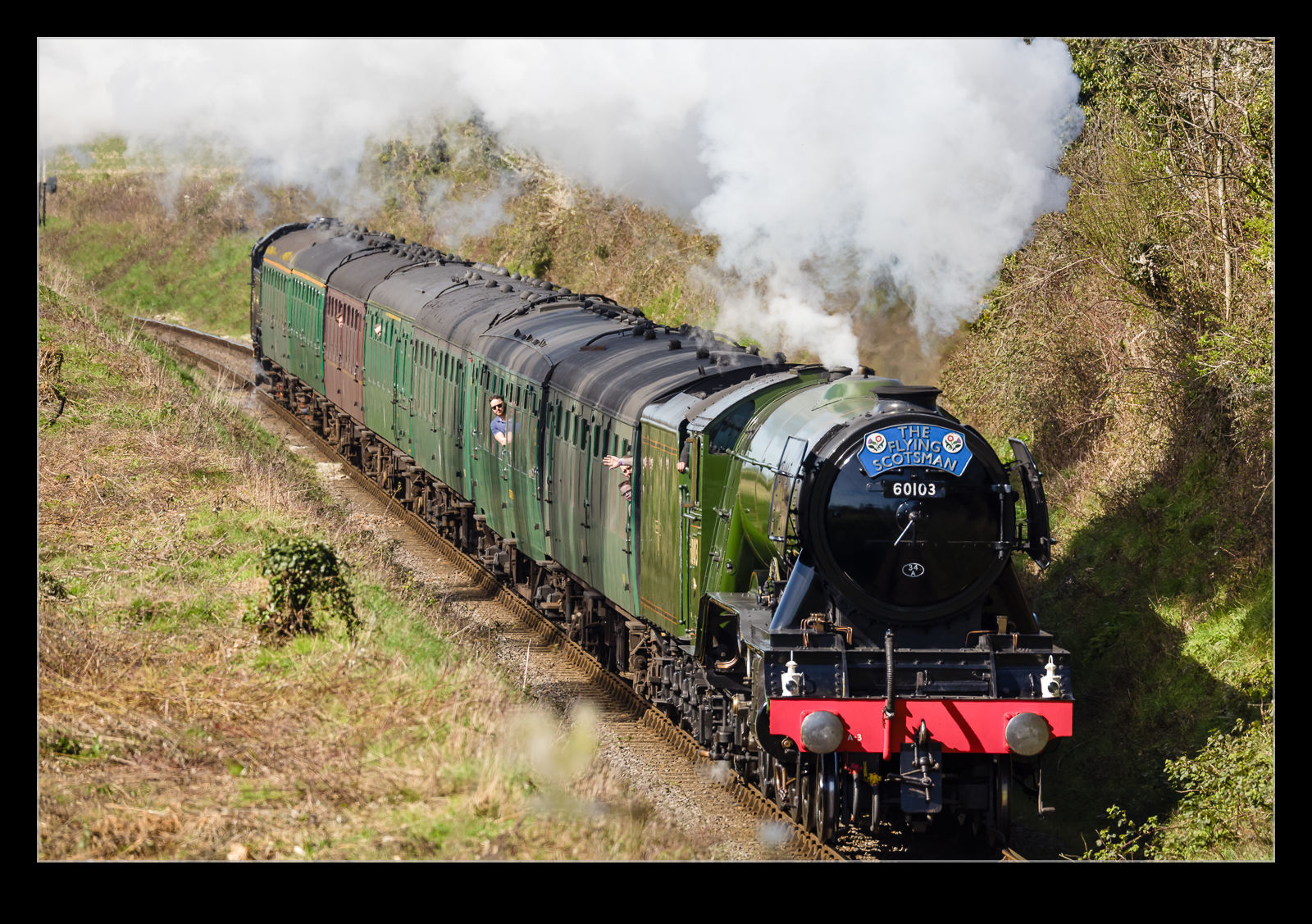
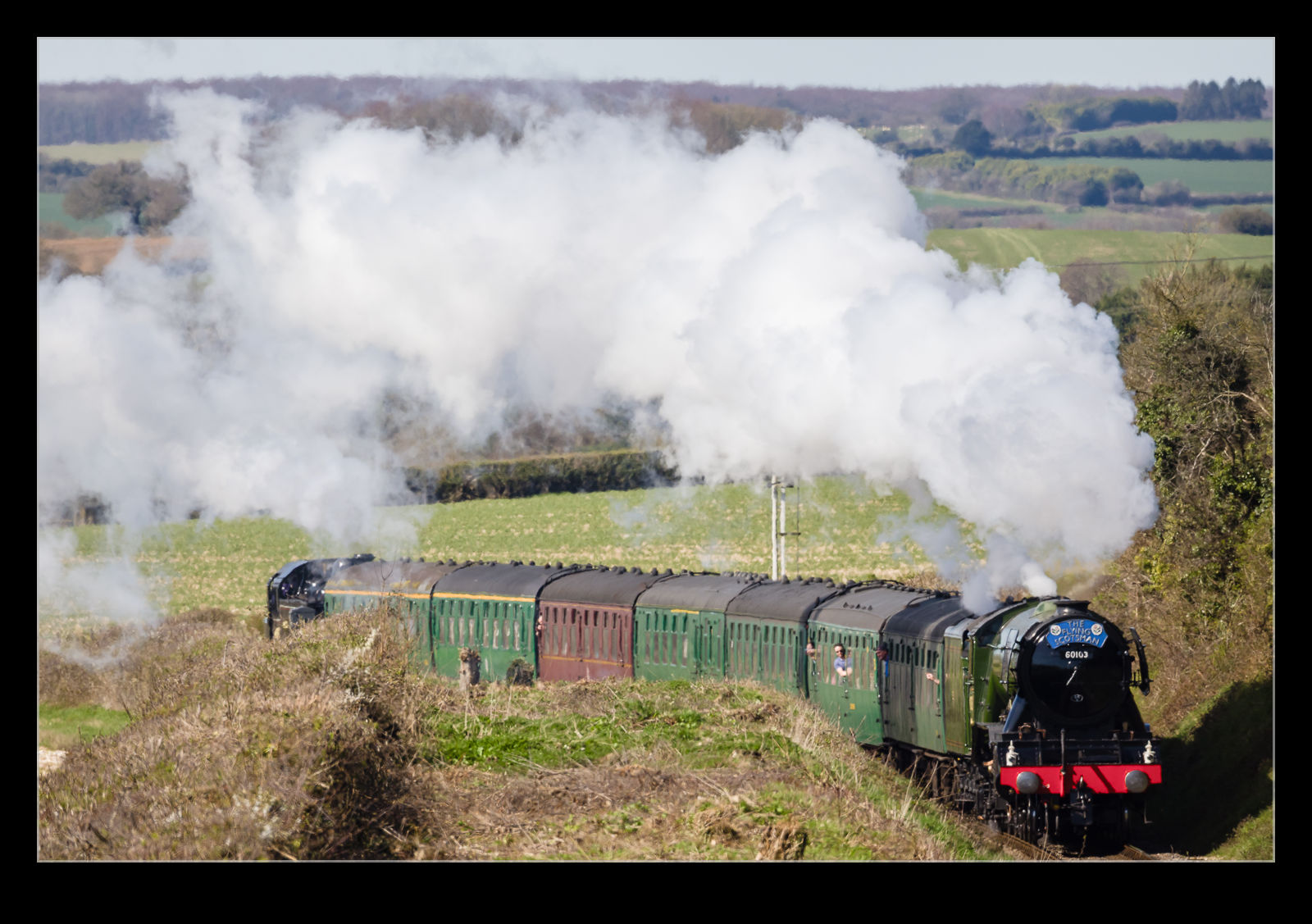
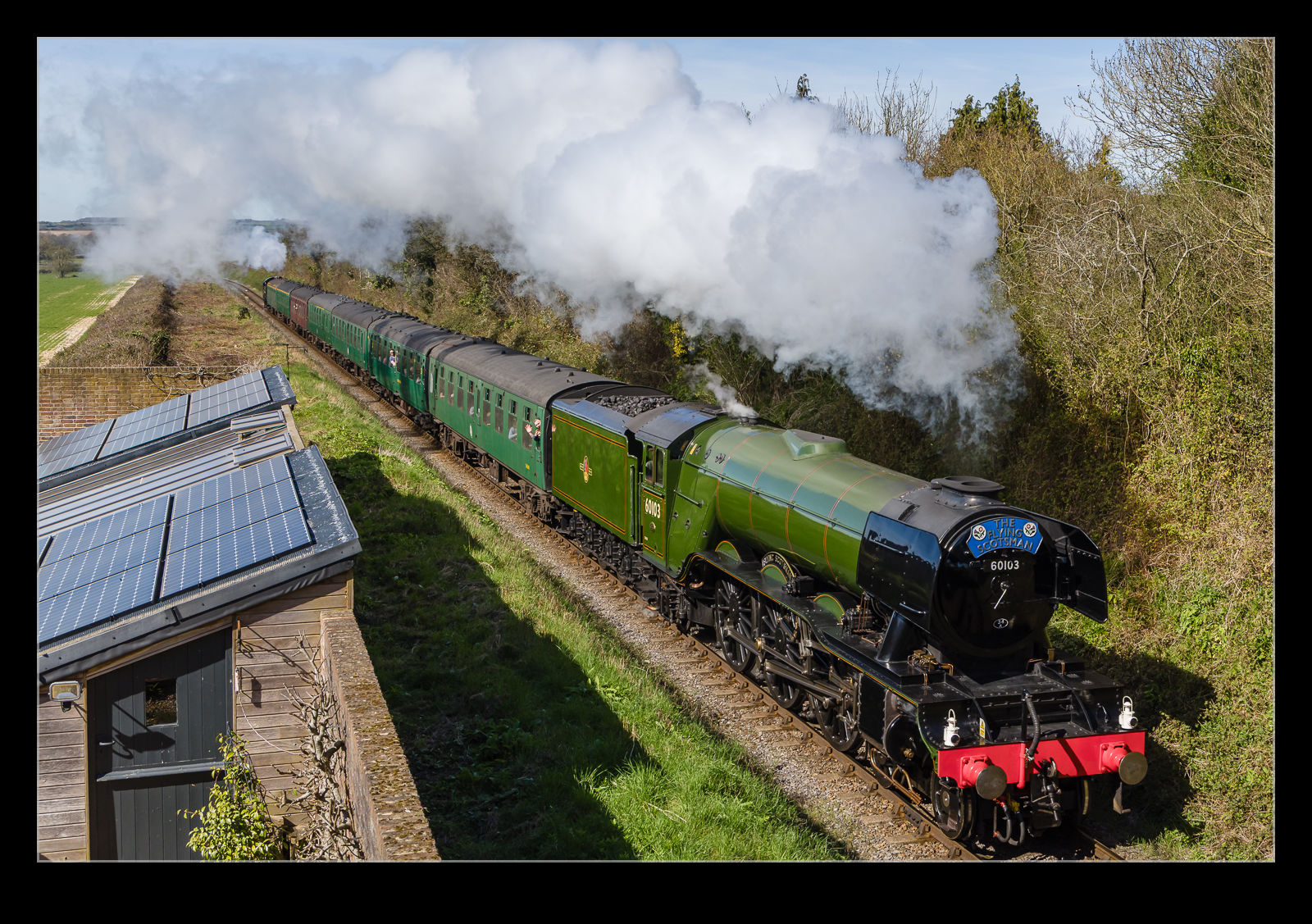
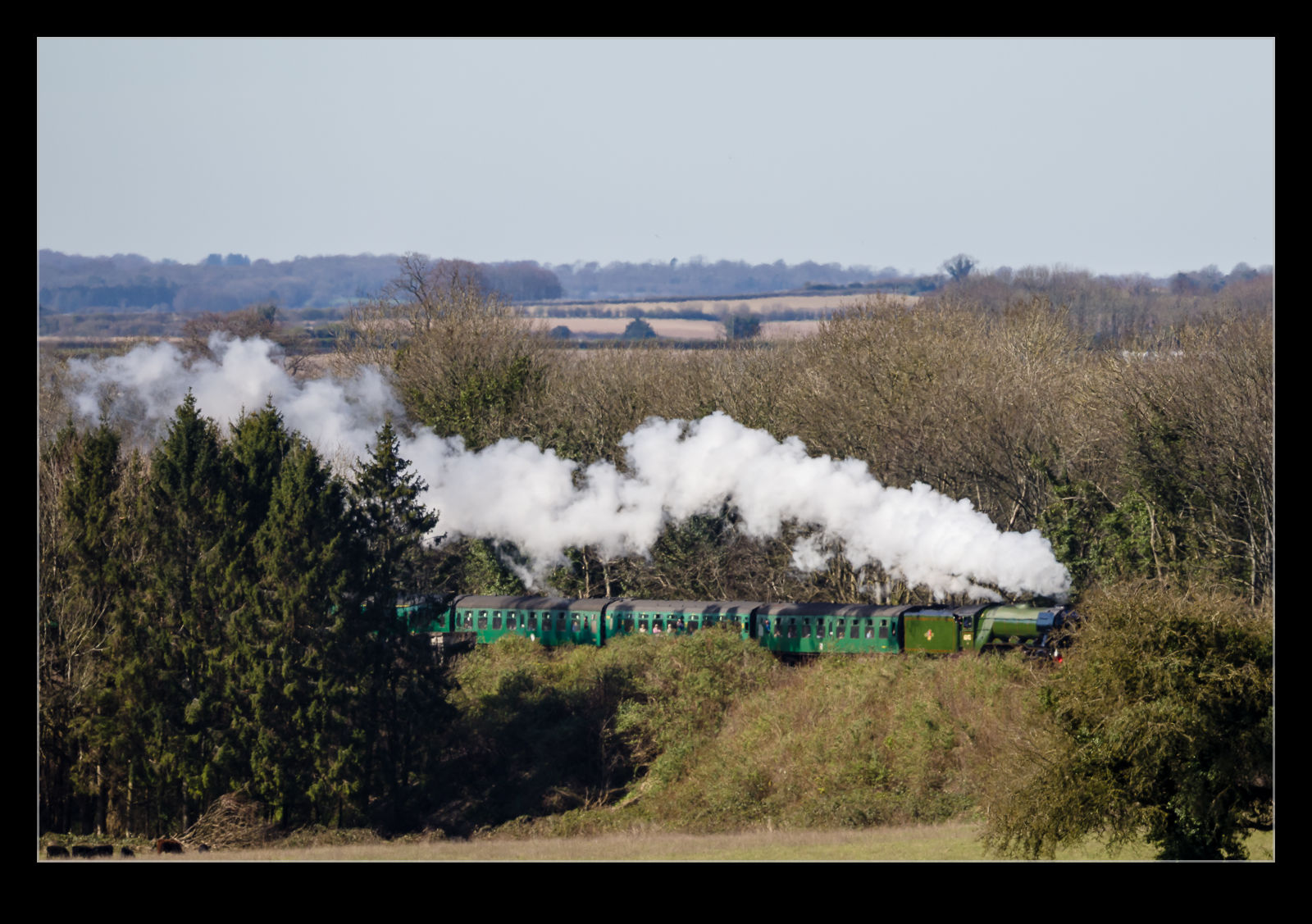
All of this provided me with time to play around with the set up and make sure all was working the way I wanted. Then it was time for the reason for being there. The train departed Alresford pretty much on time. Since it is quite a climb up to Ropley, the loco was making lots of power and there was a banking engine on the rear too. The smoke could be seen through the gap in the trees, so we knew it was coming. Eventually it came around the corner in the cutting, and we could get some shots.
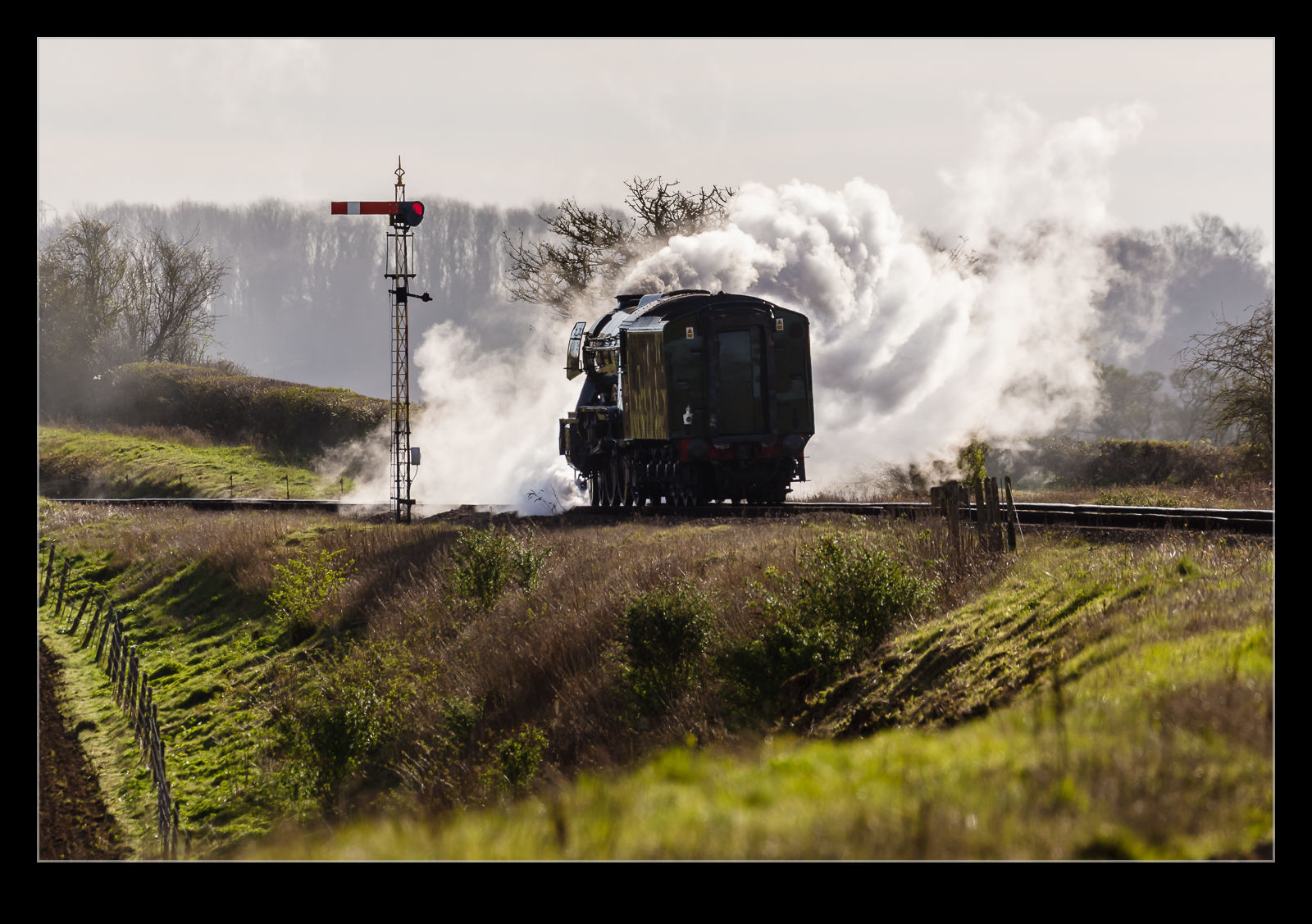
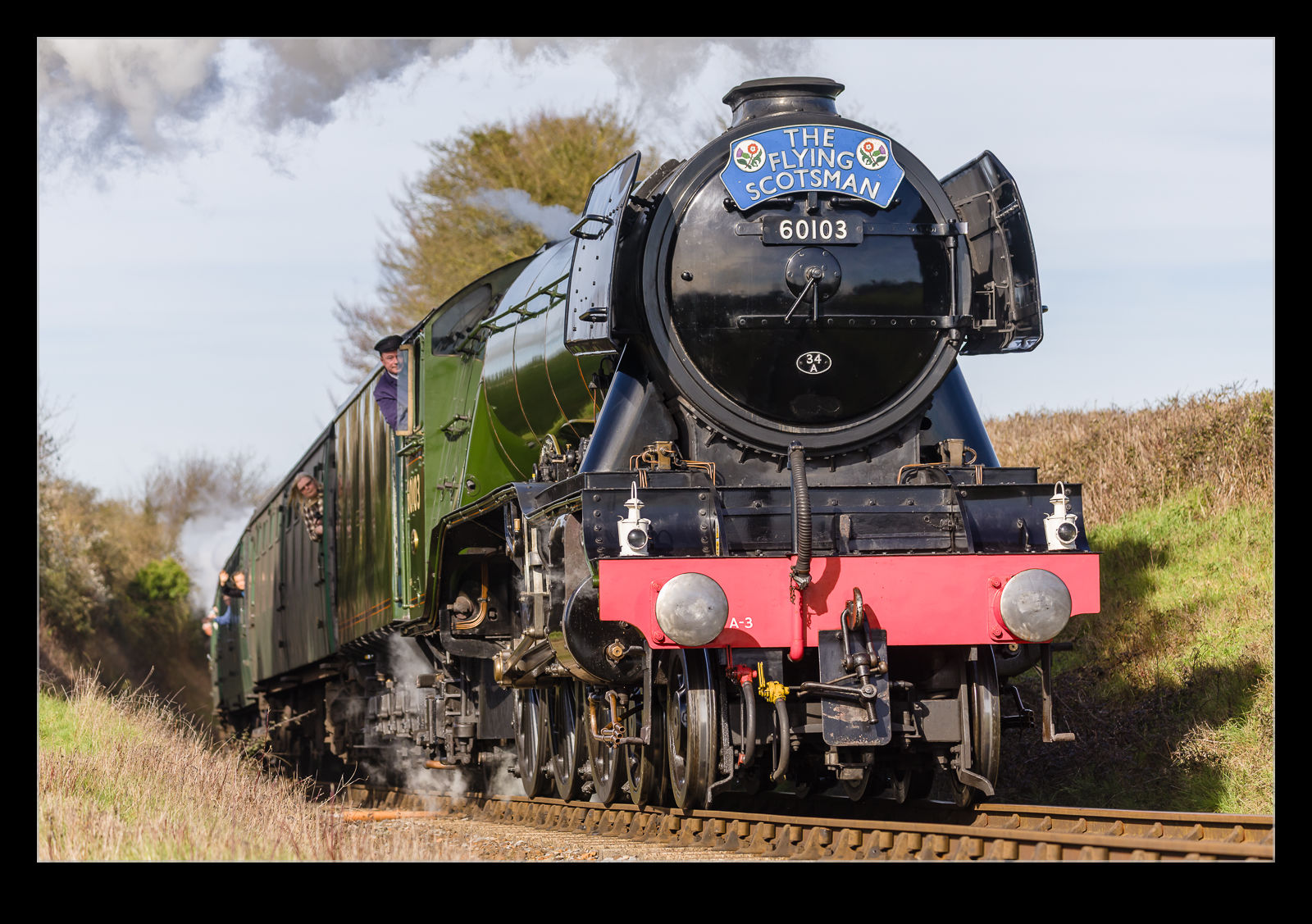
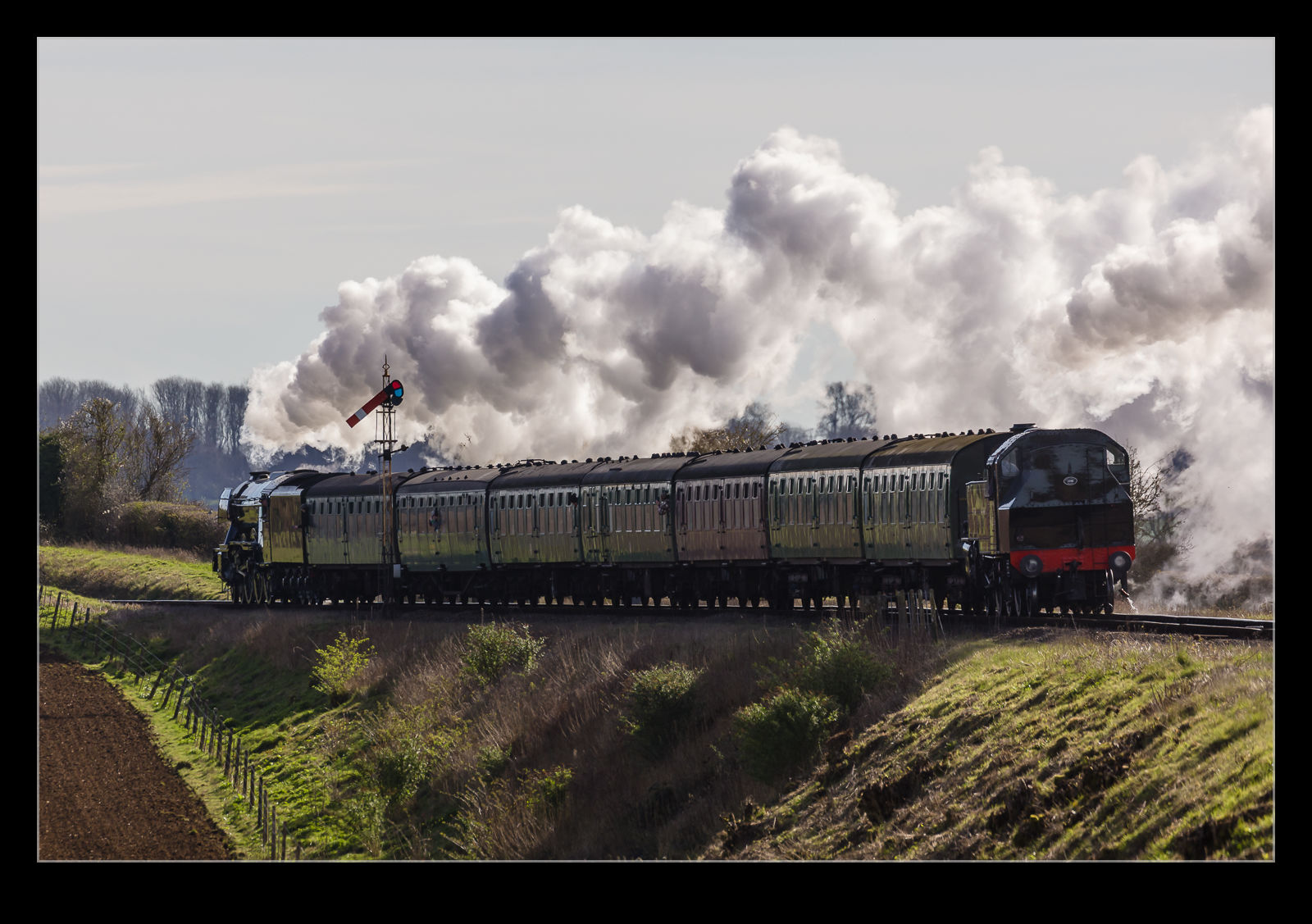
I started the Insta360 first and then proceeded to get some longer shots as it approached. As it got closer, I dropped down and photographed through the fence to look up at the loco as it came closer. Then I switched to the PocketWizard and took a bunch of it as it passed. I have no control on where the camera chooses to focus in that situation, but I was rather happy with the results. I even got some interesting shots of the driver and one of the passengers leaning out of the window. Then I took a few shots of the train as it retreated. That was very backlit, but it still made for an interesting view. And then it was done! All of that prep for a brief moment.
The people rapidly scattered and I started disassembling the things I had put in place. I had brought a small stool with me but that had never been used. Too much messing with gear or chatting to the others that had come alone. It was a very friendly atmosphere and made you feel good about being out on a sunny Saturday morning. I retraced my steps to the car. As I walked along the lane, I heard another whistle and pulled up the camera I had on a strap around my shoulder. The train that had run down to Alresford earlier was now making its run. It was skylined on the ridge above me and I just happened to be by a gap in the hedge so was able to grab a few remaining shots. Then it was time to head home.
The Watercress Line had arranged for the Flying Scotsman to make a visit to the railway. This locomotive seems to really capture the attention of the public, so it was a major event for them. They even lengthened the platform at Alresford to allow longer trains to be formed meaning more passengers could be carried. They were running on two consecutive weekends, and my sister was interested in seeing it. I was always going to be game for a photo trip. She could only do one weekend of the two and I only had one day free that weekend so that was going to be the one.
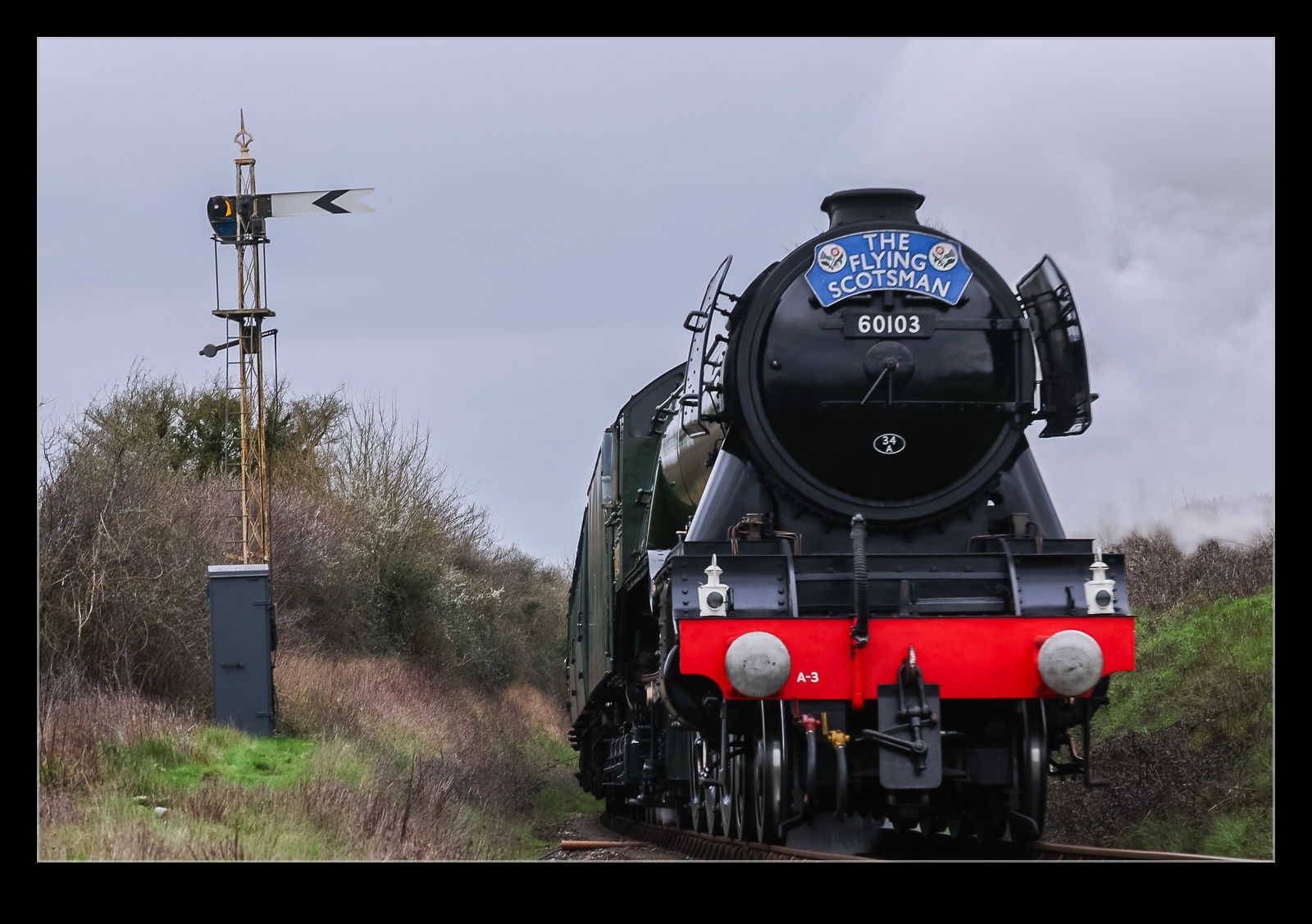
Sadly, the weather wasn’t being very cooperative. It was very overcast and there was a decent chance of rain. Even so, there were plenty of people out at the crossing we were going to when we got there. Plenty of space for everyone but definitely popular. As the time for the loco approached, I changed a setting on the camera for a higher frame rate and got in position. I decided to take a couple of quick shots before it came in to view just to check all was well. It wasn’t!
As soon as I hit the shutter button, the screen was covered in a “Busy” message. This caught me out. It wouldn’t go away quickly. I turned the camera off, but it still took a while. When it came back on, I tried again and the same thing. This time I pulled the battery and reset. Third time the result was the same. By now the loco was coming into view. Since I didn’t know what the issue was and time was ticking, I tried switching over to video and that worked so I instead videoed the train as it came by.
The video was fine but not great and, if I had planned for that, I would have done things slightly differently. However, it did recover the situation to some extent. The video I took is below.
Once the train had gone, I went home and then pulled out the camera to see what had occurred. I had made a very dumb error. It would have been easily fixed too. When changing the frame rate, I had accidentally switched to the HC mode on the R3. This is the mode that allows 194fps in short bursts of up to 50 frames. Once you shoot like this, it locks up the buffer until everything has been written to the card. Then it is ready to shoot again. What a dope. Oh well, it wasn’t a total disaster and my sister got to see the train which was the main point of being there in the first place. However, now I was thinking about a second effort. More to come…
 After the solar eclipse was over and I had spent a couple of days reflecting on the experience, I had a thought that really should have occurred to me at any point in the last few years. A solar filter is just as handy when wanting to photograph the sun without an eclipse as with. I therefore decided to have a go at taking some sun shots. Of course, as soon as I thought of this, it got cloudy. That didn’t last too long, though, so I was able to experiment with varying exposure to get some images.
 The first thing I liked was the clarity of the sunspots. They really had some definition to them. This was a nice quick win. Then I saw some texture in the other parts of the sun. Going with under and overexposure allowed me to see if this made a difference in how well things showed up. It might not be easy to see in these images but hopefully there is something you can make out.