Tag Archives: video

1DX Mk II First Impressions

After a little bit of time shooting with the 1DX MkII, I have started to build my impressions of how it is working for me.  This is definitely only a first impressions review since there will be a lot of time before I have got totally used to it and have worked out the details of its functionality.  For reference, I have previously been shooting with the 1D MkIV so things have moved on a lot from that.

Focus is a good place to start.  I didn’t have a particular problem with the MkIV but this one does seem to be a bit snappier when it comes to focus.  I was recently shooting some subjects which had a lot of scope for the focus to get confused.  However, it seemed to be reliably on target – certainly far more than I used to experience.  There are a multitude of focus points and combinations.  I haven’t even started to get into them yet.  I tend to have simple requirements of the focus points, generally based around the center point but I will be trying more in due course.

Exposure has thrown up a couple of things of note so far.  First is the amount of light you get with a full frame sensor.  I have read a few things about the way camera manufacturers reference ISO and aperture combinations with crop bodies but I hadn’t had a chance to explore this.  Using the same ISO and aperture as I used to, I am getting shutter speeds noticeably higher than before.  I will now revisit what my settings are since I don’t need speeds that high.  The other change is in the handling of backlight.  I had got a good grip on what exposure compensation I needed for various sky conditions with the previous body.  Starting with those resulted in overexposure.  I find the body is better able to get it right itself so I have been tweaking the exposure comp down.

Video capabilities have been significantly expanded but I have yet to get too far into them.  I started out with the default HD settings but I have changed to a larger file size format to get more latitude for editing.  Having not done any detailed editing yet, I have not found out how much of a difference this makes.  I have not played with 4K at all yet.  The big thing in video is the dual pixel autofocus.  Previously I had to fix focus before the shot started and any zooming would tend to move things out of focus.  Now I can select by touch what I want to track and the camera seems to do a nice job of keeping that sharp during motion, panning or zooming.  This is a nice addition to have when dealing with motion relatively close in.

The setup of the control buttons is an evolution of what I know.  There are some additional buttons to work with and they are configurable.  I haven’t tried reassigning anything yet since I want to find out what I need most often before I do so.  They have made a switch in the stills to video control with that now having its own control.  I am still getting used to it compared to the way I did it on the MkIV but I firmly believe the new configuration will be a big improvement.  I just need to retrain myself to use it without thinking.

Preset configurations are a great addition.  I moaned about this to a Canon rep many years ago.  The 40D had preset configurations you could program and switch between quickly.  When shooting props and jets, this is a nice thing to be able to do very quickly.  Everything about the setup is programmed so it is a powerful addition.  Finally I have it on a better body.  There are three presets.  I have one for jets, one for props and the third I have configured so I can give the camera to someone else to shoot without having to explain back button focus and center points.  It is in a more user friendly configuration to hand off.  I shall see whether that gets much use or not.

The card configuration is now CFast in one slot and Compact Flash in the other.  The camera came with a 64Gb CFast card and I have put existing 64Gb CF in the other slot.  So far I have not had to use the CF so I haven’t noticed the write speed.  Buffer is huge so I doubt this will be an issue.  The CFast is working fine.  It does seem to download very quickly via the USB3 card reader that was also included.  The card does also get noticeably warm when working a lot.  No specific upside or downside so far.  The CFast is required for 4K at 60fps but otherwise CF will work fine.

Now for one of the big surprises.  Canon has upped the frame rate to 14fps.  It was 12fps on the 1DX and 10fps on my old MkIV.  I did not think that this would be a big deal.  A small increase?  I was wrong.  This thing flies along.  A quick squeeze of the shutter and suddenly I have three shots.  It buzzes rather than has the sound of individual actuations.  This means a slight variation of shooting technique for me.  I used to shoot short bursts for each view.  I could then pick my favorite of the burst during post processing.  I can still do this but now it is a shorter hold of the button to get the same effect.

A small addition I like is the built in GPS.  I have been using an app on my phone to create a gpx file tracklog during photo shoots.  I can then import this in Lightroom and it matches with the shot times to tag the images.  With a built in GPS, the shots are automatically tagged.  This will help when flying which often meant I couldn’t get the tracklog to work in the old process.  As a aside, the GPS allows the camera time to automatically update so no need to plug them in periodically to get the time synced up.

I can’t overlook the fact that the 1DX MkII is a full frame camera.  I was a little concerned about losing the crop factor I had on the MkIV.  Shooting aircraft sometimes makes the extra reach of the crop factor helpful.  The pixel density is a little below what it was before so I don’t have the virtual crop to play with.  However, so far I am finding that I am just shooting like normal based on what I see in the viewfinder.  We shall see if I notice the difference as I get to do a variety of shoots.

File size is a step up as a result of the higher pixel count.  This is resulting in a bit more effort for the computer when it is rendering the shots.  I can see a noticeable difference in the speed with which the 1:1 renderings get completed.  This is not yet causing a problem but I shall see whether a bottleneck develops.  I will also see how this impacts my backups.  I previously used to back up files in blocks of 1,000 per Blu-ray disc.  If there were no video or large edit files, the disc would have spare capacity.  Currently, it looks like I might still be able to do the same thing but with less margin.  Another thing to watch as experience is gained.

Battery life is officially down on the previous camera.  The increased processing power requires more juice from the batteries.  I have been on a couple of big shoots on consecutive days with many thousands of shots over the days without having gone through one battery.  If there is a reduction, it is certainly not causing me any operational concerns.

That summarizes everything I have identified so far.  I have a long way to go in learning to make good use of the camera but I have to say I am very happy with it so far.  It is a great piece of kit.  I have much to still try.  I have not even got in to the high ISO capabilities at this point.  This is something I want to play with before too long.  Longer days will make that a bit trickier but the opportunity will present itself.  When I do, anticipate a post on that too!  Overall, I love it.  Anyone want to buy a MkIV?
Black Hawk Welcoming Committee

A work trip recently took me through Chicago Midway.  I wasn’t there long before getting on my next flight.  We were taxiing out to depart and were coming past the National Guard air unit based on the field.  They operate a bunch of Black Hawks.  A couple of them were parked up on the apron and one was on approach.  My plane conveniently had to hold for a while so I got to see the Black Hawk fly its approach and land.  I only had my phone with me but here is some footage of the arrival.

Hyperlapse Oakland Approach

I was a sitting by the window on the approach to Oakland and decided to play with the video functions on my phone.  I have shot video clips a number of times of the approach but it takes a lot longer than you realize and makes for a very dull video without editing aggressively.  Also, the turbulence when handholding a phone means the video is very jerky.  Instead I switched the phone to time lapse mode and pointed it out of the window.  The result is an accelerated version of the approach.  The bumps are smoothed out by the compression of time and the maneuvers become more aggressive.  I let the thing run until we are at the gate since that provides a more natural finish point.  We spent a lot of time facing the water as we descended which is a bit less interesting than I would like but you can see that we are getting closer quite quickly.

Another Night Launch on a Cold and Windy Night

C59F5307.jpgThe evening launch at Red Flag is something I have had a go at on a number of occasions. Consequently, regular readers that pay close attention may feel that this post is a bit repetitive and they would be correct. I was a bit better prepared for the night launch than on previous occasions. I had brought a cable release and a Gorillapod to allow me to have a bit better a set up for the time lapse video of the launch. Meanwhile, I was shooting handheld with the second body.

C59F5147.jpgSadly, a couple of things were not working in my favor. First, it was pretty windy and, while I had the camera set up on the hood of the car, it was a bit vulnerable to movement as the car moved in the wind and the camera vibrated on the pod. Consequently, some of the video is less than ideal. However, conditions did seem to settle down a bit and the later part of the video seems to steady up a bit.

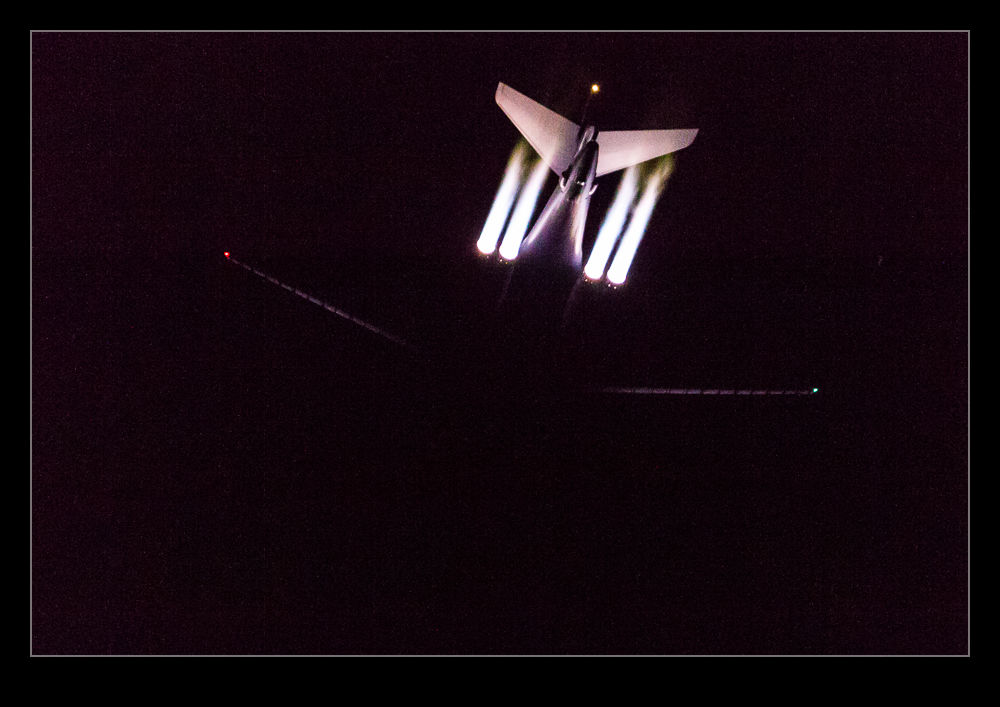
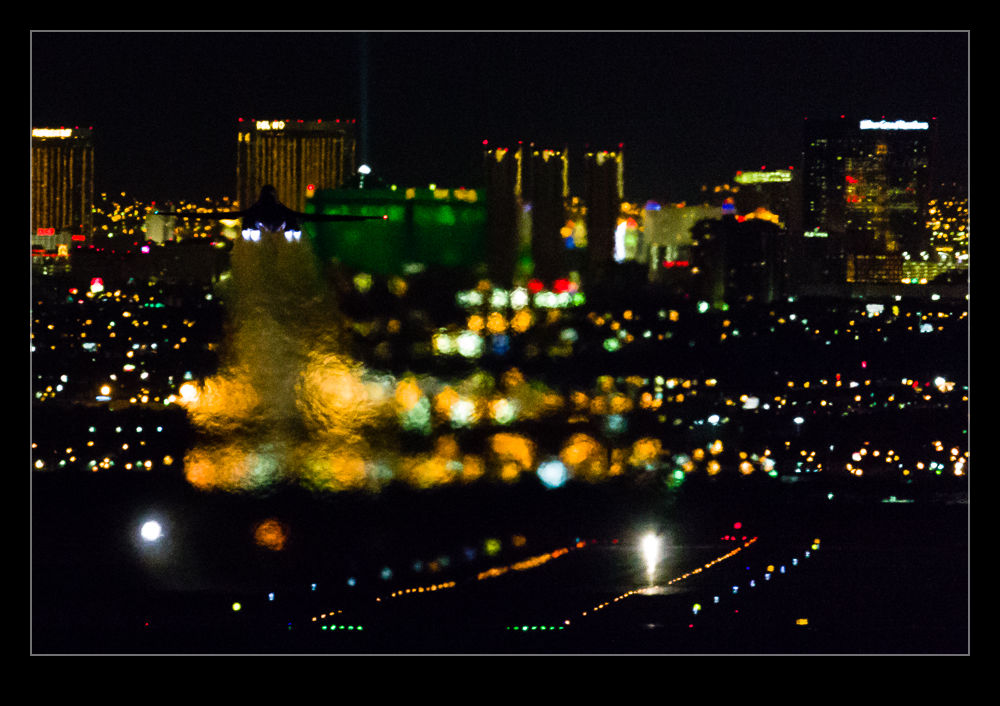
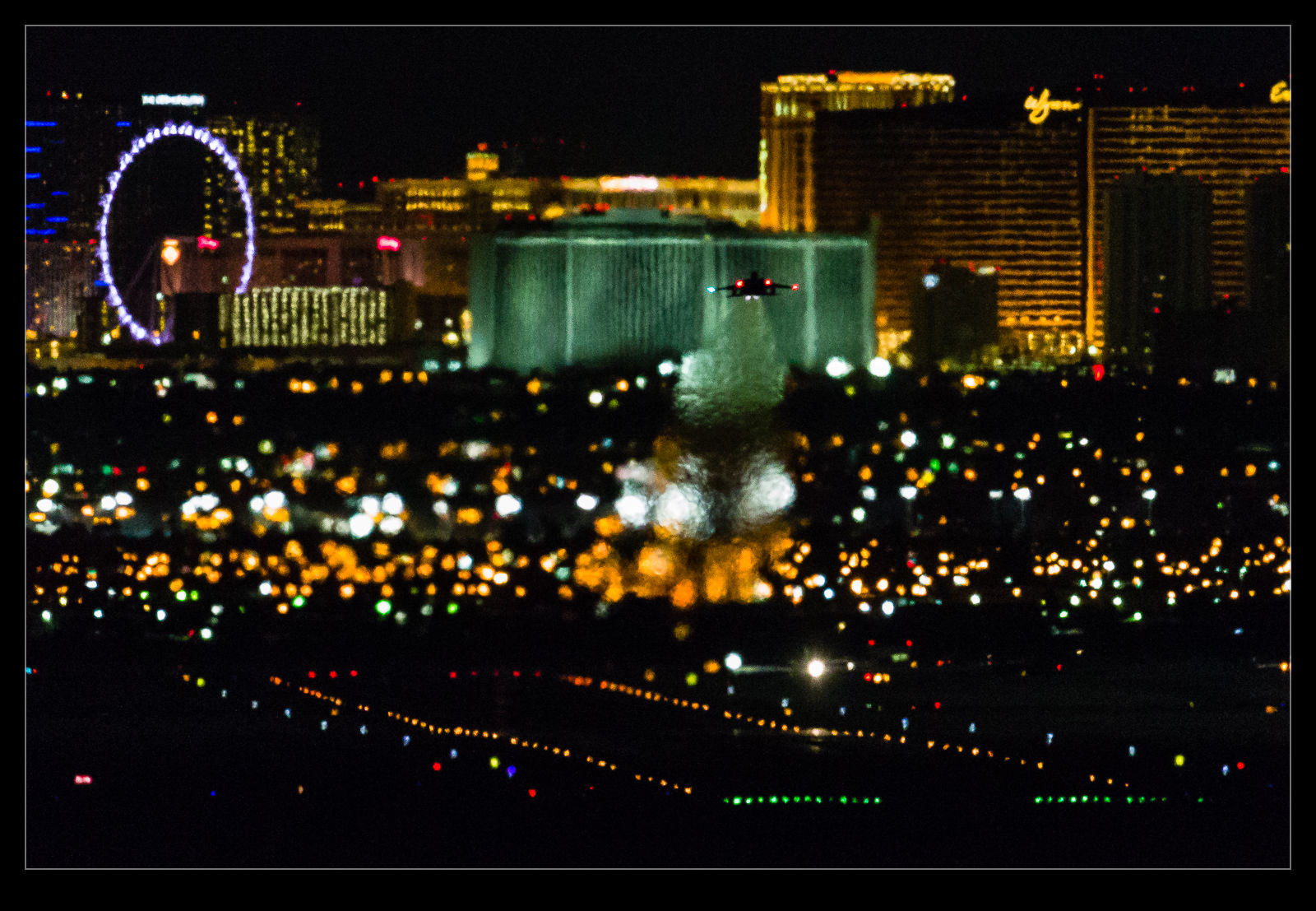
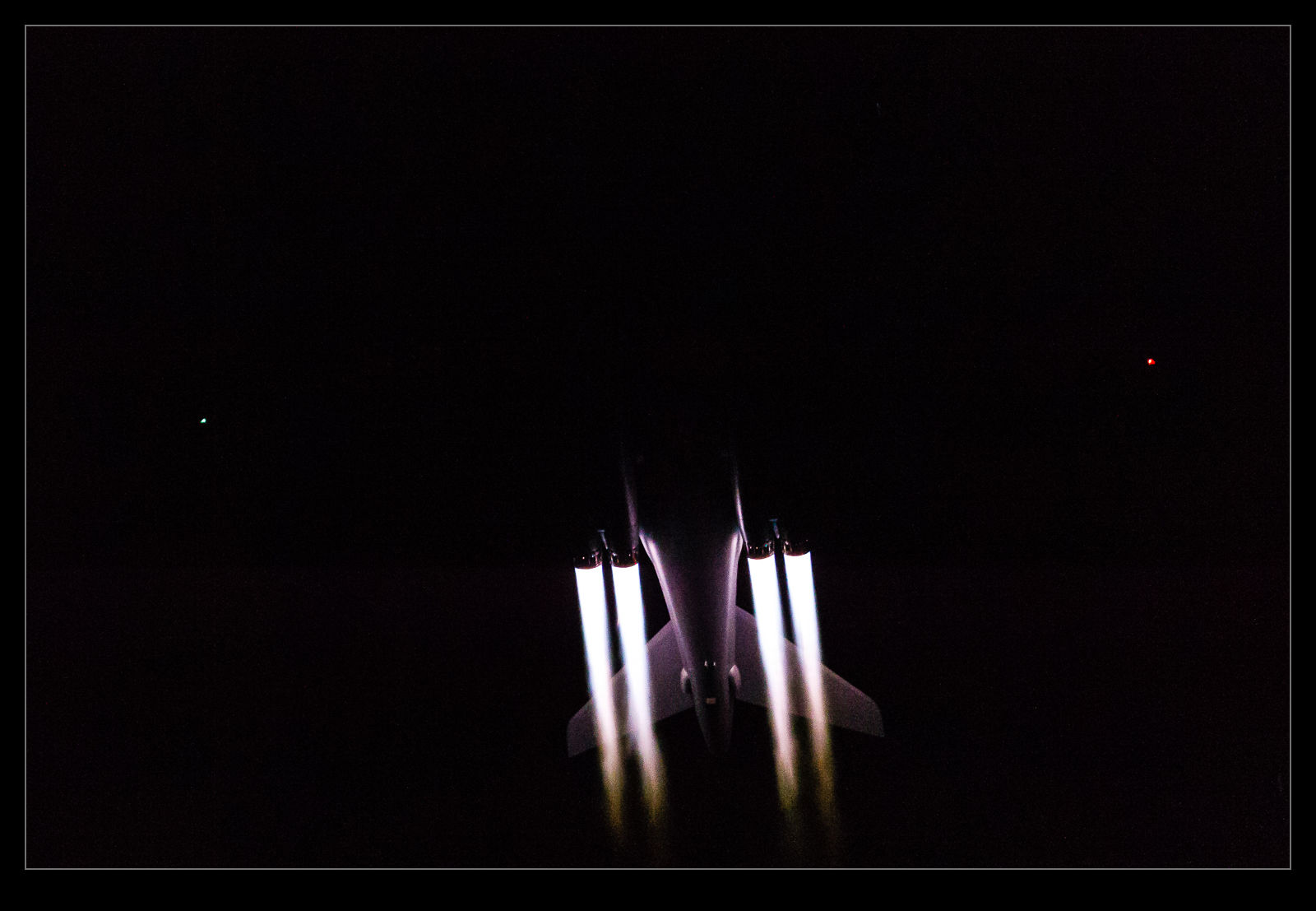
C59F5534.jpgSecond was that there was no moon. It was very dark and cold out there. I managed to get some shots of the B-1B launches but the only illumination was from the burners. No ambient light at all so they didn’t look as good as on previous attempts. I did try to stay for the whole launch and not to get the time lapse showing things in full swing when it ends but there is a limit to how long you want to hang out in the cold when everyone else has gone. I got most of the launch but I did see a bunch of jets head out as I passed the speedway. I probably should have tried getting some shots from there as they were still in burner at that point.

C59F5286.jpg

A Feel for the EOR

During the recent Red Flag 16-1, which I was covering for Global Aviation Resource, I got to spend a portion of the day at the South EOR.  EOR means end of the runway and this is where the planes come prior to taking off.  They go through their final checks before launching and we get to be very close to them.  I was mainly taking stills for the GAR feature but I got some video while I was there.  I wanted to have something that shows what it feels like and how close we were.  Consequently, some of the shots involve my fellow photographers so you can have some context of where we were.

Overview of a Nation’s Capital

The second leg of the journey that provided me with the storm video of Chicago was to Washington DC. For those that haven’t been there, Washington’s National Airport is located in the Potomac River. Approaches from the south come straight up the river but approaches from the north follow the winding line of the river to stay away from populated areas. It is quite a fun ride on a rough day.

On this day it was calm and evening was drawing in so there was a great view of the city as we made our approach. I shot some more video from the window using my phone and you can see all of the famous parts of the city. Enjoy!

Storm Over Evanston

I was flying cross country and my layover was in Chicago at Midway. I had deliberately chosen a window seat on the right side of the plane in case we carried out the approach from the lake in order to have a view of the city. Sure enough, we did approach from that direction. As we headed out to the lake, I could see some showers over the water. At the time, I thought they would not show up well on a photo but the motion of video would make them more conspicuous. Consequently, I started filming some video on my phone.

I was focused on the screen and initially didn’t notice that the showers I was watching were a lot smaller than their neighbors! There was a big storm just north of the city. It came into view on the phone and then I gave it a bit more focus. Sadly, the phone does not always pick up the lightning bolts. However, I think you will get the idea of how big a storm it was. I know someone who was at O’Hare during the storm and they describe the effect as pretty dramatic. From my location, everything was totally smooth!

Kite Flying

C59F3638.jpgSan Ramon holds an annual kite festival which we checked out last year. This time we went back and, rather than get too distracted by the other stuff that was there, we focused on the kite flying itself. There is a large field on which a series of demonstrations of different types and numbers of kites was undertaken. The quality of flying was very impressive. (I will caveat that by pointing out that a bunch of kids were flying their own kites around the field edges. They had obviously just had a kite bought for the, but the parents didn’t seem terribly bothered what they were doing with them so you could get a swift kite to the head if you weren’t careful – and I obviously wasn’t!).

C59F3719.jpgIf I ignore the health hazards, the demonstrators were putting on some excellent displays. The individual flights were good but the coordinated flights were outstanding. Two, four and sometimes six kites were flown in formations which was very cool. The lines can overlap so they can continue to control the kites even when they have overlapped the lines several times. Of course, untangling them again is required to avoid a lot of pain when they land.

C59F3726.jpgThe different kite styles also bring different capabilities. Twin line kites can be steered left and right while the four line kites allow steering or rotation in place, moving up or going backwards. In the right hands, they are very maneuverable. I have tried a quad line many years ago and they are twitchy but incredibly clever provided you don’t keep crashing them.

C59F3710.jpgI also put together a little video of the flying below. It turns out shooting video of kites is a bit harder than I expected. They can move quite quickly and are pretty close to you. Also, it is hard to predict their next move so tracking is a touch harder than you would hope. Still, video gives a far better impression of them than stills can achieve. Now I am thinking about trying to find some old photos of kite flying in Lytham. Where are they?

C59F3679.jpg C59F3674.jpg

Gear Down and Locked

AU0E5747There are some shots that it is just hard to get. They are possible but it depends on what you have available. One idea that I have been trying to come up with a solution for is getting good shots of airliners as they lower their gear. The sequence for lowering the gear is pretty cool and the outline of the plane when it has flaps deployed but no gear is of interest to me too. However, to get a shot like that, you need to be high up further out on the approach. Unless you are in another aircraft, that is tricky to do.

From the normal locations on the ground, the aircraft is just too far away to get a decent shot. Not only is it in the distance and, therefore, small but you also have to cope with atmospheric disturbances like heat haze and dust in the air. It doesn’t make for a compelling shot! Instead, I decided to try something different. I would shoot the sequence of shots of the approach and then animate them. This would mean that the reduced quality of an individual shot would be lost as the sequence would require a certain amount of motion blur anyway.

What I didn’t realize until I tried this on an A380 was that this jet has an unusual gear sequence. I was looking at trying a 747 or an A380 since they are large and have interesting wing configurations when approaching to land. As it turns out, the A380 lowers the outer two gear legs first before the two center body legs come down. I had not appreciated this before trying this shot. Animating the sequence really put the computer under some pressure. Creating a file with over 100 layers and then adjusting each layer to align properly took some time and really made the machine work hard. Ultimately, I got the sequence you can see above.

Time Lapse Tutorial

I have mentioned in the past some of my interest in time lapse. I recently posted a sequence on here and a friend of mine asked me to put together a guide to how I had gone about doing it so here you go.

When putting together a time lapse, the first thing is trying to establish what will be special about what you are shooting a sequence of that will make a time lapse more interesting than any other form of presentation. Usually this involves something that changes slowly in real time but becomes more dynamic in a time lapse such as a sunset or storm cloud development. Alternatively, it is something where a lot happens over a long time that isn’t terribly dramatic on its own but, when speeded up, becomes far more impressive. This could be a sequence of activities with multiple people or launching airplanes as was the case for the one I recently made.

Once you have established what it is that makes it interesting, then you have to decide how best to portray that. Choosing your location and your angle of view are the next challenges. I was shooting departing and arriving aircraft at SFO so I needed an angle that gave me a good view of them and a field of view that allowed plenty of the movement to be seen without everything being too far away to be noticeable. In this case, shooting at night works well because the lights stand out far more making the aircraft more conspicuous than would be the case during the day.

Now it is time to get into the technical issues. How long a clip do I want to make? Shooting time lapses means getting a large number of still shots which will each be a single frame of video. Video frame rates vary but I used 30fps for the sequences I make. Therefore, 30 shots will give me a second of video. If I want a minute of video, I need to shoot 1,800 shots. That’s a lot of shots. Also, figure on shooting more before and after the main action since it is nice to have some spare video at each end to play with in future editing.

You know how many shots you need but how long in real time do you want to cover? Are you starting before sunset and finishing well after sunset? Do you have a peak period of activity that you want to cover? Now you can see how many shots you need over a given amount of time so you will work out how long the interval between each shot can be? The interval between shots is critical but you must also factor in how long a shutter speed you want. This is where shooting at night is a lot nicer because you can get nice long shutter speeds. These make for smoother looking videos because there is no jerkiness. Shooting on a sunny day with a very short shutter speed and a few second interval will result in a jerkier output. The “rule” is to have the exposure time at least half the interval. Doing that during the day may require some neutral density filters. At night it is a lot easier to manage.

Now to mount and control the camera. Obviously a tripod is a necessity to make a stable platform for the shots. A cable release is a must have and preferably one with a timer built in so you can program the intervals. However, if you are shooting at night, you can get away with putting the camera on burst mode with a shutter speed to match your interval and then lock the shutter release open. It will then just keep shooting. The other camera thing to consider is image stabilization if you have long shutter speeds. IS can wander around for long exposures making everything blurred. Keep it turned off. I would also switch autofocus off once you are happy everything is sharp to avoid the focus getting changed by the camera. If the conditions are changeable, you might go with something like aperture priority to accommodate changing exposures. At night, manual might be your best bet. Always keep an eye on how the exposures are doing if in a programmed mode to ensure you aren’t exceeding your interval with your shutter speed. There are complex bulb ramping tools available to use if you want to get advanced. I haven’t tried these since they haven’t been necessary for my purposes so I can’t give good advice. I do have the functionality in a cable release device that connects to my iPhone called Triggertrap but I haven’t ever pushed it to its limits.

One thing you will discover is that fixed apertures are not fixed. Cameras will go to a slightly different aperture for each shot which can result in slight variations in exposure. This “flicker” can be managed by clever manipulation of the lens position but I prefer to use software to fix it. The software will also help if you end up tweaking the camera settings during the capture sequence.

Last piece of equipment advice is bring a chair. Once everything is at work, you don’t have much to do. You can shoot with a second body of course or you can sit back and relax. If you have a buddy along, that is not a bad thing! I shoot all of my sequences in RAW format. For night shoots this gives you a lot of latitude for tweaking the exposures. It does use up a lot of memory but storage is cheap these days. With charged batteries and big cards, you are good to go.

Once the shoot is done, you get home with a ton of images that look remarkably similar. First I import them into Lightroom. I will keyword them in the same way as anything else from a shoot including adding a time lapse keyword. Then I will make sure all of the time lapse shots are in one subfolder before jumping over the LRTimelapse. I am not going to try and write a tutorial on using LRTimelapse. The website for the software has far better guides to how to use everything. However, I will focus on the key elements I go for.

The main one is the Deflicker process. This is a routine that analyses each shot and applies little tweaks to the exposure to avoid any visible flicker. You can draw out a box in the image preview to tell it where to analyze. This means you can pick an area that is constant in the image as a reference and avoid areas where there is a lot going on. If the image exposure is gradually changing, it won’t affect that. It will just take out the individual variance. You can see a trace of how the overall exposure tracks during the sequence.

The other element I sometimes use is panning. You can define keyframes in the sequence and jump back into Lightroom to crop each one as you wish. Back to LRTimelapse and it will calculate the individual crops for each frame to make a smooth pan between your chosen keyframes. Quite nice to provide a little variety if you wish. I always crop the images to a 16×9 format since that works nicely for HD output formats.

When all of your tweaks are fixed, you save the metadata files and go back to Lightroom to reload them. (There can be a bit of back and forth like this throughout the process.) In Lightroom, there is an export dialog from LRTimelapse which then renders out the individual files from each shot. These will then be taken by LRTimelapse and rendered as a video clip.

Sounds really simple that way and, to be honest, it is pretty straightforward. A little practice helps of course. When it works out, the result can be very satisfying. Of course, a lot of times, you see something that you really wish you had done differently. That is something you will have to put down to experience and try to remember next time you are out shooting.

One last thought – if you are shooting something that involves light trails at night, consider making each image a layer in Photoshop and blending them together as a stack to see what happens. It can work pretty nicely sometimes. However, you can end up with a pretty huge Photoshop file so your computer may groan while processing it. Happy shooting!