The day I left London was a bit damp which made for a bit of vapor on departure. I was sitting almost directly over the wing. I couldn’t see in to the inlet but I could see vapor puffs in front of the inlet at lower speeds anyway. As we rotated and climbed out, there was plenty of vapor puffing over the upper surface, aided by climbing through a few patches of cloud. I had the video running the get a view of the moisture and here is what I got.
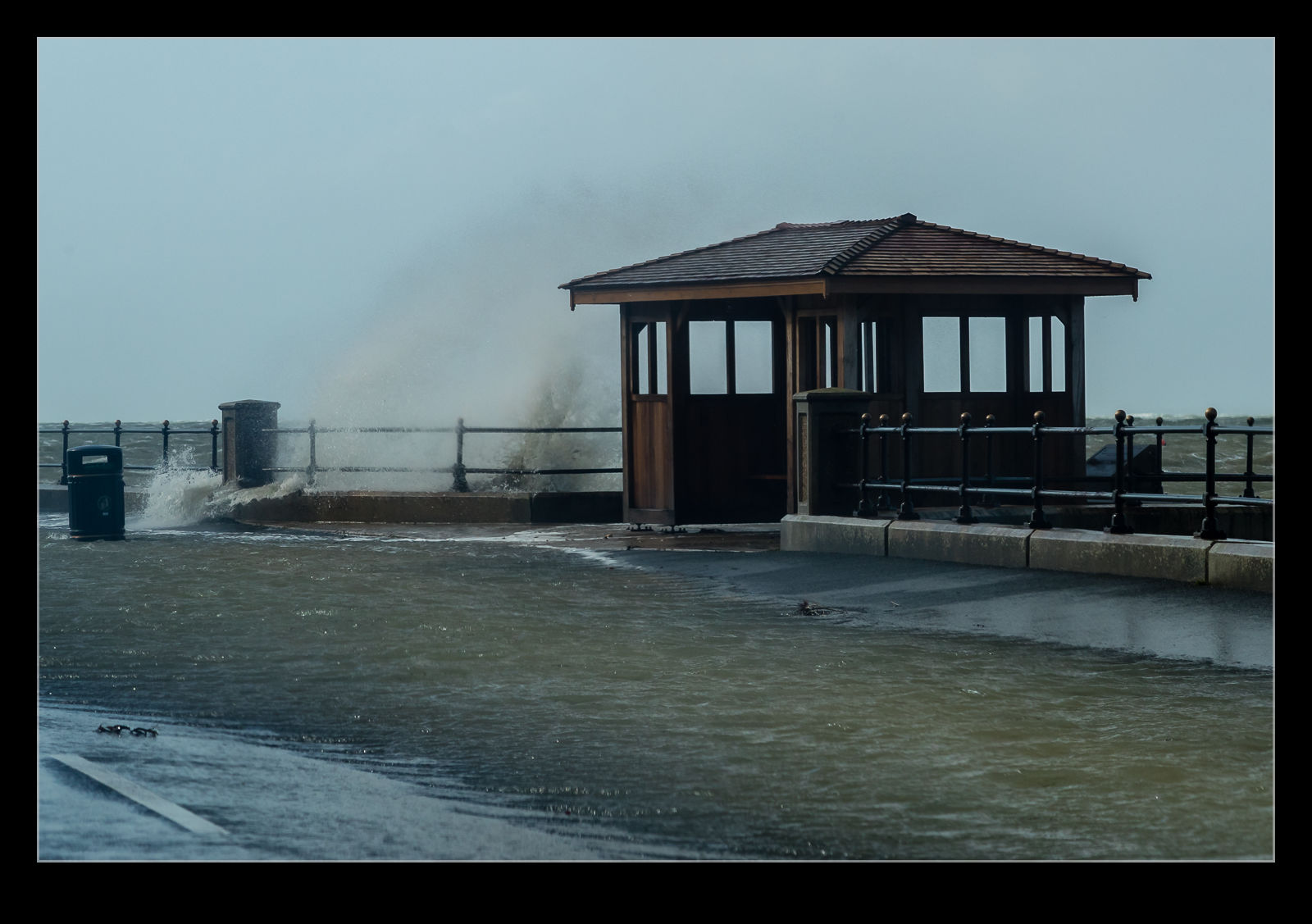
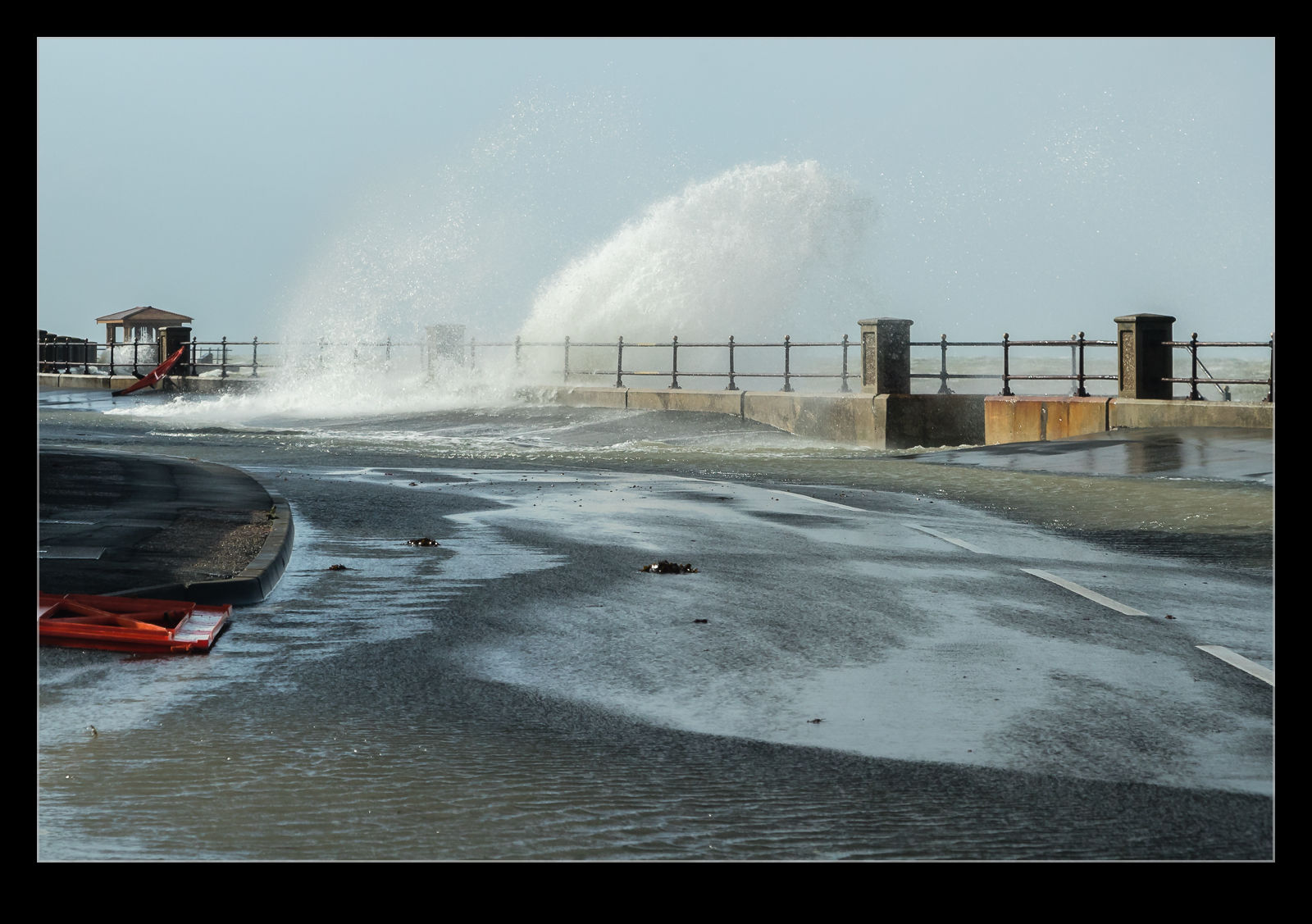
We drove along the seafront from Cowes to Gurnard. The tide was high and the storm was bringing a swell in from the west. Consequently, there was a lot of water along the road with sections under a few inches. Some caution as we drove and we could get through. Meanwhile, the waves were bashing in to the wall and splashing high in the air. With the wind being so strong, it was tricky to hold steady for a shot and I was also a bit vulnerable to getting a lot of spray in the face. However, I managed to get some shots and some video while minimizing how damp I got and how much salt water got near the camera.
As a kid, I always loved being down on the seafront when the weather was stormy. It is way more fun to watch the waves crash in than to see a calm sea. This proved to be a perfect day for me to visit as the following day things had calmed right down.
The tide was very high when we got the parade in Cowes. The water level was just below the street level. Naturally, there was some swell, even though we were inside the harbor wall. This meant the water was pushing back up through the drains that normally take water from the street down to the sea. The water would force itself back up through the drains. Sometimes it was just a small amount of water but the bigger waves resulted in a bit more flow back out of the drain. Video is the best way to show this. The metal of the drain cover had the level of corrosion you would expect for something with this proximity to the sea!
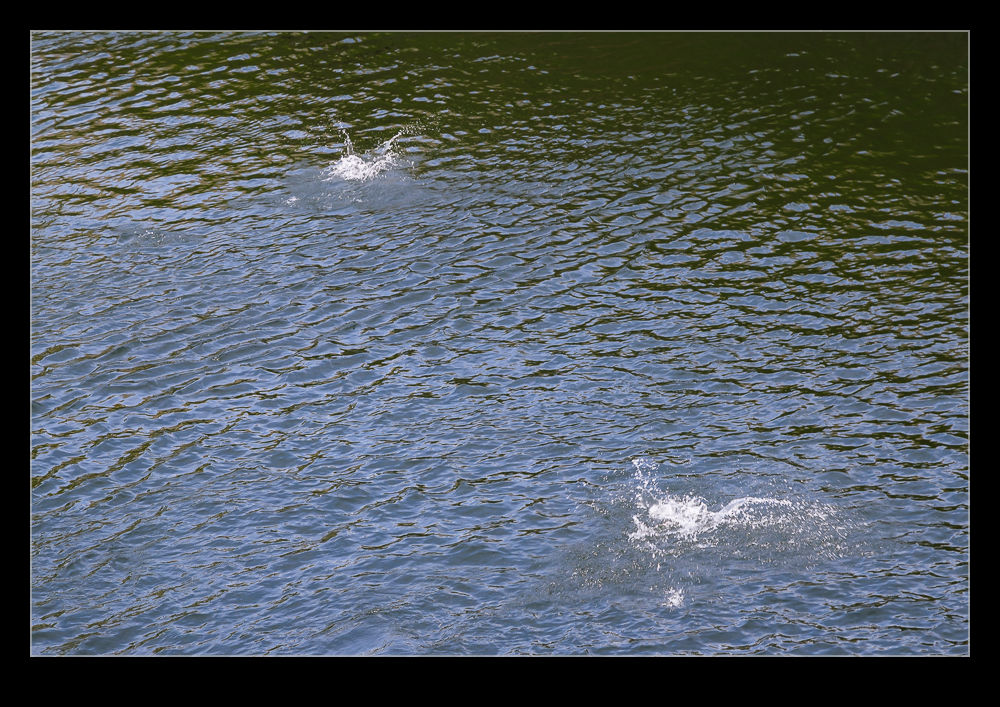
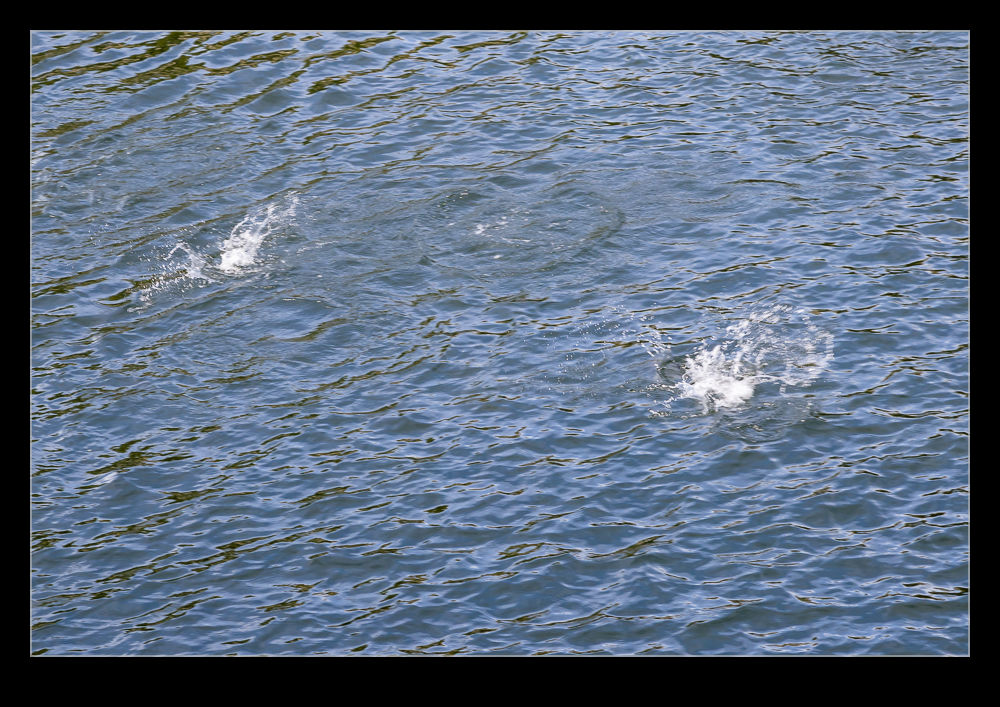
As the locks at Ballard transfer the water, they manage to catch a lot of salmon at the same time. It was very common while we were there to see the salmon leap out of the water. Some would leap out and crash back into the water on their sides while others would leap upright and nose back in to the water like a dolphin. Catching this on the camera was a touch trickier. I have a lot of shots of splashes as the salmon has just reentered the water. I did get some on video though so you know I am not totally making this up!
Hiram M Chittenden was not only the man in charge of creating the Ballard Locks, he also was ahead of his time in understanding some of the ecological impact of what he was doing. The importance of the fish to the region and the disruption that the salmon would experience led him to the creation of a fish ladder. There is still one there now although it appears to be of slightly more modern construction.
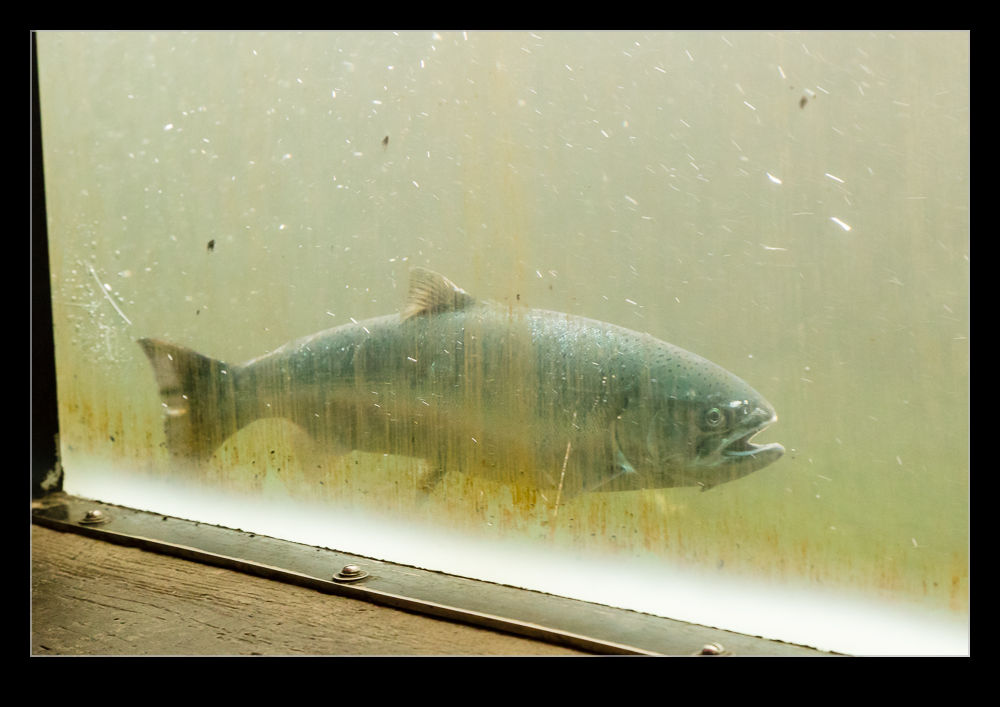
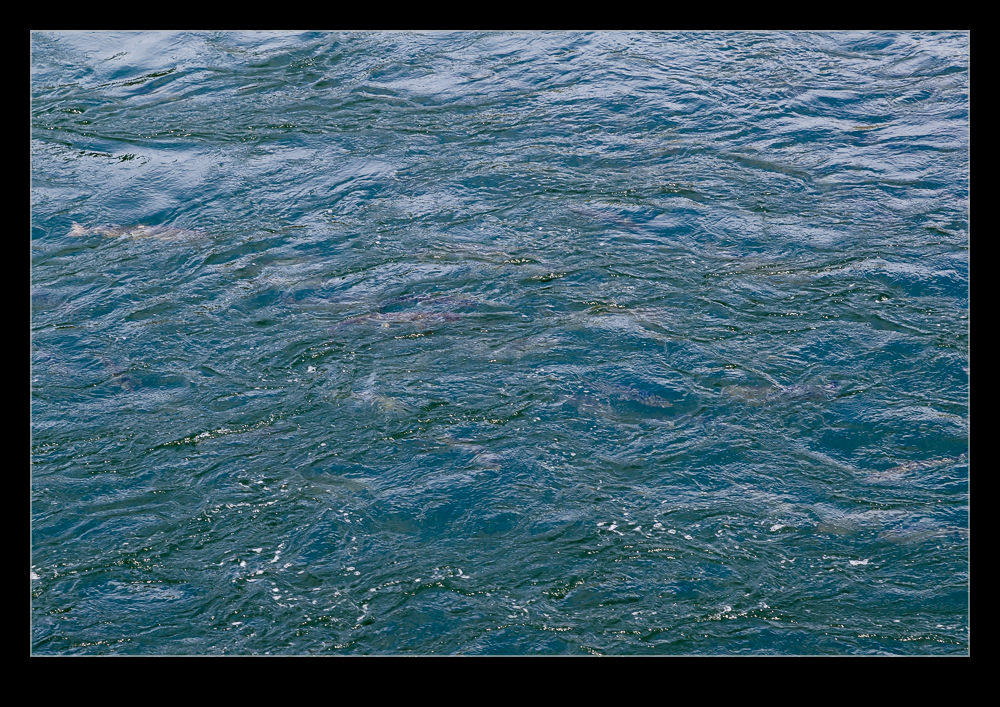
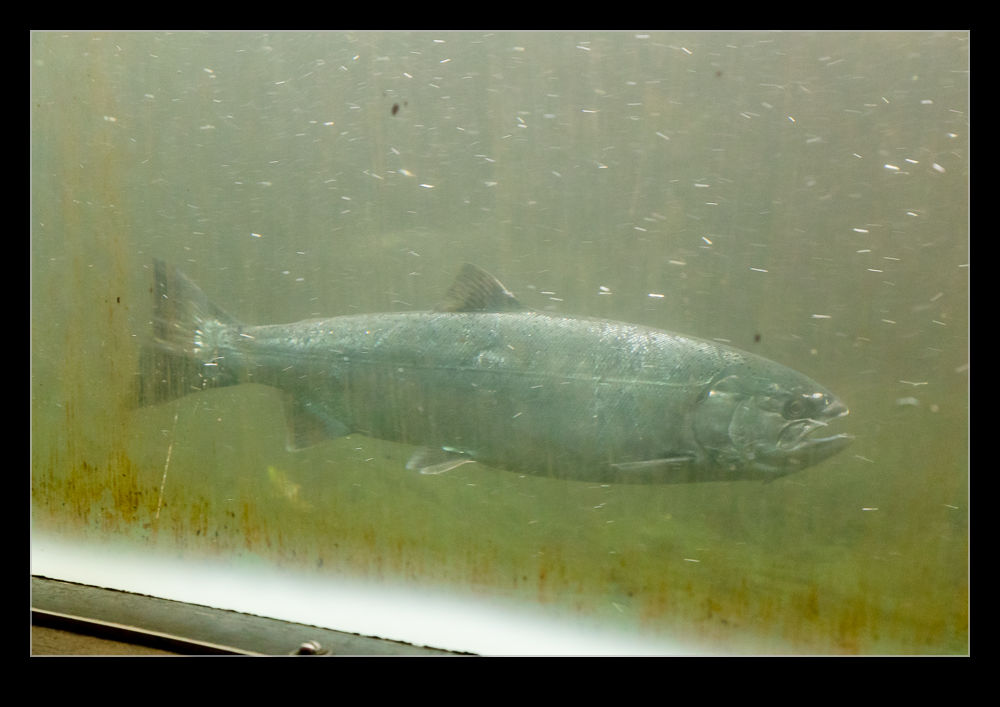
There are ramps alongside parts of the ladder so you can look down and see the fish as they work their way up the steps. You can also look down and see a lot of them swimming around in the approach to the ladder itself. Meanwhile, there is a viewing gallery that has windows into the side of part of the ladder where you can watch the fish either resting in the quieter flows or forcing their way up to the next level. There were signs telling us which types of fish there might be but I have to admit they all looked alike to me.
When thinking about the eclipse and what photos I wanted to get, I did contemplate running a video of the transition. However, since the start to finish was going to be over two hours, I figured that would be a lot of video that would never get used or would only be seen speeded up. Therefore, a time lapse seemed like the best option. I set up a camera with the 100-400 lens on it can’t at an angle to, hopefully, align with the direction the sun progressed across the sky. I didn’t know how much time it would take to cross the viewfinder so I planned on taking a number of sequences with re-positioning after each pass.
This ran just fine during the eclipse itself. My only problems came at totality when I really lost the plot on what I was supposed to do, so overcome was I by the sight of the corona. I initially forgot to remove the solar filter so everything was just dark. When I did take it off, I had not adjusted from the manual exposure I had been running up to that time. However, in the scheme of the eclipse, the totality moment was fleeting so is not a big part of the time lapse anyway.
I have edited together the sequences I shot and here is the resulting video.
I shared some photos from our visit to Snoqualmie Falls in this post. While I was there I did shoot a little video too. Here is a sample of that video since, with something like flowing water, stills don’t always give you quite the sense of the flow and power of the falls.
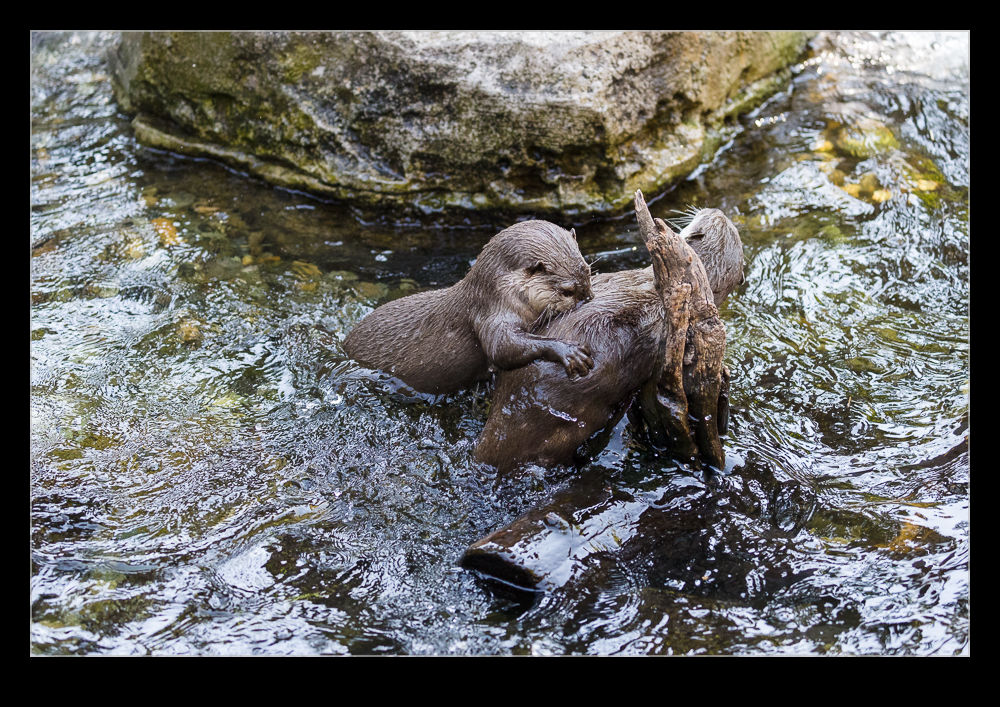
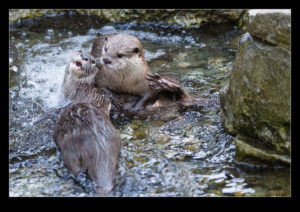
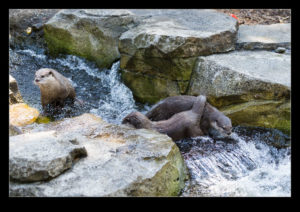
Otters are known as being playful. However, having watched a bunch of them at Woodland Park Zoo, I have to think that they are on some serious drugs. The speed with which they flew around the enclosure, wrestled with each other, lay in the water getting blasted by the water jets and generally acted like hooligans, you would think this was a vast waste of precious energy for a creature in the wild. I think they must metabolize something in their food to create something like cocaine or speed. What other reason could there be?
In this previous post, I noted that there was a problem with the way in which Lightroom identified the time of video files. I was having to manually adjust the capture time after importing them. When I contacted Adobe, they said it was a problem with Canon and vice versa. Not helpful. However, I notice that, with a recent update (I won’t say upgrade because some aspects of it seem to have really screwed up Lightroom performance), the video files now come in with the correct time associated. I only found this out because I was about to adjust them when I realized they were already correct. One little annoyance has now gone away. Hurrah!
My trip up the tower at SFO got me thinking about what things I wanted to get done while I was there. One thing I had in mind was a time lapse. I was a bit bothered, though, because we would only have about 20 minutes and setting up the camera and getting it going would eat into that time. Fortunately, Nancy had just given me a new GoPro to replace the one I killed in Hawaii. This one had a time lapse function built in. Also, because it is small, it would be easier to get it close against the glass to minimize (but not totally remove) reflections.
When we got up the tower, I went straight to the window, hit the start button and leaned the camera against the glass. I had no idea whether it was working or not so just left it and hoped. I then started taking the other shots I was after. When our time was up, I had to remember to go and get it again. Only when I got home did I find out that it had taken a steady string of images. I then processed them using my usual software of LRTimelapse aided by the lens correction in Lightroom for the GoPro. The result is this video. It is a little wide angle for some of the distant action and it would have been fun to have a longer time to capture images over but, overall, it worked out quite well.