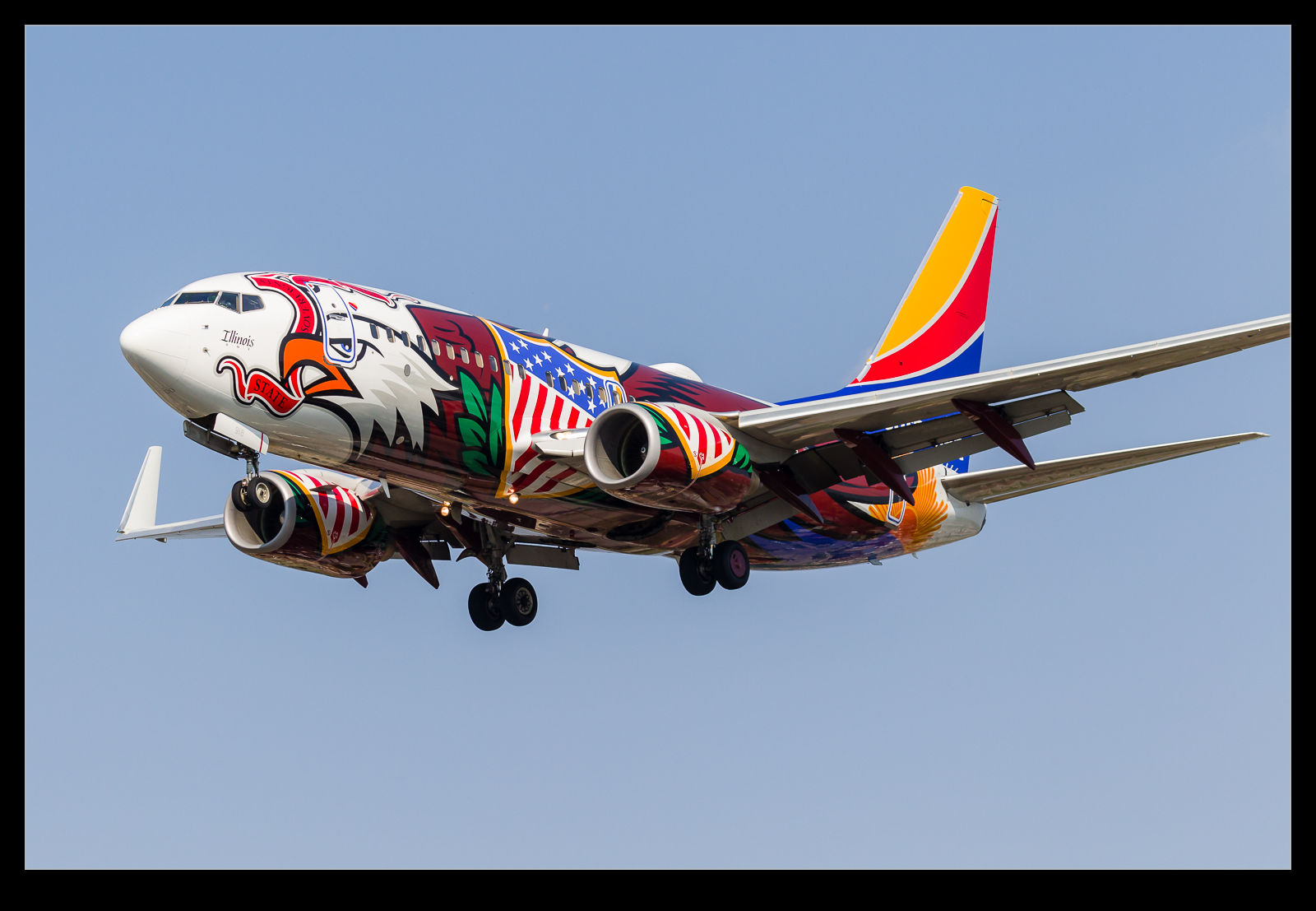
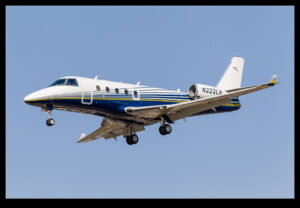
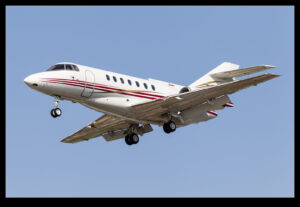
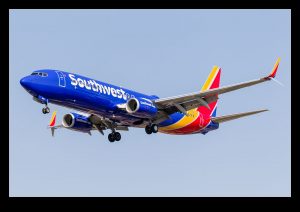
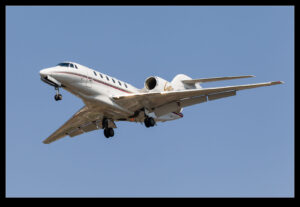
 I have put together a number of posts about fun things I saw at Midway on a recent visit. There were others but they didn’t warrant their own posts. Instead, here is a collection of the rest.
Midway Traffic
Leave a Reply
I have put together a number of posts about fun things I saw at Midway on a recent visit. There were others but they didn’t warrant their own posts. Instead, here is a collection of the rest.
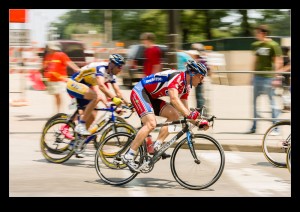
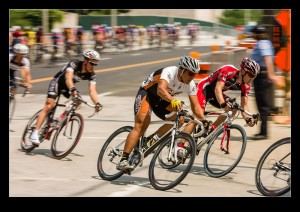
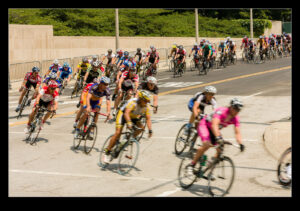
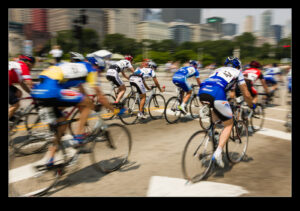
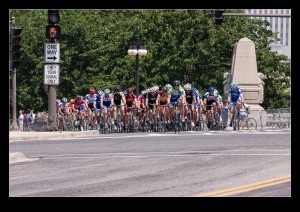
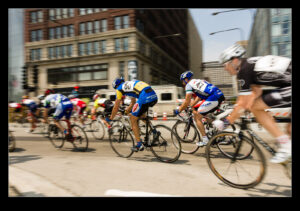
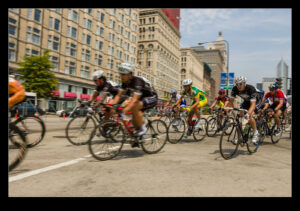
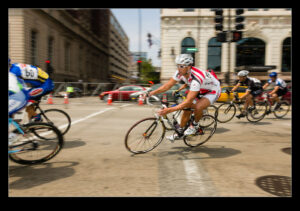
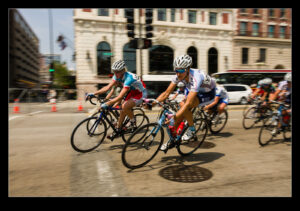
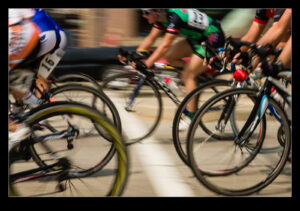
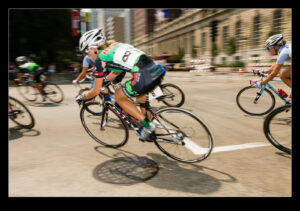
 My friend Ben Kristy is a keen cyclist and his son has been competing well in various cycling events. As a result, Ben has been to a number of races and has shared a bunch of pictures of racers competing. This all triggered in my mind some cycling shots that I got quite a while back. Chicago held a criterium race series once a year for a number of years. I have no idea whether it is still taking place but I did go and watch it one year.
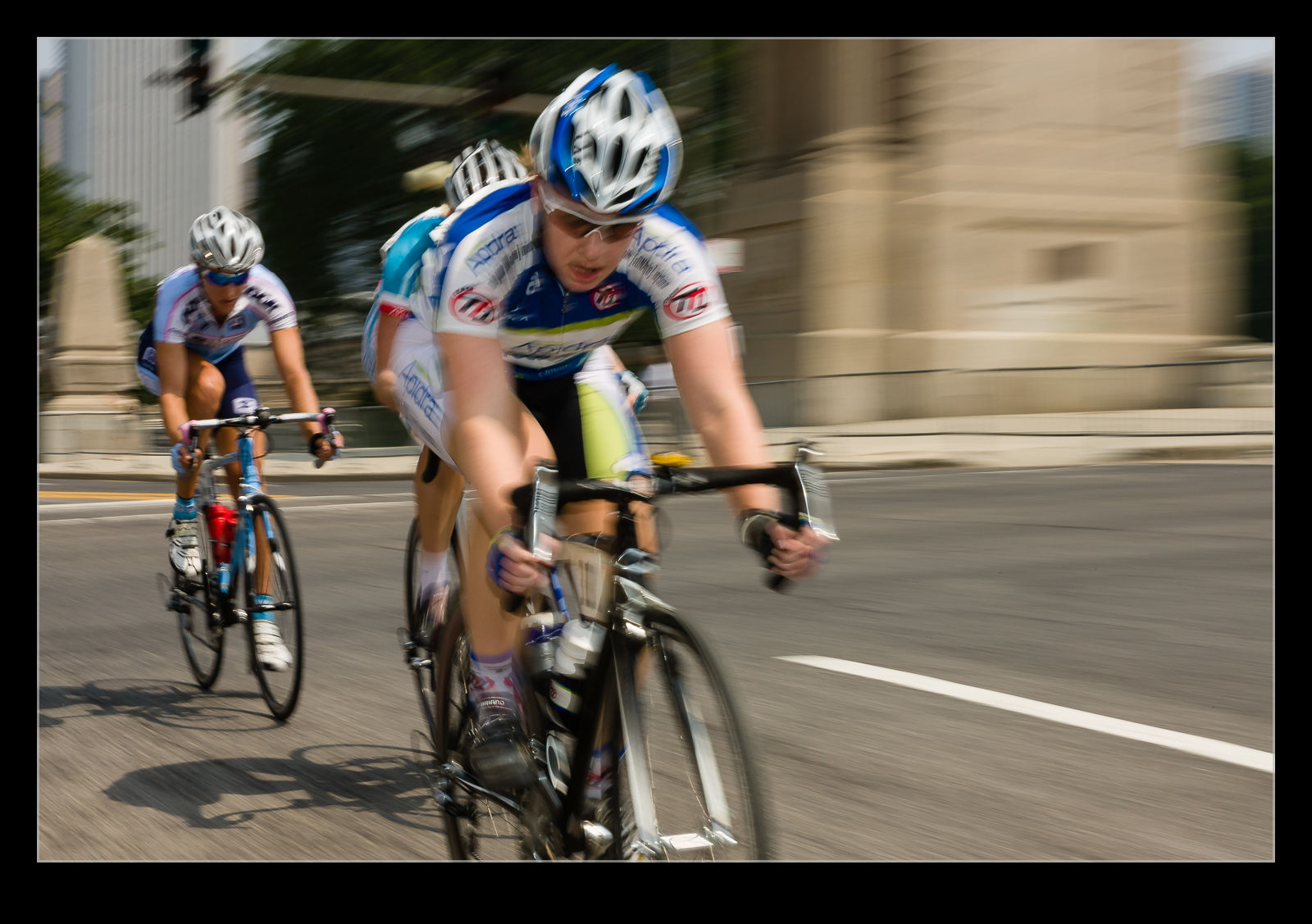 The races were held in Grant Park and made use of the roads around the park including Michigan Avenue. There were different classes or race and various age groups. Plenty of people came out to watch things but it wasn’t too crowded so it was possible to move around to see things from different locations. I had only shot cycling a couple of times before and never had I previously thought about what shots I wanted. Then I had just taken pictures of whatever was going on from where I was standing.
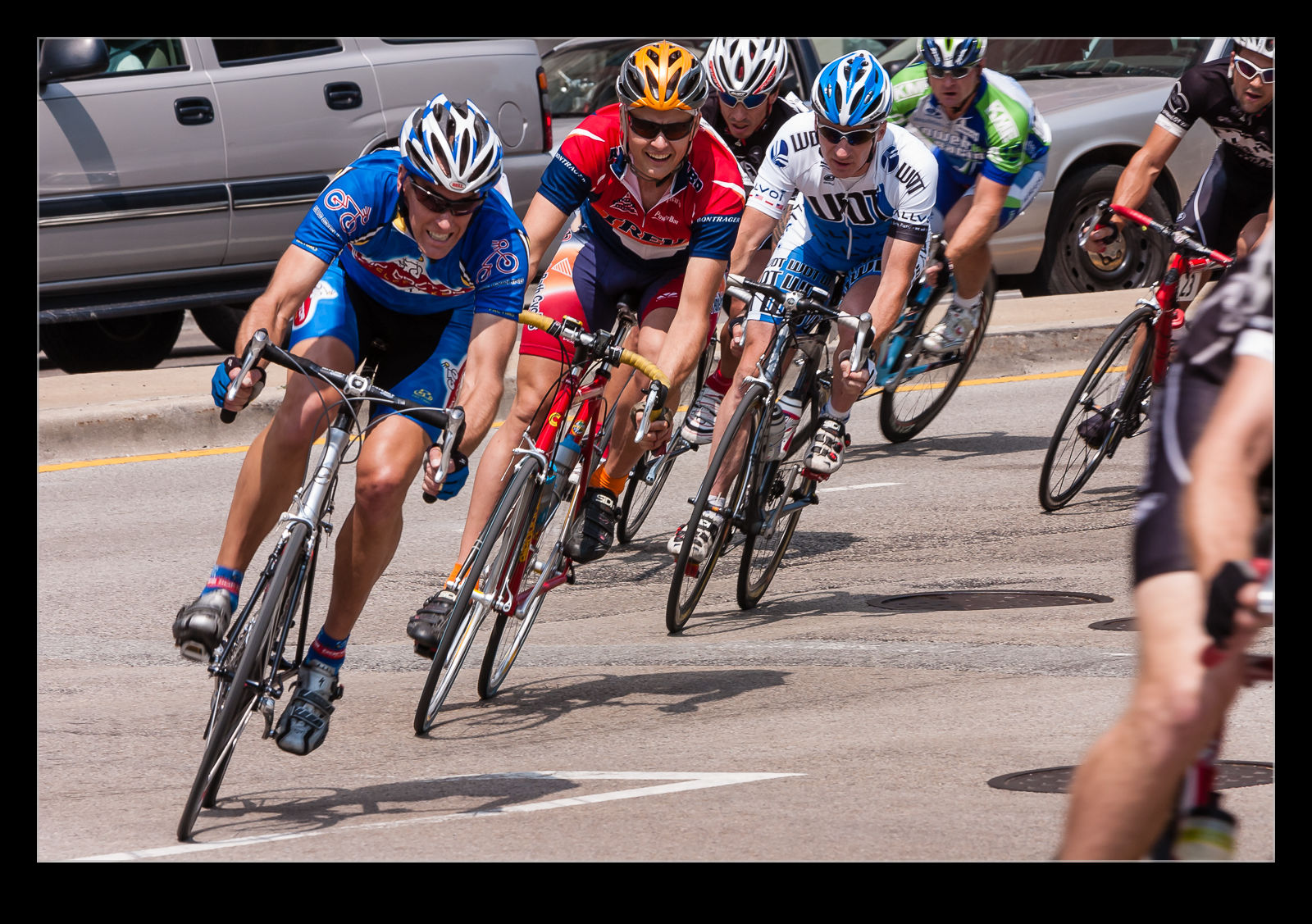 This time I tried various locations to get different perspectives on the riders. I tried getting low down and being both inside and outside the turns. Getting something that conveyed the speed at which they were going was what I was interested in. This is now quite a few years ago. If I were to do it again, I suspect I would have tried a bunch of other things but these shots I what I came out with on that day.

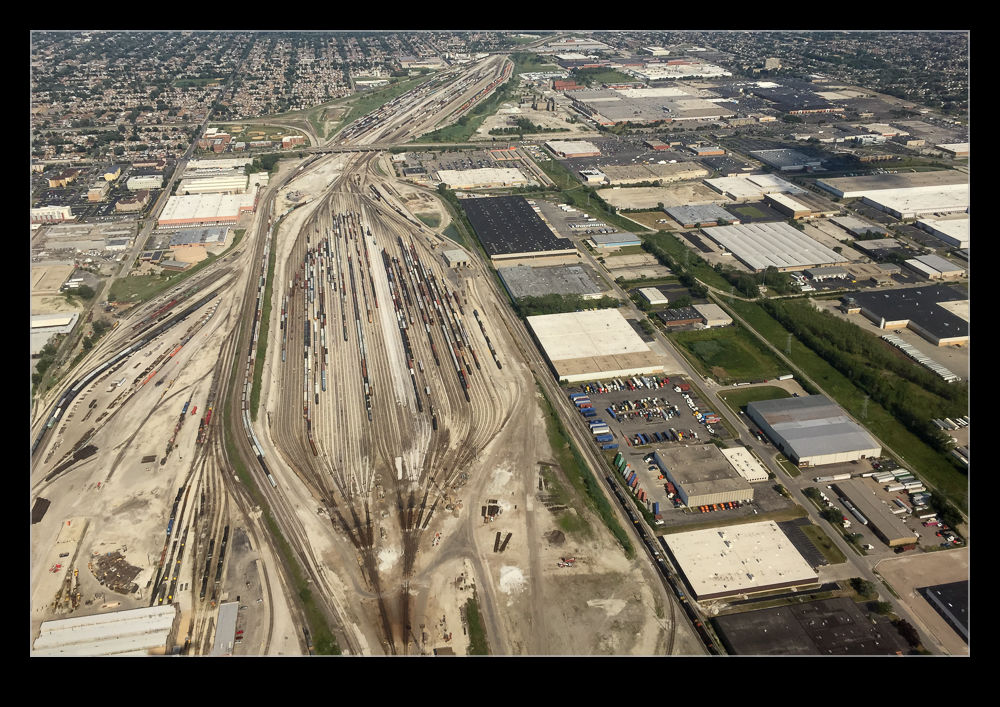
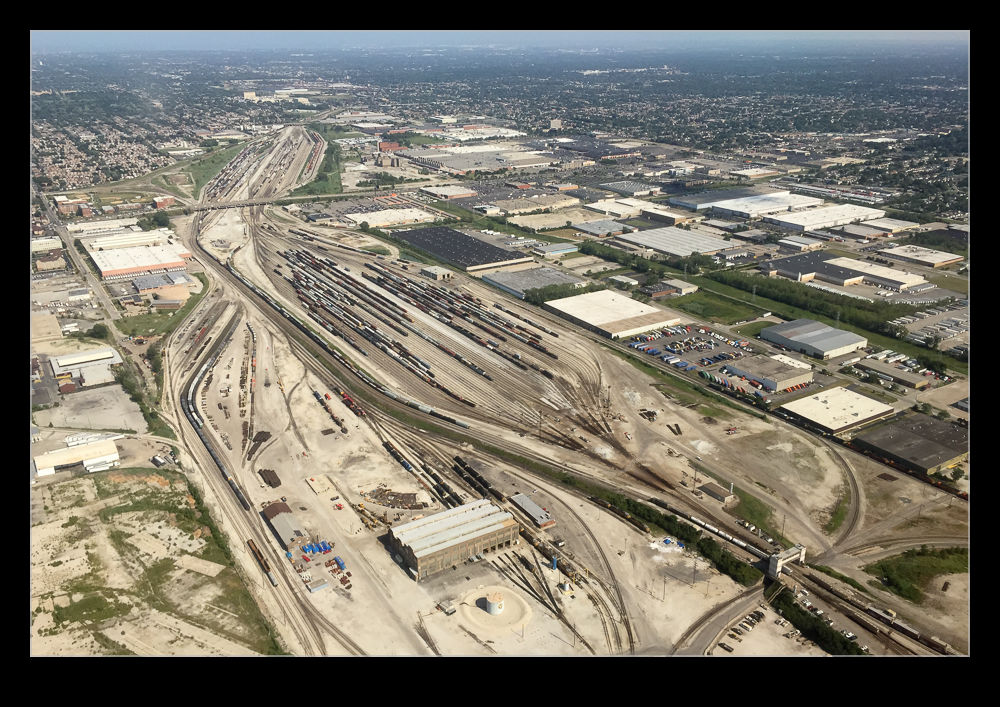 It isn’t always what you are looking at that is appealing. Sometimes, it is just the shape that attracts your attention. In the area around Midway Airport are a number of rail yards. The way in which they fan out from the entry tracks and then close down again at the other end makes for an interesting shape which can only be appreciated from the air. Here is an example of what I mean. It really doesn’t matter what is in the yard. The form is all that I am looking at.
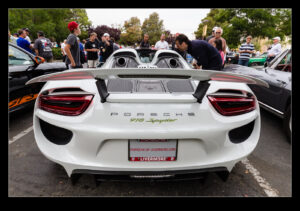
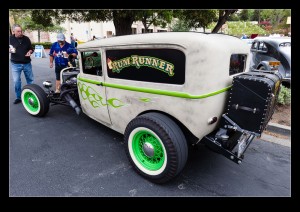
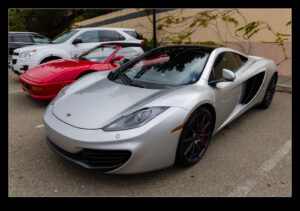
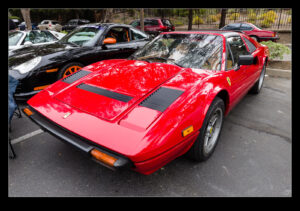
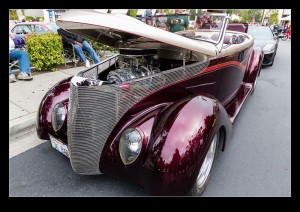
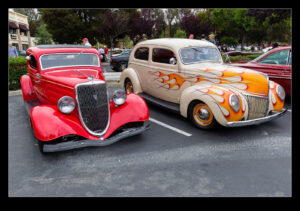
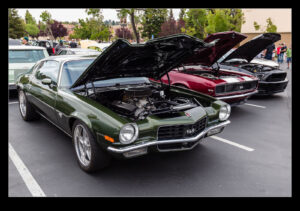
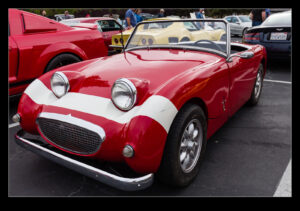
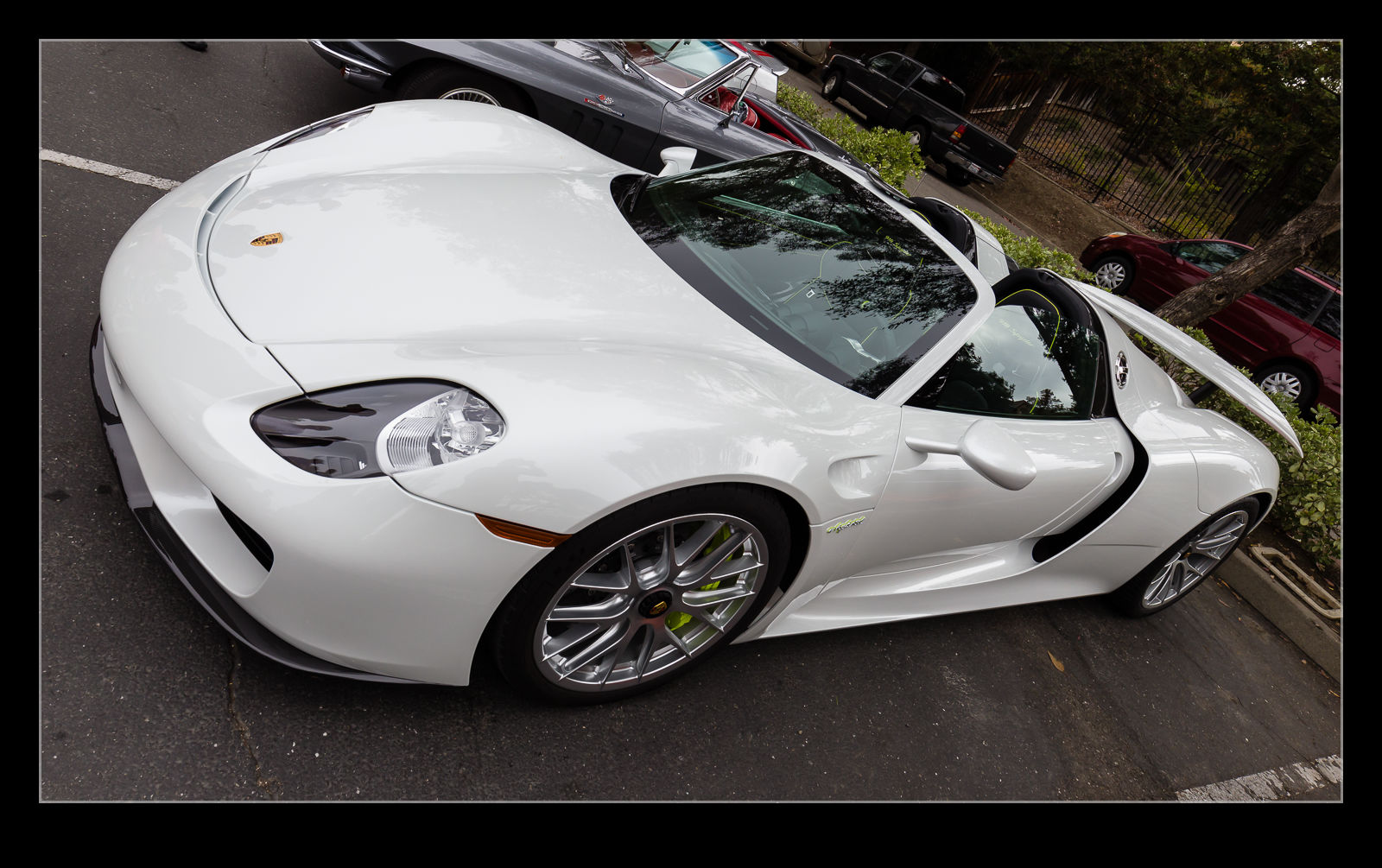 Other than the stuff that has got its own post, there were a bunch of other cool looking cars at Cars and Coffee. Here are some of the others. Hard to believe that some of these are also ran subjects! Normally they would get more attention!
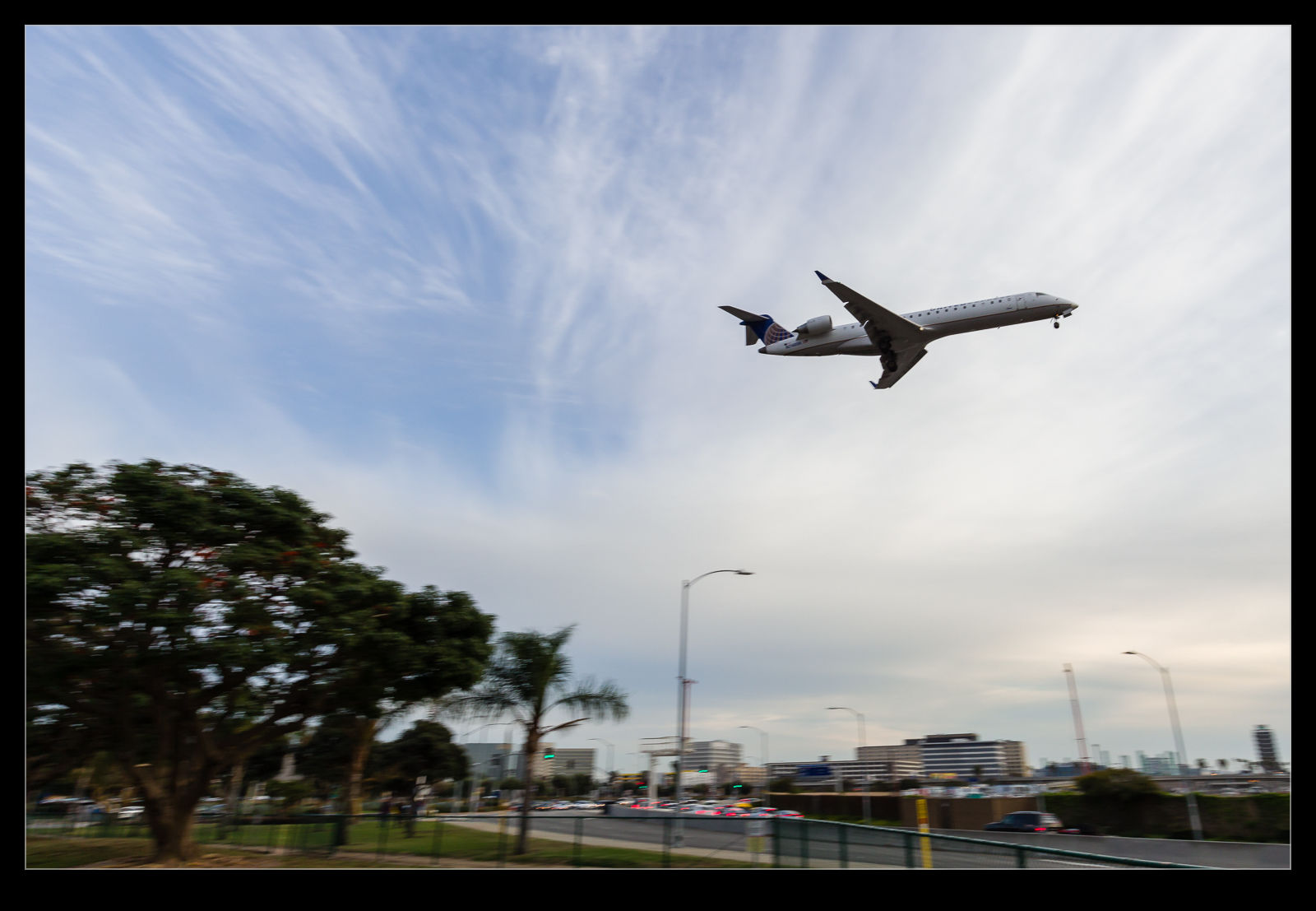 If you are going to shoot at LAX, one spot that is worth a visit, even for a short while is the In’n’Out Burger. Just north of the runways, the approach comes across the street just beside a small park and you can sit and watch the planes on their last moments of the approach. I ended up there when I had a few minutes to spare before meeting a colleague. The sun was heading down and the marine layer was already blocking out the best of the light so it wasn’t the perfect time to take shots. However, who cares? I had some time and I wanted to see what was coming in.
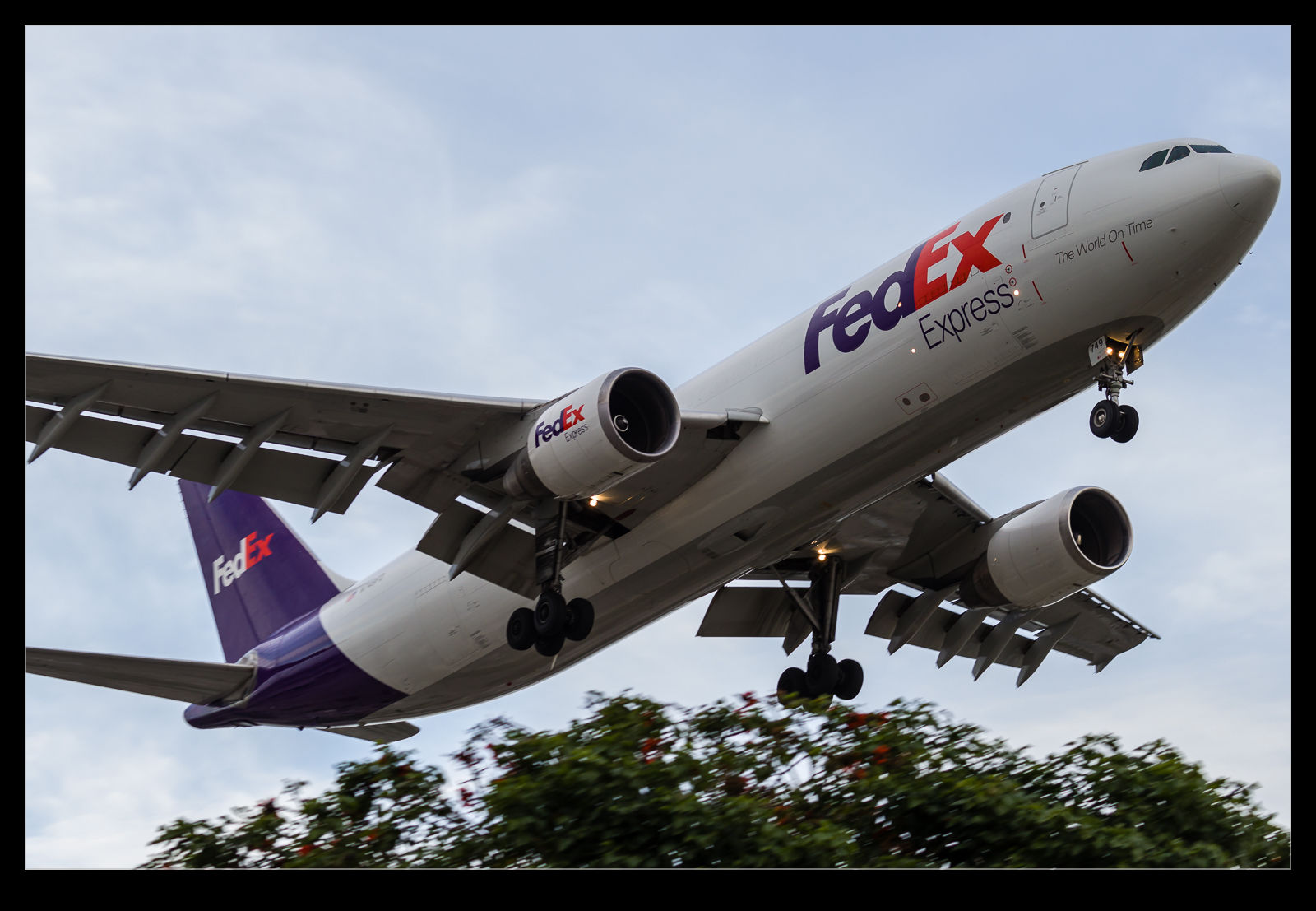 You get a lot of similar shots in this location. Trying to find something different is a little limited but you can still have a go. The standard approach shot is the obvious one. You can go tight and get details on the planes. You can go wide and get something that shows the area and how close the planes are. Sadly, this one never really shares the feeling you get there since it makes the planes seem a lot further away than they feel in person.
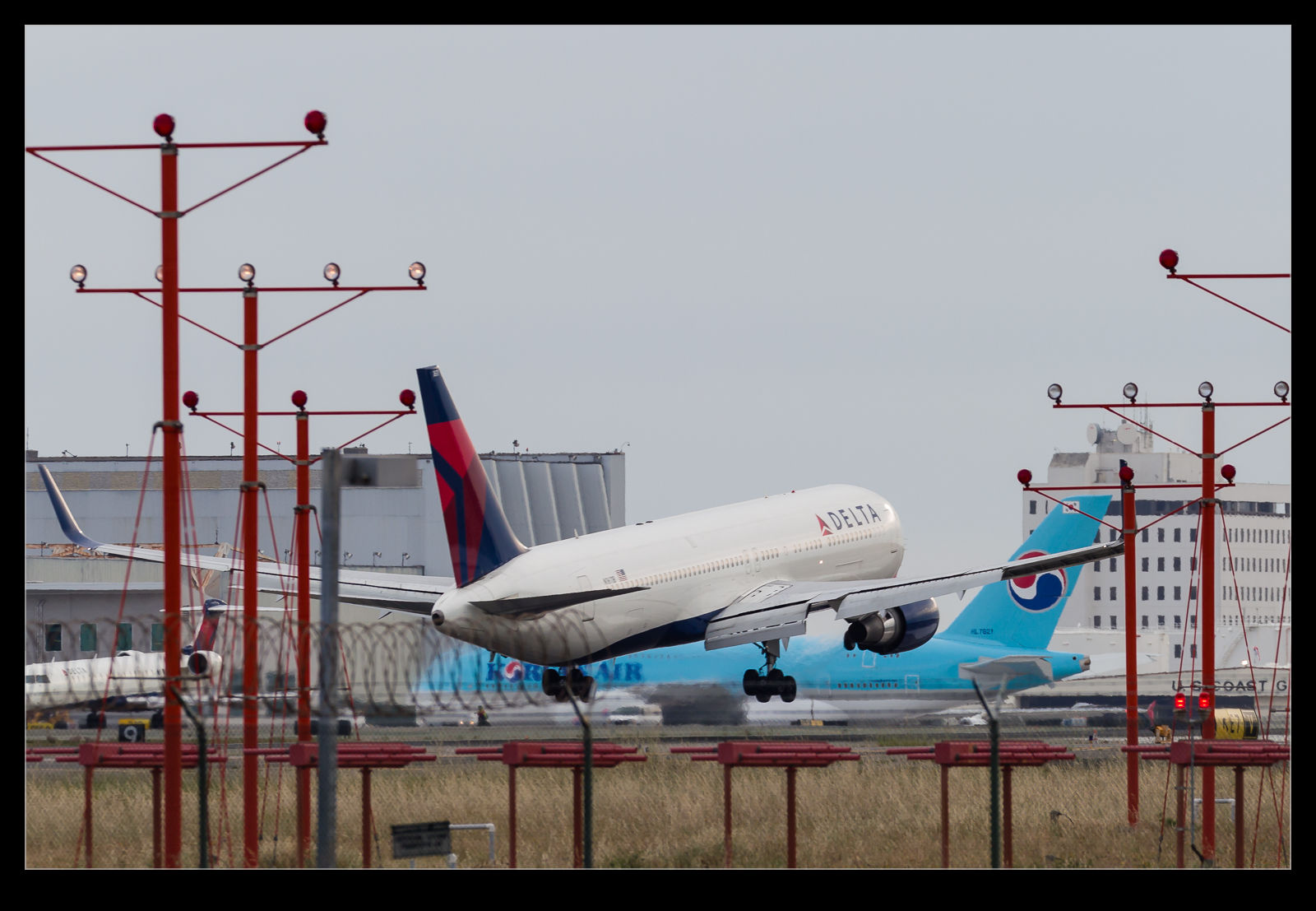 You can also get the shot through the landing lights as they get close to touchdown. There is a lot of crap in the way for this but you can still play with it. No-one seems bothered if you are taking shots here since it is so popular. Years ago, I had a cop stop and talk to me but he was only interested in comparing notes on lenses. You can wander across the street and further down to get head on shots if you like too. I have done this in the past. On this occasion, it was a quick visit so no time to go exploring.


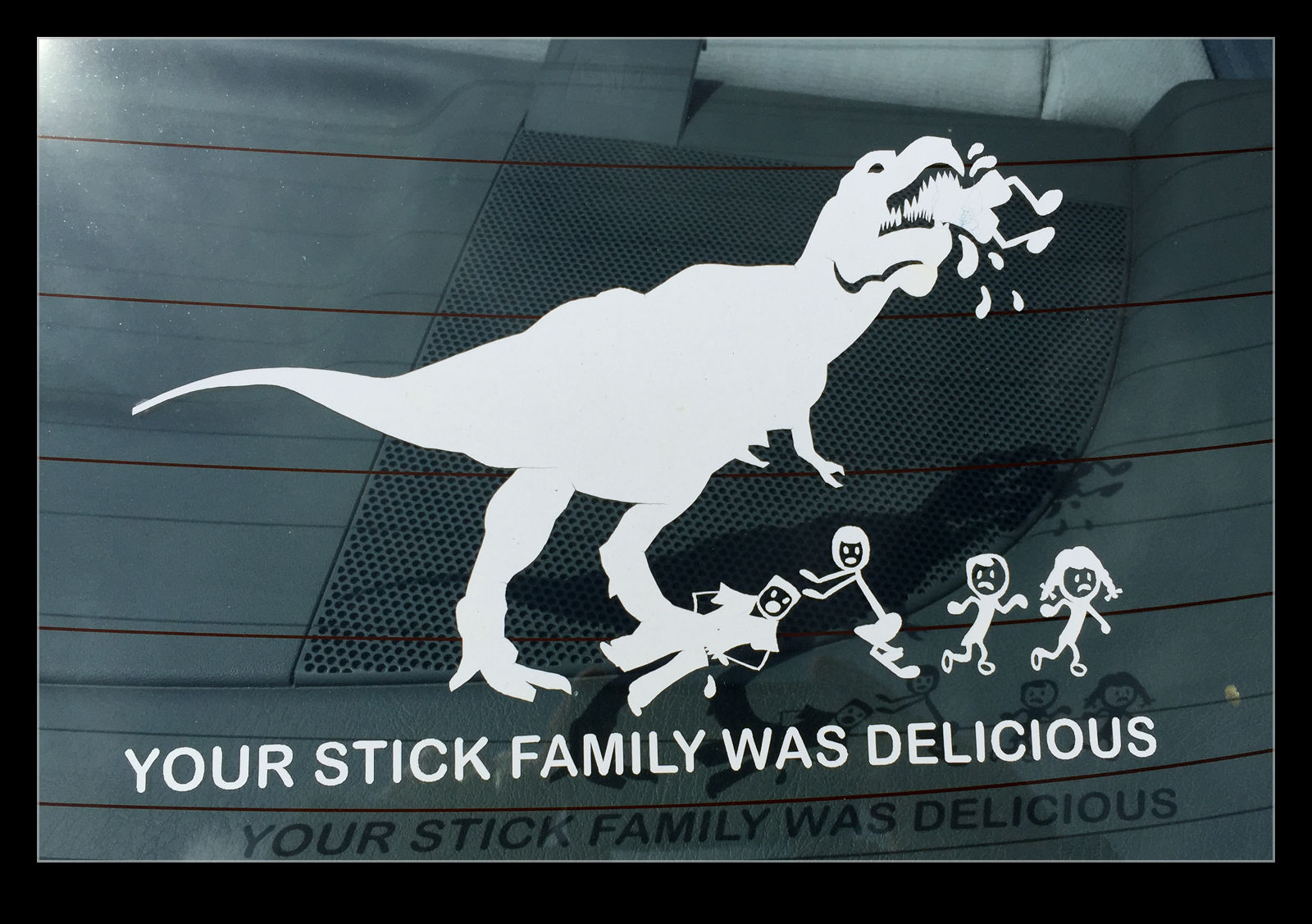 The number of stickers you see on people’s vehicles these days is substantial. I don’t much care what the composition of someone’s family is and whether they have a dog, cat, turtle etc. When I saw the above stickers on a car, while it is really more of the same, I couldn’t help but laugh and felt I light to get a quick shot of it to share.
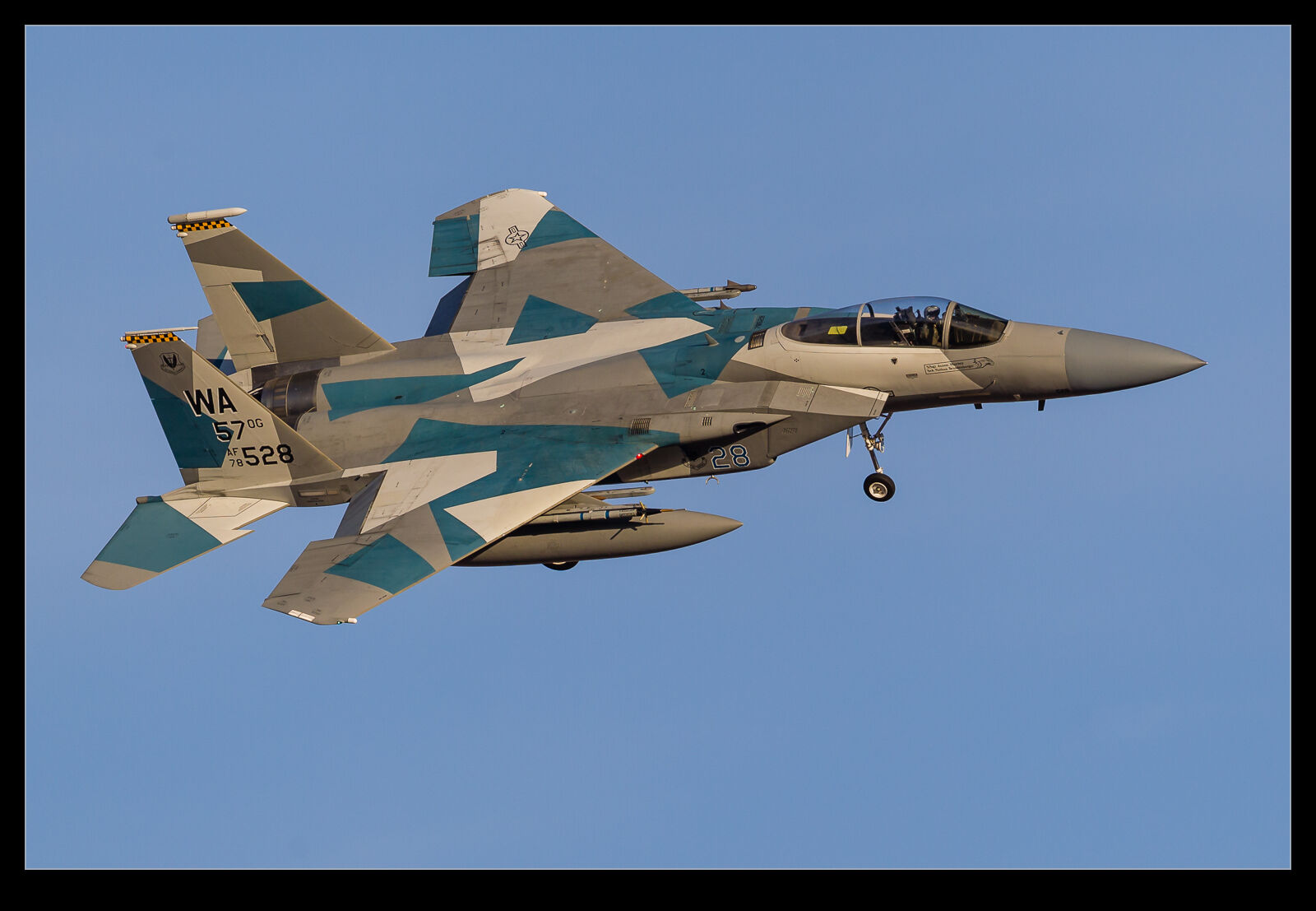
The USAF recently got rid of their squadron of Boeing F-15 Eagle aggressor aircraft. The aggressors have used a combination of F-15 and F-16 aircraft for a while but now they have gone to an all F-16 operation. The aircraft have been redistributed to the other units that operate the type and will gradually lose their aggressor colors as they get repainted.
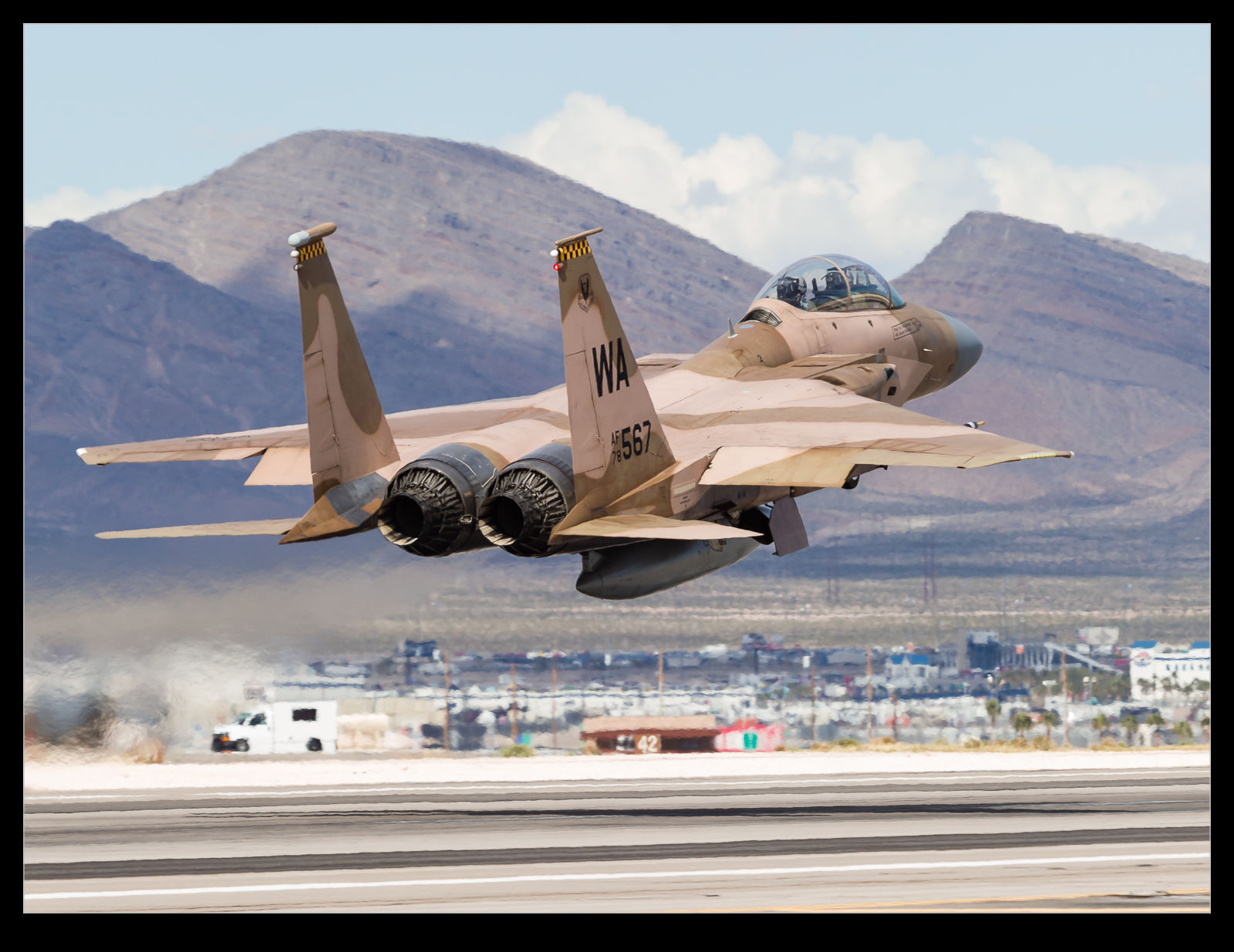 I thought I would celebrate them with a selection of shots of the F-15s that I have got over time. I wonder whether we shall see them again. It is not unknown for things to change again so we can hope. However, I won’t be putting money on it.

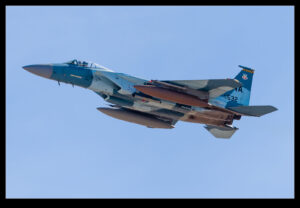
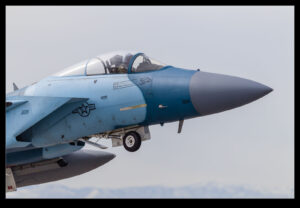
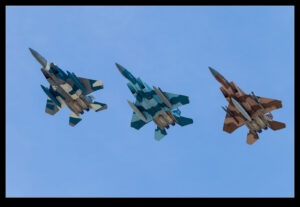
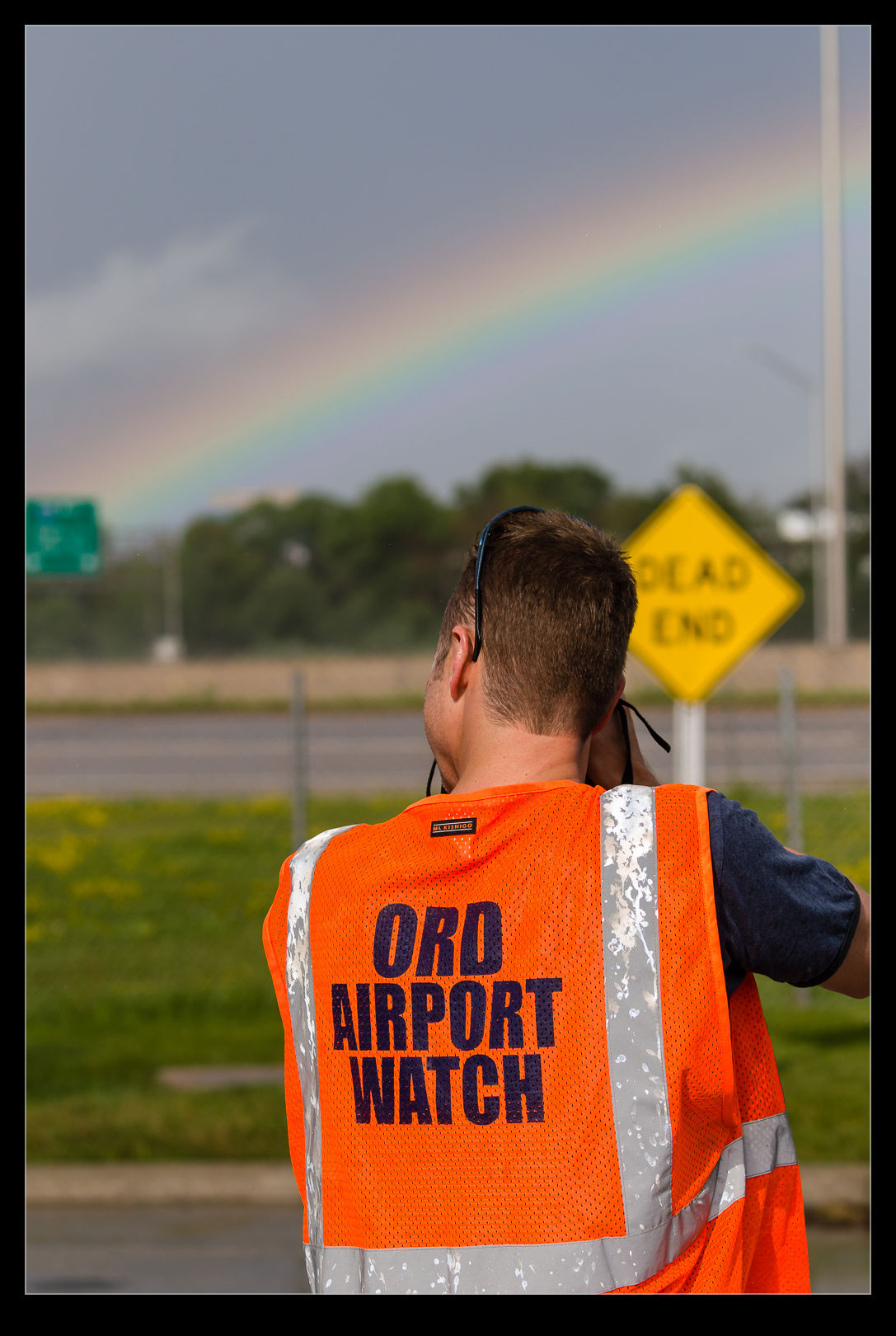
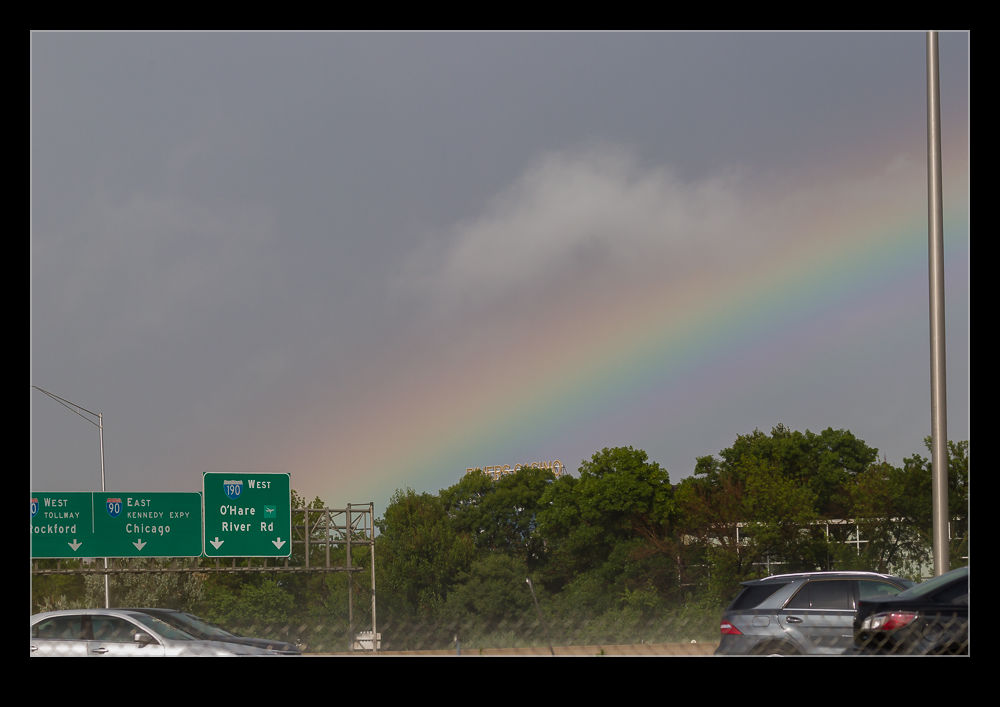 Rainbows are very pretty. Having a rainbow in a beautiful setting is excellent. Next to an interstate – not so much. You take what you get, though. This rainbow came out when the storm had passed through near O’Hare. We all started shooting it. Here you get a view of the back of Koz while he was shooting the rainbow. His vest is a little brighter than it was!
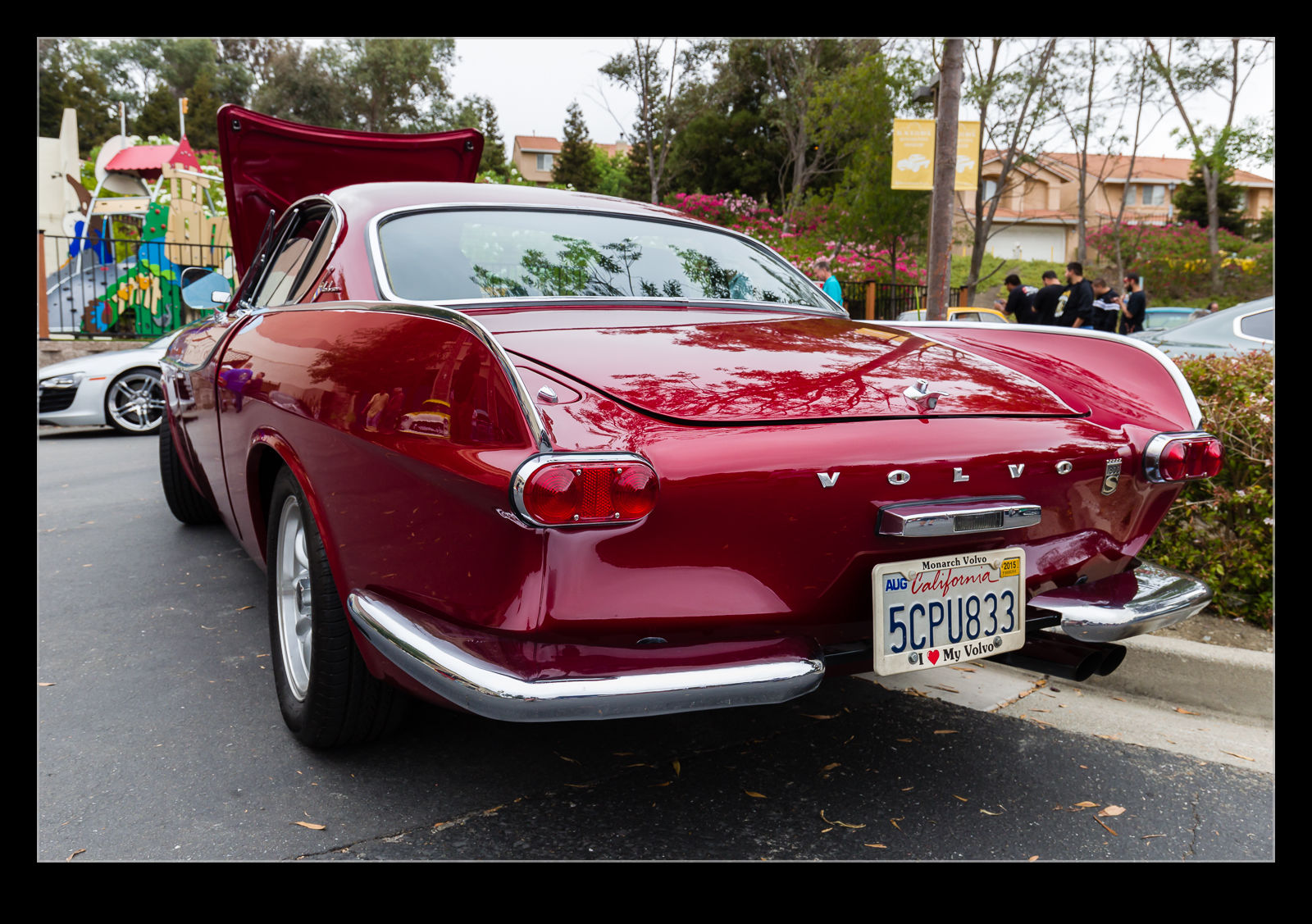
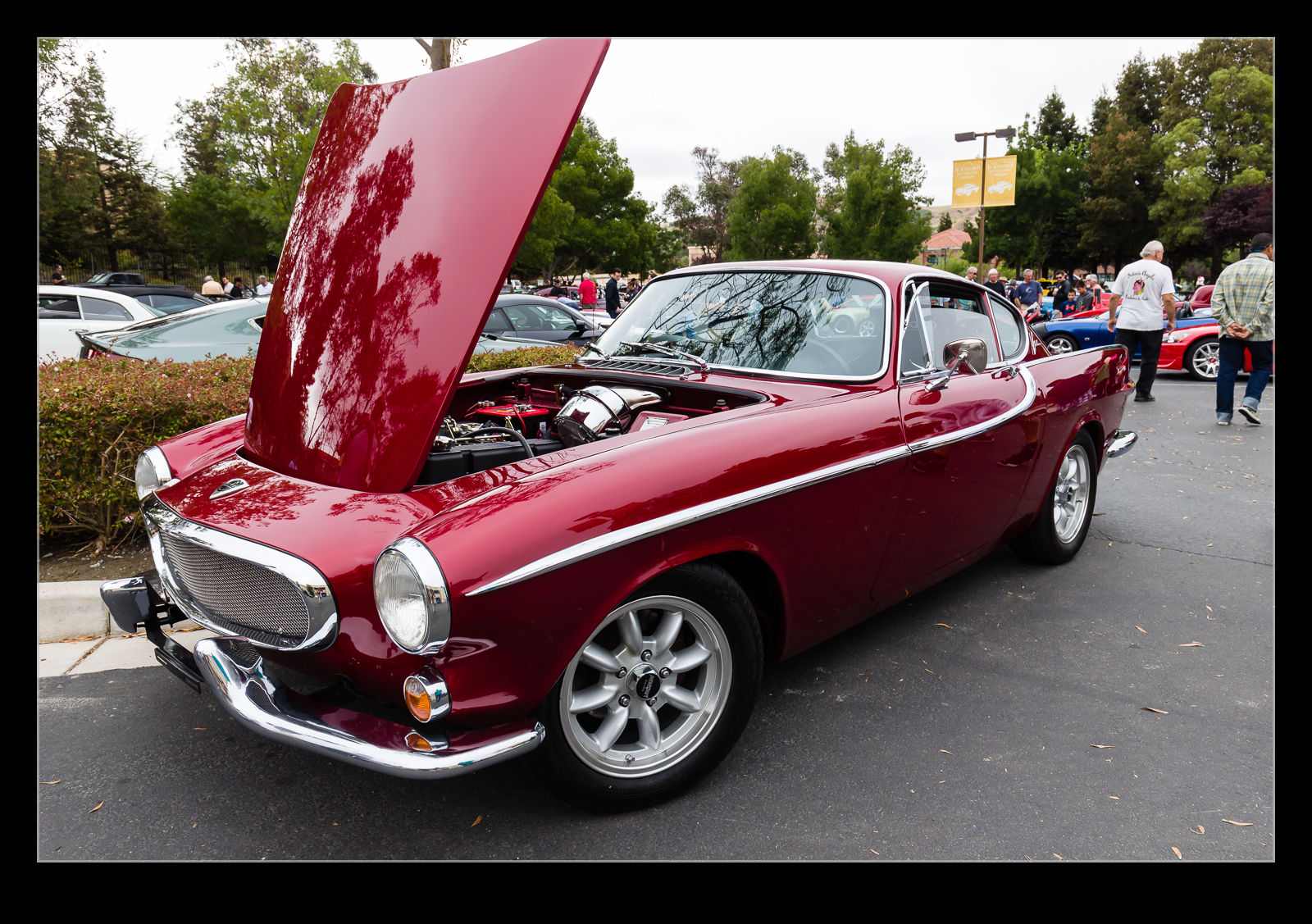 My recollection of Volvos as a youth was of boxes on wheels. They never struck me as impressive cars and the interiors seemed to match the exteriors in their boxiness. I even have a less than favorable memory of driving a 740 through France overnight to try and make a morning ferry (which we did). It was not always thus. The P1800 was quite a smart looking car and a TV star in the original version of The Saint.
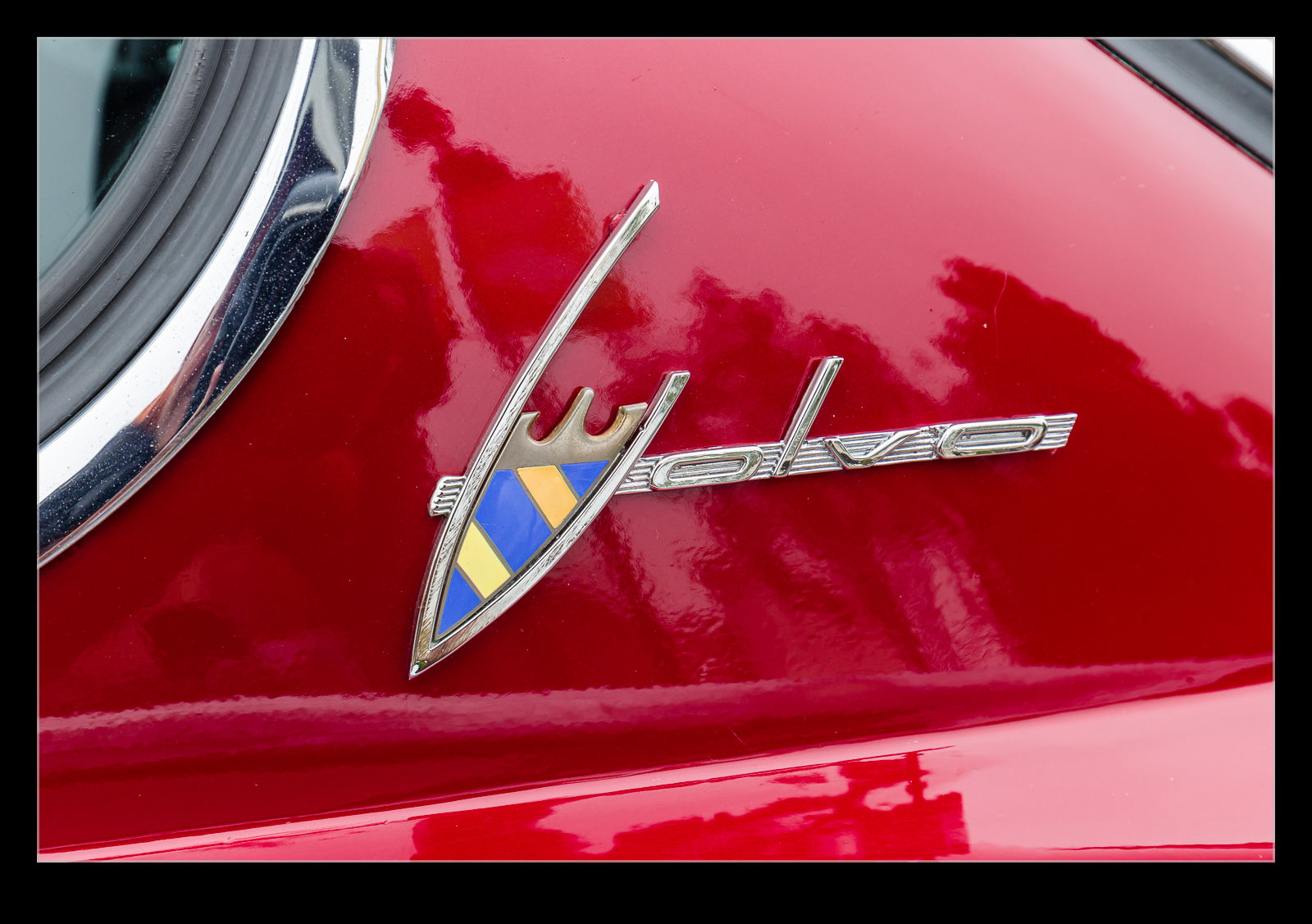 This example showed up at Cars and Coffee. It was in excellent condition. Whether it has been kept well or restored beautifully (or even a bit of both) I don’t know but it looked great. It wasn’t the only example around either. However, it did stand out as the one to see. I have no idea what they are like to drive but that wasn’t the point at an event like this.
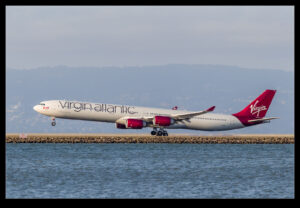
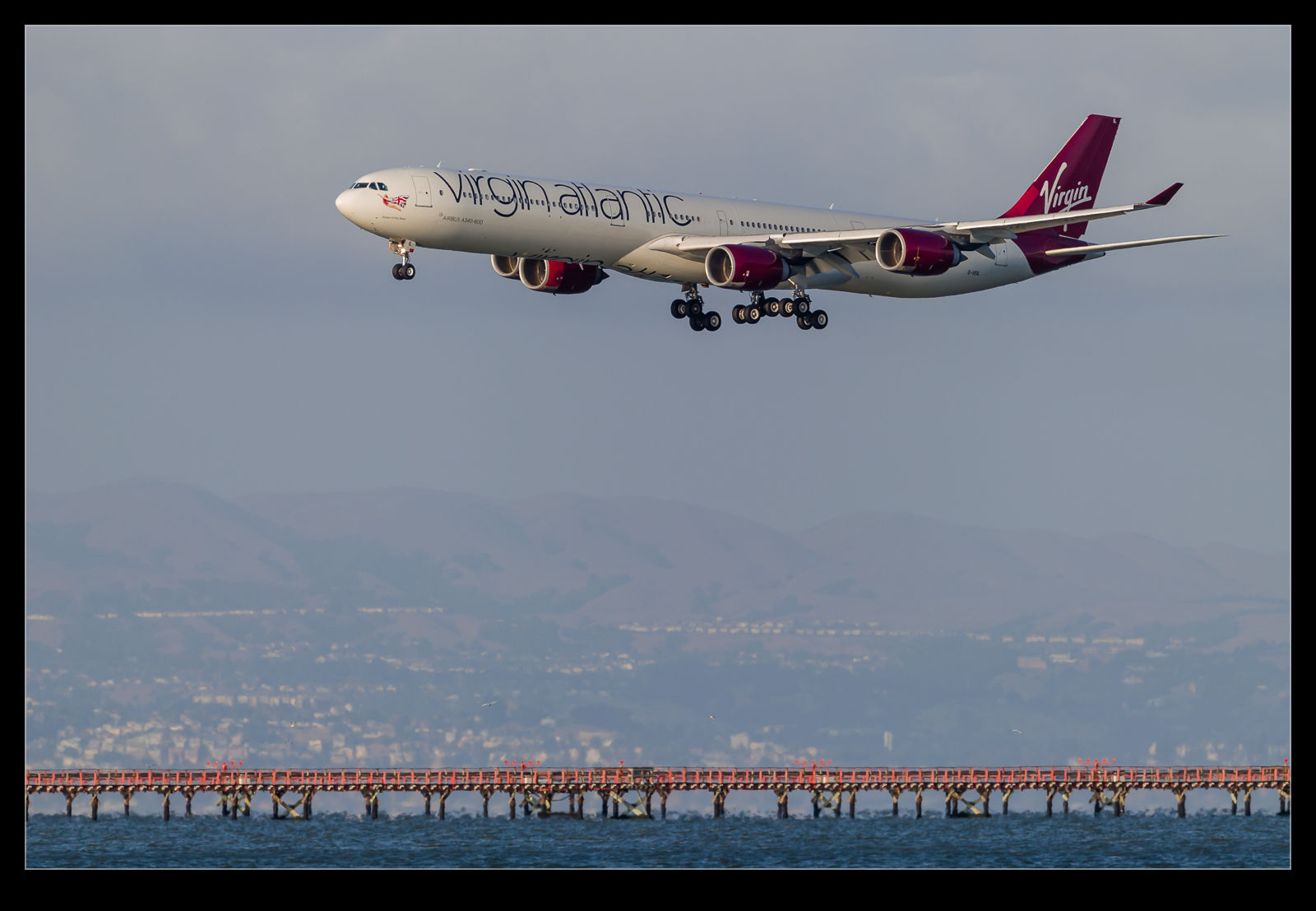 Periodically, this blog gets populated with something that is disappearing be it an airline or a type of plane. Virgin Atlantic has been operating a single 747 in to SFO for years now. Recently they started up a second service five days a week. It is intended that this service will be operated with a 787-9 but the number delivered is not enough at this point. Therefore, they are using an A340-600 to start things before transitioning to the 787 in October. I have a relatively narrow window in which it will be operating and then it won’t be long before the A340s are gone from Virgin’s fleet. With a bunch of stuff coming up, I was looking for a chance to get a shot.
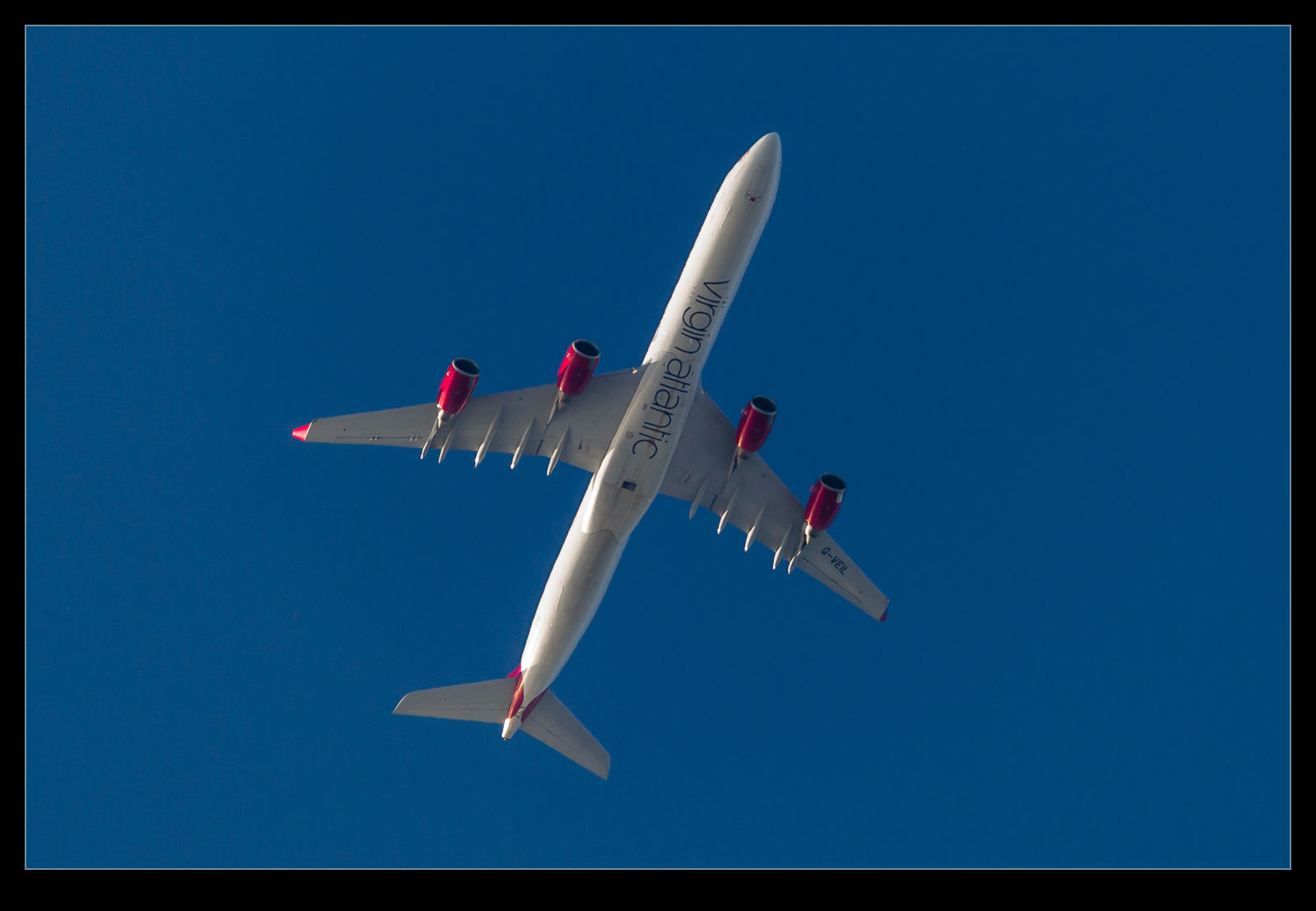 Having the plane was only part of the issue. Having a nice day was another. Also, it arrives around 7pm so I needed to get it before the evenings get shorter and it shows up after dark. The only problem with that is that the heat haze is bad at this time of year. Nothing I can do about that so I have to make the best of things. Fortunately, I chose a nice evening. The light was good, the timing was right and the heat haze, while present, was not so bad as to run things completely. These images won’t survive too much scrutiny but I am glad to have got them before time runs out.