Author Archives: Rob

Passing Through the Gulf Islands

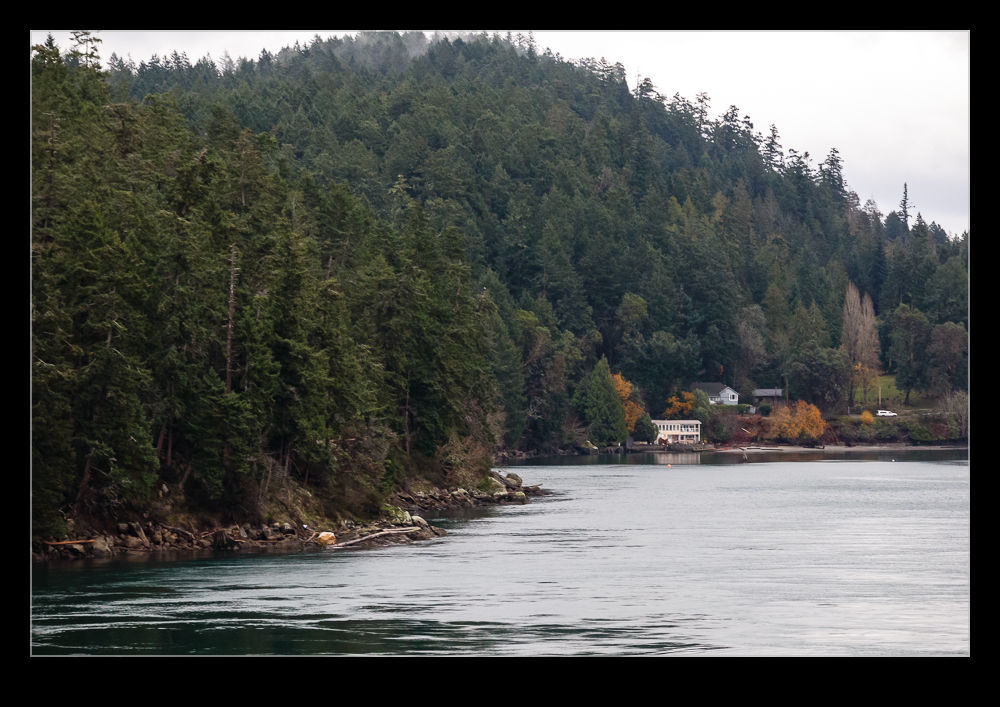
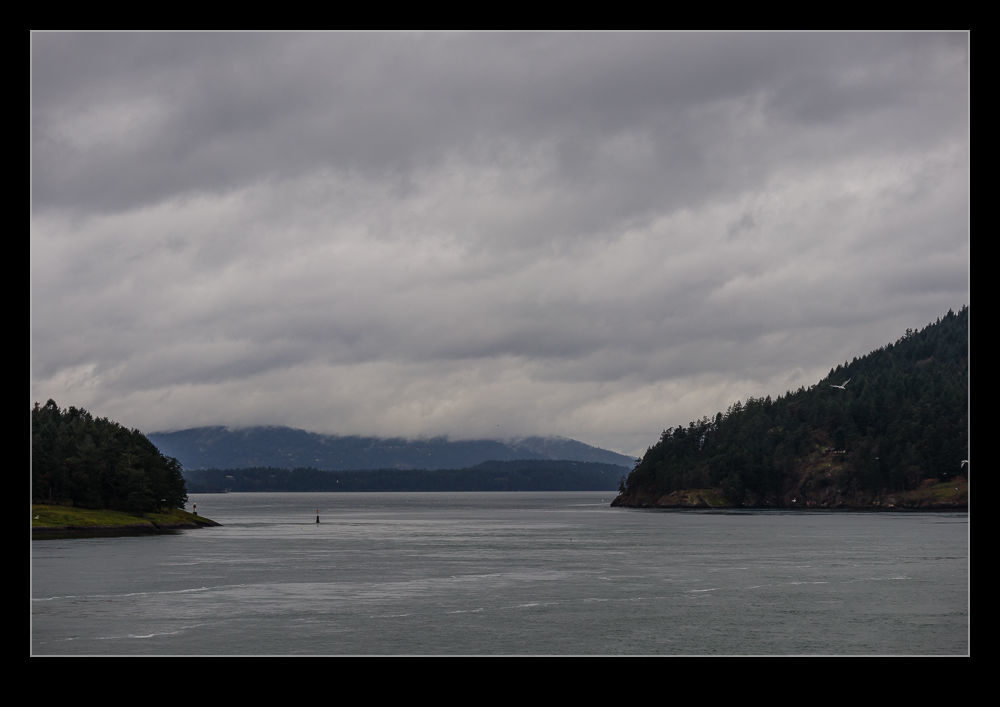
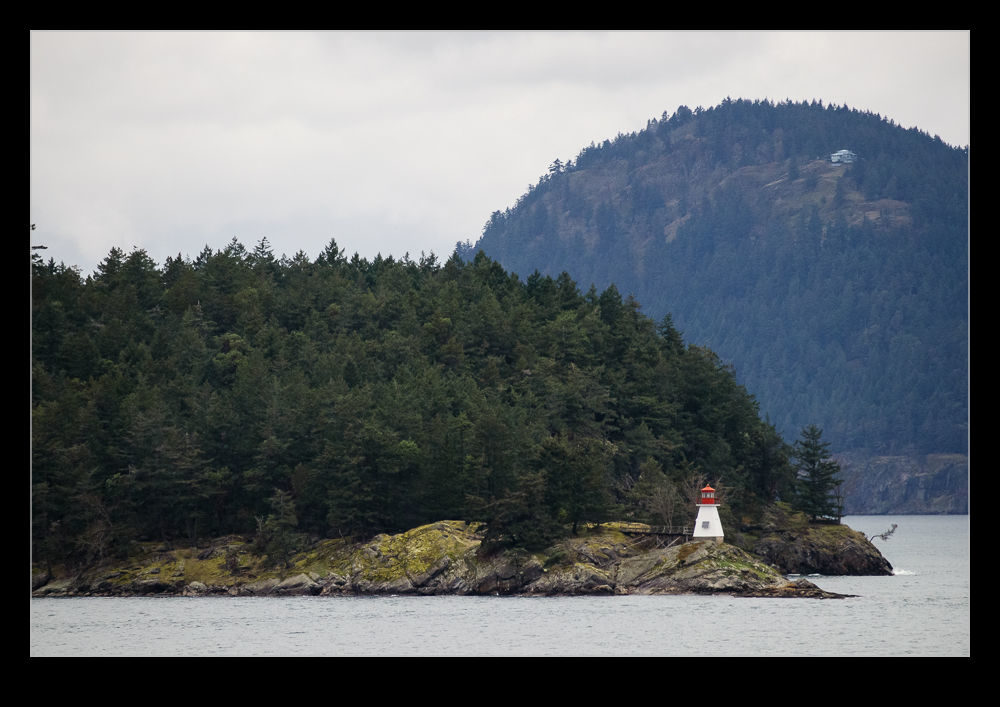
To get to Victoria for our visit, we took the BC Ferries route from Tsawwassen.  This route crosses some open water but then it weaves its way through the Gulf Islands.  This makes for a really picturesque journey.  On the day we crossed, it was a cloudy day but the beauty of the islands and the waterways between them was more than enough to compensate for the gloomy skies.  Some of the passages are really narrow so you find yourself very close to the shore and looking at the houses and woodland areas along the water’s edge.

If you don’t mind being blown about a bit, standing out on the deck rewards you with great views.  The only problem is you can only see to one side at a time.  You need to nip through the boat to the other side periodically to see what is passing on that side.  Not such a relaxing way to sightsee!

The Vision Returns

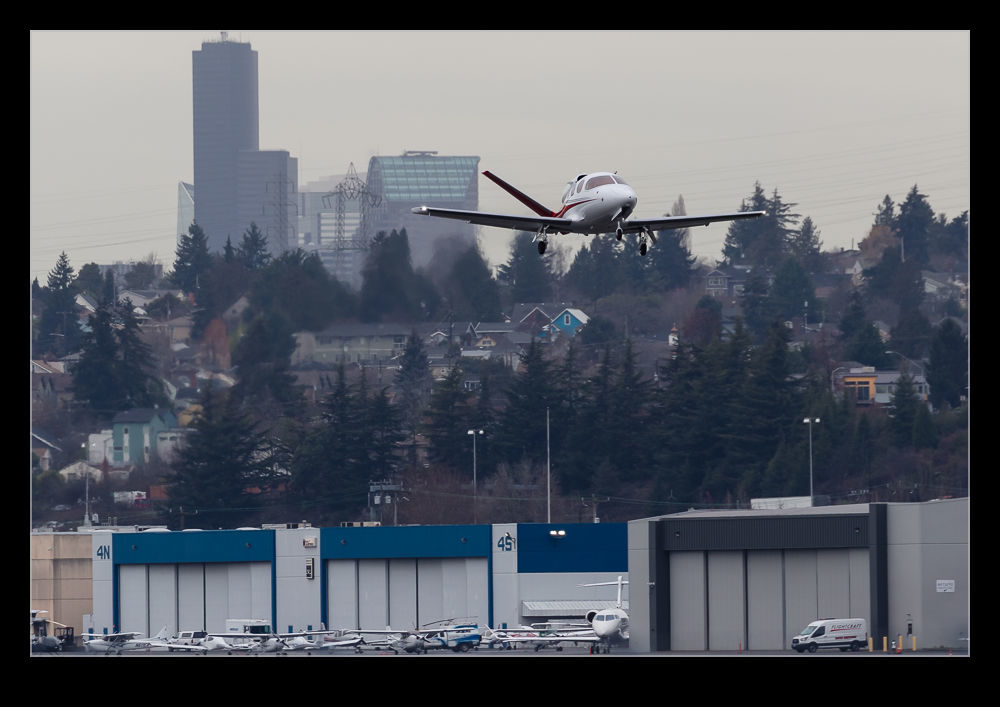
My first encounter with this Cirrus SF50 Vision was in this post.  It was scheduled for departure while I was on some calls and I hoped it would time its departure conveniently for me.  I was lucky and it headed out just after I finished a call and before I headed back to the eastside.  The skies were not friendly for getting a shot but it was still nice to see it in action and the flat light avoided any harsh shadows and deep contrast.

Streetcar Opening Day

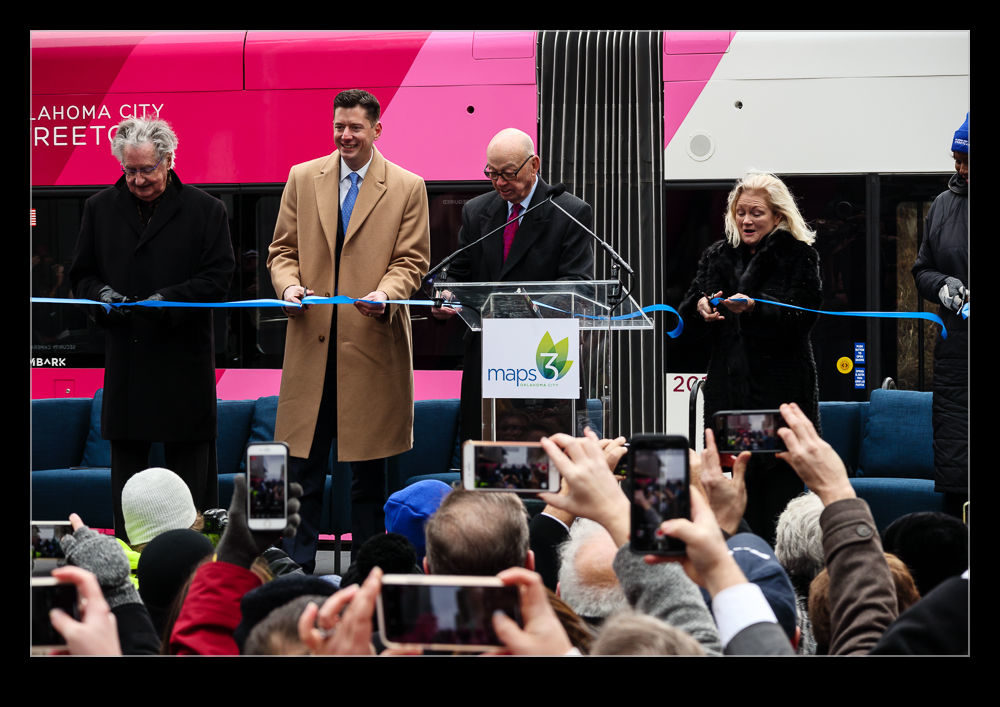
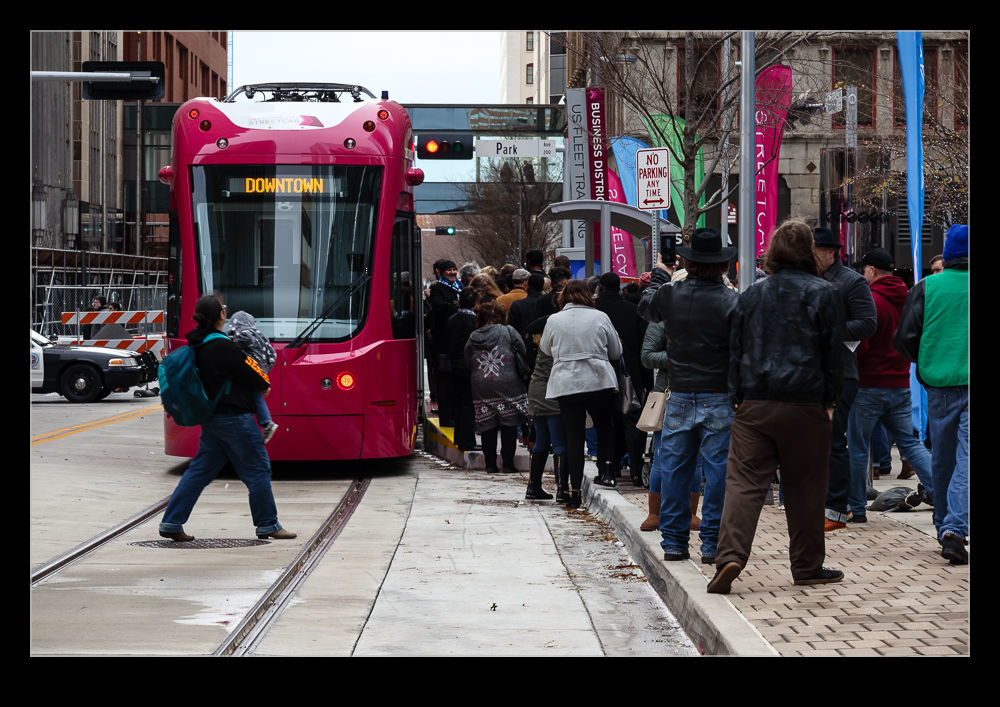
I used to make regular trips to Oklahoma City for a streetcar project I was working on.  I ended up having to pick up another project which meant I dropped the streetcar project when the vehicle contract had been approved and signed and my colleague took on the delivery phase.  However, I promised I would be back for the grand opening.  Mid December was the time when the system was opened up.

Fortunately, I was already within three hours of OKC for another project so I drove up for the celebrations.  The project team had a dinner the night before which was a great chance to get back together with some old faces.  The opening was on the following morning.  We had an early photo session with project team members at 7:30 on a chilly Friday.  The main opening ceremony started at 10:00.  It was still pretty cold but plenty of people had shown up for the evening.  Speeches from those involved and then it was time for the first rides.

I skipped the initial runs and instead went to have a look at the maintenance facility that had been constructed as part of the project.  It was a nice job that had been put together by all involved.  After checking it all out, I parted ways with my old colleagues.  Before heading home, it was time to ride the full route.  That will be another post.

Direct to Ethiopia is Still Not That Heavy

Ethiopian Airlines has been taking delivery of some Boeing 777F freighters for their cargo operations.  One of the new jets was being readied for delivery while I was at Paine Field.  Operations were in a northerly direction so, from the terrace on top of the Future of Flight, we were going to get a good view.  I was hoping that a direct flight to Bole in Ethiopia would be sufficiently long to mean that the jet would be very heavy with fuel and would run long on take off giving us a good view of rotation.  However, while there was a lot of fuel on board, the lack of any other payload meant it still got off the ground pretty swiftly.  Still, it was a good view of the initial climb out.

Otter Crew

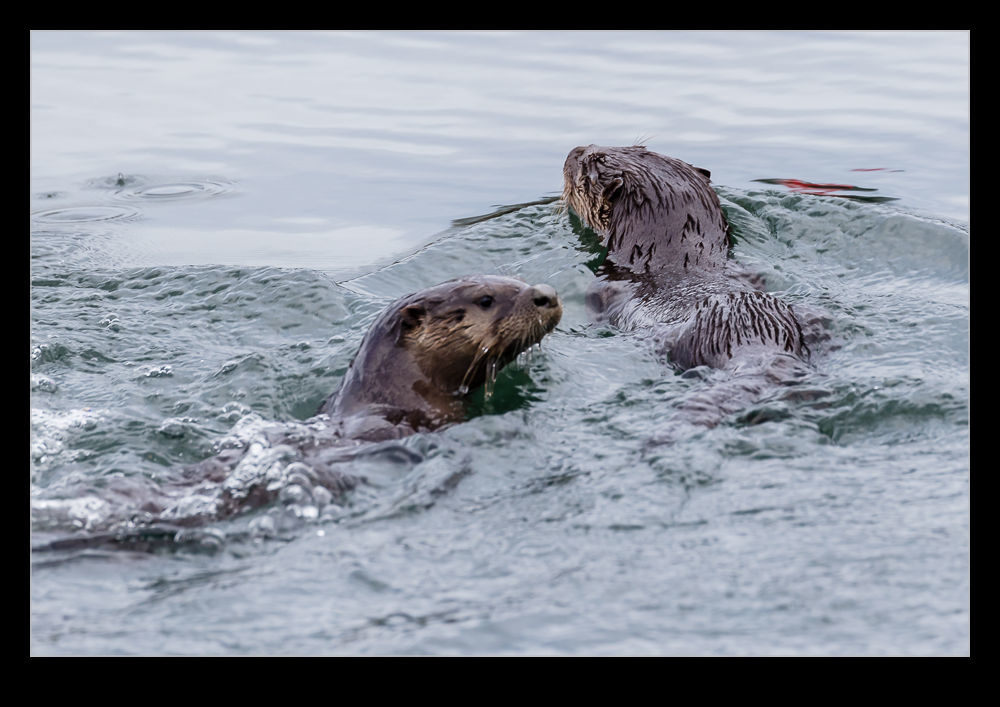
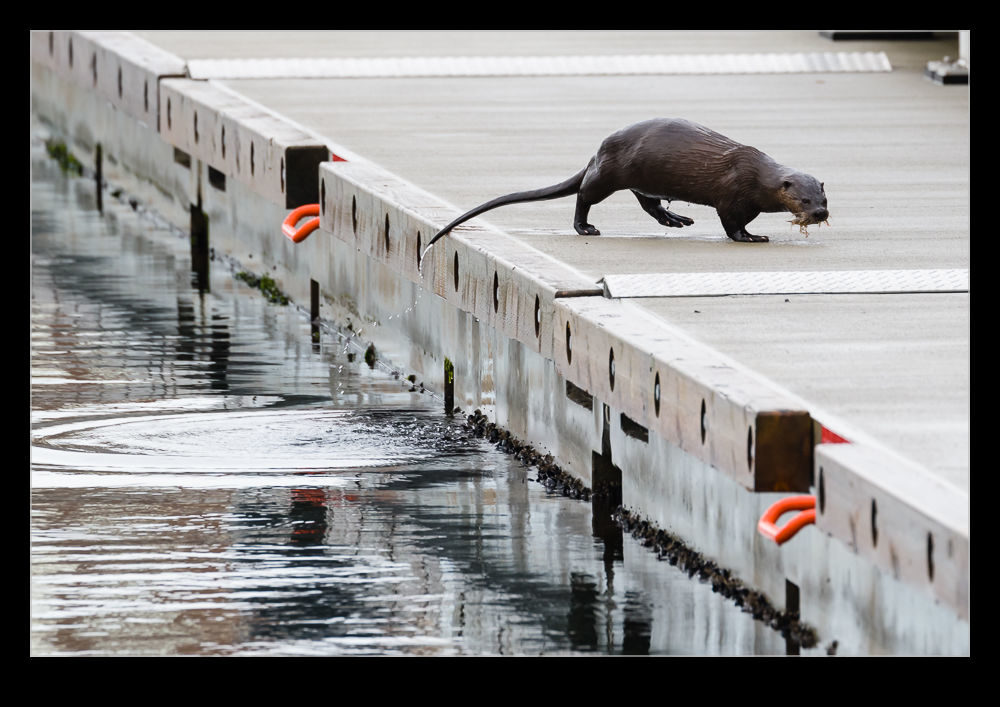
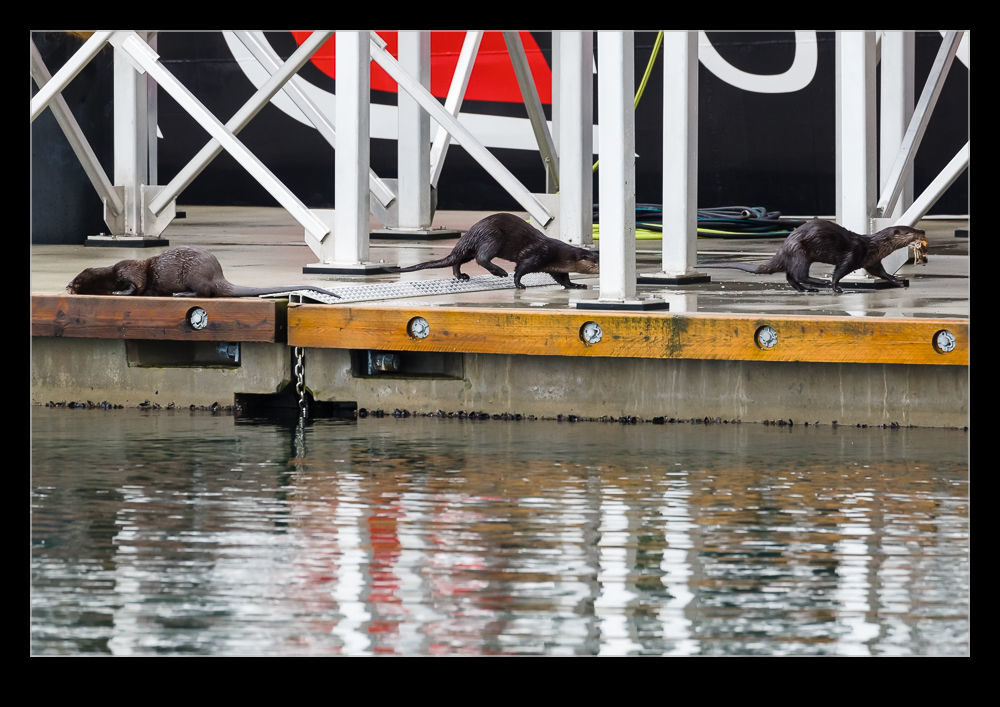
While walking along the harbor in Victoria, I happened to be looking over the edge when three otters came out from under where we were and dropped into the water. I was quite surprised by this and we watched them swim out a way into the water before the dived. It wasn’t long before they popped back up with their catches in their mouths. They then climbed up onto the jetty for one of the ferries to enjoy their crab lunch and to play around as otters are prone to do!

Bill’s G650

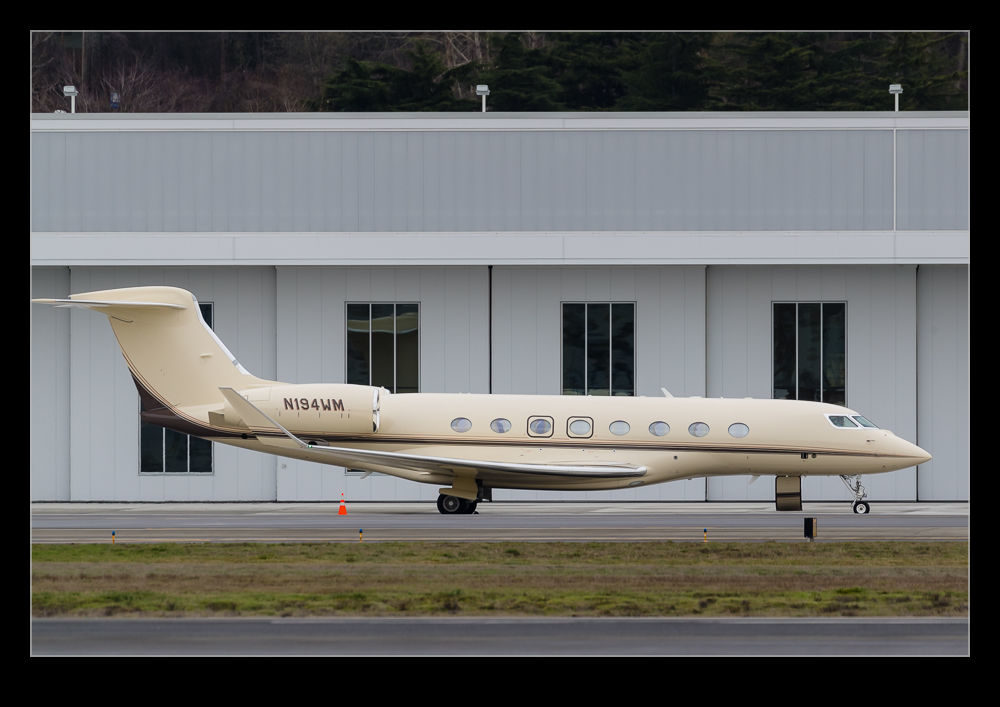
Another stint in the lots by Boeing Field to deal with some phone calls prior to heading back out of Seattle after some meetings and some more interesting movements.  A G650 landed while I was there.  I was on a call so I didn’t have an opportunity to get a shot of it as it landed and rolled out which was a shame.  It parked up across from me and an SUV took the occupants away.  Then it was pushed into a hangar.  A quick search on the registration gives a company name and Googling that shows it is associated with Bill Gates.  Looks like he has a nice jet although I think he needs a new Global 7500 if he wants to stay on top of things.

Learning a Better Way to Blend in Photoshop

I occasionally use the Statistics function in Photoshop to blend multiple images in order to get rid of the distractions that I don’t want like people or vehicles.  Up until now, this has been a real pain to do.  I would identify the images in Lightroom but would have to open Photoshop, go into the Statistics function, use the browse function in there to select the images and then it would run everything in one go.  This was not a convenient way to go and the output image then needed to be manually added to Lightroom which is not handy.

It turns out that there is a better way.  This may have been in Photoshop all along and I never knew or it could have been a recent addition.  Either way, it is there and I shall now use it for future projects.  I have even created a Photoshop action to cover the process and assigned a function key so it will now do the heavy lifting without my intervention.  It all starts out in Lightroom.  Select all the images that will be used for the blend.  Then use Edit>Open As Layers and a new document will open in Photoshop with all shots as layers.

If everything has been shot on a tripod, things will be properly aligned by default but I often do these things on the spur of the moment so they are hand held.  Consequently, while my efforts to keep pointing in the same direction are not bad, the first task is to select all layers and Auto Align layers to tidy things up.  Next, go into the Layer tab and, under Smart Object, convert to a Smart Object.  This may take a little while.

Next step is to go back into Layers>Smart Objects>Stack Mode.  This brings up the same options as you get through the Statistics function.  Select Mean and send it on its way and you end up with a shot that, depending on the number of shots taken and the clear space in enough of them, results in a clear shot.  Usually I find that I haven’t got enough shots of the right type to get everything to disappear so some ghostly elements may remain but they are certainly less distracting than the figures in the original shots.  I have no idea what the other modes will achieve and the descriptions Adobe provides in their help files are so obscure as to be virtually useless. Instead I shall have to experiment with them to see what happens.  Thankfully, now I have this new method, I can undo the last step easily to try each option which would not have been possible using the Statistics dialog.  Another win!
My Rainier Arrivals

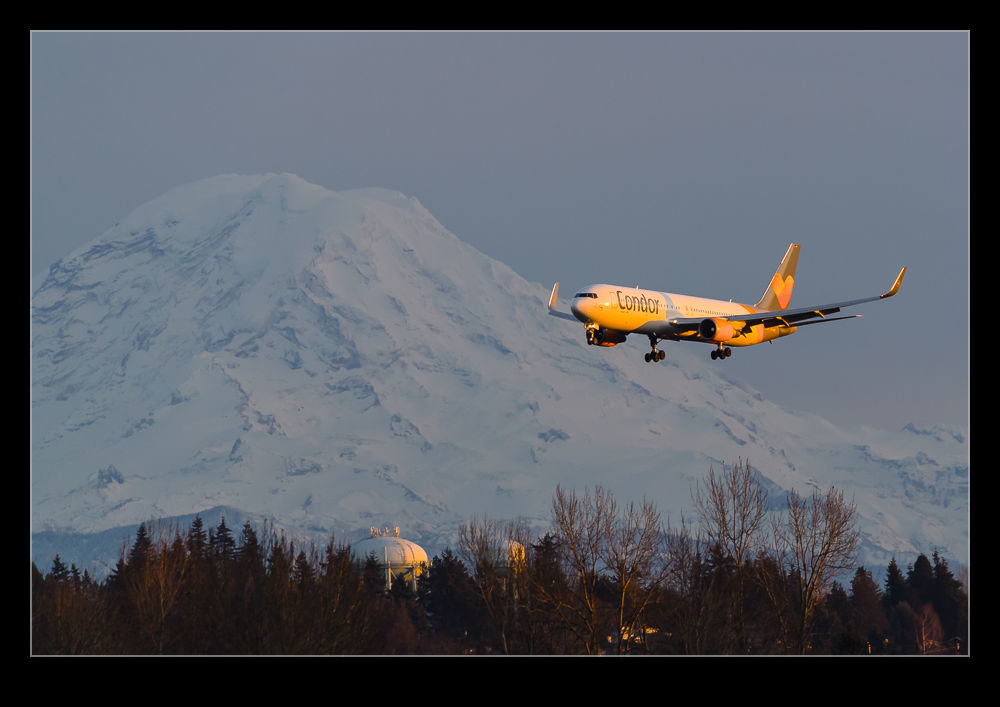
I was picking up someone from SeaTac just before Christmas.  The flight was due in just before sunset so I took the camera along just in case.  I was out by the outer runway approach path but the heavies were coming in to the inner runway.  This meant they passed nicely in front of Mt Rainer – assuming you can ignore the 60 odd miles distance to the mountain.  First in was a Condor 767 which still had plenty of evening light on it as it landed.

Next up was a British Airways 777.  It arrived as the light was fading fast.  It still had a bit of illumination but you knew anything following it would be in the gloom.  Being winter, there was virtually no distortion in the atmosphere, which, given the distance was a potential problem.  Things looked pretty sharp in the final images.

Woodinville Lineman

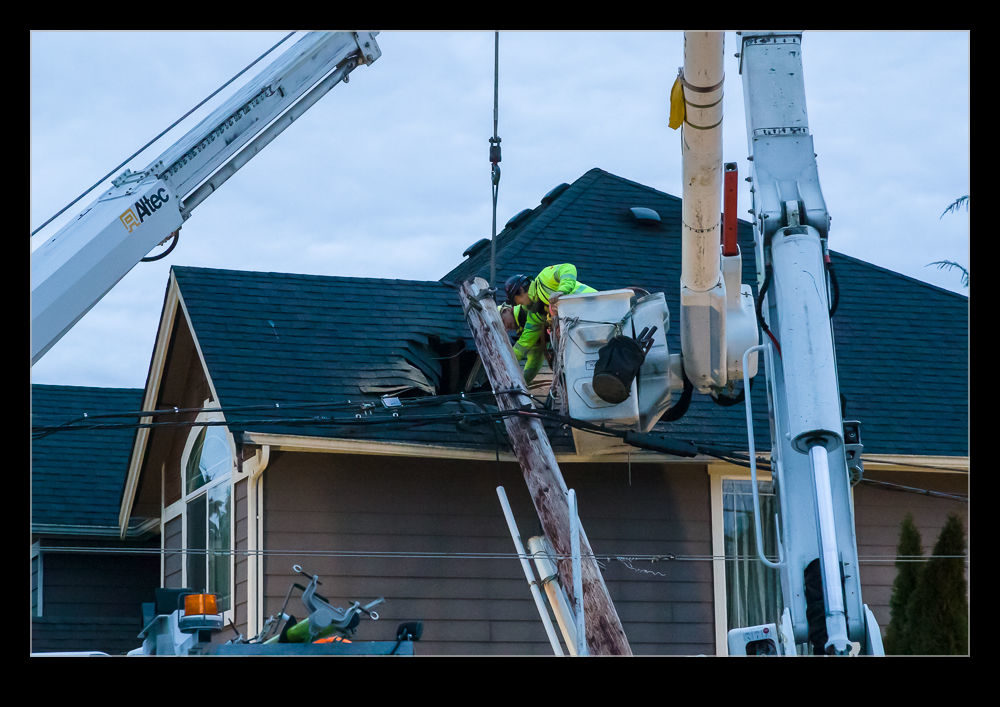
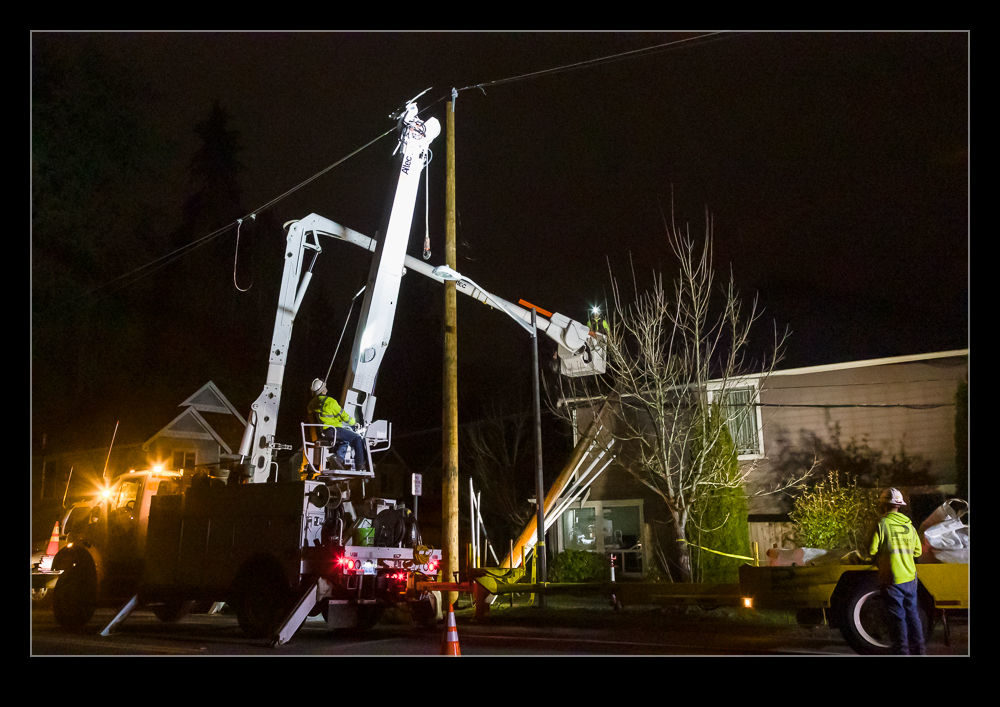
If you take a garbage truck and attach it to a power pole that you aren’t supposed to attach it to, you are likely to cause some trouble.  We had a blackout as a result of such an event.  The pole ended up punching a hole in the roof of a nearby house (thankfully it wasn’t raining) and power to our area was cut off. I got home as the light was fading and got a few shots of the damage.  The power lines are strong and they had succeeded in taking down two lamp posts as well.

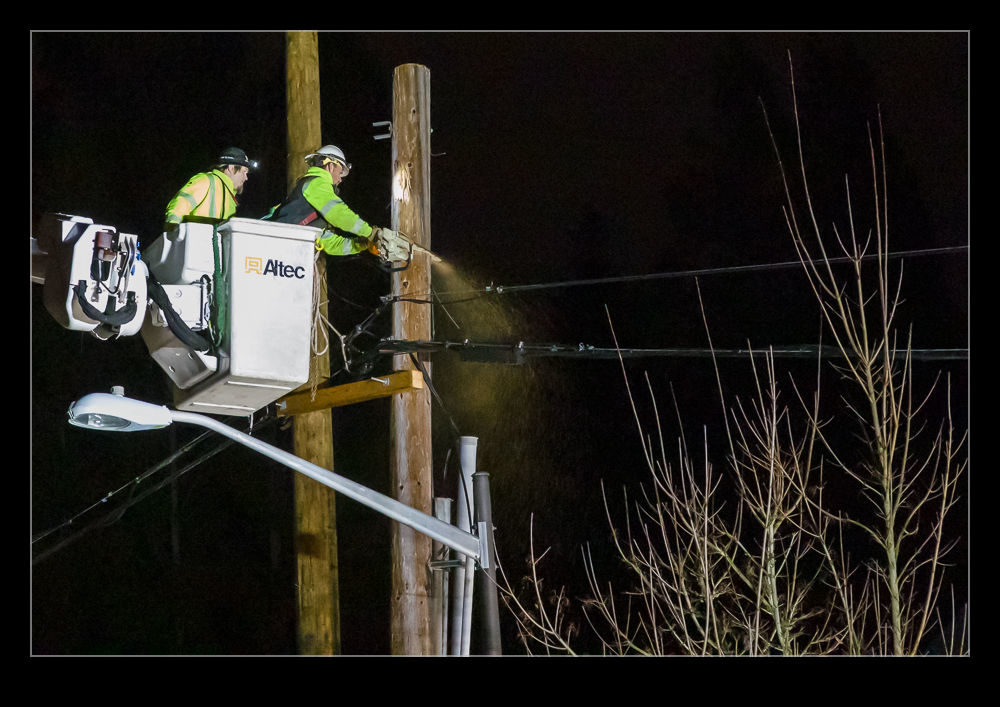
I popped back out to see how things were progressing and to watch the teams at work fixing the situation.  Making the initial pole safe took a lot of time as bits of it were removed.  A new pole was put in place and the old pole lifted back up and attached to the new one.  I assume this was a temporary fix.  Focus then shifted to the next pole which was leaning at an angle that suggested it had taken a bit of the load too.  This one just got straightened up and didn’t need to be replaced.  I gave up watching after a while since I preferred to be indoors in the warm.  Power came back on at 9pm so we were able to sort out the things that had been cut off before turning in for the night.

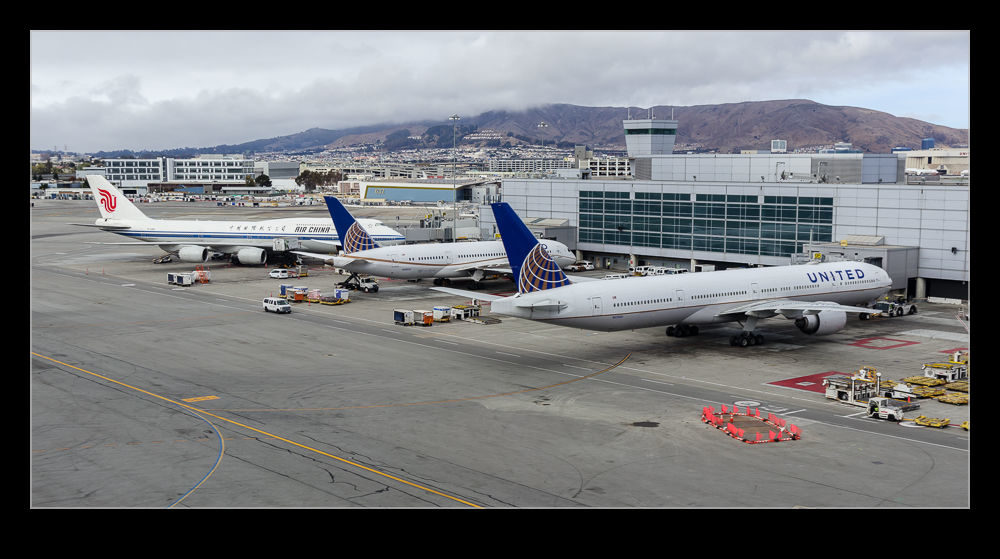
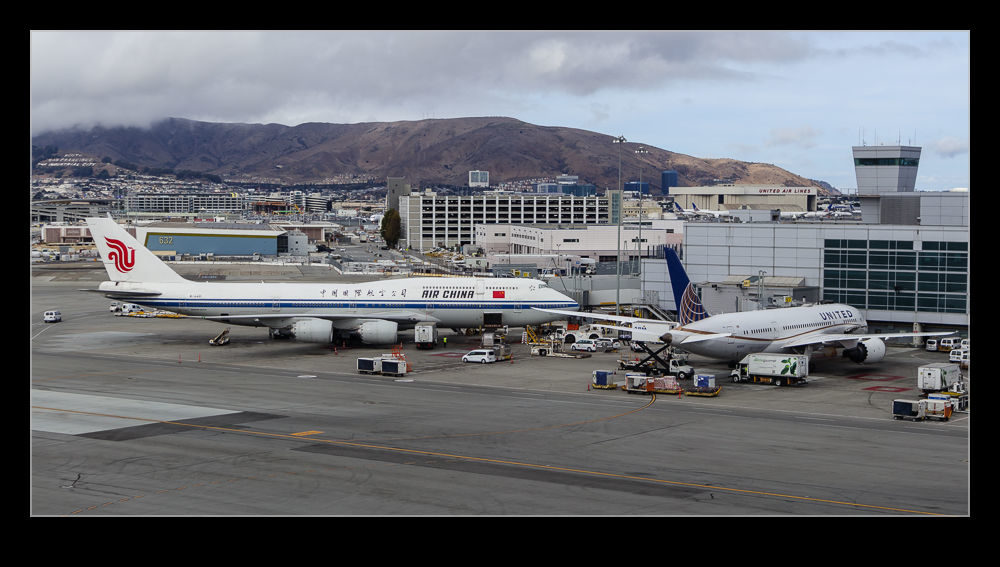
Terminal View from the Shuttle

I was in San Francisco for a work visit a little while back.  I was picking up a rental car so took the shuttle that runs around the terminal areas and then out to the rental car facility.  This trip gives you a view of the apron areas by each terminal.  As you drop away from the central terminal area, you get a good view back across the ramp area predominantly used by United but also other Star Alliance carriers.  I grabbed some shots from the shuttle to give an overview of this area that is otherwise obscured from view.