Tag Archives: technique

Astrophotography on the Beach

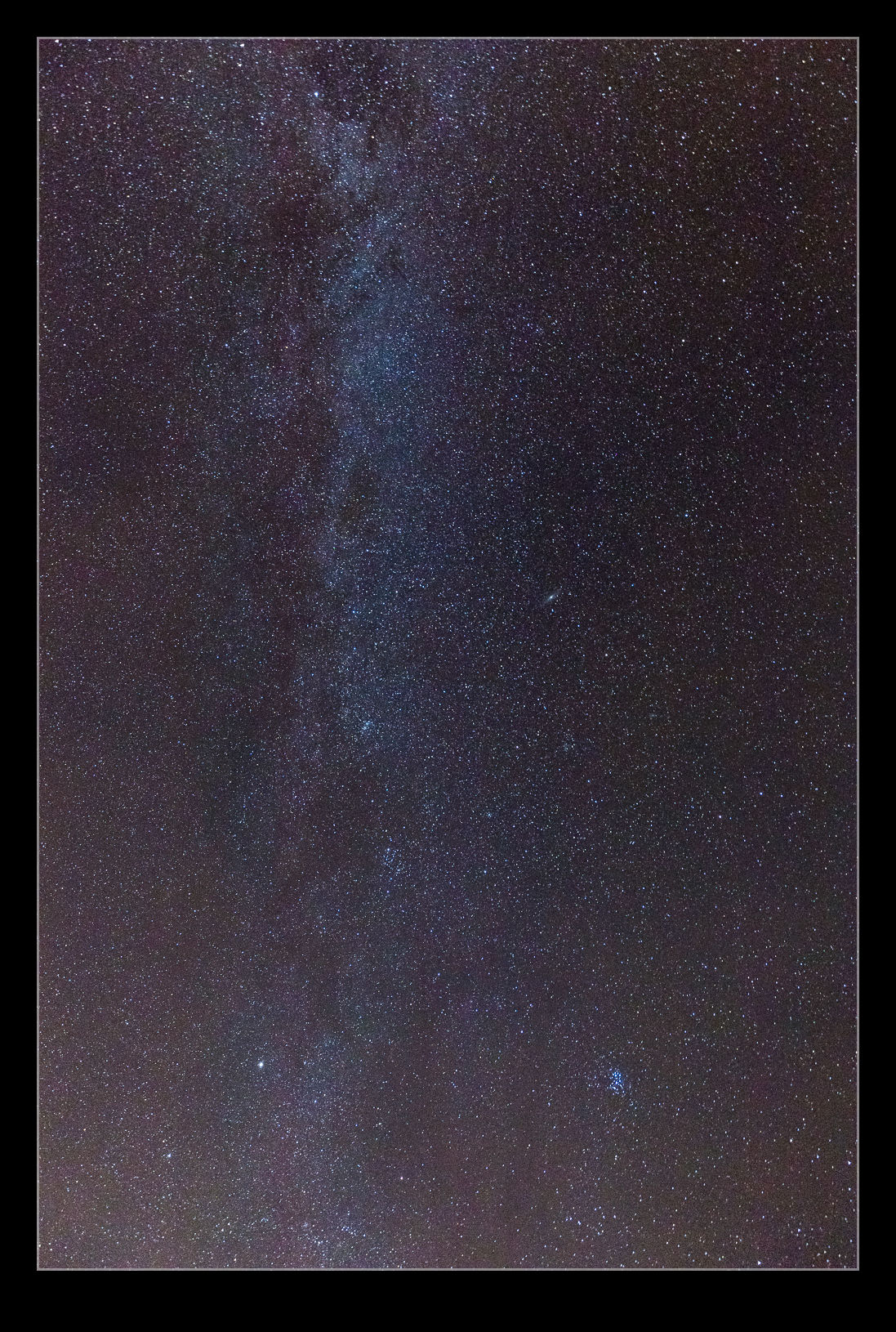
Tofino is a remote town.  Being on the Pacific coast of Vancouver Island, it is a long way from built up areas with only Ucluelet being anywhere close and that does not provide much light pollution.  Combine that with cold and clear nights and you get a fantastic view of the night sky.  Stepping out of the hotel and on to the beach (keeping the light of the hotel behind you), the sky opened up in an amazing display of stars.  I have been to places with great night skies but never at the time of year when the Milky Way is visible.  It looked fantastic.

I had not thought about this possibility and did not travel with a tripod.  I figured I had to have a go at photographing this sky.  I Googled some settings for night sky photography, grabbed the camera bag and headed out on to the sand.  Focus had to be set by using live view and a distant lighthouse with manual focus.  I then set the camera up at 30 seconds and f/4 with a 10 second delay on the shutter trigger.  Then I put the camera on the bag propping it up in the position I thought it needed to be.  Live View was of no use when it was this dark.  I then let the camera sit there for a while to settle.  Gentle pressing of the shutter button and then wait.  I got some good views of the shoreline with the stars including the lighthouse as well as a shot straight up at the sky.

The Conflict of Sharpness and Prop Vortices

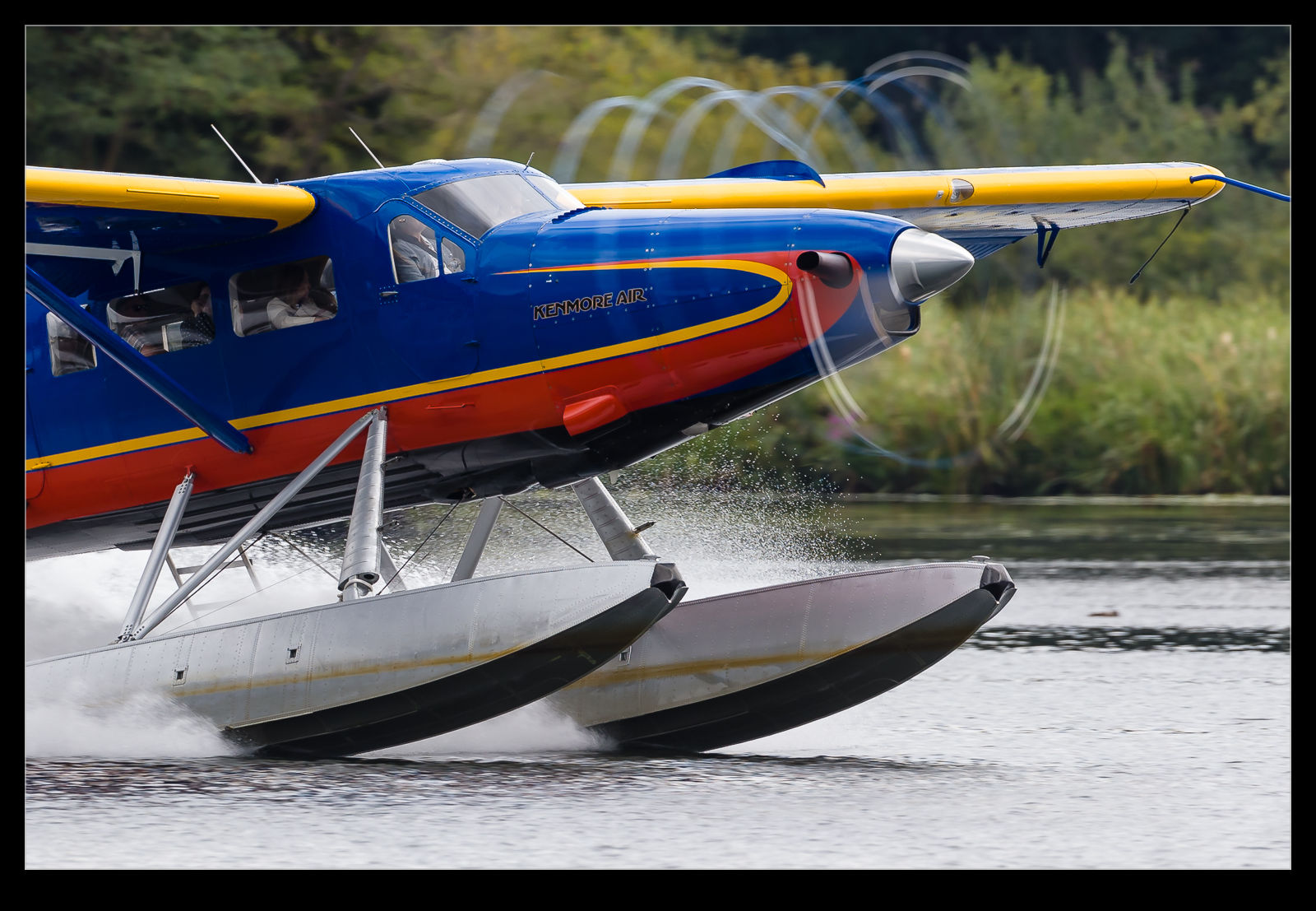
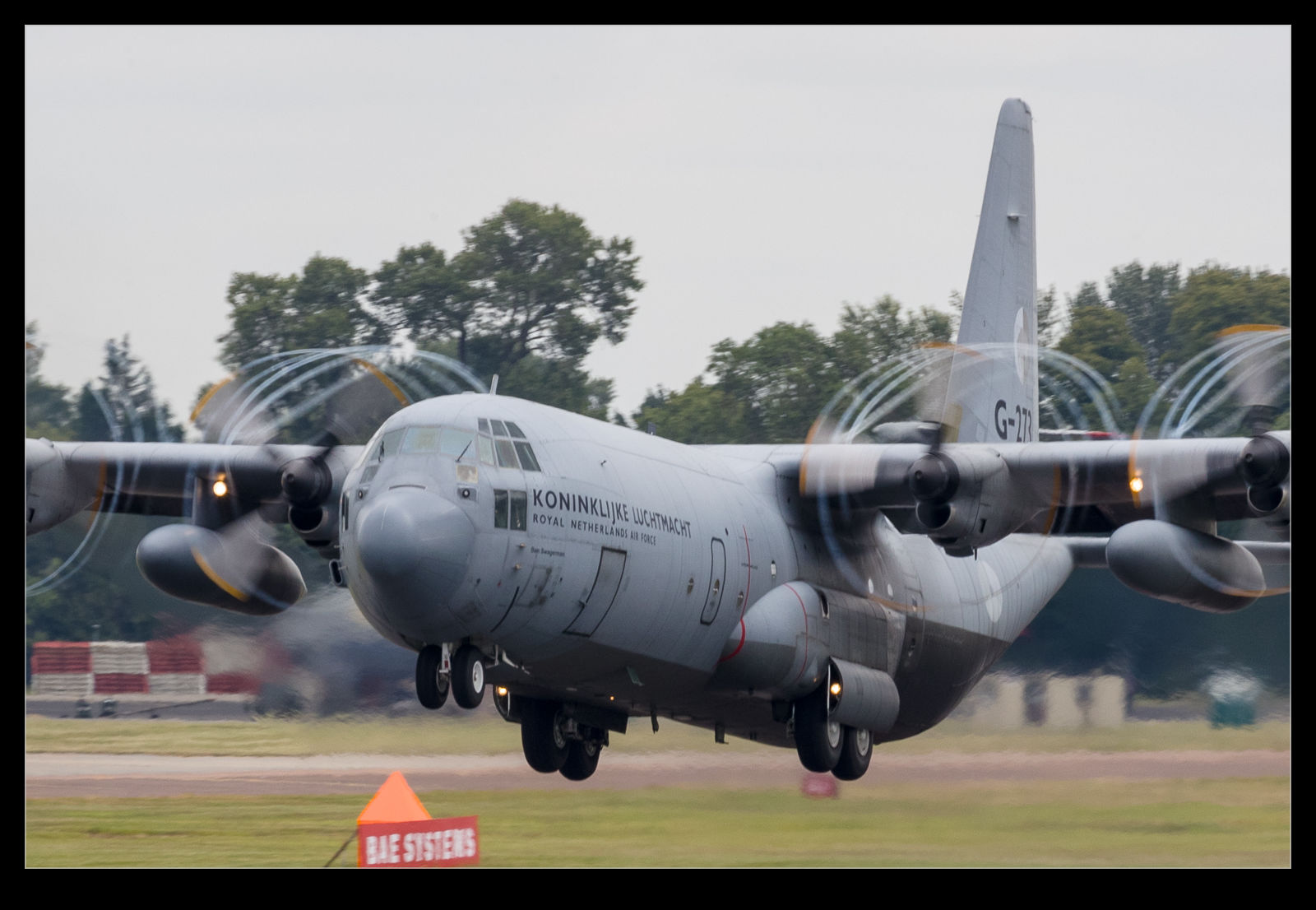
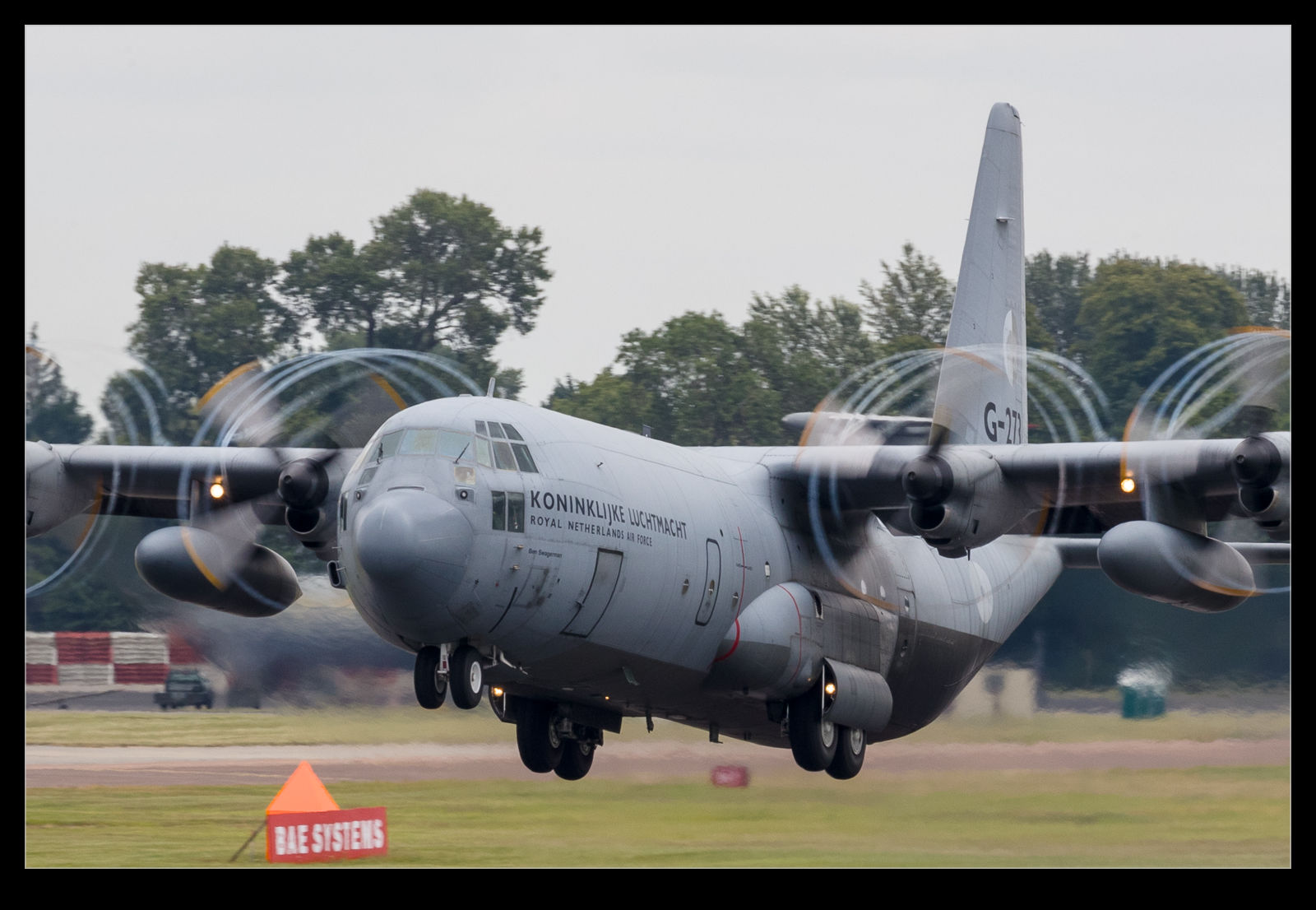
Damp days can make for great prop vortices on takeoff.  However, I have been feeling less than satisfied with my results recently.  As I was going through some shots, I made a discovery that should probably have been something I worked out before.  I like to have a good amount of prop blur so drop the shutter speed down when I can.  I go with a high frame rate with the aim of getting a good sharp shot amongst the more blurry examples.

As I go through the shots, the sharp ones have okay prop vortices but not great.  Then I will come across some really nice vortices but the shot is otherwise not sharp.  It seems that, in panning with the plane to get a sharp shot, the trailing vortex gets blurred out.  If I am not panning well, the vortex can be the thing I have tracked better and it shows up well.  I have seen shots from others with the props almost frozen with a high shutter speed and the vortices easily seen.

Consequently, I am going to have to make a decision in future.  How much prop blur do I want versus the ability to see the vortices well.  A little trial and error will be involved.  At least it is fall/winter so the Pacific Northwest will probably provide me plenty of damp days on which to experiment!

Should You Use a Polarizer When High Up?

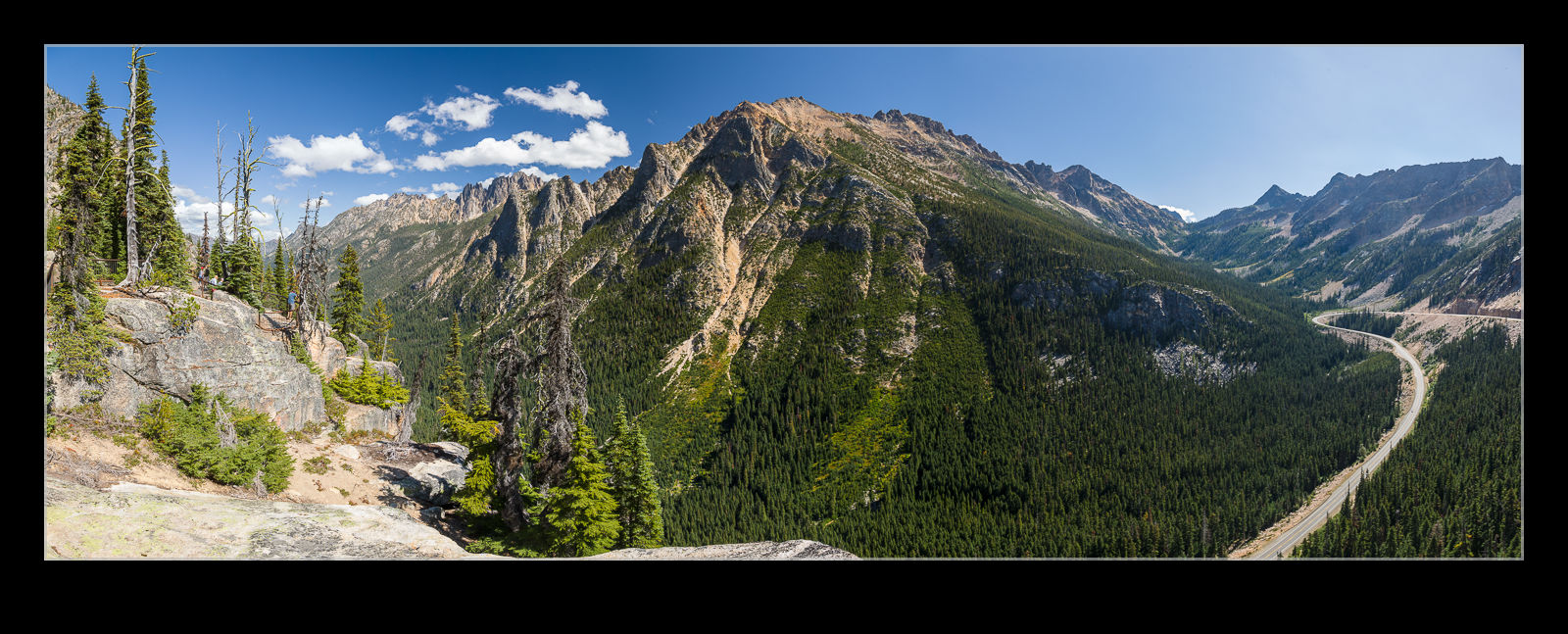
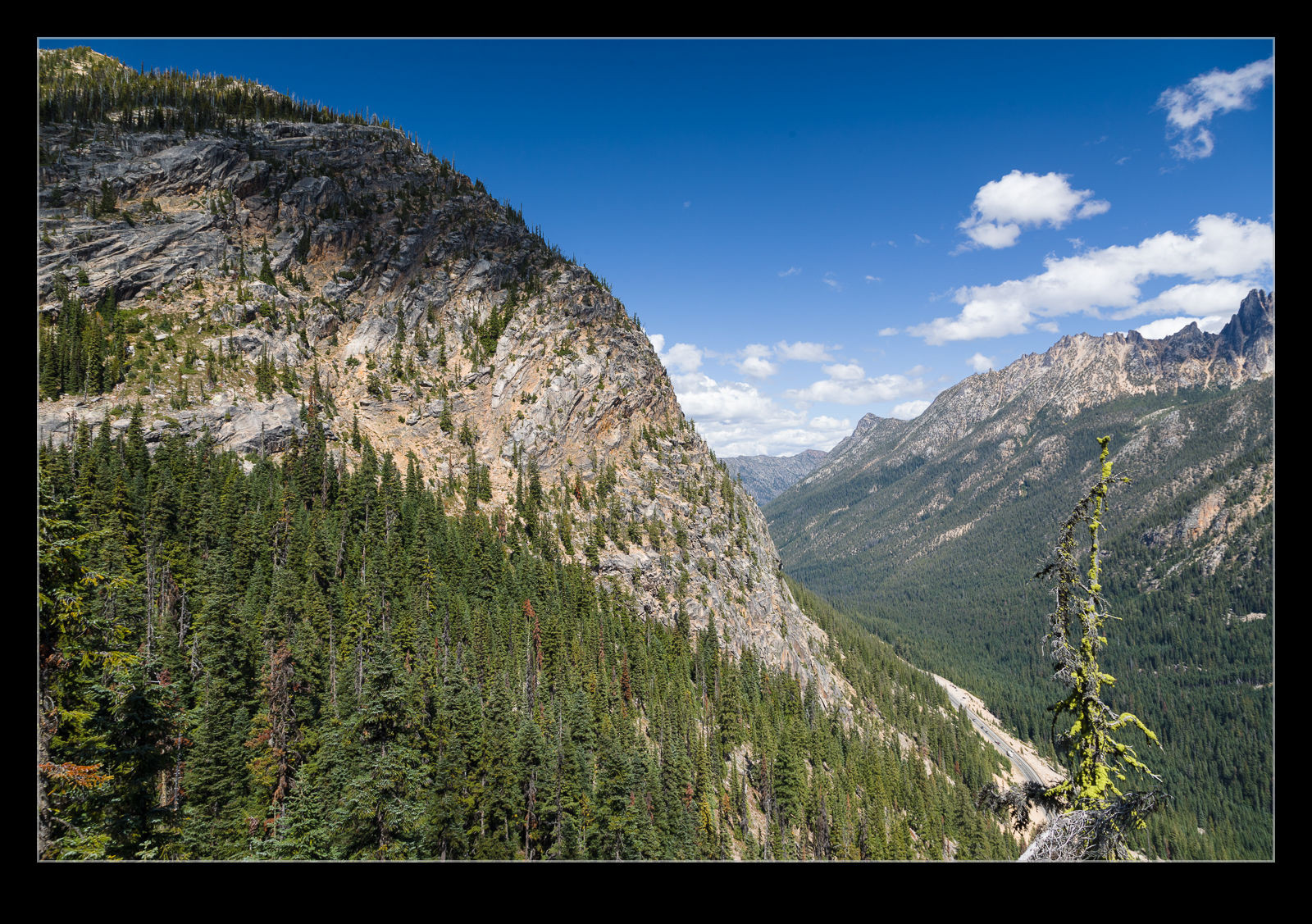
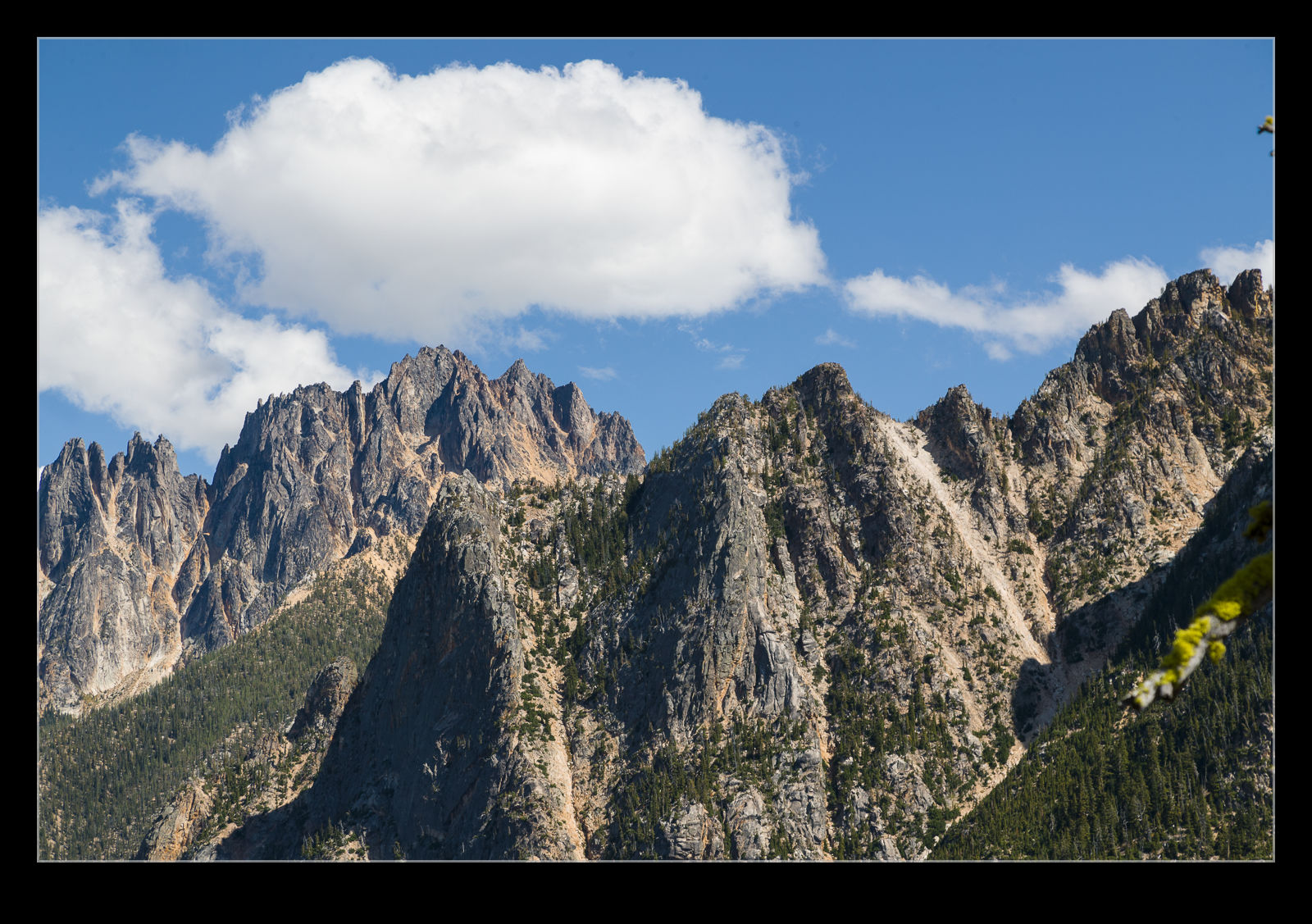
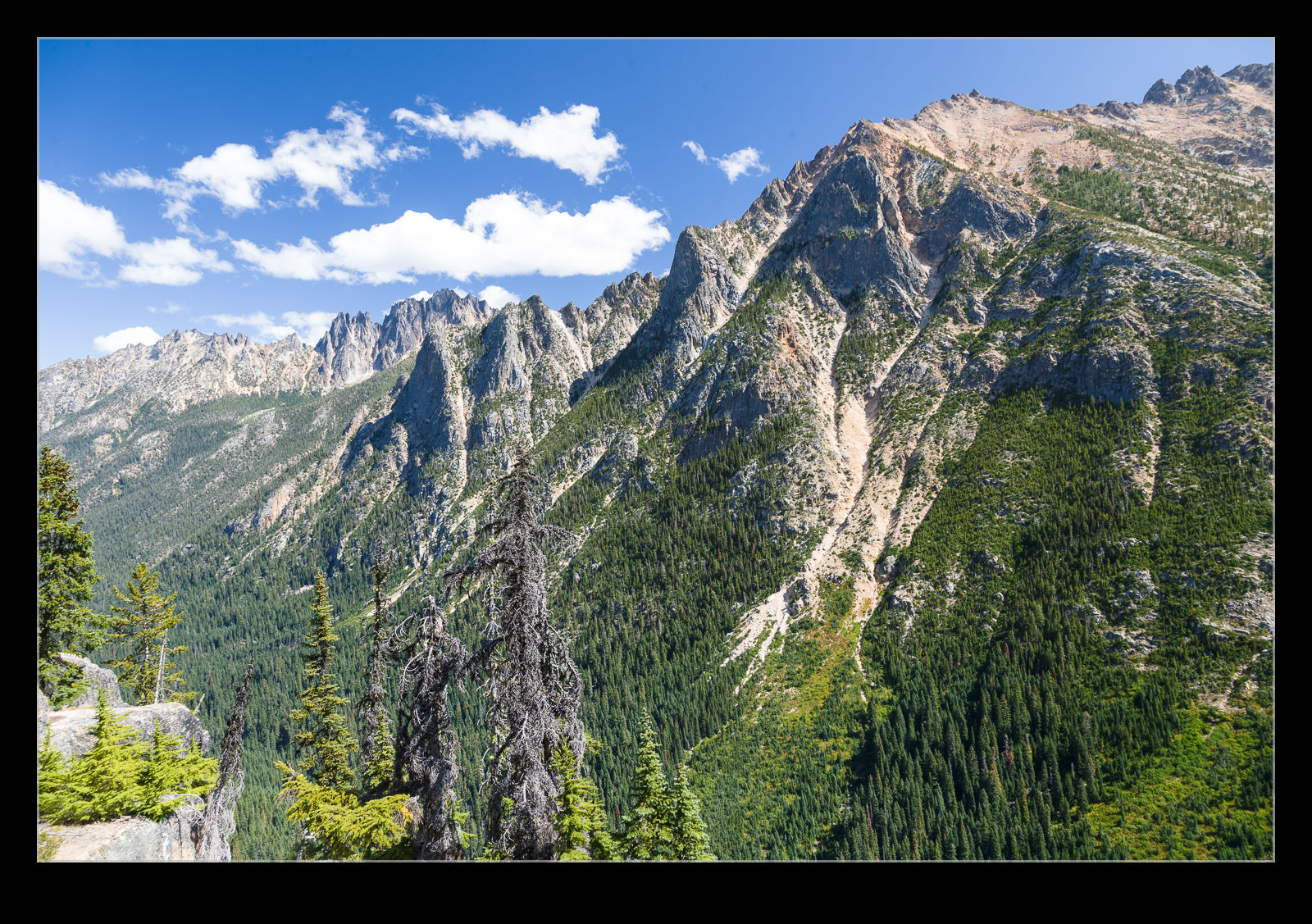
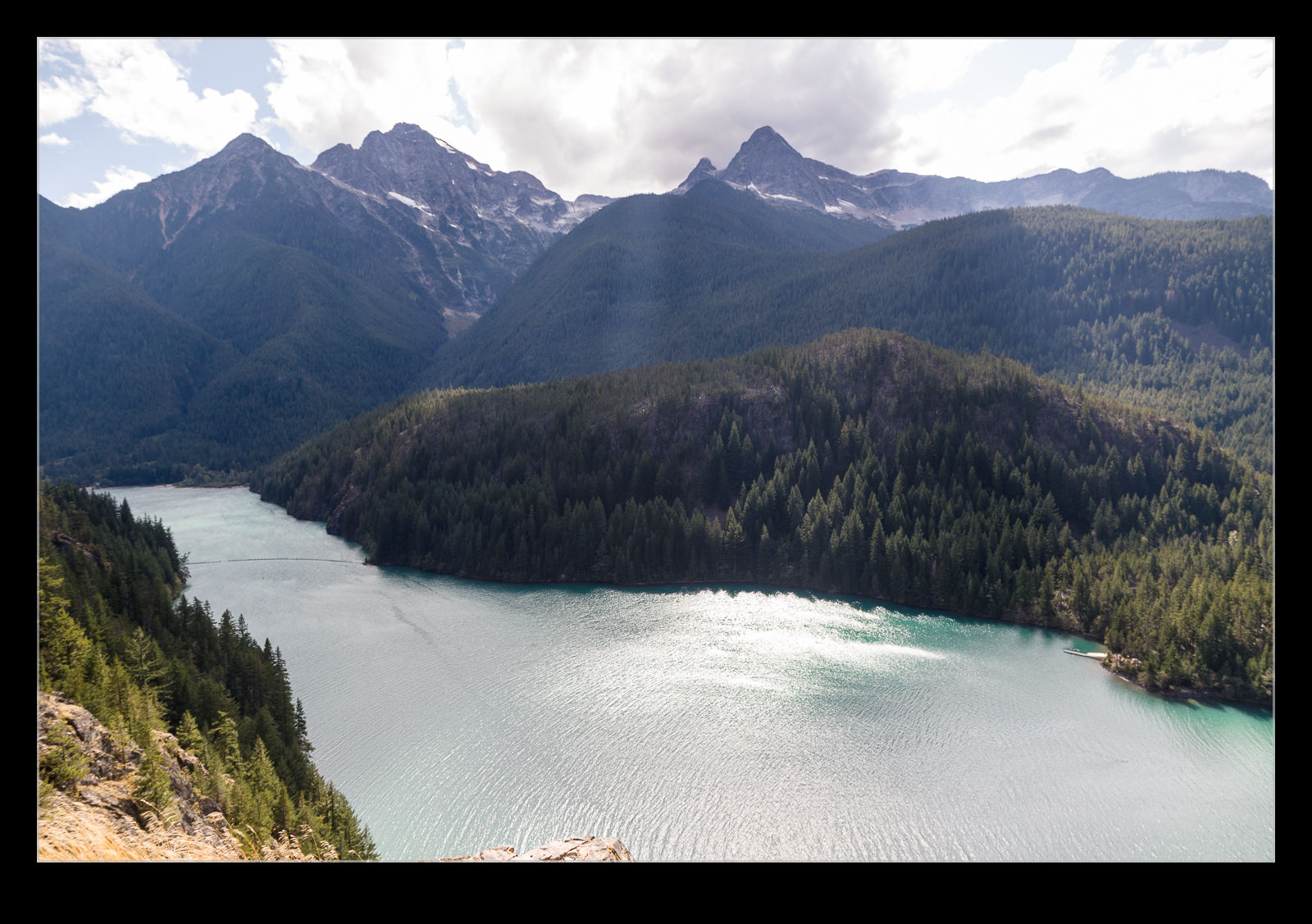
When listening to photographers discussing equipment and technique, I have heard several times that polarizing filters should not be used when you are high up.  As you get higher, the skies get clearer and deeper blue and the idea is that the polarizer becomes too much.  I was pondering this when we were up in the Washington Pass along the North Cascades Highway.  We aren’t very high at this point but still a decent elevation.  I thought about taking the polarizer off but I felt like it really improved the colors and vibrancy of the images.  Maybe we weren’t high enough for it to matter or maybe some of you will look at these shots and think it is too much.  I’m genuinely interested to hear what you think.

Polarizer Effect on the Water

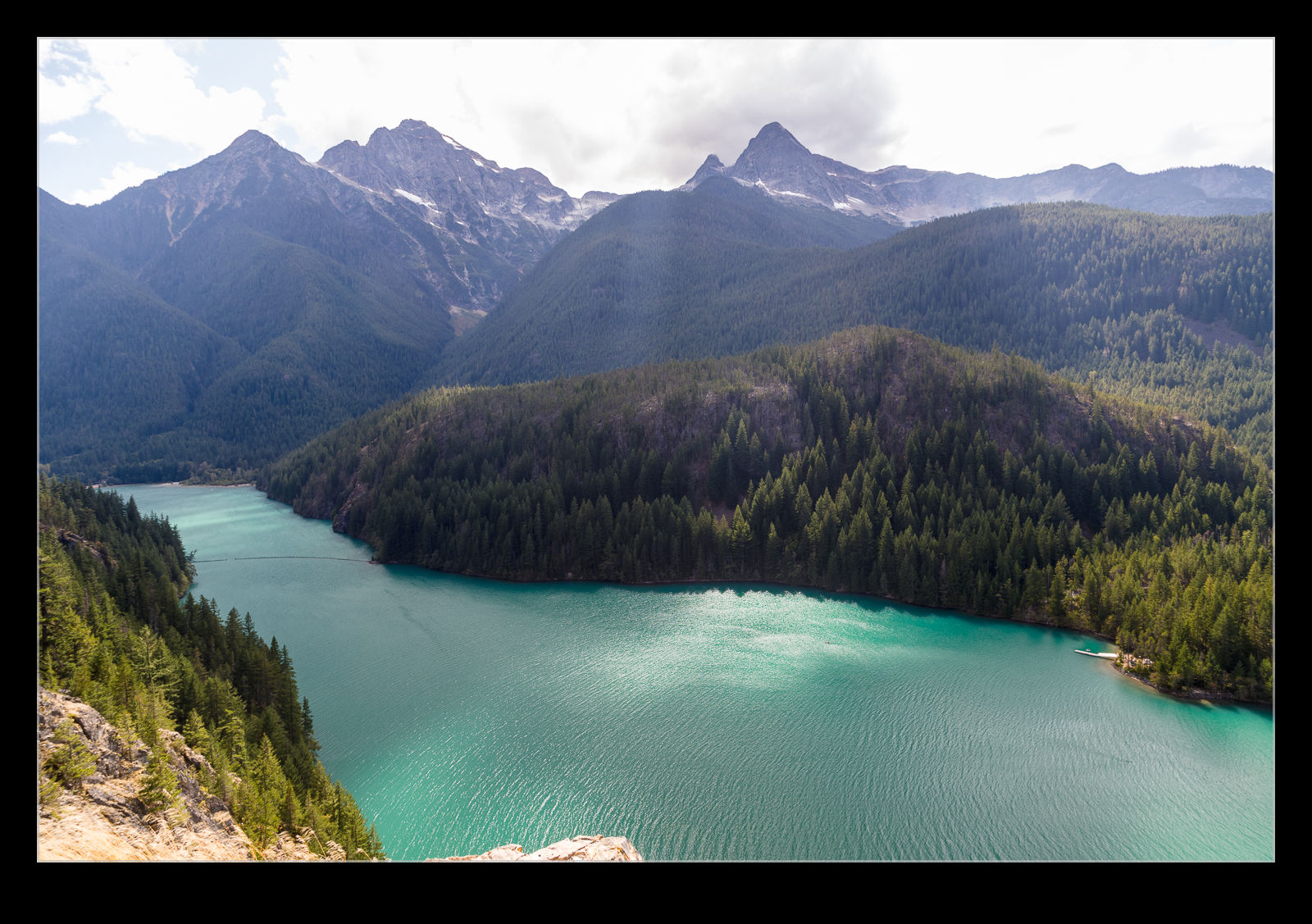
If I remember – which I frequently don’t – I take my polarizer with me when I am going to photographing scenery.  With our trip up into the Cascades, we went to the overlook of Diablo Lake and the sun was reflecting off the surface of the lake waters.  I took two shots – one with the polarizer rotated to remove the glare and one with the glare in full effect.  I was interested to see which of the shots I preferred when I got home.  The color of the lake is very nice but sometimes the reflections are more interesting.  I include both here to show just how much of a difference the polarizer makes and for you to decide which is to your taste.

Dropping the Shutter Speed in Bad Light

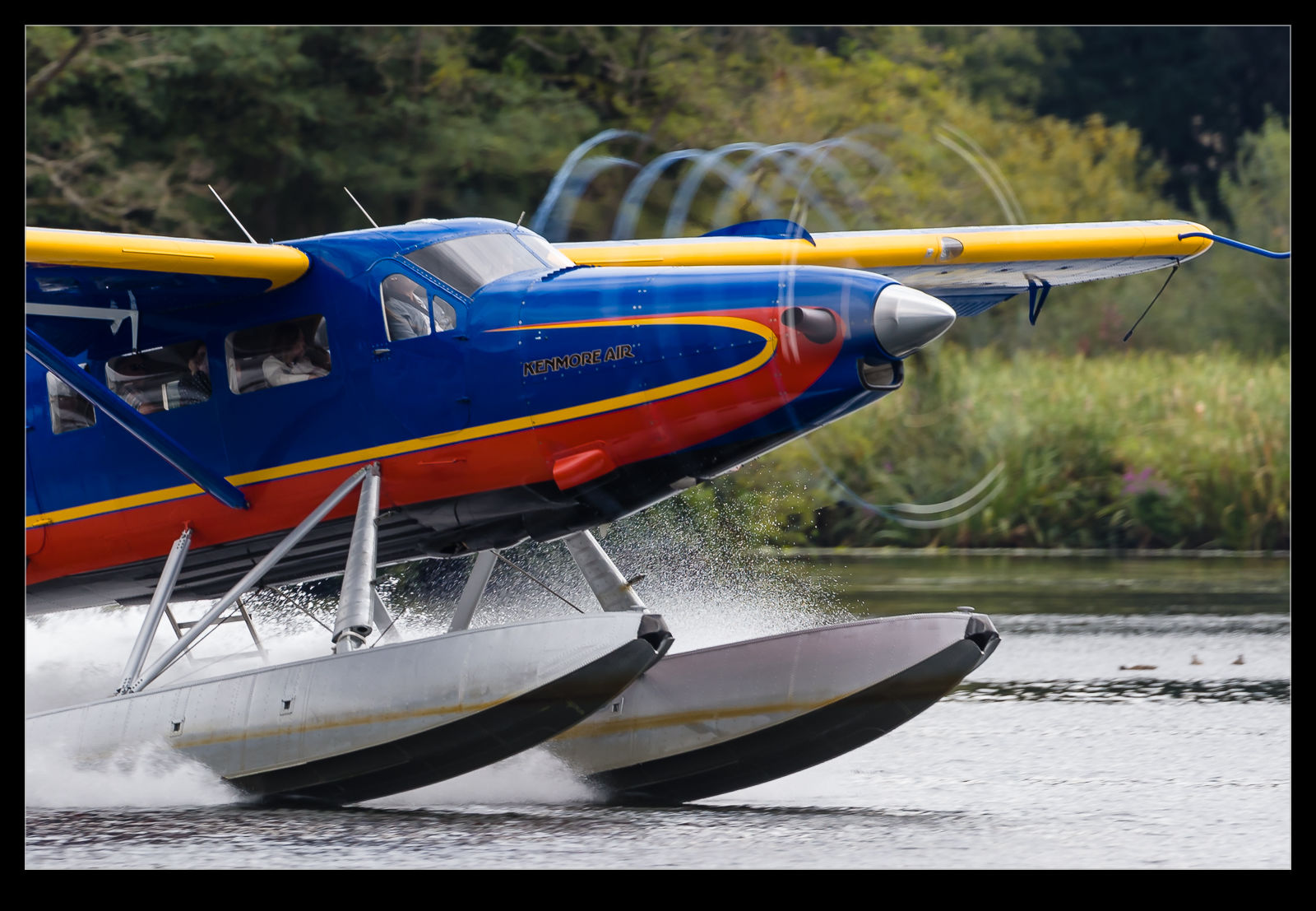
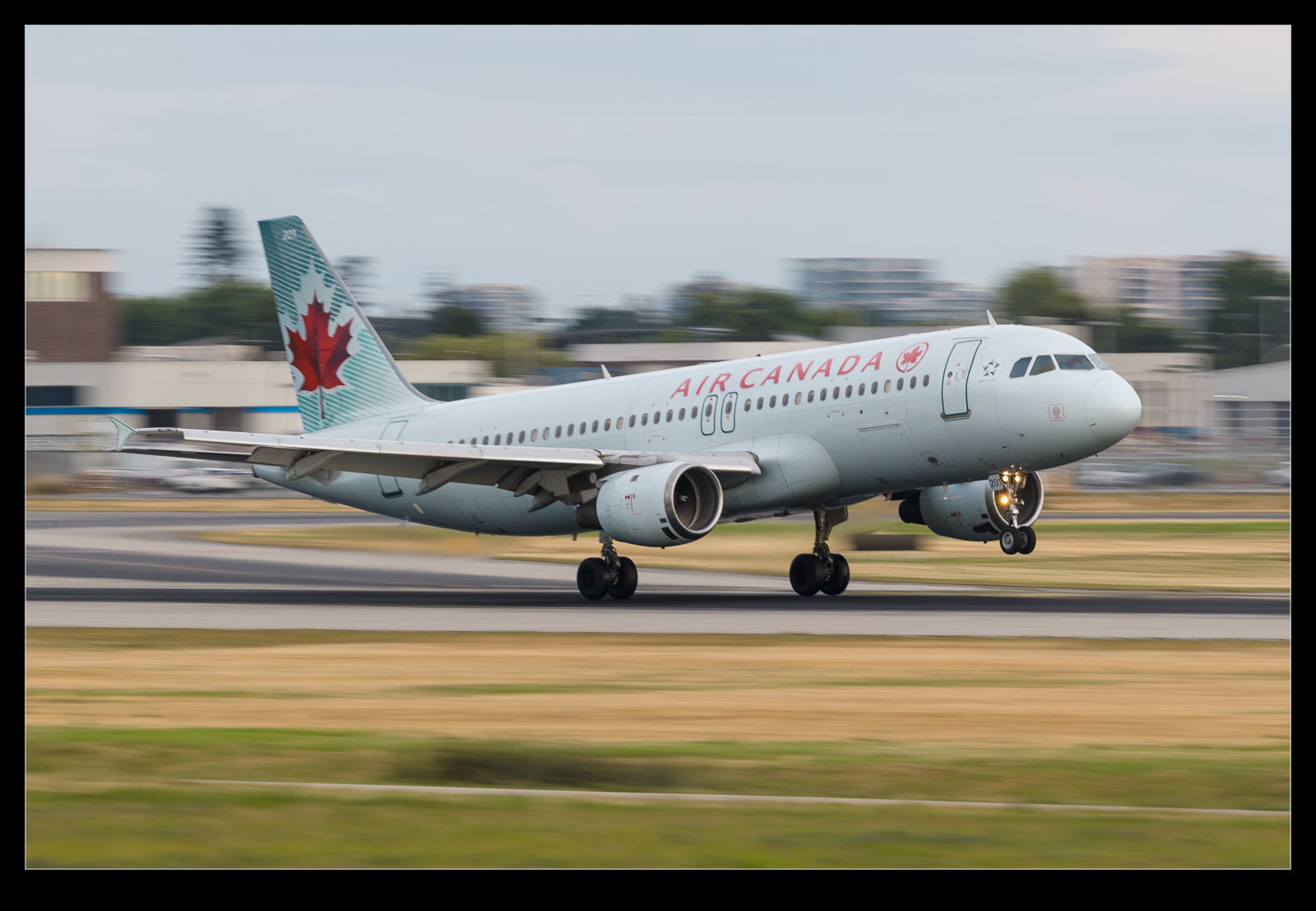
My cloudy Vancouver shoot also gave me the chance to play around with some lower shutter speeds.  I have done this for the turboprops before but this time I decided to play with some of the jets.  A really low shuttle speed can blur out the background and give a nice impression of movement but it is a problematic shot to make.  You don’t want to do it on something that you are keen to get in case you get nothing!  It is also something that results in very small apertures if there is much light which can make for a lot of dust spotting in post!  A cloudy evening is a good time to try and a bunch of boring regular jets are good targets for a trial!

What New Shots Can I Get at Chihuly

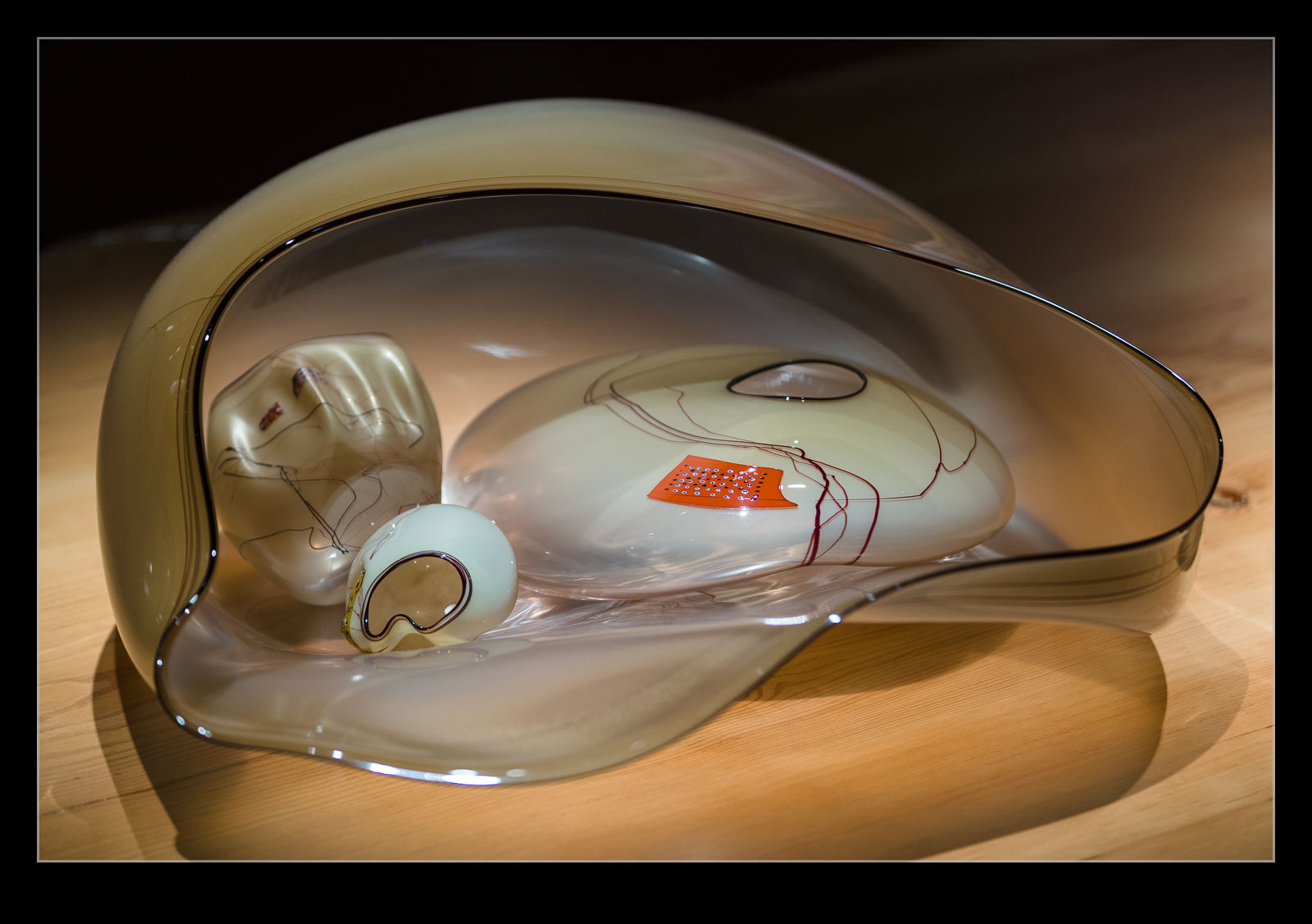
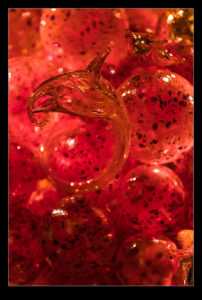
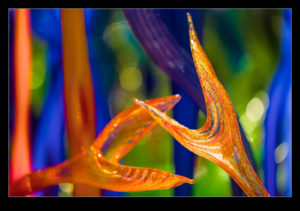
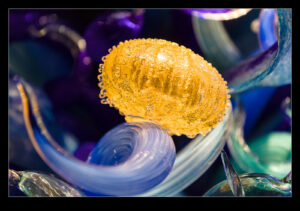
With new visitors staying, we were back at the Chihuly Museum in Seattle.  Since I had photographed there a few times already, I thought I would take in a different lens and just use that to try and get something different to that which I had shot before.  I took the 70-200mm f/2.8 lens with me.  First, the big aperture would be good in the dim conditions.  Second, that wide aperture would allow me to play with some shallow depth of field (the longer reach of the lens helping to enhance that effect) and lastly, that longer focal length would mean I could experiment with tight crops or longer views across galleries.

Here are a few of the shots I got as we walked around the galleries.

Negative Lab Pro 2.0 Update

A while back, I bought the Lightroom plugin, Negative Lab Pro.  This is a plugin that converts digital images of negatives to a positive image.  I wrote about it in this post.  A short time ago, the developer brought out a version 2.0 upgrade to the plugin.  It turns out, the upgrade was free for those of us that had bought the original plugin.  I installed the upgrade to see how things have been improved. 

Initially, I was very disappointed.  The conversion process after the update seemed to be awful.  Things looked dark and blotchy and efforts to unconvert and reconvert the images didn’t help.  I was perplexed by this since a number of users had already exclaimed how happy they were with the update.  If in doubt, follow the old approach of closing stuff and restarting it.  I closed Lightroom and reopened it and whatever was wrong before was now fixed.  The conversion worked very well.  The controls have been expanded to give you a bit more to play with.  The main benefit I am seeing so far is in the color balancing.  Shots seem to have a more natural look to them without me having to work too hard on the color in the first place.  Shots like those with a lot of sky and an odd colored aircraft will still test the algorithm a lot but otherwise it seems to have a good handle on things.  It is also now able to handle frame edges without getting confused.  You can tell it how much of the edge to ignore which is a useful feature although I have got into the habit of cropping carefully already.

All in all, the upgrade seems to be a good one.  Since it hasn’t cost me anything, that is a nice thing to have.  It is also good to know that the developer is continuing to work on the product which holds out the hope of further upgrades to come.  I continue to recommend this to anyone that has been scanning their old negatives with a digital camera.

How Slow Can I Go With the Turboprops?

Shooting Dash 8s and Q400s at YVR is not going to be particularly interesting so I was able to spend some time playing with shutter speeds progressively lower and lower.  Shooting very low shutter speeds on the 500mm handheld is a bit of a crapshoot but you never know what you might get.  Besides, the evening light meant it wasn’t so bright that you were at ridiculous apertures with the associated endless dust spotting!

I was quite prepared to have got absolutely nothing from these shots.  However, either my luck was good or my technique has improved – I think we both know which it is – and I got a few sharp ones with plenty of prop blur and background blur combined.  Background blur always makes for a more interesting shot.  However, when you want to make sure you get the shot, you aren’t always willing to risk it.  Having something that is not a make or break shot means you can have a lot more leeway for experimentation.

HDR Tech Comparison – What’s Up Lightroom?

A while back I saw a Scott Kelby video on YouTube about the HDR functionality in Lightroom and that in Photoshop.  I had assumed that they were the same prior to seeing his video but he showed that the Photoshop version of the HDR was significantly cleaner than that in Lightroom.  I was interested in how this could be but I wasn’t too concerned.  The Lightroom version was so easy to use I figured the impact was not so much that it would show up in my shots.

Then, I found out I was wrong.  I was in the cockpit of the Comet at the Museum of Flight’s restoration facility at Paine Field.  I took a sequence for HDR because the cockpit is very dark but the view out of the windows is much brighter.  It isn’t particularly important since the view outside is nothing special but I did it anyway since I was there.  The lighter shot had quite a bit of shadow noise and, when I created the HDR in Lightroom, the noise was very conspicuous on the finished version.  I decided to try it in Photoshop to see what happened.  The difference was significant.  I include both of the full shots as processed along with the section of cockpit shadow so you can see the impact.

Recovering a Crashed Card

I was downloading shots from two cards into Lightroom when one of the downloads seemed to hang.  I have seen this before and on those occasions, removing the card and starting again did the trick.  This time it didn’t and, when I reinserted the card, the computer said I needed to reformat it.  I thought I would try it back in the camera to see if that was okay but no joy.  Time for RescuePro Deluxe again.  I wrote about using this previously.  I had an issue with it one time when I tried a recovery and the same thing happened this time.  The card drive letter doesn’t show up (nor do any of the others).

There is a simple fix to see them all which is to press the H key.  However, I hadn’t made a note of that previously and couldn’t remember.  Fortunately, their help desk gave me the code and the pictures were all swiftly recovered.  (I jest.  The program works well but recovering everything it can find on a 64Gb card and then working through that to find the files you really want rather than something from months previously is a bit of a slow process.  Still, it is a lot better than the alternative of having no shots!)