Category Archives: equipment

Building a New Computer

In my world, computers tell you that they want to die.  They start doing something a little odd as an initial warning and then get progressively more troublesome.  I had been contemplating the replacement of my system for a while but recently, the CPU cooling packed up completely and I was stuck between getting some replacement parts or getting on with the new system.  I went the latter route.  This was helped by having a bunch of components on the old system that had been upgrades and could easily transplant across to the new machine.  This reduced what I needed to buy.

Things did not end up being plain sailing sadly.  I built up the system and got everything ready to run.  A press of the button and nothing happened.  In fact, that isn’t quite true.  There was a brief whirr from the power supply followed by a tiny wisp of smoke.  Great!  A dodgy power supply to start with.  Fortunately, the supply on the old system was good.  It didn’t have as many power plugs and the new one but enough to do the job.  However, the system still didn’t seem to be enthusiastic about starting up.  I gave up and visited a local computer place and they had a quick look.  It turns out my first problem was that a motherboard gets tied in to an OS installation and, since I was now on a new motherboard, it didn’t like the old drive.  That means a clean install which is a bit more time consuming.  However, that did not end the trouble.  The guys in the store couldn’t see anything else wrong so I decided to leave it with them for a longer look.

A problem connector proved to be the issue and then it was a simple process to get the installation of everything done.  Things seemed to be running fine for a while but then, when processing some video, it just shut down.  I thought it might be a memory error so ran a program called Memtest.  it came up with no issues.  I tweaked the BIOS settings for the memory but still it would get upset when working too hard.  I re-ran Memtest and changed it from Default setting to multi-threading and then it quickly failed.  A bit more information but still no solution.

Another trip to the shop and I left it with them.  They tried using one of their power supplies and it passed all of the tests with flying colors.  Turns out old power supplies degrade and often don’t have their full juice anymore.  A new unit with plenty of oomph and now I have the machine up and running.  it chews through things with relative ease.  I have also avoided reinstalling anything superfluous so we have a nice lean machine – at least for now.  Not sure I would build my own machine in future.  It was cheaper and gave me exactly what I wanted but it was a lot more effort than I had planned.  The extra to buy it might be worth it.

Updated Approach to Lightroom Catalogs

I have been a user of Lightroom since Adobe release version 1 quite a few years ago.  It has been a very useful tool for me and something that dominates my workflow.  In the early days, there were issues with the number of images that a catalog could have before it started to respond sluggishly.  Consequently, I created a series of different catalogs for different subject areas.  Military aircraft were in one, civil in another, wildlife in a third, sports in a fourth and so on.  This system was fine to use although it had a few minor drawbacks in that some images would be in more the one catalog.  I would import them to one and then export them to the other.  However, as I edited one version, the other one did not always keep up despite saving the sidecar files to disc.

At some point, Adobe updated the functionality of the application and it was no longer so constrained by the number of files in a catalog.  However, I had a series of catalogs that I was familiar with so I didn’t pay much attention to this change.  However, over time, it occurred to me that I was making my life more complex than it needed to be.  I could probably cut down the number of catalogs dramatically and make the workflow a bit simpler.

I decided to have one catalog for all of my aviation related imagery and the other for everything else.  To do so, I created a new catalog for each of these and started importing from the other catalogs.  This was not as smooth a process as you might have imagined.  There were duplicate images as I knew and you could set the system up to make these virtual copies so nothing got lost along the way.  However, sometimes the import did not go well.  They were large catalogs coming into an even larger catalog and this caused some struggles.  I had to delete and start again at some points but ultimately I got it to work.  I did have to recreate some of the collections which did not transfer so easily in some cases but it is now done.

Did it make life easier?  Yes, it did.  Having just two catalogs is now a lot more straightforward.  Do they run just as well?  No.  The aviation catalog does seem to be a bit sluggish sometimes.  Usually it works fine but it is definitely not as responsive as the individual ones were.  I shall see how this develops over time.  A new machine is in the works so whether that will make a difference or not, we shall see.

LRTimelapse

I have previously written about some time-lapse software that I use based on a recommendation from my friend Jo Hunter.  I used this software for a while before the creator, Gunther Wegner, updated it to a new version and deactivated the version I had.  I was a bit miffed by this but I was able to continue using the export settings from his application within Lightroom but with me having to manually manage the file cropping.  All transition and smoothing capability was lost but I could still make a basic time-lapse.

Sadly, the latest versions of Lightroom have done away with that as well and now I couldn’t even render the video.  Therefore, I decided to take a look at the latest version of his software.  It is now on version 3 so I have skipped a version en route to this place.  I had shot a few sequences recently and wanted to be able to manage them properly so decided to come back and have another go with his application.

There have been some improvements in tidying up the software so the workflow is a bit better.  There is still a certain amount of effort as you switch back and forth with Lightroom.  You have to put all of the images into a single folder while working on them.  This means a modification to my storage strategy but it isn’t difficult to manage in Lightroom and, when you are done, you can revert the images to their original locations and still render the video output.  It might be nicer if he gave you a more flexible approach to selecting files but this is not a hardship.

It has changed a little from what I am used to since now it starts out analyzing the files before you have created keyframes.  Once this is done, you save the xmp files out and reload them in Lightroom.  Define your keyframes and make any edits to them that you want and save xmp again.  Back to LRTimelpase to load the changes and now it does its smoothing very quickly.  Save xmp again and back to Lightroom and now there is an Export setting along with all of the other export options.  No going to the Slideshow module any more.

The results are pretty good.  The new export functionality actually generates a sequence of still images which it stores.  You then head back into LRTimelapse where you have a series of options for rendering a video sequence from those stills.  You can have it automatically delete the stills when it is done or keep them and render again using different output options.  This is pretty flexible although it means you have to pay attention to what you have used so you don’t end up with a ton of stored intermediate images.  The video output looks good.  I am not using the product commercially so do not have the full commercial license.  That will allow output in 4K formats.  I only wanted 1080p HD format for my purposes.  It is a little interesting that 4K is automatically assumed to be commercial use.  With people able to record 4K on GoPros these days and 4K TVs showing up, I suspect this is going to be a more mainstream format before too long.  Maybe it will be in the personal use license of future versions of LRTimelapse.  We shall see.

Was it worth the upgrade?  Yes.  Not least because I wanted to have the capability back that I had lost when Lightroom changed its output but, even so, I have found the new version to be quite a bit more friendly to work with.  I think it will encourage me to work on a few more projects.

Phantom Quadcopter

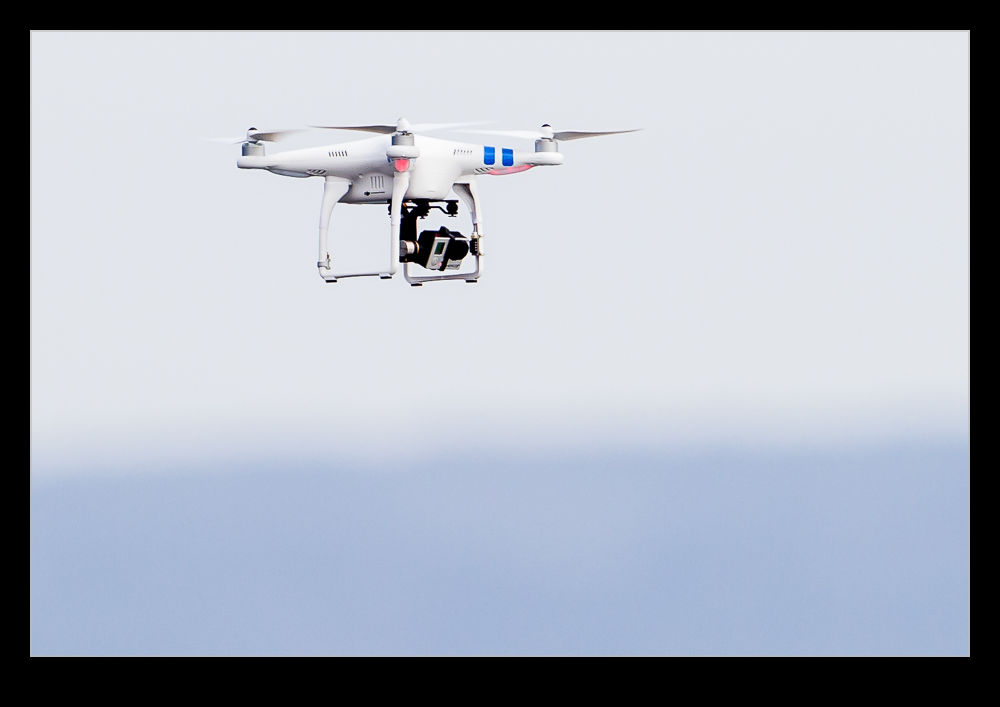
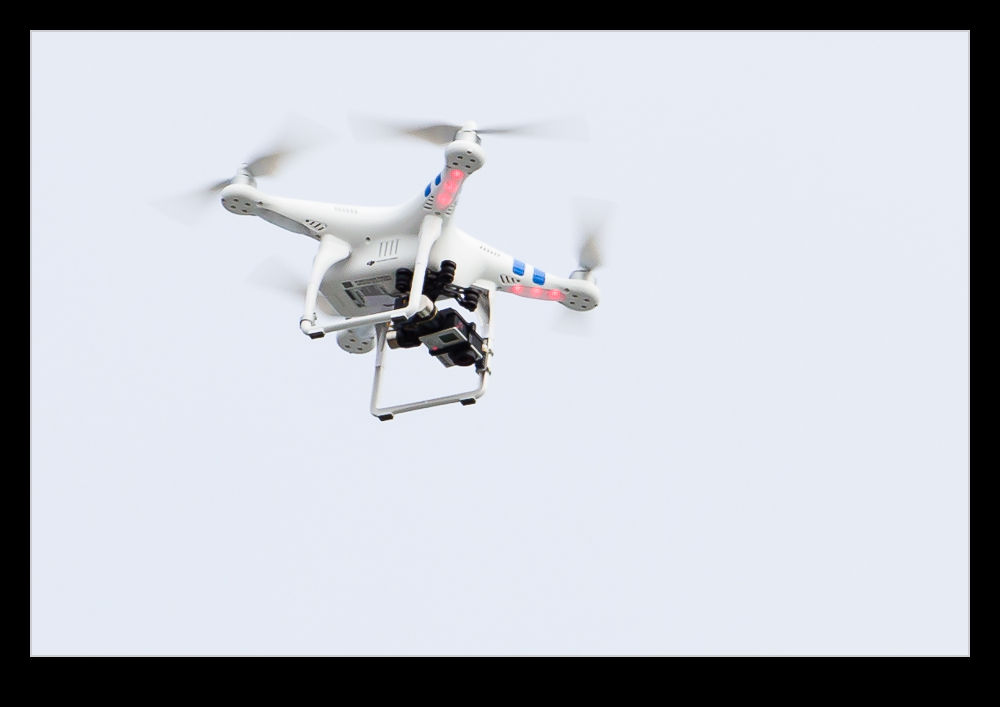
wpid8968-AU0E1563.jpgWhile watching the surfing at Santa Cruz, I wasn’t the only one with a camera.  There were quite a few of us shooting from the ground but one person was taking it up a notch – literally.  They were flying a Phantom Quadcopter with a GoPro mounted underneath.  Phantoms are a hot thing right now.  The view that you can get from an elevated position is excellent and the combination of the new quadcopter designs with the lightweight GoPro (and other brand) cameras makes for a very useful tool whether shooting stills or video.

wpid8970-AU0E1573.jpgThe control system is quite advanced.  The system keeps the machine were it is and you demand any change in location.  Rather than having to constantly control the machine to stay where you want, it takes the majority of the burden from you.  Very helpful if you want to concentrate on what you are filming.  I am quite tempted to rent one at some point to give it a try.  I have seen them in the wild a couple of times and find them rather impressive.  I think it is a little too limited in role for me to think about getting one (although when has that ever held me back?)  It would be good to try one first, though.

RescuePro Deluxe

Today we have something of a product review combined with a workflow experiment.  None of this was something that I wanted to do but circumstances dictated it was time.  I had been out for the day shooting some wildlife including some sea otters – that will show up in a future post – and, one returning home and downloading my images, a few of the shots showed up strangely with no preview in Lightroom when I started to import them and were apparently corrupted on the card.  Not sure what the cause of this was.  The body had just come back from an annual service at Canon and the card was a new one.  However, they both worked fine for the majority of the day with just some minor problems with a couple of dozen shots.  I shall try and sort that out later.

So, to the problem at hand.  I use Sandisk Extreme cards and have had virtually no problems to date.  Therefore, I was in new territory.  One thing that I do have as a result of using these cards is a bunch of coupons for RescuePro Deluxe.  This is software for retrieving lost files from cards.  I had used it once many years ago when recovering some shots that had been deleted on the card but not formatted and it had worked well.  That was my issue then.  Now I needed it due to a problem I hadn’t created.

My first minor problem was that the software defaults to recovering the images to a folder on the C: drive.  Since my desktop has an SSD running the OS and everything else on other drives, it isn’t overloaded with space so dumping 32Gb of images on to it caused a minor hiccup.  A kicked out of the program, restarted it and found how to change the output directory and then we were off and running.  However, now I came across my next issue.  It found all of the files on the card, not just the ones that were lost.  This is where the brain had a small “doh” moment.  I figured if I opened up the card in Explorer and deleted the good shots, it would mean the search would be a lot quicker.  Of course, if you are using software designed to find files that have been deleted, it still finds them all.  Why didn’t I think of that at the time?  Oh well, no big deal since this was all running in the background.

The result of the scan is that all files on the card are now stored in a folder.  Unfortunately, they are named sequentially File001, File002 etc.  This makes working out which are the missing files a bit more tricky.  So, two things were needed for the next step.  First, find out the filename for the first file on the card.  Then import all of the files into Lightroom by adding them where they are rather than copying them to a new location.  With them in Lightroom, it is a simple task to rename them all to their original names using the rename function and making sure you start with the filename of the first file that we found a moment ago.  Now all the files have the right name and are still in the recovery folder.

The next step might seem counterintuitive.  I delete them all from Lightroom.  I don’t delete the master files; just remove them from the catalog.  Next – trust me, I haven’t gone mad – I them re-import them all.  At this point, Lightroom sees the files with the right names and details and so automatically recognizes which ones are already in the catalog.  It then will pick out the ones which were the original missing files and you can import them properly to wherever you want them.  Now the recovery folder can be deleted (subject to your normal backup protocols).  It sounds a bit complex but, if you work through the process, the longest part of it is the scan of the card for the files in the first place.  After that, it all happens pretty quickly.

While RescuePro Deluxe is not the most user friendly piece of software, it did do what was required and I got it free with the cards I have.  You don’t own the software.  You get a one year subscription with the coupon.  Hopefully I won’t need it again this year but it is there if required.  I have a bunch of these coupons from various card purchases so I imagine I will be in good shape as long as required.  If you have gone through something similar and have a better way of dealing with it, please do let me know.  It is always good to learn from the experiences of others.
Passing Airliners

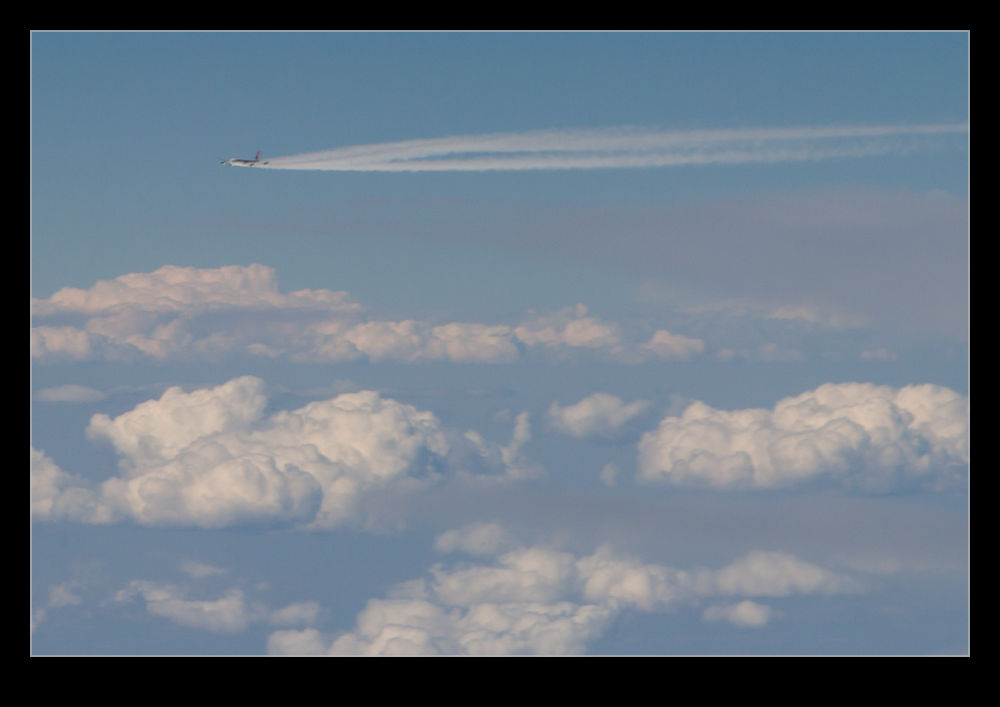
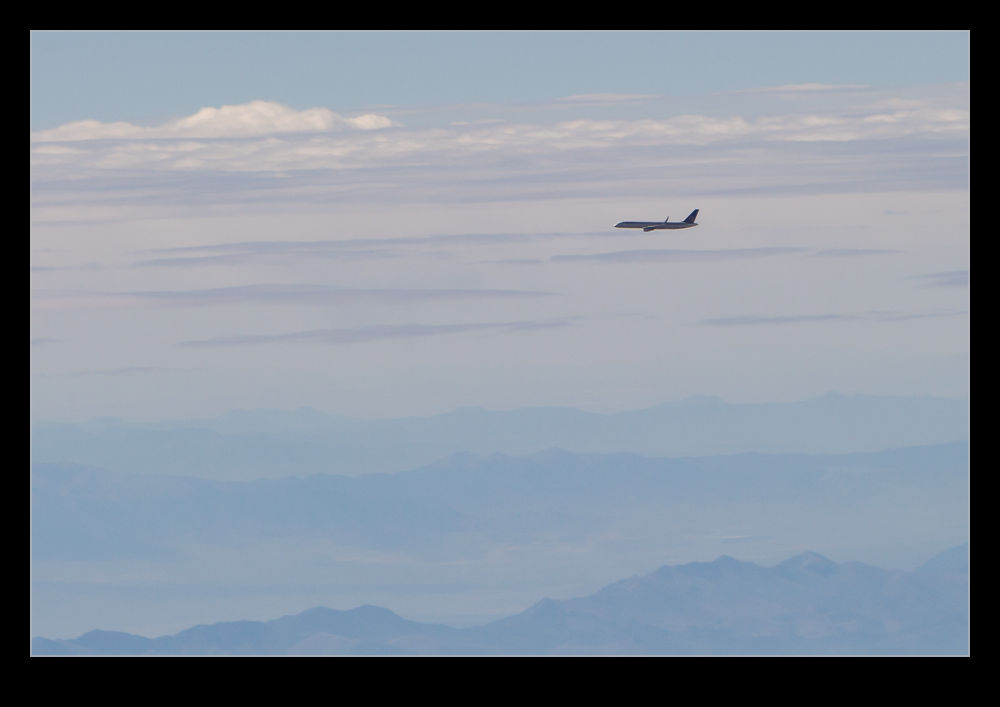
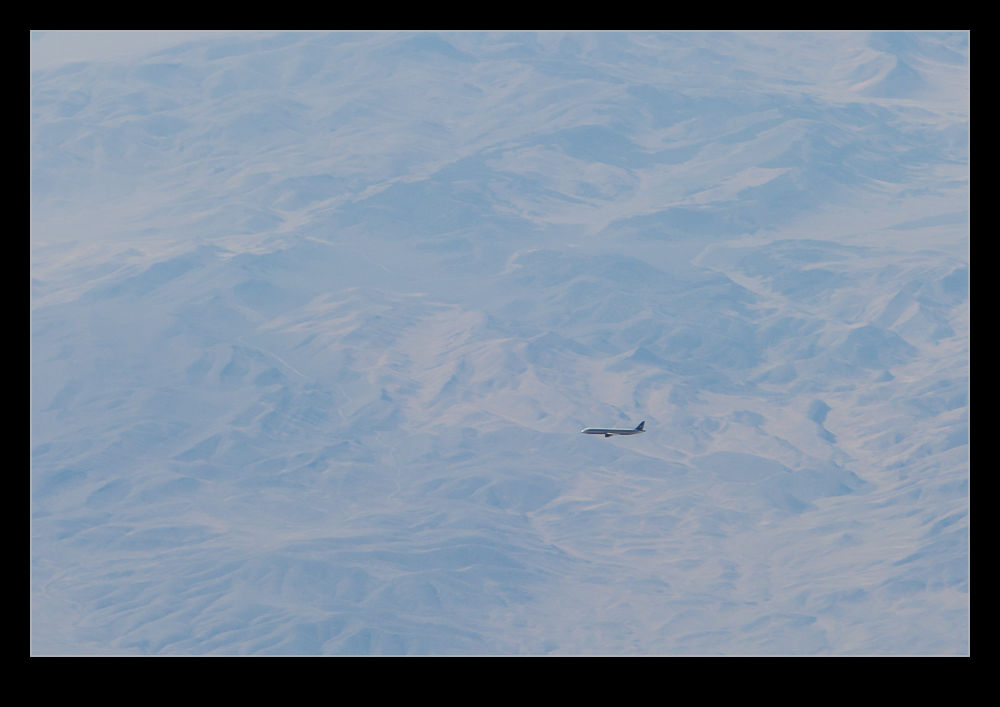
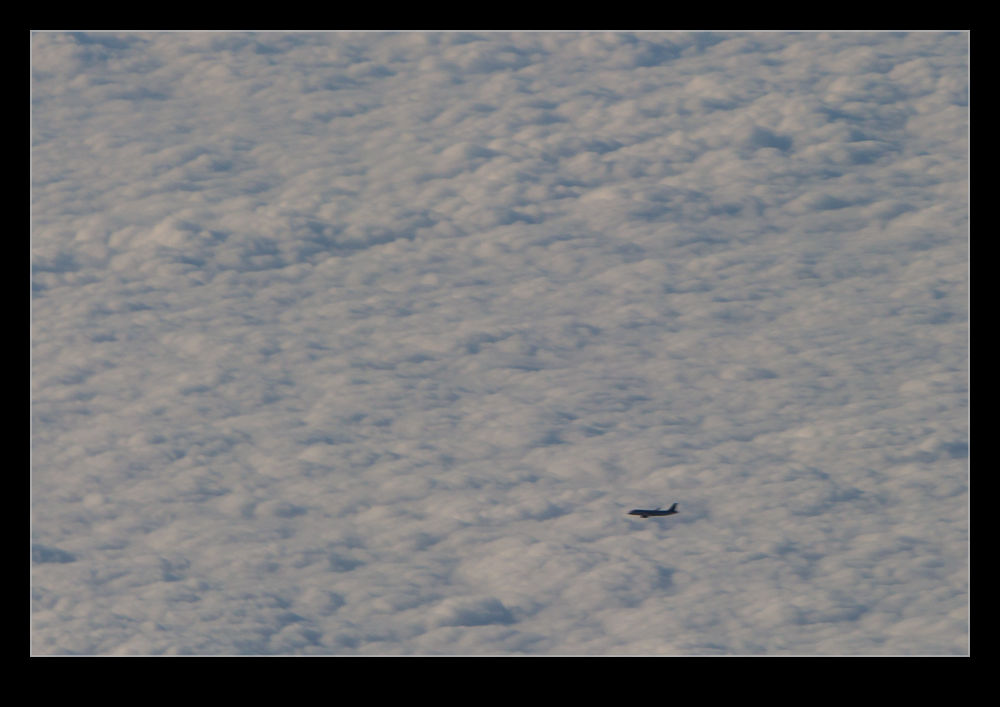
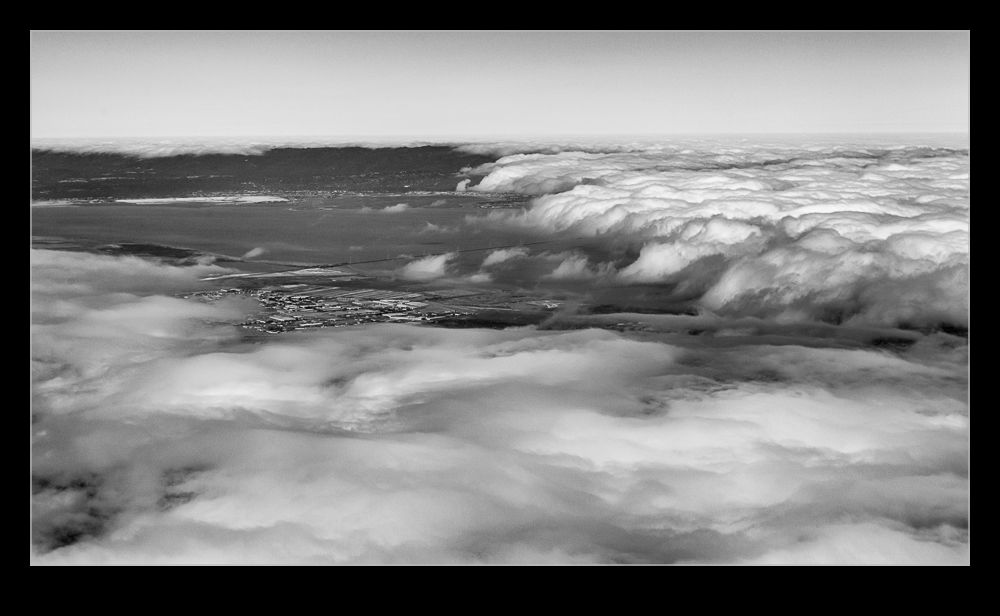
wpid7447-AU0E0226.jpgMore on the looking out of the window of airliners theme today.  This time the subject is other airliners.  If you don’t stare out of the window much, you might not be aware just how much other traffic is out there.  Actually, there is quite a lot.  At various times you might see other jets passing in the opposite direction, pacing you at a distance and crossing your path.  Sometimes they seem very close.  With some of the apps that are available now, if you have wifi on-board, you can even be prepared for some of them showing up.

wpid7445-AU0E9875.jpgHere I shall highlight a quality warning.  The attached shots are not great.  They illustrate a point but nothing more.  There have been quite a few occasions when we passed very close to another aircraft.  However, those were not times I had a camera handy.  even if I had, the chances of getting a good shot are not great.  Even when you are close, you are really not that close.  It just seems a lot closer than normal – which it is.  However, you are still well separated.  Therefore, to get a shot, you need a medium length lens at least.

wpid7443-AU0E9863.jpgSadly, aircraft windows are not designed for optical perfection.  Moreover, since they are pressurized and scratches are a source of fatigue which you certainly do not want, the manufacturers put a nice perspex sheet between you and the window.  They certainly are not optically perfect.  Now you are shooting with quite a long lens through two layers of less than perfect material.  This is not a good recipe for quality shots.  There we go.  I have made plenty of excuses.

wpid7455-AU0E0314.jpgYou are now going to get a small aircraft if you are lucky and a small blur if you are not.  If it is pulling a contrail, you might do better since they can make some nice shapes.  However, chances are you won’t get much at all.

wpid7449-AU0E0251.jpg

Cleaning the Printer

Everyone who owns an inkjet printer knows that the manufacturers are slightly below war criminals in the rankings of evil.  They sell a printer at a really great price and then you have to sell vital organs to afford the ink cartridges to keep it running.  The first ones are the worst since the cartridges don’t seem to have much ink in them and a vast amount of it is used charging up the system so you need your first replacements after barely any printing at all.

Recently, I discovered a new level of trickery.  As I commented in a discussion with a friend who had commented on a previous post, I don’t actually do much photo printing anymore.  The quality and price of online print houses is so compelling that using the (more expensive than gold) inks is hardly worth it, particularly when you find yourself having the clean the nozzles every time and blowing through even more ink.  Consequently, my big old printer is mainly used for work and that is usually black and white stuff.  However, some documents have color in them and the blocked nozzles render those prints illegible so a clean out is necessary.

I have had issues with cleaning the printer in the past.  I was getting ink smudges on the back of the paper which was coming from the sponge pads across the bottom of the print bay.  These pads absorb spare ink during cleaning cycles.  What I didn’t know was that the printer assumes a life for them.  I started to get a message telling me that internal components were coming up to service life expiration.  This troubled me a bit but not as much as the message that followed later that day saying they had expired.  Thanks for the huge advance notice!

It turns out that these sponge pads were the component in question.  Given how I had needed to clean them before, the warning was probably far later than it should have been.  Now I was stuck.  They said the printer could be serviced but also pointed out that a replacement would probably be cheaper than a service.  Nice one guys!  One thing they did provide was a software tool that would reset the internal counter so the printer would work again.  The idea was that you fixed the issue but at least you could print again.

I needed the printer (I am planning on a replacement in due course but didn’t want to have to buy it now) so ran the tool but I didn’t want to have ink slopping around and onto my units so figured I needed to do something.  Kitchen towels are quite effective at mopping up the ink from the sponge trays.  However, it seems that, however much you mop up, there is always more.  (Fortunately, it is only at one side – the side that is left exposed when using letter sized paper rather than 13” wide paper which is the widest the printer will take.)

I decided to try something more effective and take out the sponges to clean separately.  Fortunately, they are not fixed other than by tabs that slot into holes in the trays.  Since they were saturated with ink, they were still tricky to get free but, once out, I was able to put them in a lot of paper and squeeze them out and then rinse them in water.  Not totally cleaned but looking a lot more like the color I suspect they started out with.  Certainly they now have a lot of capacity to absorb more ink.

Putting them back in place was a bit more tricky.  They have to lie exactly in place and have the tabs inserted into the right slots.  I got this slightly wrong in one place and the sponge sat slightly too high.  The paper caught it as it fed in and then twisted up before getting caught against the print head.  A few rude words later and the problem was fixed.  Now I have a functioning printer again.  Let’s hope it now lasts long enough for me to decide on the long term replacement and get that sorted out.  A wireless printer is part of the plan now so it doesn’t have to be somewhere obvious and I think a laser will be better than an inkjet.  Shopping time!

How Many Megapixels?

How many is too many?  I really don’t know.  I refer to the number of pixels that can be squeezed onto the sensor for a digital camera and what is desirable or not.  Over the years the camera manufacturers have steadily increased the number of pixels on their sensors and come up with ever greater resolutions as a result.  This has been both beneficial and problematic.  What I am not sure about is whether I am missing the point with all of this.

My first DSLR was a Canon EOS 10D.  It was a 6.3Mp camera – something that would now be considered unacceptable on a cell phone.  It was a great camera, even if it did have a number of limitations that would be considered unheard of today.  However, for its day it was very good.  I had full page images printed in magazines from it with absolutely no problem.

As the megapixel wars got going, I was adopting larger and larger file sizes by default.  I would tell anyone who asked that megapixels were not the most important thing when buying a camera and there were plenty of other issues to consider.  I certainly don’t mind having a more dense file when I need to crop in to a shot but the impact on memory cards, the need for ever larger hard drives and the upgrades to computers to process the larger files were downsides that I didn’t appreciate.

For a while it seemed like the pixel count had leveled off a bit and the focus was on gaining better noise performance at high ISO settings.  This seemed like a very worthwhile approach for me.  However, big sensors are now back in play with the Nikon D800 leading the way and Canon talking about some large sensor cameras to come.  (I think it is worth noting that, since the pixel count is a function of the square of the linear resolution, these larger counts do not translate in to a huge improvement in linear resolution.  Yes, you do get more detail but it isn’t quite as mind-blowing as some will suggest.)

Am I a dope for not welcoming this?  Am I taking a Luddite approach in sounding happy with what I had and not appreciating the advances?  Do I just accept that all of my gear has to be upgraded periodically to stay in line with the latest thing whether it is camera file sizes, the processing requirements of new generation software or the interface needs of the latest devices.  I’m sure there are some benefits to having such dense files but I am not sure that they matter for what I do.

As for the uses for large file sizes, there is always much discussion about printing big or using for billboards.  Only a photo nerd looks at a picture from six inches and billboard resolutions are actually quite poor.  I wonder what a good resolution level really is.  Anyone care to suggest the perfect compromise?

It’s ISAP Time Again

wpid4590-C59F3417.jpgOnce again the annual symposium of ISAP, the International Society of Aviation Photographers is back around. This year it is being held up in Seattle. It is always a good chance to meet up with old friends and spend a few days discussing planes and taking pictures of them. I am looking forward to seeing how it all plays out this year. Hopefully, it will be a great event. We shall see.

No doubt, there will be some pictures from this event that make their way onto the blog. Stay tuned to see what shows up here in the coming weeks! As to the reason for the A-10 picture above, it has nothing to do with ISAP. It’s just a picture of a plane that I like!

Cool Kit If You Are a Video Person

I shall start by pointing you at a blog that is far better written and far more informative than this one. Not a huge challenge of course. However, the author of this blog is a fantastic photographer and now also a director – Vincent Laforet. Vincent’s blog can be found at blog.vincentlaforet.com and he posts quite frequently on the subject of film making, techniques and equipment. Vincent started out as a photographer and a very good one at that. He has won a Pulitzer Prize and is a Canon Explorer of Light. I first saw him at an ISAP event where he talked about his aerial photography as well as a very moving description of his experiences after Hurricane Katrina.

His life changed dramatically when Canon released the 5D Mk II. Vincent had early access to the camera and made a short called Reverie to demonstrate the video capabilities. This short went viral and suddenly making motion pictures with SLRs was a big deal. Now he has moved geographically and professionally and works in the film business. (As an aside, if you ever get the chance to hear him speak, do go as he has some fascinating experiences to share and may well move you in the process.)

Recently, on his blog, Vincent talked of some new device that he considered a game-changer that he would be announcing. The anticipation got quite a few people interested and, when the announcement came, it did not disappoint. The device is called the MOVI (there is a cool stylized way in which MOVI is written that this blog is not going to do justice to I’m afraid) and it is made by Freefly. It is a stabilized mount that is handheld and provides the ability to get smooth shots with a single hand allowing some very creative approaches to moving the camera.

I am not much of a video guy. However, when I had my first SLR with video capability, I started experimenting with shooting video and this has progressively become more important on the projects I am working on. Video provides a very different way of presenting some subjects and it complements the stills well. My video shooting and editing skills might not complement my stills quite as well but we have to keep learning.

Since I am not investing in a significant amount of video equipment but, instead, I shoot video as part of my stills efforts, I have to be limited in how adventurous I can be. Steady handheld shots without a rig are a challenge but can be achieved. Moving is out of the question without making the viewer feel very uneasy. I recently shot some cockpit video from a jump seat during the takeoff roll and during refueling and the vibration made the majority of the footage unusable. A few small excerpts showed the experience but not long enough to make people uncomfortable.

Getting a stable platform in difficult situations is a great step forward. The MOVI is a very cool piece of gear. It is not cheap but, compared to other pieces of equipment, I think it is very affordable. More importantly, it is the start of something new. People will take this concept and run with it and we are likely to end up with many types and levels of complexity of stabilization that will suit different pockets. This could mean something that works for me. This is why I am so excited. The MOVI is great and I would love one. I don’t have the justification for one for my projects but I feel confident I will see something come from this that will make my work easier in due course.