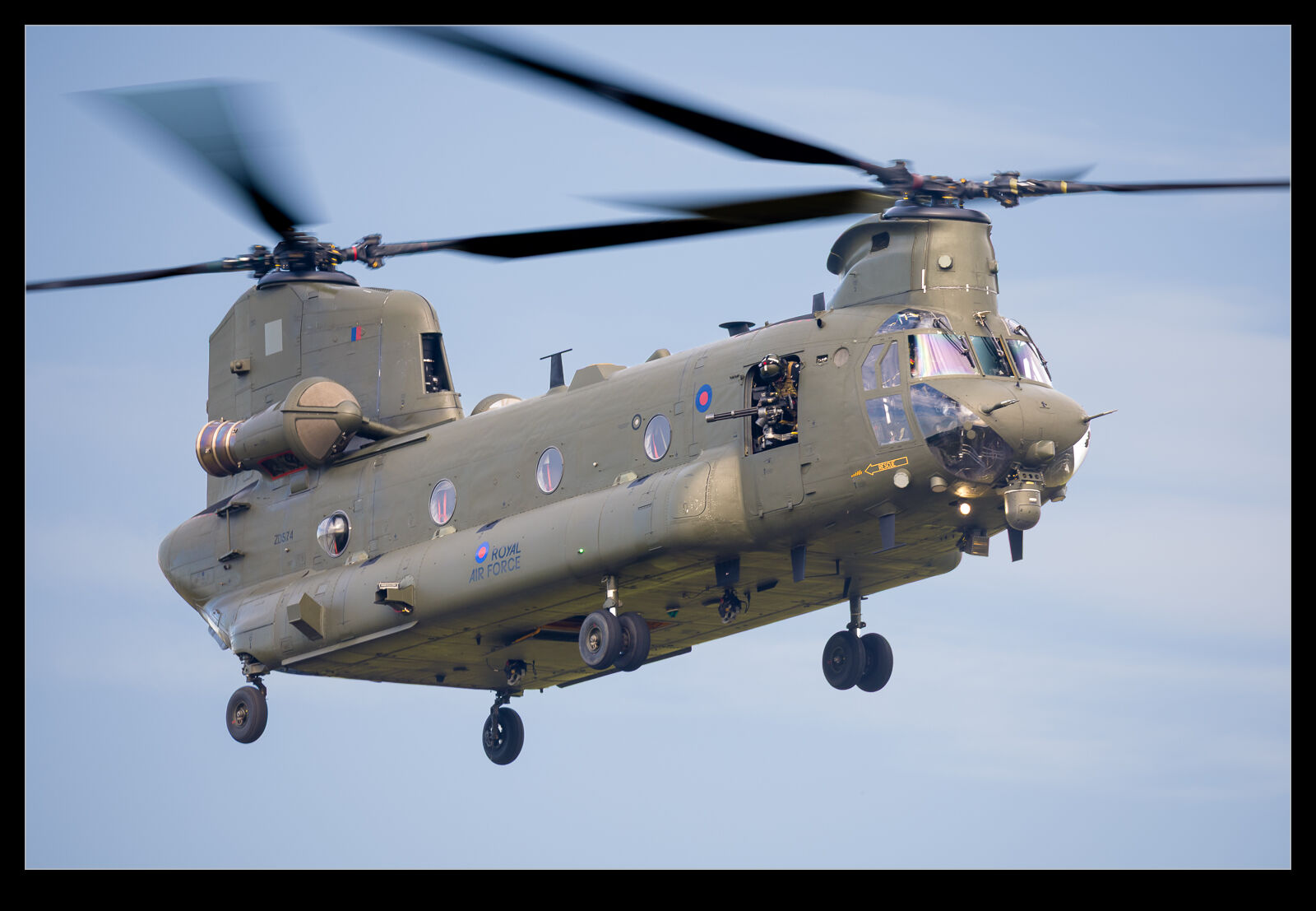
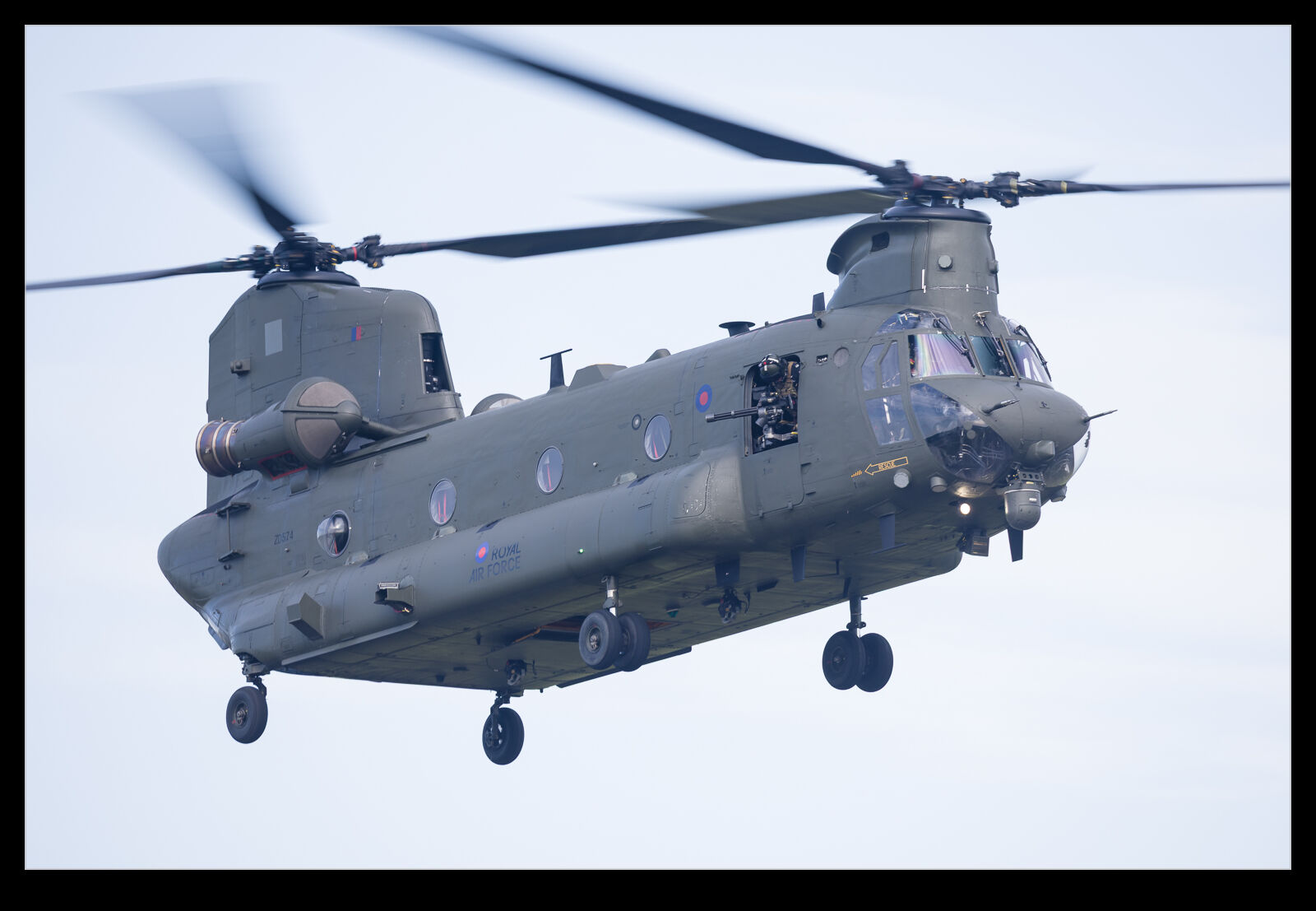
 I will put together a post soon about the Chinook display at RAF Cosford. It was a great display. However, this post is not about that. Instead, it is about editing. Lightroom Classic recently had an update to the masking tools and the subject select process is now way better than it used to be. I used to spend a lot of time refining the selection to get something usable but now the process has become a fair bit quicker as a result of the starting point being more accurate. Not perfect, but better. Anyway, I include a version of the image almost out of camera and then the result when working on the airframe and sky in separate masks. It is a lot more how the thing looked at the time and a significant improvement in my mind.
What a Difference a Bit of Editing Makes
Leave a Reply
