Category Archives: photo

I Thought These Bridges Were Moving

Spring in Chicago does not always arrive promptly but this year the absence of a real winter has meant that it has.  With nice weather comes the possibility of boating and that means the annual migration of the boats from their winter storage to the marinas for the summer.  For anyone with some height to their boat, i.e. sailing boats, this requires you to make use of the bi-weekly bridge opening schedule.

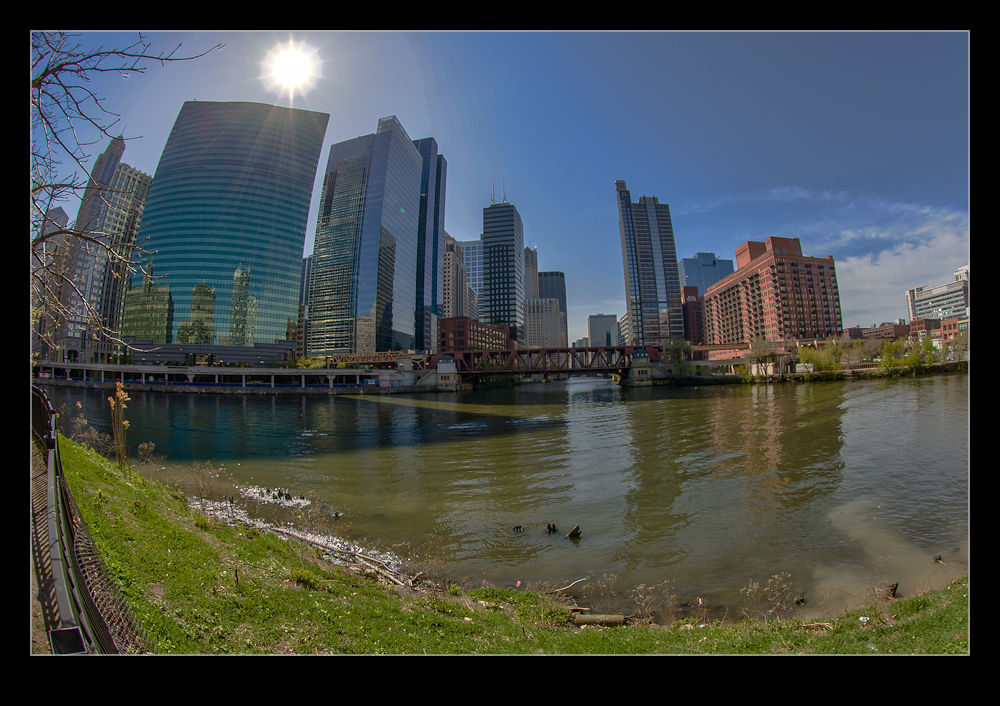
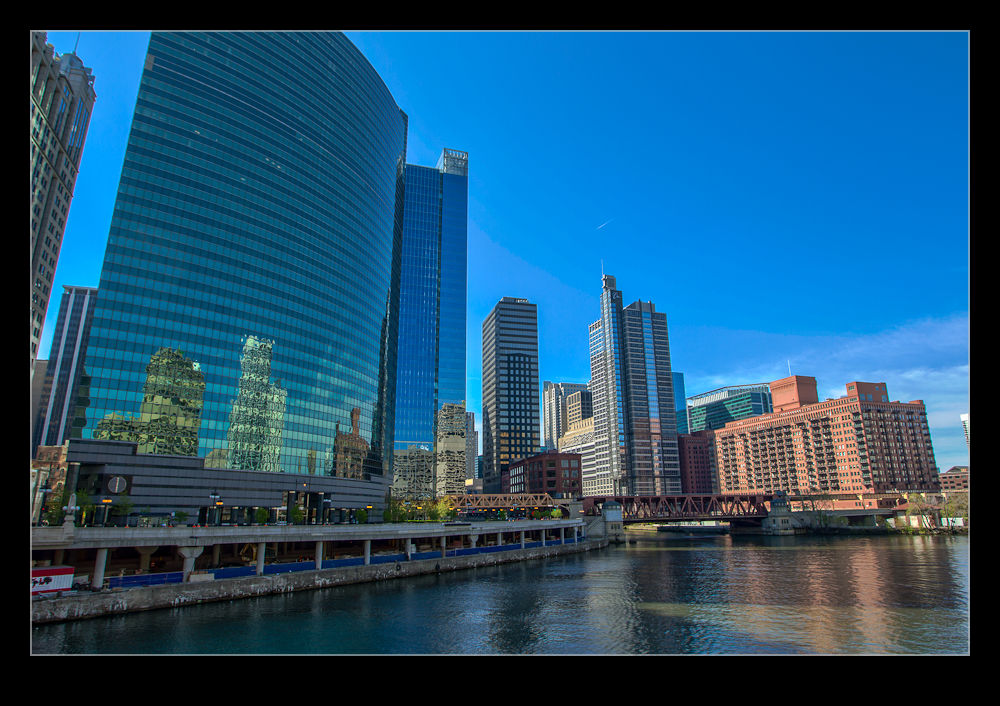
A look online told me that the first opening of the season was coming up on Saturday so I decided to take a look.  The weather was great and so some good shooting opportunities should have been available.  I wandered along the river inland since no bridges along the main stretch were open yet so I had time to get to Wolf Point where the river splits.  Along the way I grabbed a few shots of things that appealed to me.

At Wolf Point, I had two disappointments.  First, the water birds were very active right in front of me but I only had a wide angle and a fish-eye with me so no good opportunity to get any shots.  Second, looking all the way down the south branch, I couldn’t see any sign of activity.  Since I had a limited amount of time before Nancy and I were planning on heading out, this looked like it was going to be a bust.

So it turned out, I wandered back towards home and we went out.  When we returned in the middle of the afternoon, the bridges by us were just going down.  That many hours would have been a disappointingly long time to wait.  Maybe next week.

Trying and Failing with Bad Weather

Every once in a while you have what you think will be a good idea and it turns out you were wrong.  This is the story of one such event.  A weekend morning was looming and I felt like getting out and shooting.  The flights from Asia are morning arrivals at O’Hare and so are not often something I shoot.  A few of them appear and that is it.  Back to the RJs and 737s so I often don’t bother.  Also, the normal arrival pattern is not great for morning light.

This time they were coming in from the west so heading in to the light.  However, the weather forecast was a bit crummy.  The traditional thought is not to go since dull skies and mainly white planes are not a great combination.  However, two things made me think otherwise.  One was the possibility of the sun breaking through and illuminating the aircraft against a dark sky background.  That can look good.  The other was the possibility of a lot of vapor in the air making for some neat vortex effects and vapor clouds over the wings.

Consequently, I decided to give it a go.  I headed out having scoped out a potential location to shoot from that would give me a view of the arriving aircraft.  I have not shot over that side much before so a good location is not something I had.  There is a lot of industrial space over there so buildings can obscure the view and the ever present power lines are another consideration.  As it turned out, the spot I chose turned out to be quite reasonable.

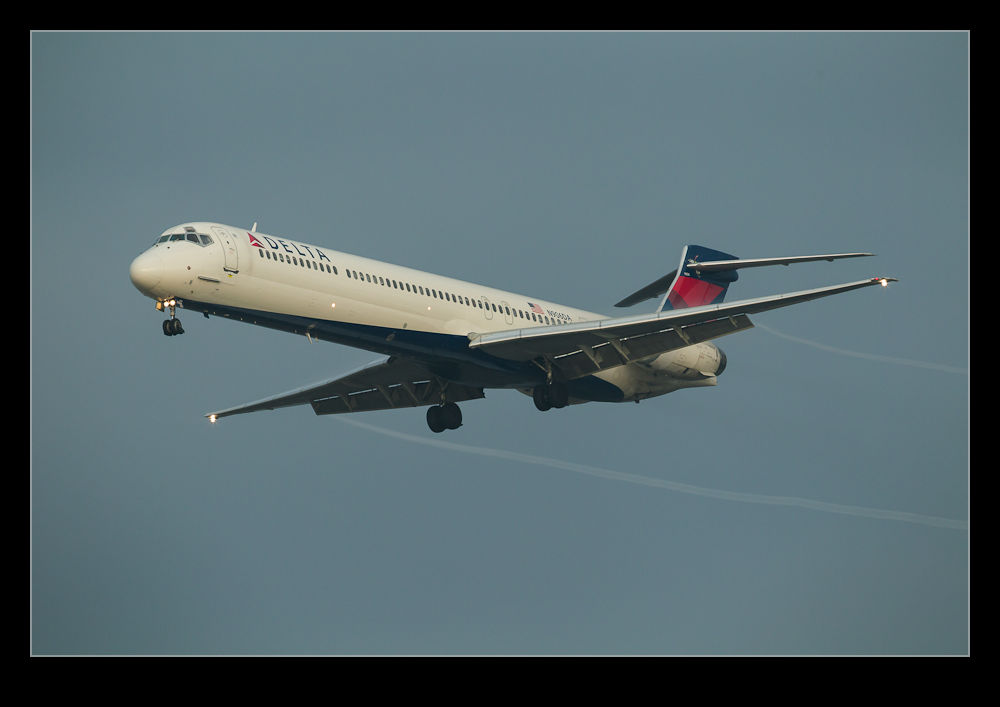
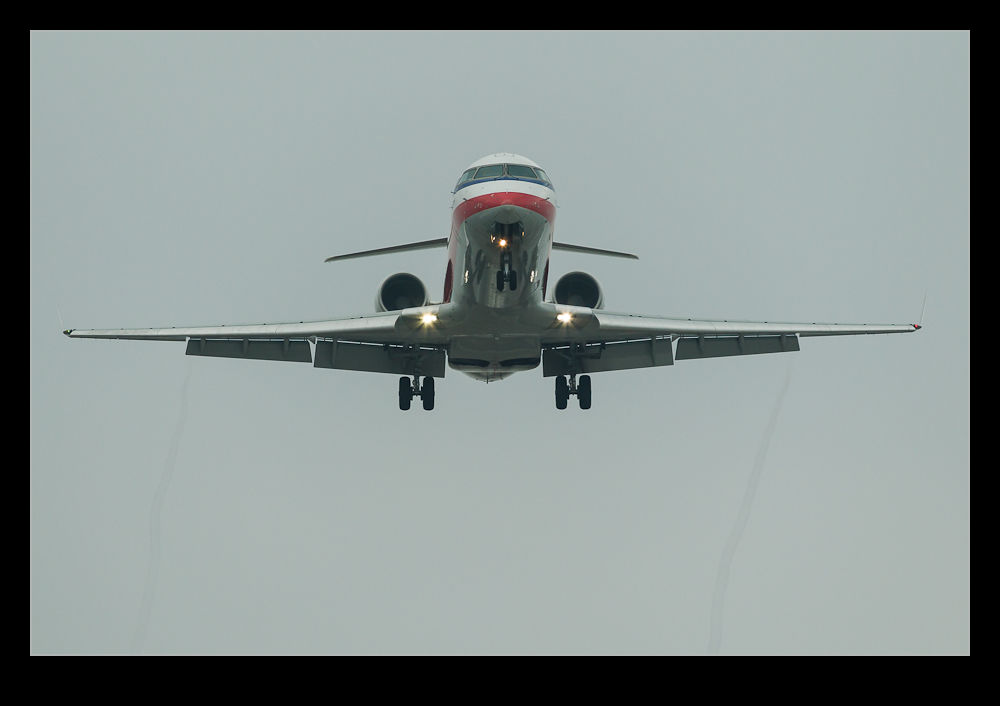
That is where the rest of the plan starts to go wrong.  The sun did make a brief appearance.  The opening shot is probably the only one that really achieved what I was hoping for.  After that, the cloud cover thickened up and then the skies were pretty unhelpful.  My second hope for the moisture to give some good effects proved to be a little too optimistic.  There certainly were plenty of trailing vortices and occasional puffs of cloud above the wings but the gray background did not help make them stand out.

I decided that I was probably done for the day and started to drive south on my way home.  I then happened upon a few cars parked up at a spot directly under the approach to 14R.  I thought this might be worth a look and it certainly made for some good angles.  I grabbed a few shots before heading home but this was a spot I decided was worth a further visit.  More to come on that…

How Soon I Forget!

As I have mentioned in previous posts and my regular readers will know, I have been going through a process of culling old images that will never (and should never) see the light of day again.  This is part of my desire to be a lot more efficient in keeping good images and ditching bad ones in part to reduce storage requirements but also to allow me to focus back on the good shots when I need something.

One of the things it has also done is remind me of just how many good projects I have been involved with.  While many projects are one off jobs, there are quite a few regular clients that I shoot with on numerous occasions.  I have my new workflow for going through those images and creating Smart Collections in Lightroom to help me manage them.  I decided it would be helpful to go back and create similar collections for previous jobs before I changed the workflow.

I added a bunch of these collections from memory but then started going through all of the shots from the clients by searching on the keywords.  It was really surprising to me to find some of the jobs we had done together a while back that I had quite forgotten about.  I had a bunch more Smart Collections to create as a result but the outcome is that I now have better access to images from some regular clients in a more organized way than my previous searches based on keywords alone.

A second outcome of this is that I changed from using stars to identify good shots to using the Pick flag.  Since I have a mix of methods, I will be going back and reassessing which are the better shots and marking them as Picks.  Interestingly, some of the ones I had starred previously have not made it through my recent cull since a second look showed they were really not quite good enough.  Often an adjacent shot is actually better so now I need to make my selections anew.

This is going to take a long time.  I am well advanced in culling shots of civil aircraft but my military stuff has yet to be dealt with.  I’m sure we shall have some crummy days ahead which I can put to good use.  Of course, my rate of shooting is going to be going up so maybe I will be struggling to stay ahead of this for a while!

Another Night with Dolby and Some Strange Camera Rules

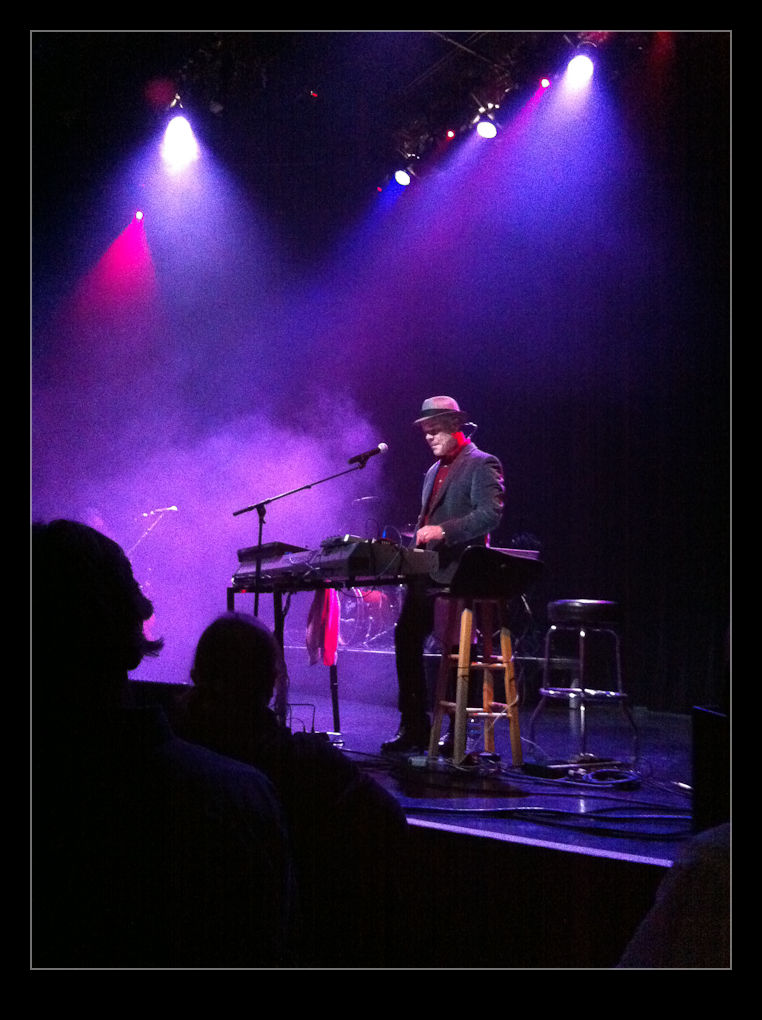
A couple of nights ago I went to a Thomas Dolby concert at Park West here in Chicago.  I had been to see a smaller event with him last year that I also blogged about but that was more focused on some dumb stuff more related to me than to him.  Since the disappointment I had then was entirely down to my own stupidity, when he set a date for a full concert back here, I bought my ticket swiftly.

This is not going to be a concert review.  I know I wander about on stuff on this blog but it is supposed to be more focused on the photography side of things and I promise that the heart of what I am talking about is actually photography related.  However, I shall start off by pointing out that it was a great evening.  The support act were a fun pair although possibly not your usual support act in that they were a duo playing predominantly bluegrass music.  They were good and funny although possibly not what a bunch of electronic music fans might be heading out to see.  Then again, the demographic of a Thomas Dolby concert is not what it once was – although you could argue it is exactly what it once was, just they are all a lot older now!

The main event was a lot of fun for an old fan who has continued to follow his newer music and the advantage of seeing an act that is no longer quite as big as once they were is that they play smaller venues and you feel a lot closer to the performer – because you are!

So, for those patient photography types out there who have stuck with it so long, where is the photography reference?  Here it comes.  I had popped up to the venue in the afternoon.  Thomas has a steam-punk trailer called the Time Machine that he has been towing around behind the tour bus.  I was interested in grabbing a few shots of it so went up ahead of time assuming it would be there.  It was and I got a few images although the afternoon light was a bit harsh and the polished metal finish didn’t help in those conditions.

I figured that a camera would be a problem in the evening so the afternoon recce was the alternative I went with.  When I came back up for the show itself, there were some big signs on the doors saying that video and audio recording were not allowed but feel free to take as many stills as you like.  CRAP!  I hadn’t brought a camera.  I did have my phone but nothing else.  I was feeling pretty annoyed about this but I was there for the music and the photos would have been a side benefit so not the end of the world.

I ended up sitting just behind a guy that had a camera with him.  It was not long before one of the venue staff payed him a visit.  They were checking his camera and that of everyone else around.  Apparently, they had a rule (not on the signs) about professional cameras.  What is a professional camera you ask?  Apparently, an SLR of any sort counted.  If the lens could come off, it was verboten.  No explanation of why but that was it.

When I was a more regular concert goer, cameras were always a problem so I had assumed nothing was allowed.  When I saw something was allowed, I was then confused by their arbitrary rule.  Some of the cameras people had were pretty capable.  A Canon G12 would have been fine for example?  How does that work?  Who knows.  Anyway, since I had not brought my stuff, I didn’t have a problem.

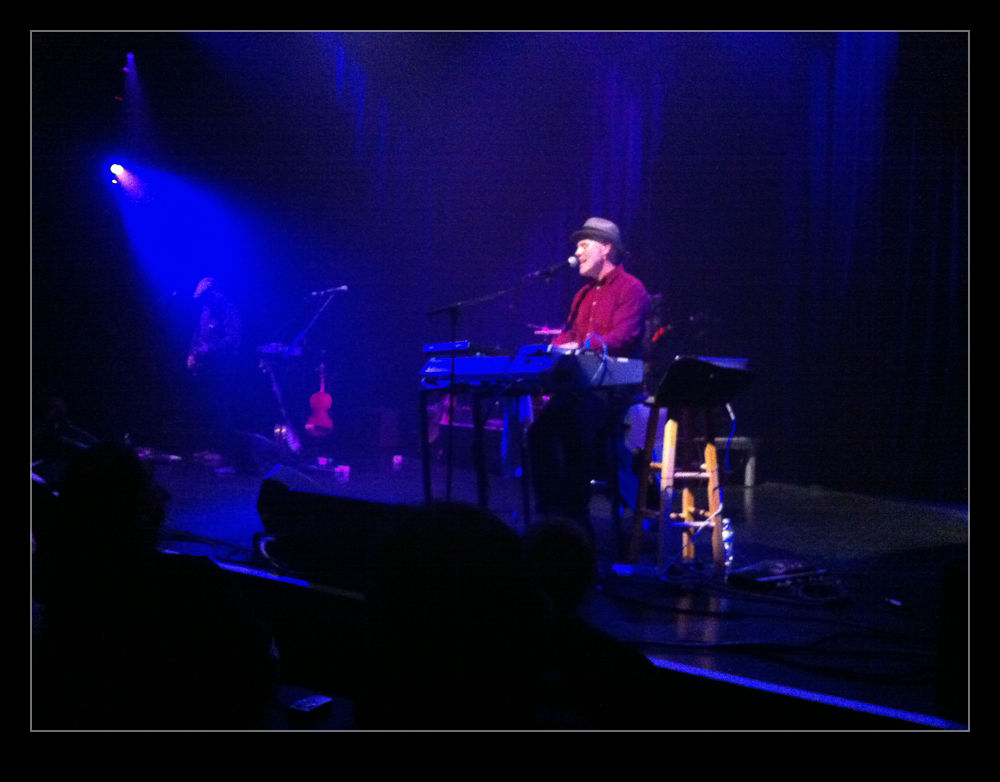
One amusing footnote to all of this, the support guys made a big deal of pointing out that they didn’t care if you videoed the whole of their performance.  They just wanted to make sure that you got their names right!  Great stuff.  The shots I did take I grabbed occasionally with my phone.  I think they came out quite well actually.  However, I was there for the music and didn’t allow the shots to distract me more than a little.  Fun night!

Cranes – Probably Not Here!

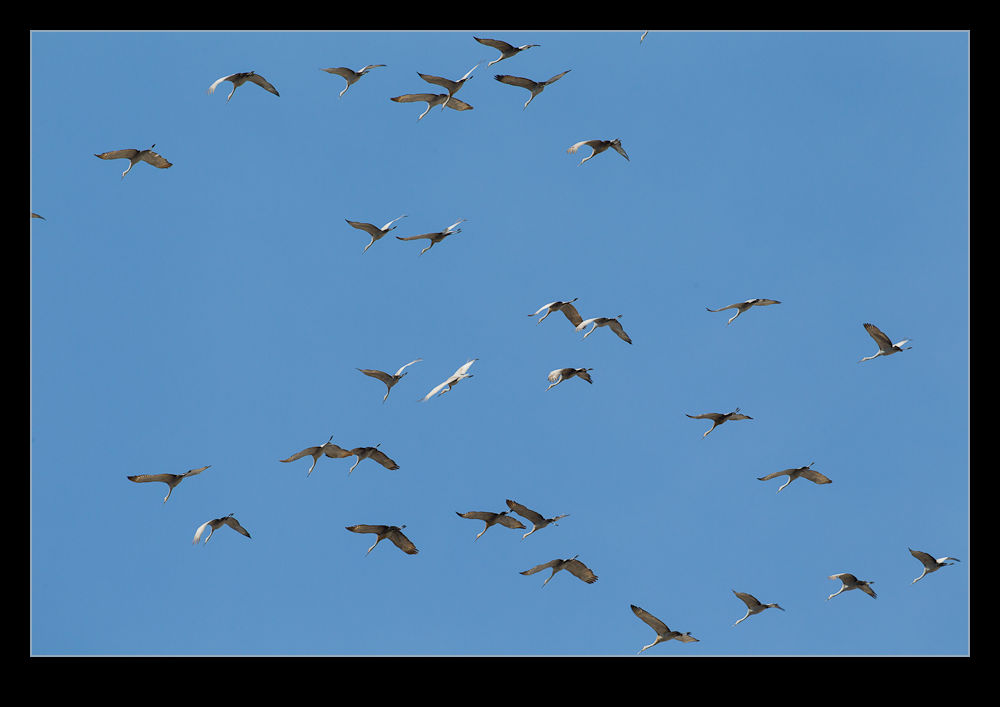
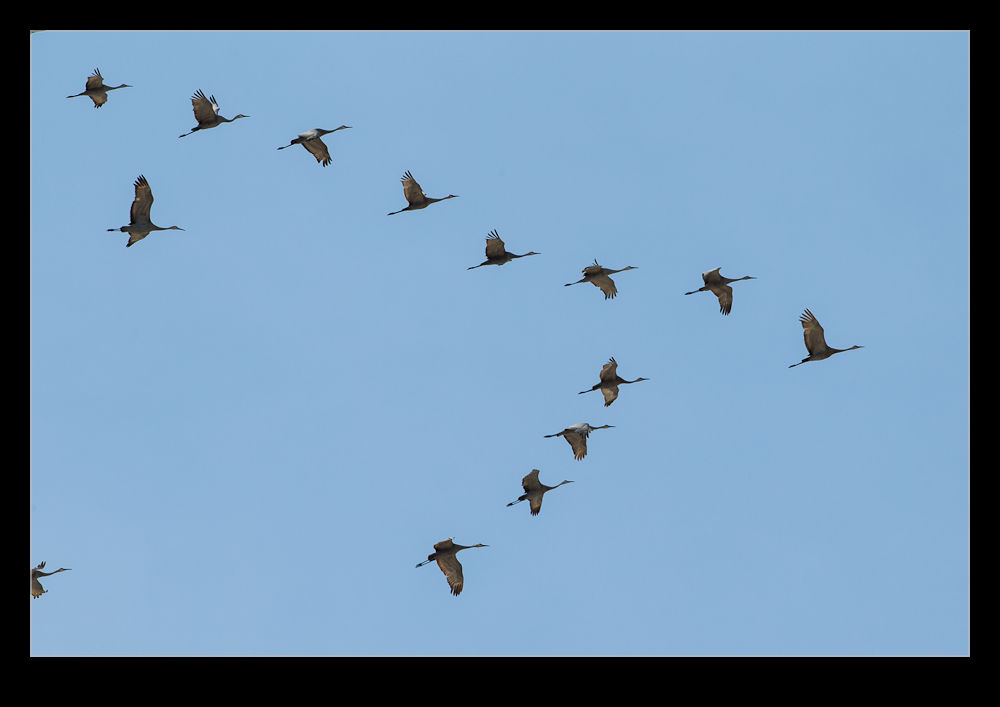
A sign of spring is when wildlife starts showing up that you haven’t seen for a while.  I had a couple of experiences within a day of each other of exactly this.  One seemed perfectly reasonable but the other was probably not the best idea.  We were walking in a state park up in Wisconsin when we heard a lot of noise.  At first I thought it was geese but, as the huge flock of birds approached, it became obvious that they were cranes.

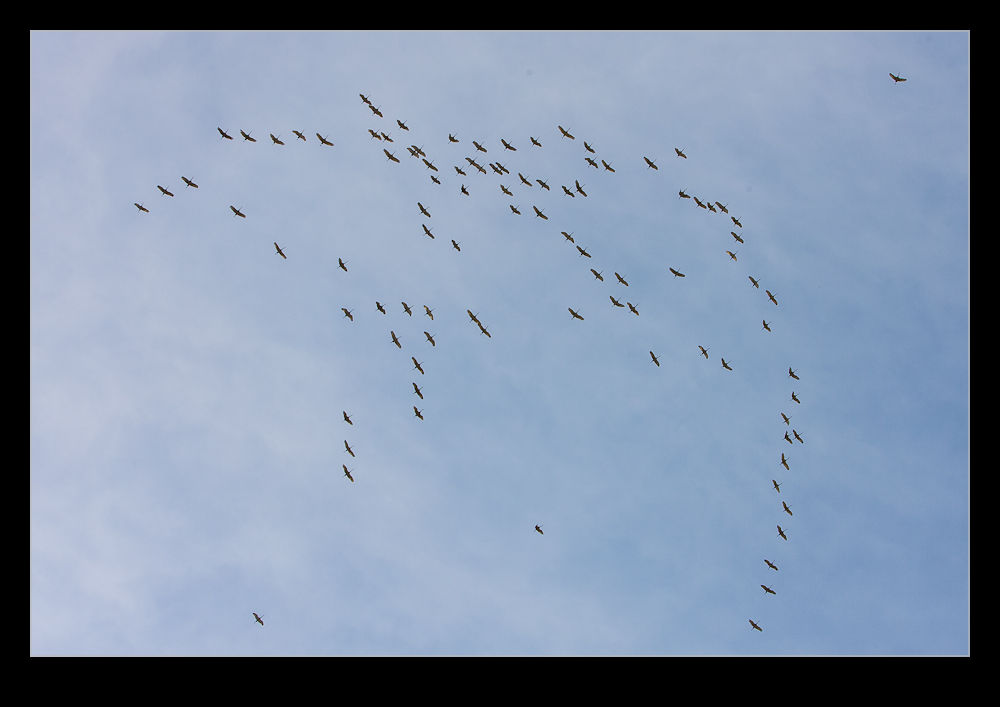
The cranes flew around a lot as we walked, some were high but others were quite low.  We walked on with not too much more attention to them as they honked their way around the area.   However, the following day I was down at O’Hare.  I saw something large and wispy in the sky and realized that it was a flock of birds.  As they came closer, lo and behold but more cranes were coming to town!

Now, O’Hare is not exactly a bird friendly location.  Having flocks of pretty substantial birds in the vicinity of so many aircraft did not appear to be a particularly good combination.  The birds swirled around for a couple of minutes, fortunately a little higher than the aircraft on approach.  Then they drifted off in a different direction and i didn’t see them again.  Not a great idea but, thankfully, no harm done this time!

Lightroom 4 Impressions

It is a little while now since I upgraded to Lightroom 4 from the previous version (I will let you fill in the name here!). There were a few aspects of the new version that made me want to upgrade and I had played with the public beta version when it first came out. Of course, having ongoing support and updates is always helpful so staying with the old version was never going to be likely and when they halved the price, no further thought was required.

Now I have been using it for a while, what do I think? Well, on the whole I am reasonably pleased with the changes. The new sliders in the Develop module seem to be an improvement on the previous develop version. I was pretty happy with the way it worked before so the changes had to sell themselves to me. They have modified the way I think about the development settings since I used to be able to use Exposure alone to bring back a sky and maintain the shadows. Now I have to consider the White and Highlight sliders a lot more. I am not convinced that Highlight does a lot. White seems to be far more effective in my new approach.  Similarly the shadows slider is now more important to me than the blacks which is a change.

Another issue is with converting previous develop settings. Since the change of sliders is significant, going to the new develop version tends to result in all sliders being reset to zero. This can turn a reasonable image into something far worse initially. Lightroom does not have a conversion algorithm to get you somewhere close. It is back to the beginning. Maybe this makes a lot more sense.

The Map capability is a big improvement for me. Canon cameras are not well designed for adding a geotagging capability so I have ignored it on the whole or experimented with Jeffrey Friedl’s plugin. This is a very user friendly method and I shall make use of it a lot more I think. I like the book creation capability but would welcome some other outlets getting in the game. I have used Blurb before and they are fine but I have liked Adoramapix and have contacted them to see if they will be making templates soon. Let’s hope so.

So, is there anything wrong? Oh yes! It is slow!! The Develop module is awful at the moment. I have a pretty capable system but the sliders we very slow to react. The real time view of what you are changing is not there yet. You pick a slider, hope that the mouse click has actually selected it and then move to where you think works and then wait to see what happens. Is this acceptable? Not at all. Am I annoyed? Yes I am. Is it the end of the world? Probably not. I seem to recall that Lightroom 3 had similar issues when it first came out and was slow. Adobe released some updates pretty quickly and it ended up being a great tool. I am not going to revert back and will manage the sluggishness until they come up with a fix. If they don’t, I may have to consider but I am not the only one having an issue so I suspect it will be dealt with in the coming weeks.  Turning off the second screen makes a substantial difference but is not very useful so hopefully that will be tweaked.  A release candidate for version 4.1 is out now so, while I won’t try it out, hopefully that means the formal release is pretty close.

One other thing I will tag on her and that is the arrival of the beta version of Photoshop CS6. When the beta was released, I was not sure I would bother to try it out just yet. Photoshop is still part of my workflow but, as Lightroom has become more capable, Photoshop has been used less often and for more specialized tasks. I could probably wait, or so I thought. However, I watched some of the demonstrations of new features online and liked some of what I saw, especially the video editing. Since I shoot mo video these days, having an alternative video editor rather than upgrading the package I have might be good. It does seem to have some good basic capabilities and that is all I do most of the time. What isn’t there at the moment is good bio integration with Lightroom. Version 4 has some video clip editing for end points. It would be good if you could send the video to Photoshop in the same way you can an image. Since it would then come back to the catalog when you had finished, it would help in managing everything. Now I finish an edit and I have to import it – if I remember. If they could allow you to take multiple clips and open them as layers (again like you can with images), that would be even better since that lines up with the way video editing is set up in Photoshop. I commented on this on the Lightroom blog but we shall see if they are already working on this.

In conclusion, I am pretty happy with the new Lightroom. With the price halved I am even happier not least because the Photoshop upgrade is obviously not far away. Now to see whether they can tweak it enough to fix the minor problems.

Changed Workflow

I have changed my approach to editing my pictures quite a bit recently.  This has served two purposes.  The first is to make better use of my storage requirements and the second is to focus more quickly on the better images.  Sadly, this has highlighted to me how I have actually missed out on some of my better work in days gone by.  Not a happy lesson to learn but a valuable one.

I never used to delete images since storage was not a problem.  I did occasionally find images that newer RAW processors could do something with.  However, to be honest that was a rare occasion and, even then, I wasn’t likely to have an outlet for that image.  However, by not getting rid of stuff, I really cluttered up what I had.  Moreover, I would scan through and find images I liked the look of and mark them as favorites.  When I would come back to them later, I would find they were a bit flawed – not sharp enough usually being the problem.  What was worse was that I would search based on ratings and so wouldn’t bring up the next shot which actually might have been almost identical but sharper!

Consequently, I had a workflow that hid the good shots and encouraged me to pick the wrong examples by mistake.  I have now changed all of this.  Part of this is driven by trying to keep storage requirements under control.  I have been shooting a lot of rotor-craft and getting good rotor blur requires low shutter speeds which often means shooting lots of frames to get a few sharp ones.  When you are being buffeted by the down-wash, no amount of good technique is going to be enough!  I do generally shoot more these days anyway so I have a lot to work through.

The first thing after downloading is to generate 100% previews of all images.  I can then set up Lightroom with one side as the full image and the other has the 100% view.  This way I can determine sharpness of the shot at the same time as seeing whether the overall image is okay, i.e. no poles across the shot or noses cut off!  I have copied a process I saw demonstrated online where I assign a job descriptor in Lightroom and then set up smart collections for that job of Picks, Not Rejects and Rejects.  I have also started separating out video clips to another smart collection.  By reviewing the Not Rejects folder, anything rejected gets automatically removed so it thins out as I go.

This certainly brings the numbers down but not always as dramatically as I would like.  I suppose I should be pleased that I am not shooting such a low percentage!  Once I have done this, I can now trust that the shots that are left are all considered usable.  Then I can go through again and weed out the obvious duplicates by picking the best of a given type.  This will really help to thin things out.  The other thing I will do (which I also tend to start as I get further through the first review) is culling those that are just not interesting.  I have come to the realization, far too late, that only the best shots are ever going to see a use somewhere (and most of them won’t either).  Therefore, a relatively uninteresting shot that is sharp and well composed might as well go in the trash unless it has something unique about it.  Most don’t!

This has resulted in me thinning down the shoot far more rapidly.  The review also includes marking as Picks those I particularly like.  Hopefully, this will make it a lot simpler to get to the good stuff in due course.  Now I am also gradually following the same process for the large selection of previous images.  Maybe I won’t have to upgrade my hard drives for quite a while with all of this space I am freeing up and the reduced rate at which I am filling space.

One footnote to all of this.  My NAS runs a backup of everything every night.  When images get deleted, they will be gone from the backup the following night.  However, before anything is deleted, it is all backed up to Blu Ray discs.  That way, nothing is truly gone forever.  However, it would require some serious effort to go back to those discs to find something that is deleted since they are gone from the Lightroom catalog.  However, they are easy to backup so why not?
Snocross in Short Sleeves

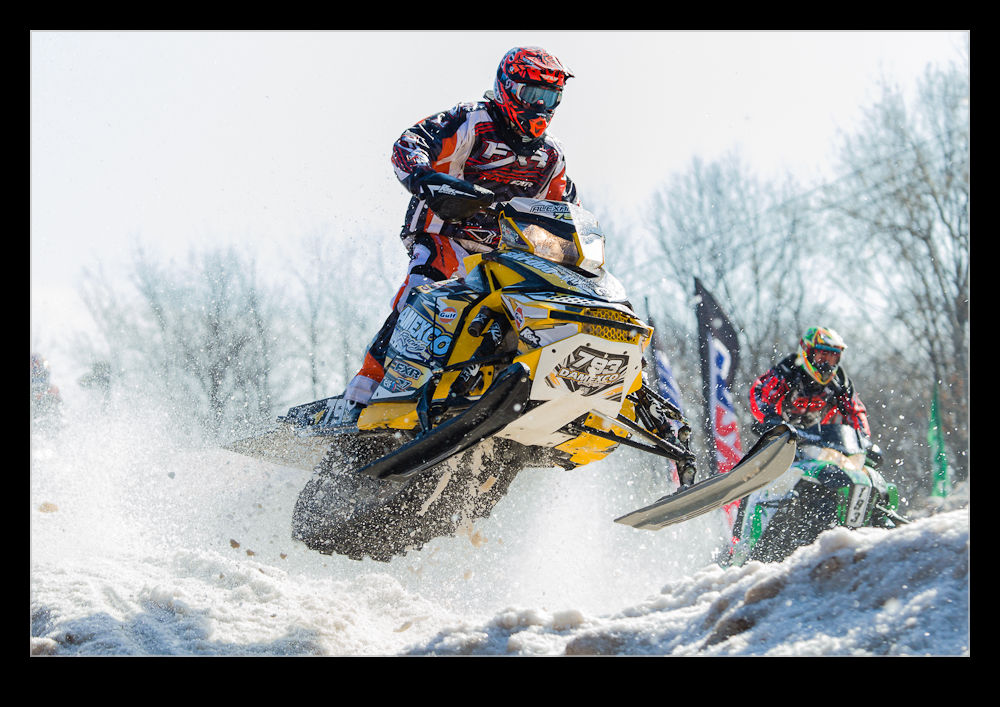
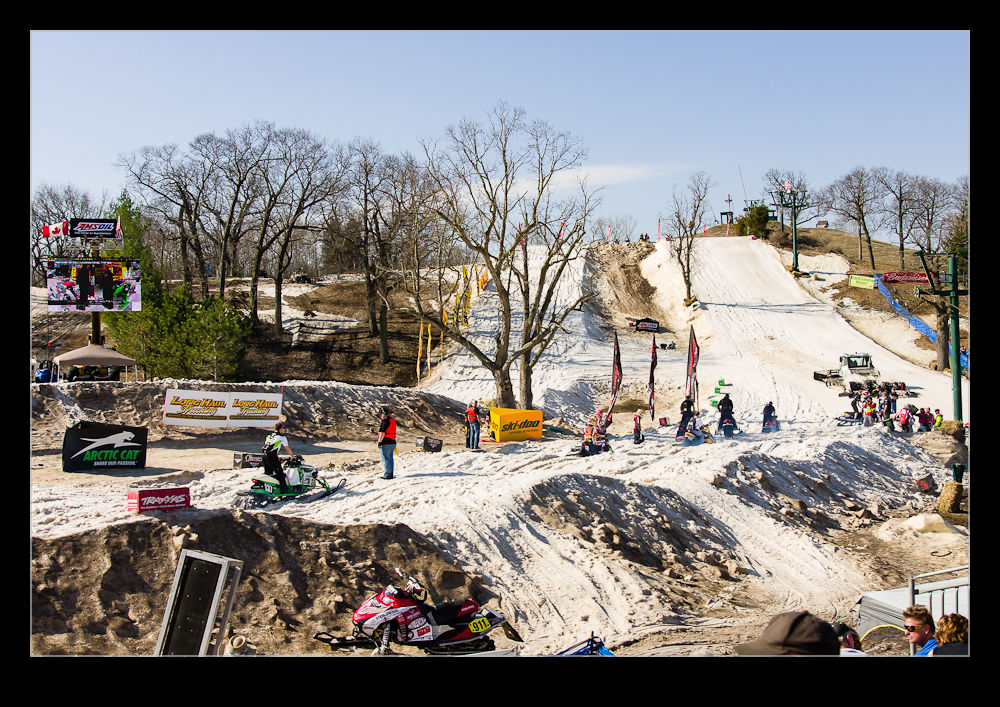
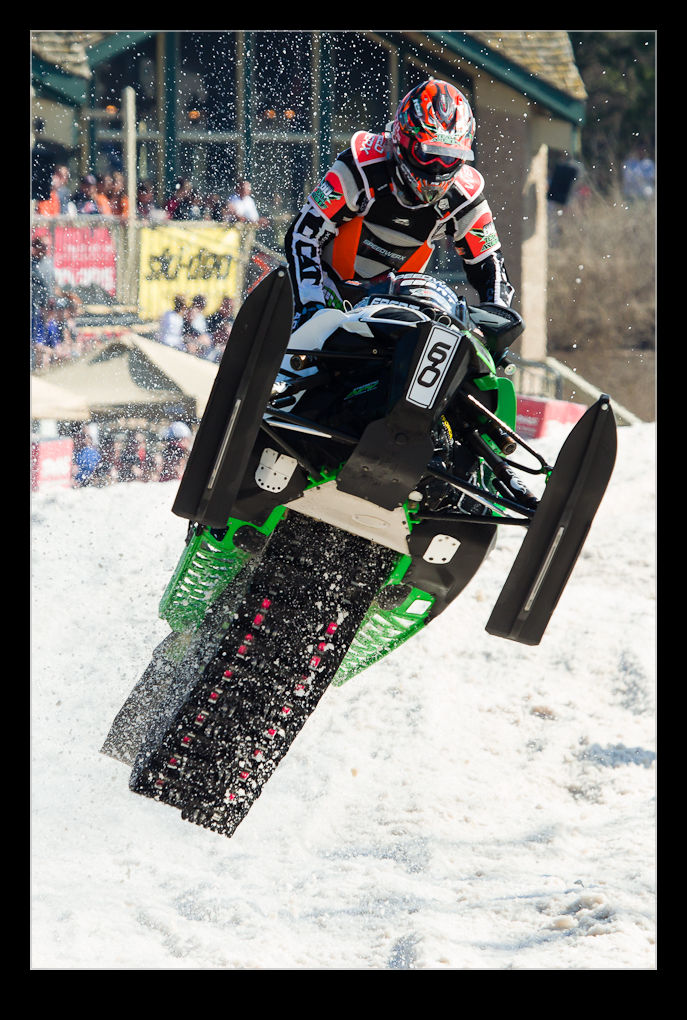
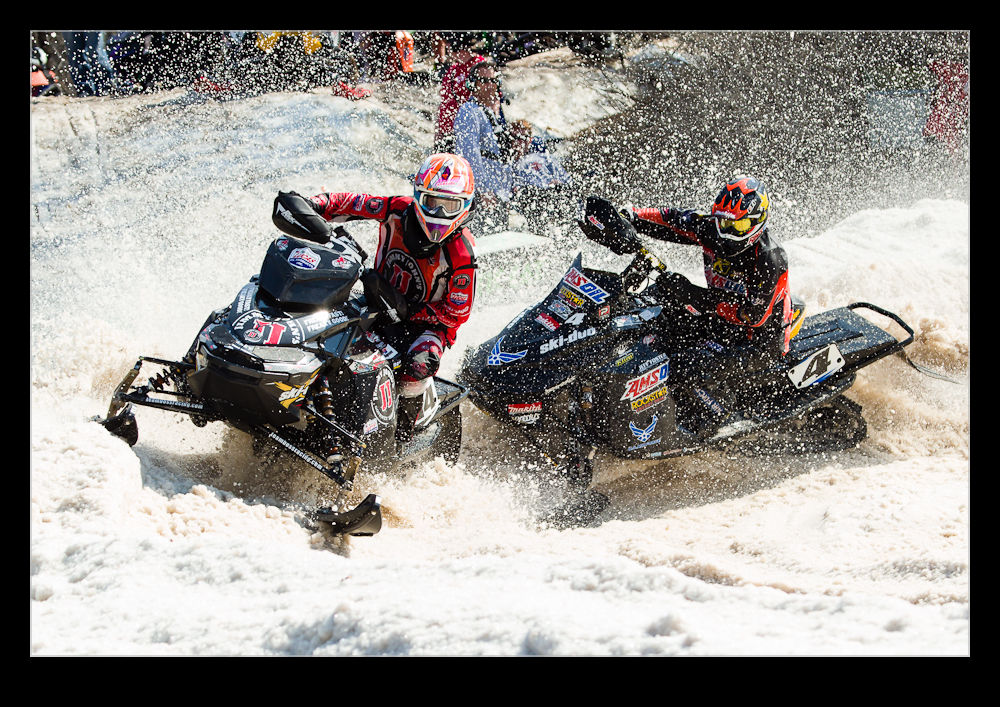
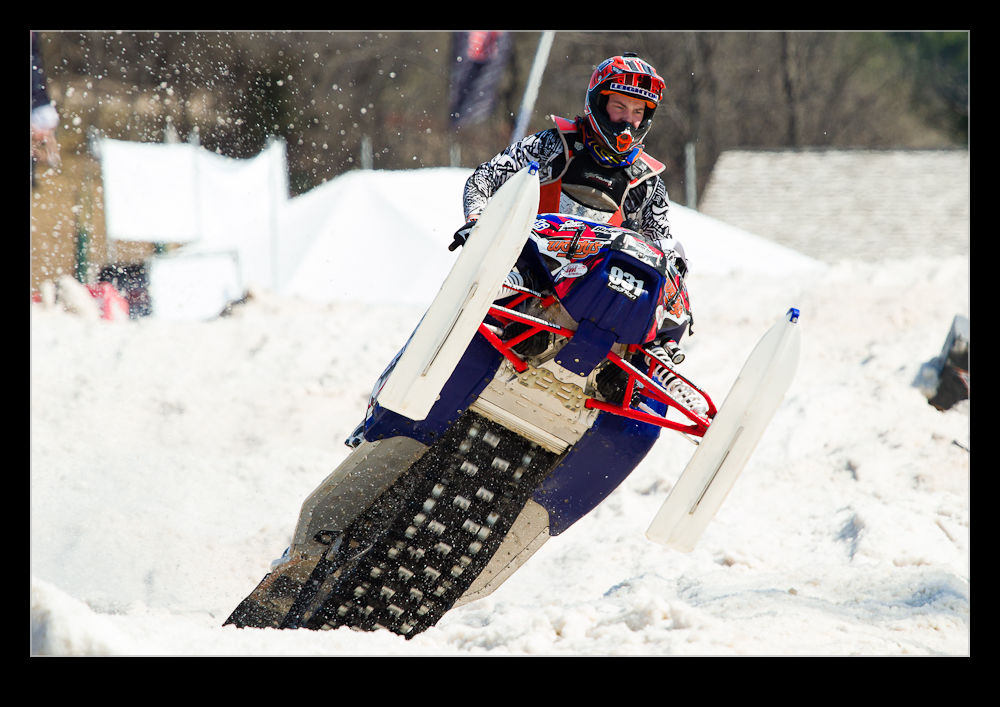
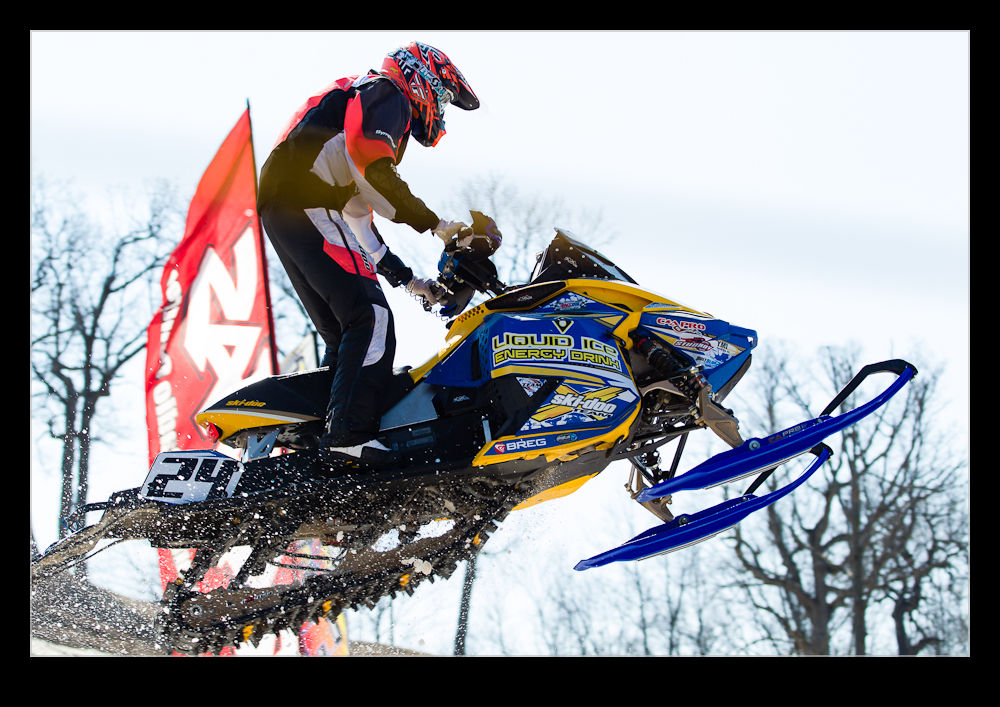
March in Wisconsin seems like a pretty good time to schedule a snowmobile race.  Unfortunately, that would mean that you didn’t know this year was going to be particularly mild all winter and especially so in March.  So it was that the final round of the AMSOil ISOC Snocross race was scheduled for the Grand Geneva Resort in Lake Geneva WI in mid-March.

Just because it was warm, didn’t mean there wouldn’t be racing though.  Congratulations to the organizers who made good use of their snow cannons to put a base of snow down on a basic course.  Apparently, it was a bit truncated compared to previous years but there was a course.  Moreover, the course managed to hold together as the air temperature made its way up to the high 70s (if not creeping into the 80s!).  I wondered whether this great job of combating the conditions extended to the clothing the racers wore.  I doubt too much snowmobile racing clothing is designed for the high 70s.  I suspect it is more about staying warm.  They were probably pretty toasty!


I hadn’t applied for media credentials for this event so was only shooting from the public areas.  With the course laid out the way it was, this really didn’t prove to be too limiting.  There were a few shots I would like to have got but it really didn’t make too much of a difference.  The action is close to the people most of the time and they come by pretty frequently so there is usually plenty to see.

I was pretty happy with the outcome to be honest.  It was a fun day out and I spent it with a good bunch of guys as well.  We would split up at times but end up back at similar locations before too long so it worked well.  One of those disappointing things about shooting an action sport like this is that you find yourself focusing on a particular rider and hear a groan from the crowd.  This is a sign that someone has wiped out quite dramatically but all you see is them getting up and retrieving their machine unless you get lucky – certainly luckier than the racer!

Now I just have to work out what the real name is for the machine.  I always thought they were snowmobiles but then I watched some stuff from Alaska that said the people in the know call them snowmachines.  The announcers at this event didn’t seem to be aware of that so I am just as in the dark as I was beforehand.  Anyone know the right term?

Final Overnight Time Lapse

I mentioned before that I had tried to do an overnight time lapse video.  In that post I detailed all of the ways I had screwed up the process.  Rather than sulk, I did take all of those lessons to heart and went back for a second attempt.  This time, I was a lot more successful.  I hadn’t got around to figuring out how to make the tethering work properly but the alternative was acceptable and I had learned the rest of my lessons.

One minor hurdle still existed.  Our windows are not at their cleanest at this time of year and shooting through the glass is the only option.  We are due to have the cleaners take care of them shortly (although that will probably only guarantee some rain immediately afterwards).  In low light and with a wide enough aperture, the dirt smudges are not too much of a problem.  I have to make sure the shoot doesn’t include any time with direct light on the window which would make the muck flare up in the shots.

The other minor issue is a function of the double glazing.  More intense light can show up the effect of the light bouncing between the glass panes.  At night this isn’t a hassle except with the moon which is so bright.  For some reason I should be able to figure out but can’t, the center of the window almost totally removes this effect and it gets worse towards the edges.  However, the moon is so bright in the scenes it blows out and, since the whole thing animates to a video, the loss of shape in the shots becomes less apparent as the moon zips across the sky.

With all of that said, here is the video itself.  It seems to have worked out well.  Sadly, the messed up effort seemed to have got some more interesting light sequences from the windows of the building but you can’t have it all.  Enjoy!

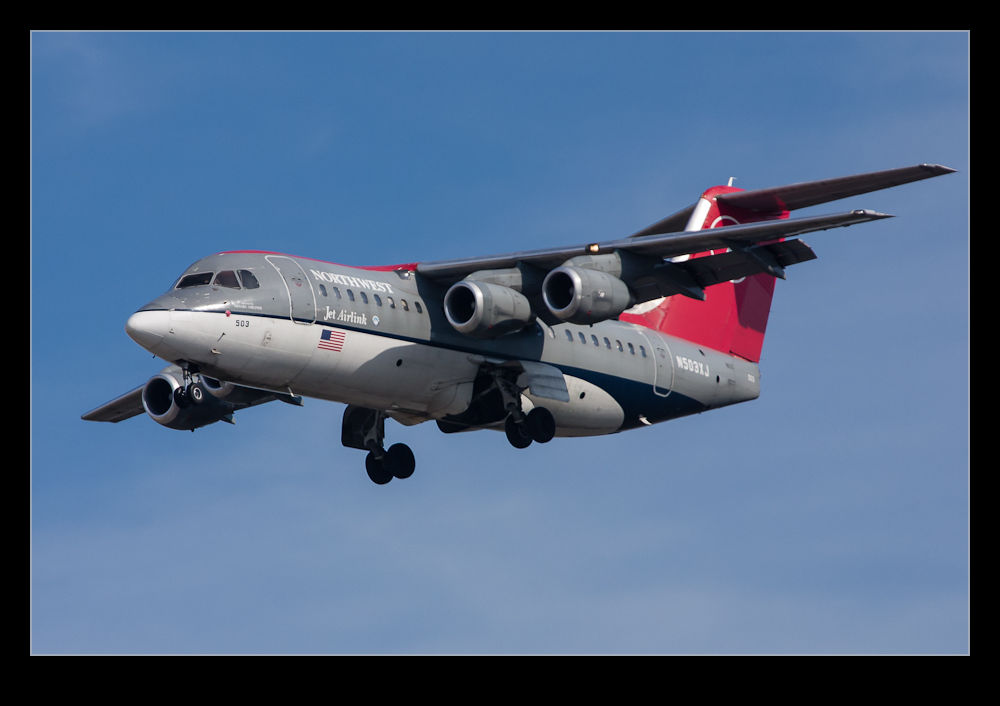
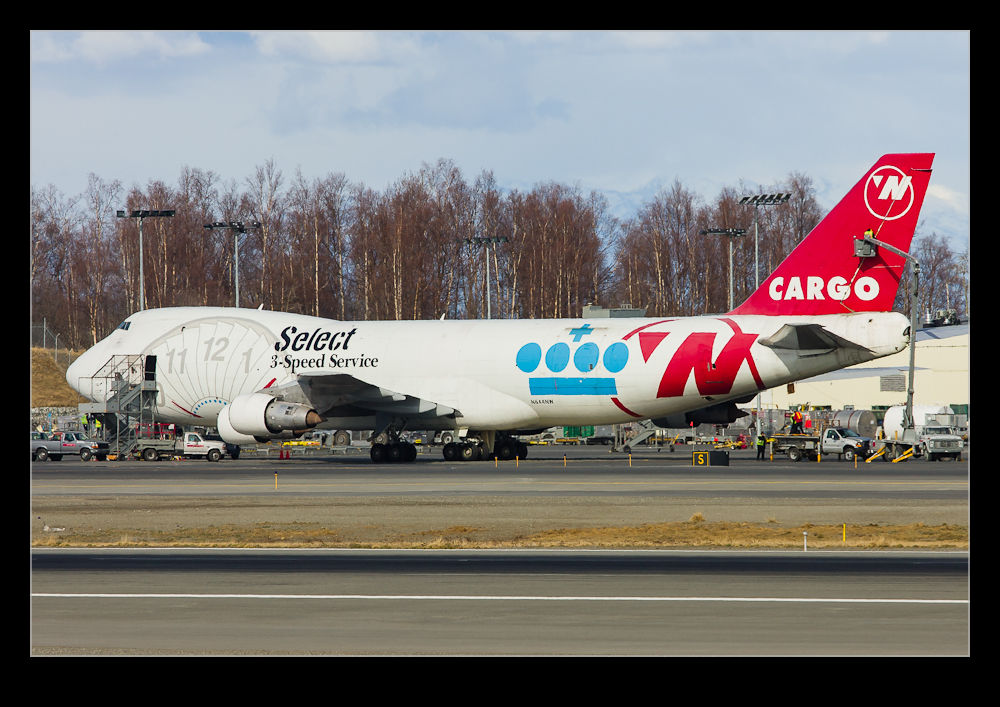
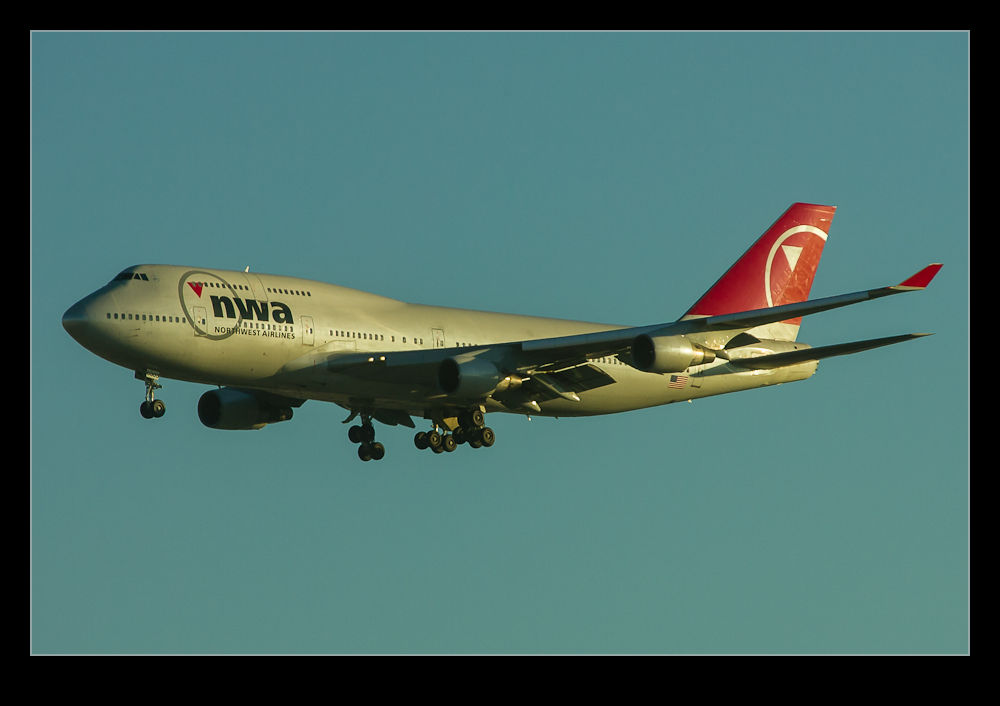
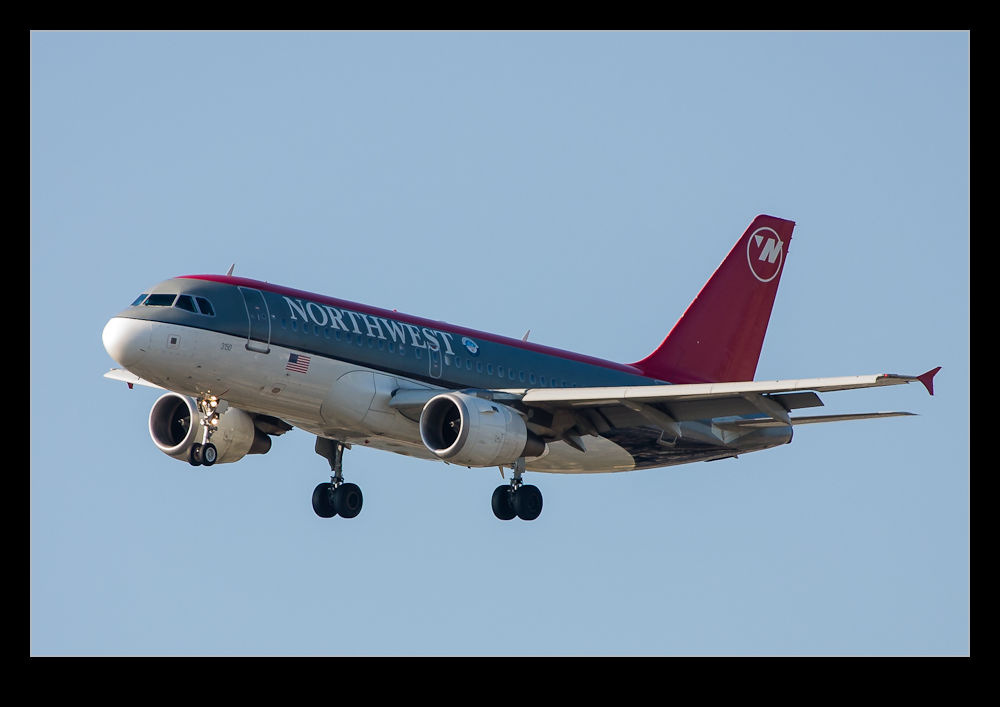
Remember Northwest?

I have been going back through a lot of the archive recently with the goal of culling a lot of the crap images that have no hope of ever seeing the light of day again and are, therefore, just filling up drive space.  As I do this, it reminds me of a few things I haven’t seen for a while and some I won’t see again.  Northwest Airlines is one of these!

From time to time I have done a lot of shooting of airliners.  I won’t profess to them being my favorite thing to shoot – fast jets and helicopters are probably my favorites – but when it comes down to it, I love all things that fly and airliners do just that.  Besides, they are sometimes easier to come by!  One of the features of shooting airliners is that most of what you see does not cause you any surprise.  There may be something that is rare or unusual wherever you are and that can be quite exciting but usually what you see is pretty much what you would expect to see.

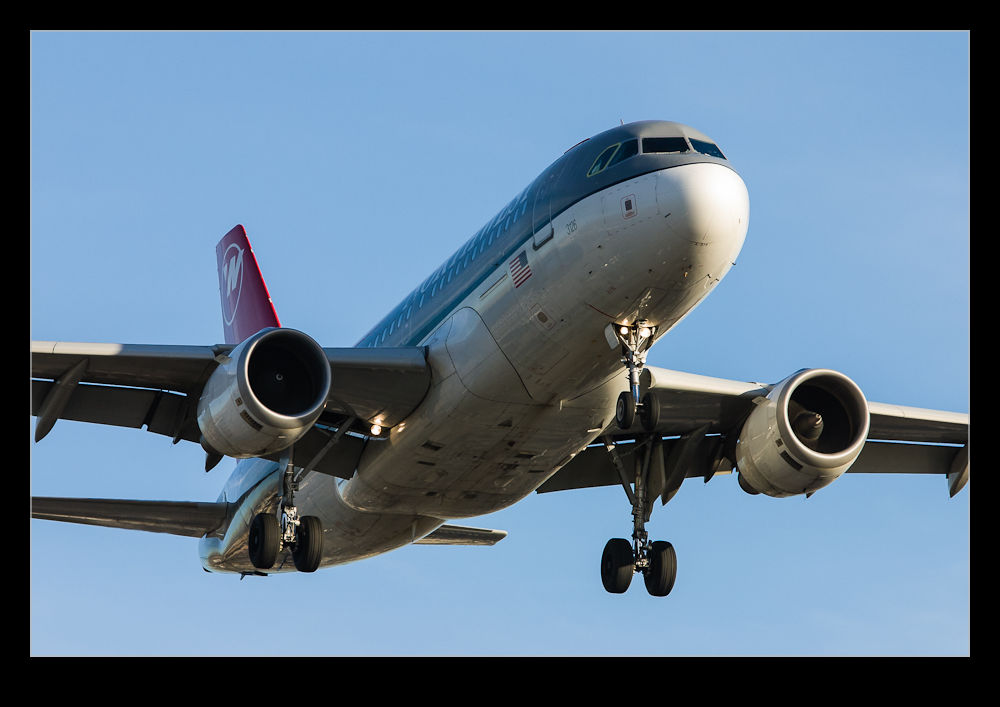
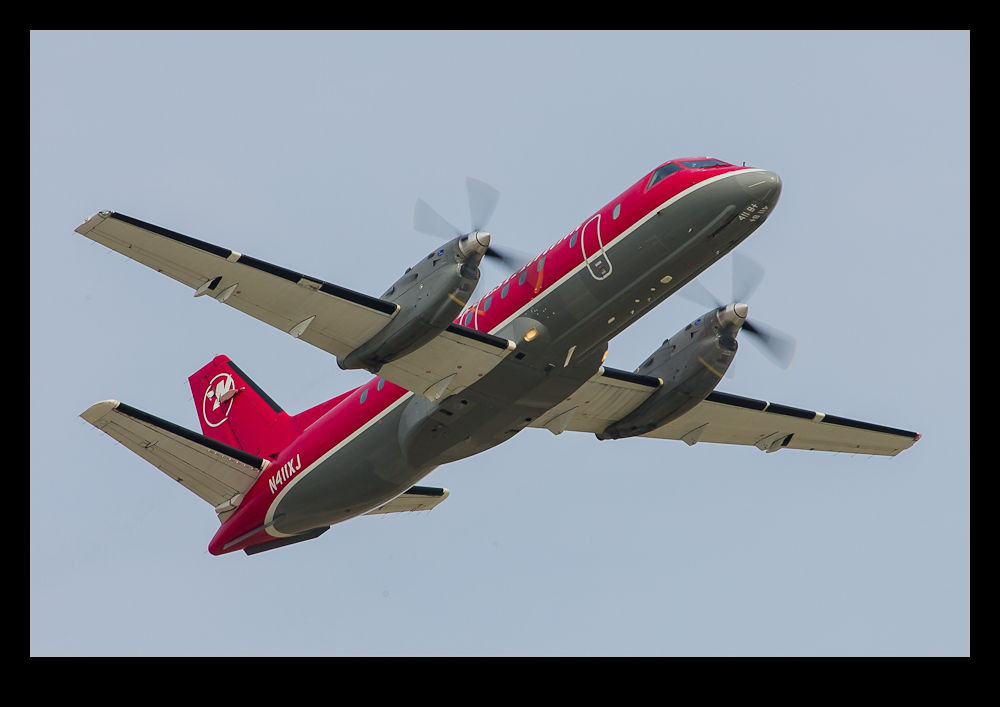
It is only at a later stage, when whatever you saw is no longer around, that you can get interested in something that was previously pretty unexpected.  Such is the case with Northwest.  Before the merger with Delta, Northwest had a large fleet that covered the country.  I didn’t fly with them much but I would frequently see their aircraft.  I would take pictures of them but probably not get too excited.  I even spent one day at Detroit where they were most of what I saw.

Now, Northwest is no more and its fleet has been repainted in Delta’s colors.  To find a picture of a Northwest jet as I go through the archives suddenly takes on a level of interest that it hadn’t at the the time it was taken.  Maybe it will have the same effect for you so here are a few samples of something no longer to be seen.