Tag Archives: blend

Night Shoot at SFO

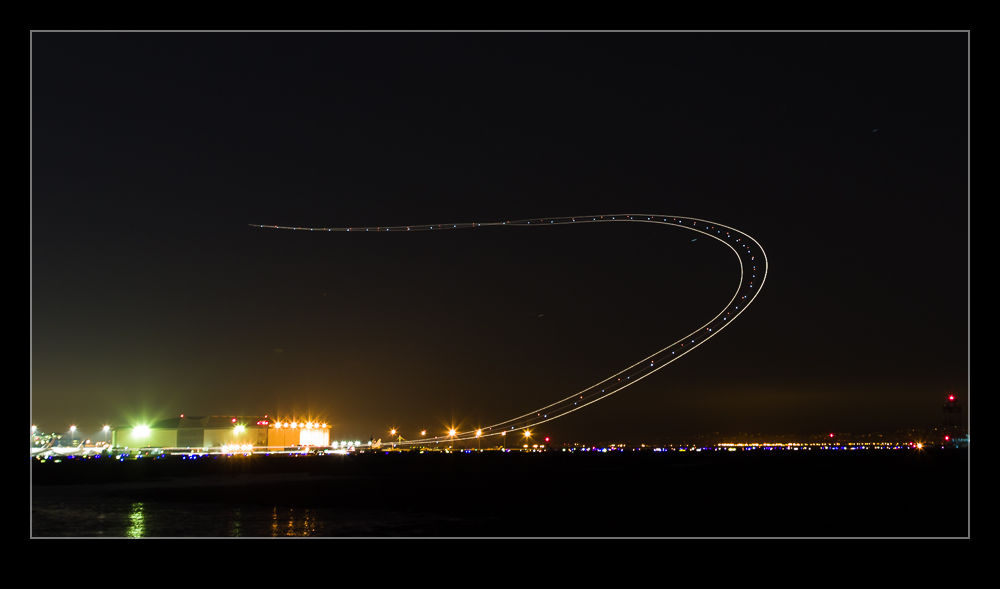
wpid8773-AU0E0813.jpgOne idea that Paul had was for us to have a go at shooting some light trails at SFO after it got dark.  This sounded like a good plan.  Unfortunately, we didn’t have any tripods or cable releases with us.  No matter.  Target was around the corner so we popped in there and bought a couple of $15 specials.  Hmm, these were quality items indeed.  Given how much a good tripod costs, can you imagine what a $15 tripod is like?
wpid8769-C59F4390-Edit.jpgHowever, we made the best of it.  Getting perfect alignment was tricky so some post processing cropping to level stuff up would be required.  The camera wobbled a lot on the tripod when touched so I chose to trigger it with the shutter button on a 2 second delay.  This allowed some wobbling to stop and, on a long exposure, any lingering wobble would be lost.
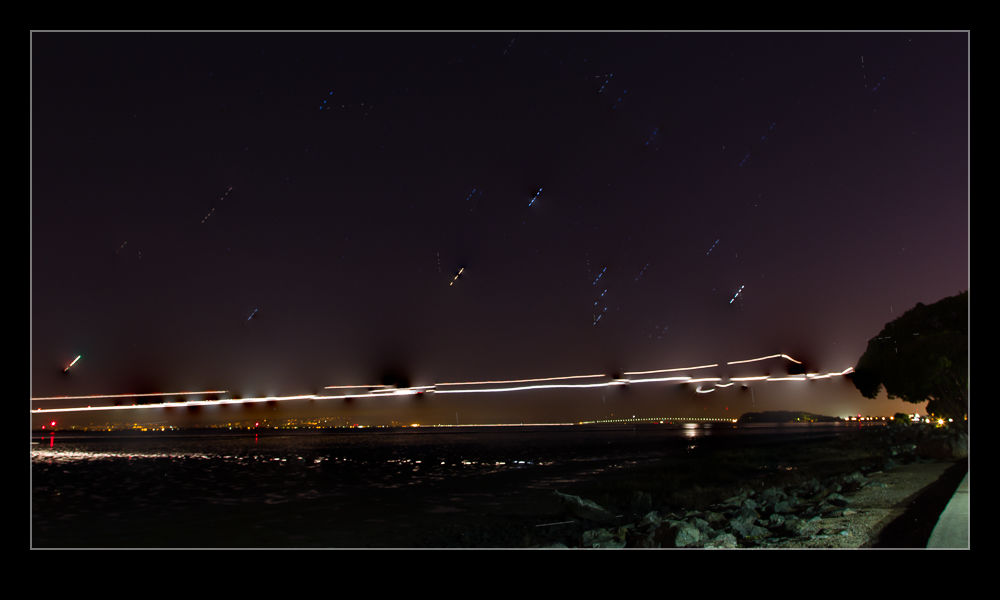
wpid8777-AU0E0811.jpgWe got some stuff but it wasn’t brilliant.  However, a short while later, I had to go to SFO to pick up some family members arriving on an evening flight so I decided to go a little earlier and try again, this time with some more appropriate kit in the form of a decent tripod and a cable release.  This time, I was able to control things a bit better and get a few shots of interest.  There wasn’t a huge amount of traffic so I didn’t get too many trails but I did get a slowly taxiing British Airways 747 which left an interesting smear across the frame.
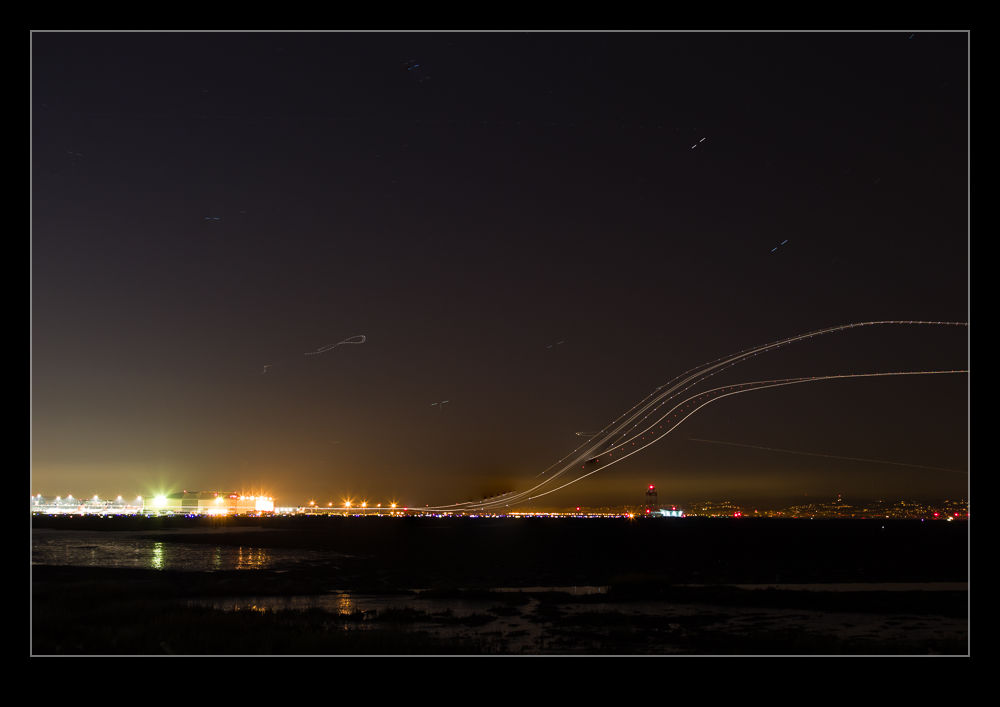
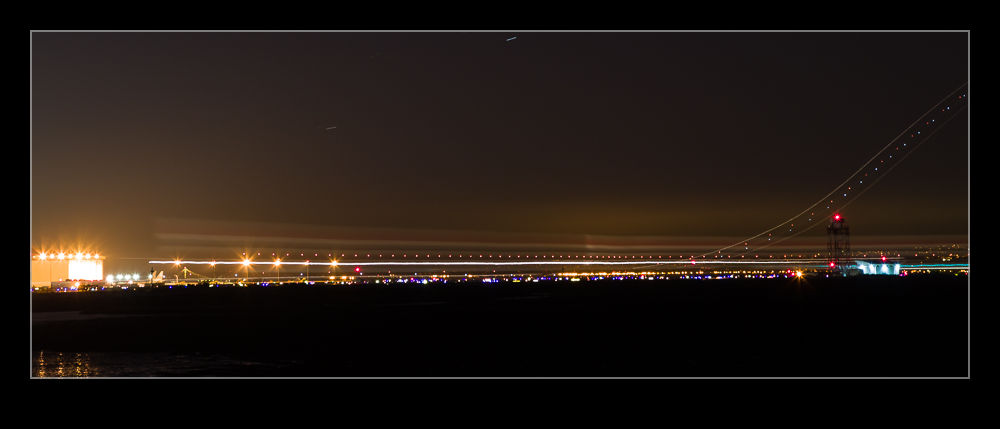
wpid8771-AU0E0793-Edit.jpgThe alignment with the moving planes is not fantastic from where I was but it was okay.  Coyote Point looks like it might be better but I think it closes at sunset so I’m not sure whether that will be possible or not.  We shall see.
Experimenting with Multiple Exposures

Right away I must admit that this is not my idea.  I know that is true of many photographic tools but I once saw someone do something just like this and I wanted to try it out myself.  The question was how to go about it.  I improvised a bit and trusted the camera to do what I wanted which it didn’t always do so I have learned some lessons already.

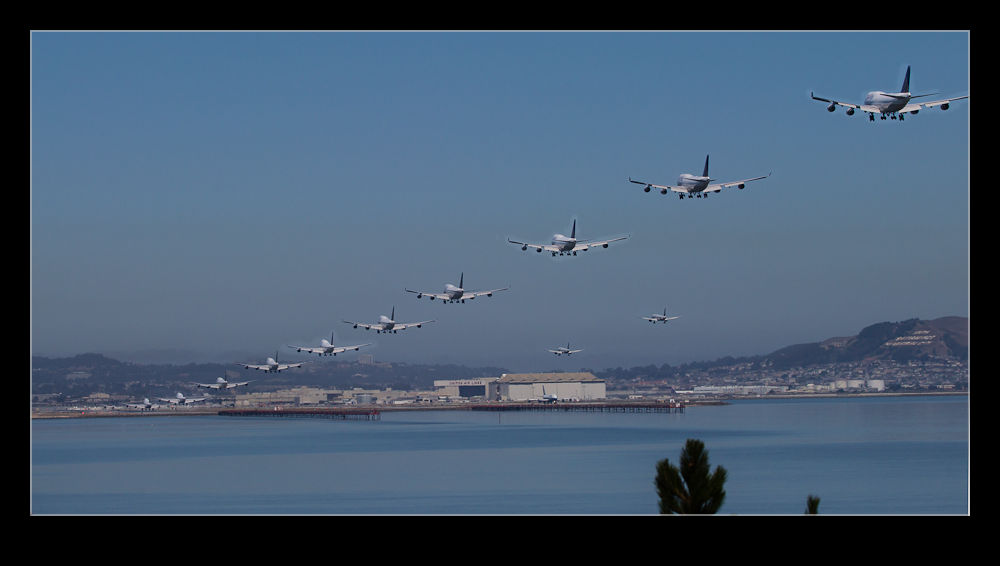
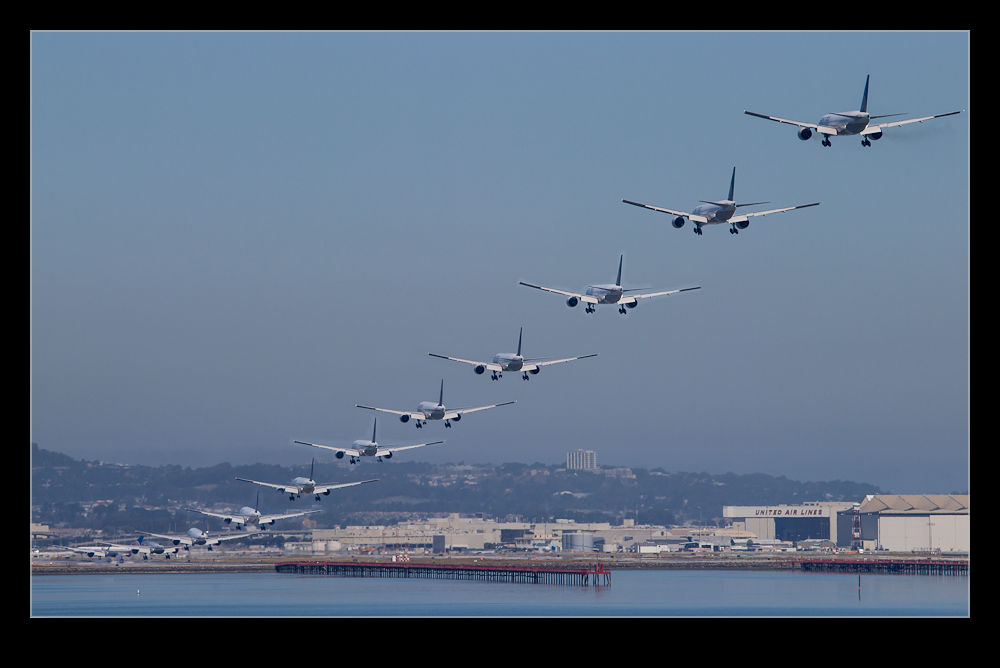
The idea is to take multiple exposures of aircraft on the approach and then combine them into one image in which the aircraft appear multiple times.  I would set myself up in a position and then take a sequence of shots as the aircraft moved through the frame.  My first mistake was that, because I was taking the same shot each time, I thought the exposure would not change.  Not true!  The camera will make some minor tweaks and this will make the whole thing less easy.  White balance may also vary but I shoot in raw so syncing that afterwards is no problem.

Since I was not using a tripod, the shots are not all perfectly aligned.  I took all the images in Lightroom and used the Open as Layers option to Photoshop.  Then I used the auto align layers option to get everything perfectly in place.  It is surprising just how much you move doing something like this!  I originally thought I could just set every layer above the base one to Difference blending mode and everything would pop right out.  However, that didn’t work as I had hoped.  The aircraft all had an odd color cast.

Instead, I put a layer mask on each upper layer and then painted in the aircraft one layer at a time.  This is more time consuming but it did the trick.  Of course, if the exposures are perfectly matched, you don’t have to paint too accurately.  if not, the sky color is different so a far more accurate painting on the layer mask is required.

This was a fun thing to experiment with.  SFO is a great spot since you can get parallel approaches in one direction and parallel departures on the cross runway.  This puts lots of aircraft in a single shot which makes it more interesting.  Another time, I will take the lessons from this time and try and get them a bit better.